High-quality images play a key role in marketing, e-commerce, design, and personal projects. Blurry or low-resolution visuals can make content appear unprofessional and fail to grab attention. This is where an AI Image Upscaler can make a real difference.
Using artificial intelligence, it transforms small or unclear images into crisp, high-resolution visuals in seconds. From social media posts to product photos, AI-powered image enhancement has become an essential tool for creators and businesses looking to make a strong visual impact.
Platforms like AI Agents Saastrac offer advanced AI tools that simplify the upscaling process, allowing anyone to enhance visuals without specialized technical knowledge.
Why Do You Need An AI Image Upscaler?
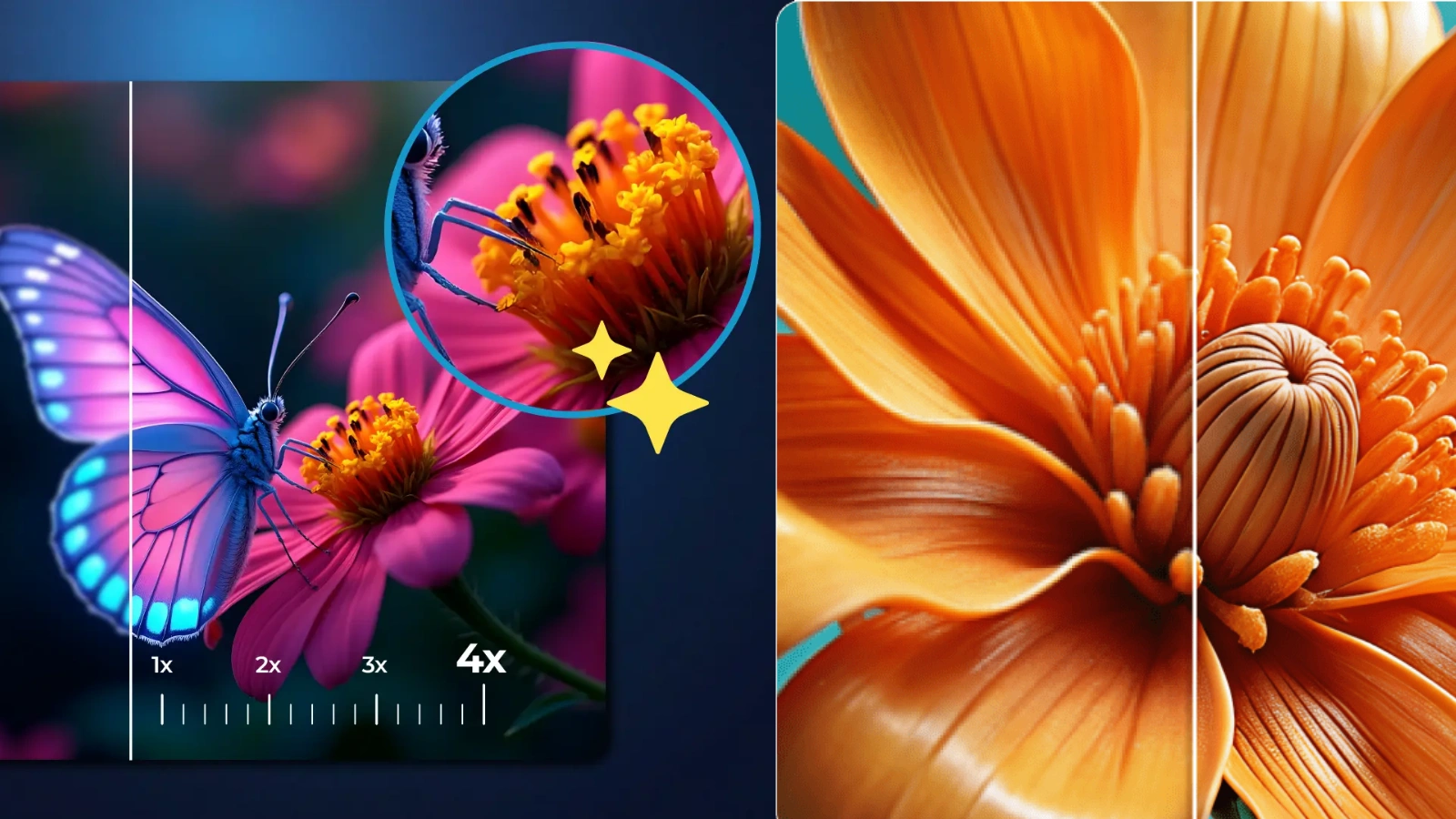
Visuals often create the first impression of your brand. If an image looks pixelated or unclear, viewers may question the quality of your product or message. That’s where an AI Image Upscaler becomes valuable. It not only enlarges images but also intelligently restores detail, sharpness, and texture.
Here’s why it makes a difference:
Improved Clarity:
An AI Image Upscaler enhances fine details such as facial features, product textures, background elements, and even small text within graphics. Instead of simply stretching pixels, it reconstructs missing details using advanced algorithms.
Time-Saving Automation:
Traditional image enhancement requires manual retouching, layer adjustments, and technical skills. AI automates this process in seconds, reducing editing time and allowing creators to focus on strategy and creativity.
Professional-Grade Output:
Whether you need images for print materials, websites, e-commerce listings, or social media campaigns, AI upscaling delivers high-resolution results suitable for commercial use.
Versatility Across Projects:
From product photography and marketing creatives to personal portraits and digital art, it adapts to multiple image types while maintaining consistent quality.
By adding an AI upscaling solution to your workflow, you ensure every visual you publish looks sharp, polished, and brand-ready.
How AI Image Upscaling Works?
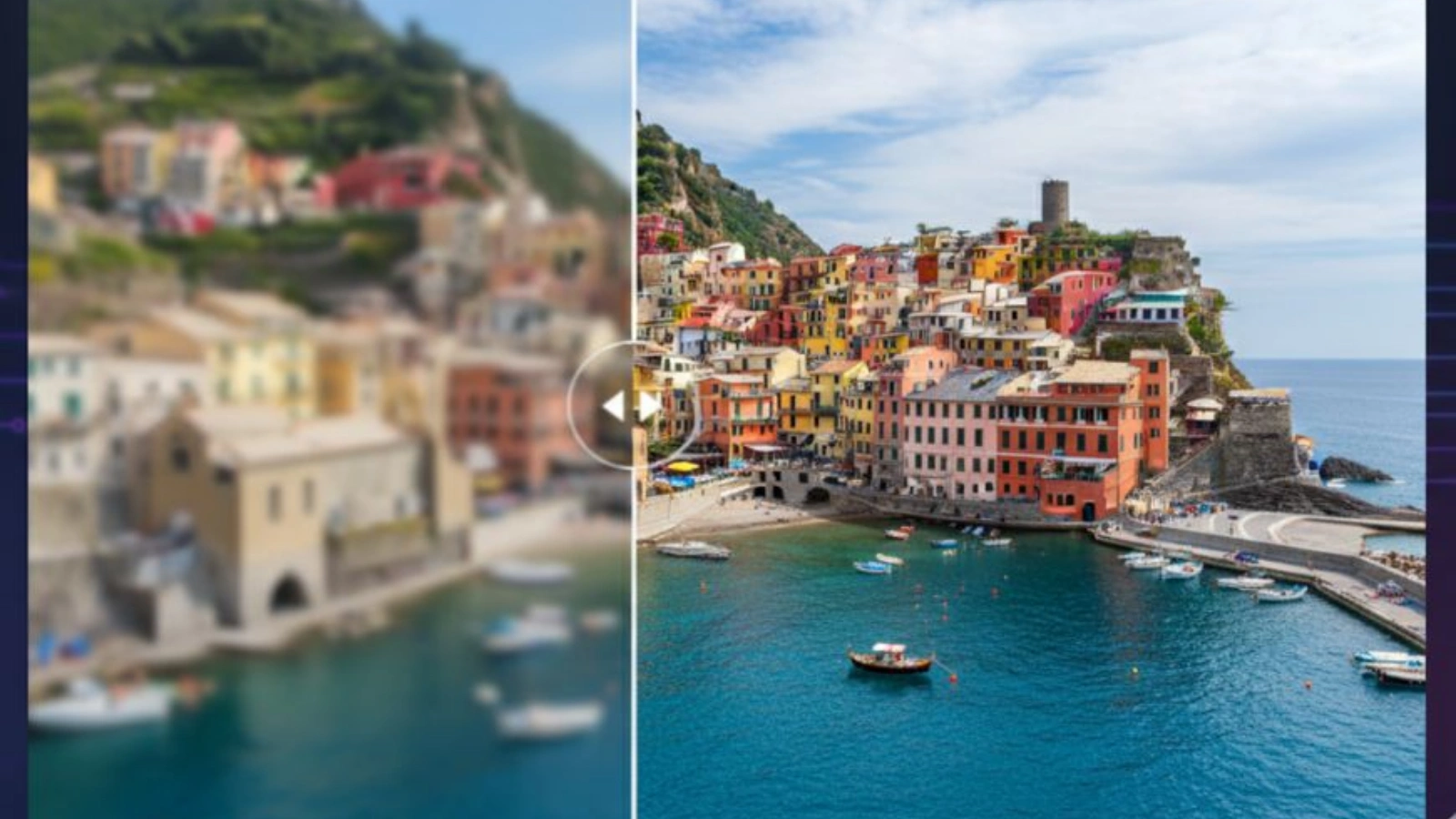
AI-powered image enhancement relies on deep learning models trained on millions of images. Instead of simply enlarging a picture and stretching its pixels, an AI Image Upscaler studies patterns, textures, and structures to rebuild details intelligently.
Pixel Analysis:
The system scans the image to understand edges, lighting, contrast, and surface textures. It identifies areas where quality drops, such as blurry sections or compressed regions.
Detail Reconstruction:
Using learned data patterns, the AI predicts what missing details should look like. It restores sharpness in facial features, product textures, backgrounds, and fine lines while reducing noise and distortion.
Resolution Enhancement:
The tool increases image dimensions without causing pixelation. The result maintains natural clarity, even when scaled for large displays or print use.
Optional Refinements:
Some platforms offer extra enhancements such as color correction, texture balancing, or subtle sharpening to improve overall visual appeal.
This intelligent process allows small, low-quality images to transform into crisp, high-resolution visuals without manual editing or complex software.
Where Can You Use An AI Image Upscaler In Real-World Projects?
An AI Image Upscaler fits into a wide range of professional and creative workflows, making it a practical solution for anyone working with digital visuals.
E-commerce:
High-resolution product images build trust and increase conversions. Upscaling product photos ensures customers can clearly see textures, details, and features before making a purchase.
Graphic Design:
Designers often work with compressed assets or client-provided low-quality files. Upscaling helps refine social media graphics, advertisements, and promotional creatives without rebuilding them from scratch.
Photography:
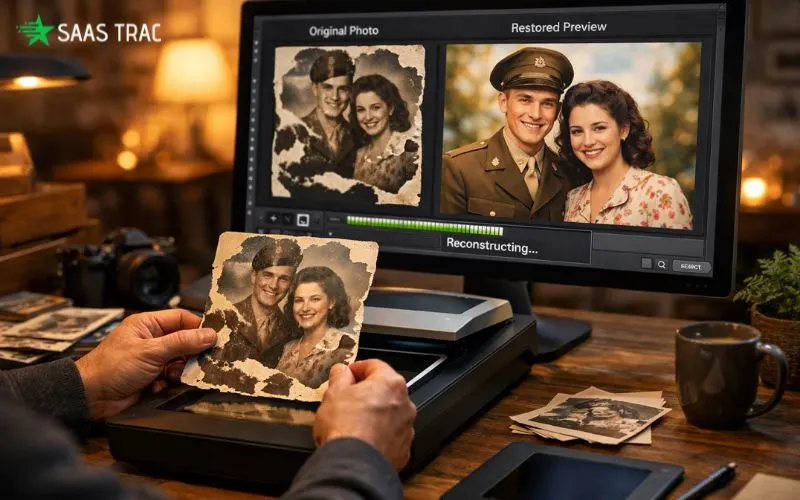
Old photographs, cropped shots, or images captured in low light can regain clarity and sharpness. AI enhancement restores fine details while maintaining natural tones.
Marketing Materials:
From website banners to print brochures, clear visuals improve brand perception. Enhanced images maintain consistency across digital and offline campaigns.
Entertainment and Media:
Game developers and content creators can upgrade textures, thumbnails, or still frames to modern resolution standards without recreating assets manually.
These use cases show that AI-powered upscaling supports both creative expression and business growth, making it a valuable addition to any content production process.
Top AI Image Upscaler Tools From Saastrac AI Agents
AI Agents Saastrac offers a variety of AI-powered platforms that make image upscaling simple and efficient. Here are some of the top tools available:
1. BasedLabs AI – Creative Visuals & HD Image Upscaler:
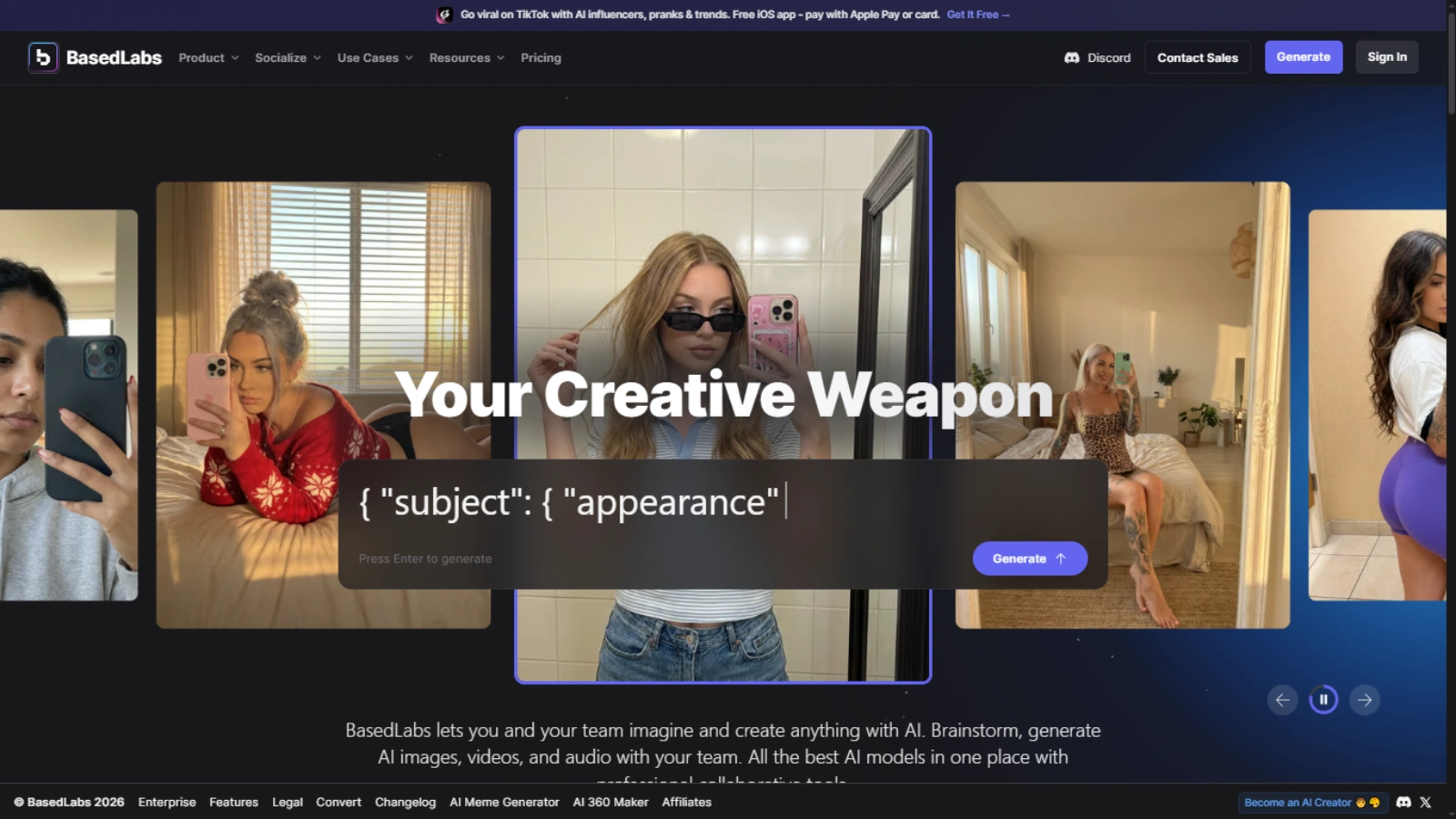
BasedLabs AI features a robust HD image upscaler that transforms low-resolution visuals into crisp, detailed images. It’s ideal for designers, marketers, and content creators who need high-quality visuals quickly.
2. MidJourney V7 – Advanced Image Generation & Upscaling:
MidJourney V7 is known for AI image generation but also includes upscaling tools to enhance the resolution and detail of generated artwork. Perfect for artists, designers, and content creators.
These platforms integrate seamlessly into workflows, allowing creators to generate high-quality images and upscale visuals efficiently.
AI Image Upscaler vs. Traditional Image Editing
Traditional photo editing software requires manual work to increase image resolution. Techniques like sharpening, resizing, or re-rendering often compromise quality. AI Image Upscaler tools, however:
- Restore lost details intelligently
- Preserve textures and edges
- Reduce noise without over-sharpening
- Save hours of manual editing
This makes AI upscaling not only faster but also more effective for maintaining professional standards.
How Do You Choose The Right AI Image Upscaler For Your Needs?
Selecting the best AI Image Upscaler requires more than just picking the most popular tool. Your choice should align with your content type, quality expectations, and workflow requirements.
Accuracy and Detail Preservation:
The tool should enhance resolution while maintaining natural textures, edges, and fine details. Over-sharpened or overly smooth results can make images look artificial. Test sample images to evaluate how well the AI reconstructs realistic detail.
Ease of Use:
A clean and intuitive interface saves time. Whether you are a beginner or a professional designer, the platform should allow quick uploads, simple adjustments, and fast exports without complex settings.
Integration Capabilities:
If you regularly use editing software, content management systems, or e-commerce platforms, choose a solution that integrates smoothly. API access or plugin compatibility can streamline large-scale production.
Output Quality and Format Options:
Ensure the upscaled images meet your resolution requirements for web, print, or high-definition displays. Flexible export formats also add convenience.
Cost Versus Value:
Compare free and paid plans based on image limits, resolution upgrades, and batch processing features. The right investment should improve efficiency and visual quality without stretching your budget.
Platforms like AI Agents Saastrac make evaluation easier by bringing multiple AI-powered tools together in one place, allowing you to compare features and select the solution that best supports your visual strategy.
What Advanced Features Should You Look For In An AI Image Upscaler?
As image enhancement technology evolves, modern tools now offer far more than simple resizing. The right features can significantly improve workflow efficiency and output quality, especially for professionals handling large volumes of visual content.
Batch Processing:
Upscale dozens or even hundreds of images simultaneously without compromising quality. This feature is especially useful for e-commerce stores, photographers, and marketing teams managing large image libraries.
AI Noise Reduction:
Intelligently remove grain, compression artifacts, and background distortion while preserving important details like edges, textures, and facial features.
Style Enhancement:
Automatically optimize color balance, contrast, sharpness, and lighting to produce visually richer and more polished results without manual editing.
Custom Scaling Options:
Choose specific magnification levels such as 2x, 4x, or higher depending on whether the image is intended for web use, print materials, or large-format displays.
Format and Resolution Control:
Export images in multiple formats and adjust DPI settings to ensure compatibility across websites, social media platforms, and professional printing.
By focusing on these advanced capabilities, you ensure that your image enhancement process remains efficient, scalable, and aligned with professional standards.
How To Use An AI Image Upscaler?
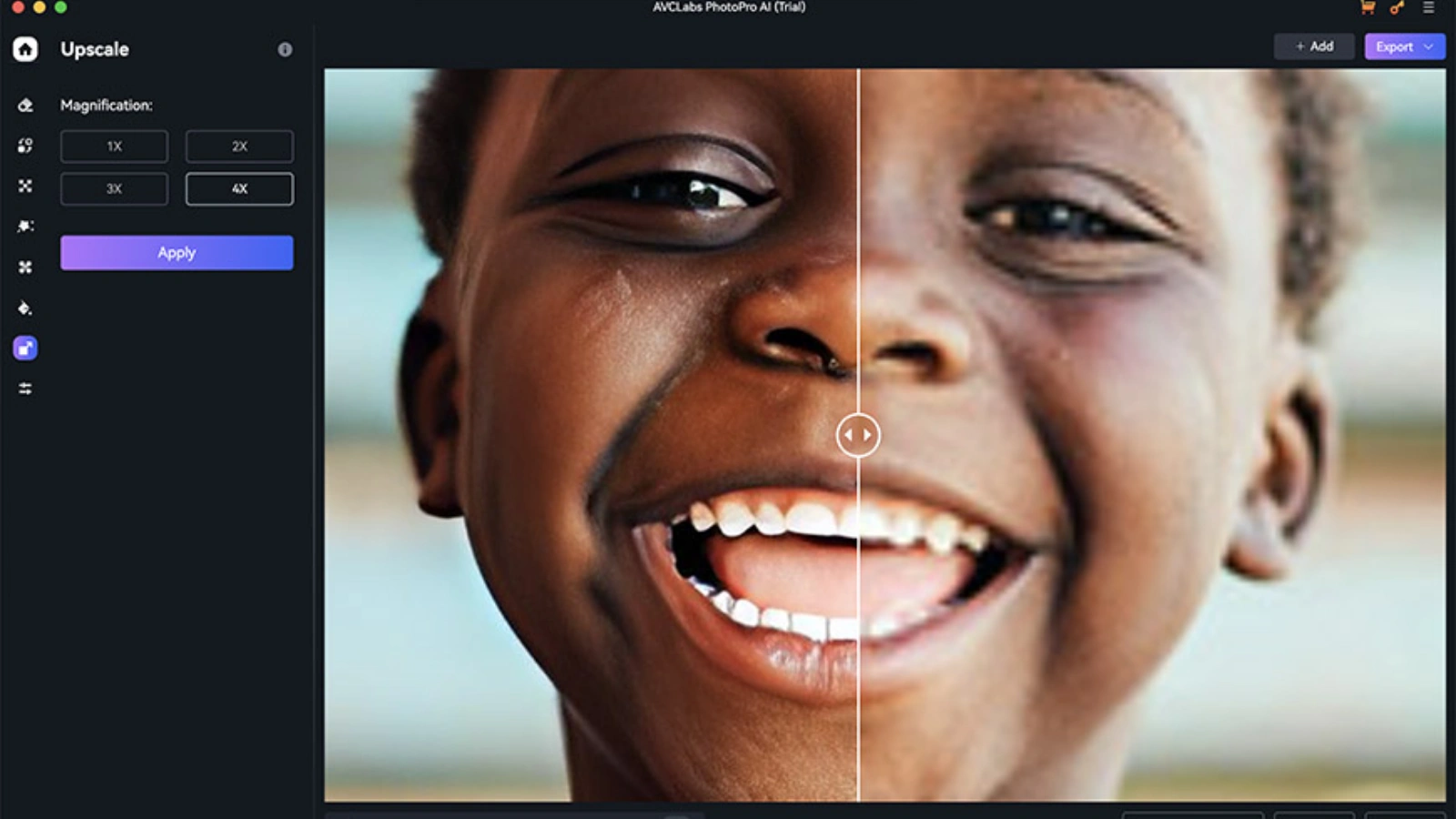
Using an AI Image Upscaler is straightforward, but understanding each step helps you get the best possible results.
Step 1: Upload Your Image
Start by uploading your low-resolution or compressed image to the platform. Most tools support common formats like JPG, PNG, and WebP. Make sure the original file is clear enough for the AI to detect patterns and details.
Step 2: Select the Upscaling Factor
Choose the desired enlargement level, such as 2x, 4x, or higher. Select a scaling option based on where you plan to use the image—web graphics may require moderate scaling, while print materials often need higher resolution.
Step 3: Adjust Enhancement Settings
Enable optional features like noise reduction, sharpness correction, color enhancement, or face refinement. These settings help restore clarity and improve overall image quality.
Step 4: Preview the Output
Most platforms provide a before-and-after comparison. Carefully review edges, textures, and fine details to ensure the image looks natural and not overprocessed.
Step 5: Download in Your Preferred Format
Export the final image in the appropriate format and resolution. Choose higher DPI settings for print and optimized file sizes for web usage.
With just a few guided steps, even beginners can transform blurry visuals into sharp, professional-quality images without advanced editing skills.
Benefits Of AI Image Upscaler For Creators
An AI Image Upscaler offers multiple advantages:
- Saves time compared to manual editing
- Restores and improves image quality
- Enhances marketing and social media visuals
- Supports multiple industries including e-commerce, design, and photography
- Improves user engagement and content professionalism
By integrating AI upscaling tools into your workflow, creators and businesses can maintain high-quality visuals consistently.
Final Thoughts
High-resolution images are no longer optional in today’s digital landscape. An AI Image Upscaler ensures your visuals stand out, remain professional, and capture your audience’s attention. Whether you’re producing product photos, marketing content, or digital artwork, AI upscaling strengthens your content strategy and improves engagement.
Tools offered through AI Agents Saastrac like BasedLabs AI, Hotpot.ai, and MidJourney V7 make it easier than ever to enhance and upscale images, providing creators and businesses with reliable, high-quality solutions.
FAQs
1. Can AI Image Upscaler work on any image type?
Yes, most AI upscalers support JPG, PNG, and sometimes GIF files, though quality may vary for heavily compressed images.
2. Does upscaling increase file size?
Yes, high-resolution images are larger, but AI upscalers maintain clarity and reduce pixelation during enlargement.
3. Can AI upscale image without losing quality?
Modern AI Image Upscaler tools reconstruct missing details intelligently, preserving or even enhancing quality compared to traditional resizing.
4. Is AI image upscaling suitable for print?
Absolutely. High-resolution outputs from AI upscalers are suitable for posters, flyers, and professional print materials.
5. Are there free options for AI image upscaling?
Yes, some platforms offer free tiers with limited features to test AI image enhancement before committing to premium plans.