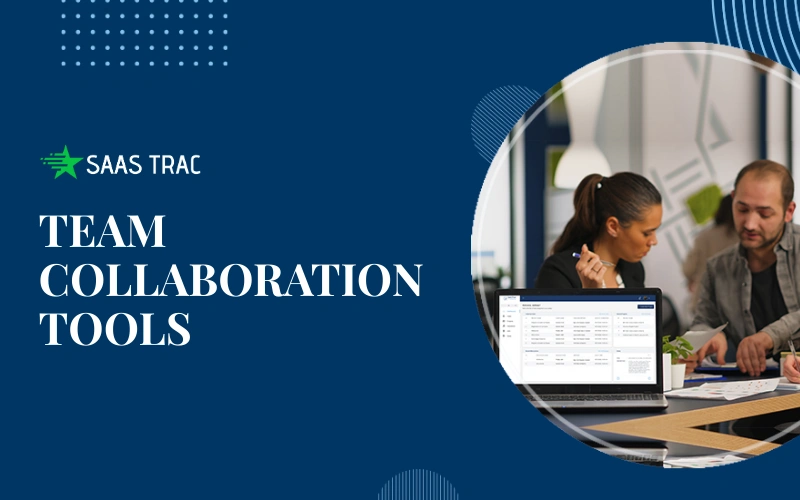
Due to the constant increase in team speed, there is little room for error. This means that teams are under greater pressure to deliver outputs faster and with higher confidence. As a result, strong team collaboration tools are becoming a necessity rather than an option. Clear communication, contextual knowledge, and the ability to take action quickly create distinct advantages for teams that want to remain one step ahead.
In response to this need, organizations are moving toward the implementation of smarter systems that allow teams to collaborate more effectively by connecting people, tasks, and decisions. These modern platforms are designed to help teams align their goals, eliminate barriers to productivity, and deliver results confidently. With the right platform and setup, the entire organization can benefit from increased clarity, trust, and momentum across functions.
This document discusses how team collaboration tools can help teams work together more effectively, more efficiently, and with less confusion.
Why Team Collaboration Tools Matter In Today’s Work Culture?
Work styles have changed. Teams operate across locations, time zones, and functions. Email chains and scattered chats fail to support this pace. Missed updates and unclear ownership slow progress.
Team collaboration tools solve these gaps. They centralize communication, keep work visible, and support shared accountability. Teams gain a clear view of priorities and progress. Leaders gain confidence that everyone works toward the same goals.
When teams use structured collaboration, they avoid repeated questions, delays, and confusion. Results improve because focus stays on execution, not coordination problems.
What Are Team Collaboration Tools? A Simple Explanation?

These platforms help people plan, communicate, and complete work together. They combine messaging, task tracking, file sharing, and visibility into one system. Teams no longer jump between tools to find answers.
Collaboration tools for teams support daily work by:
Assigning Clear Ownership
Every task needs one clear owner. Team collaboration tools make responsibility visible by showing who owns each task and what they need to deliver. This clarity removes confusion, prevents overlap, and helps teams move forward without delays.
Sharing Updates in Real Time
Fast updates keep everyone aligned. These tools let teams share progress, changes, and feedback instantly in one shared space. Team members stay informed without waiting for meetings or long email threads.
Tracking Progress Without Micromanagement
Leaders gain visibility without constant check-ins. Team collaboration tools show task status, timelines, and milestones at a glance. Teams stay accountable while maintaining trust and independence.
Storing Conversations With Context
Important discussions stay linked to the work they reference. Instead of searching chats or emails, teams find decisions, feedback, and files right where tasks live. This context saves time and reduces misunderstandings.
Why This Structure Matters
Strong team collaboration tools create order without slowing teams down. Everyone understands priorities, responsibilities, and deadlines. Work flows smoothly because the system supports focus, clarity, and confidence.
How AI Shapes Modern Collaboration For Teams?
Artificial intelligence now adds speed and clarity to collaboration. AI team collaboration tools analyze activity patterns, suggest priorities, and reduce manual work. Teams spend less time organizing and more time executing.
These systems spot delays early, flag risks, and guide teams toward better decisions. AI also supports smarter communication by summarizing updates and highlighting key actions.
With AI support, collaboration shifts from reactive to proactive. Teams stay ahead instead of catching up.
AI Team Collaboration Tools: Smarter Workflows, Better Results
AI team collaboration tools bring structure, clarity, and speed to everyday work. They help teams move away from confusion and focus on what truly matters by using intelligent systems that support smarter decisions.
How AI Team Collaboration Tools Improve Workflows?
- Smarter Work Planning
These tools evaluate team capacity, deadlines, and task dependencies to distribute work evenly. Teams avoid overload and meet timelines with greater consistency. - Intelligent Task Prioritization
AI highlights what needs attention first. Teams no longer sort through long task lists. Clear priorities help everyone focus on high-impact work. - Better Use of Resources
Work gets assigned where skills and availability align best. Teams use time and effort efficiently instead of spreading resources too thin. - Reduced Communication Noise
Important updates stay visible, while unnecessary messages fade out. Teams stay informed without feeling overwhelmed by constant notifications. - Faster Project Completion
Clear priorities and balanced workloads help teams finish projects sooner. Fewer handoffs and misunderstandings reduce errors. - Improved Leadership Visibility
Managers gain real-time insight into progress and bottlenecks without chasing updates. This transparency builds trust and supports better decisions.
By removing guesswork and unnecessary distractions, AI team collaboration tools create smoother workflows and stronger results. Teams stay aligned, focused, and ready to deliver with confidence.
The Role Of AI Meeting Tools In Faster Team Decisions
Meetings often drain time when follow-ups fail. AI meeting tools change that experience. They support scheduling, agenda clarity, and action tracking.
During calls, these tools capture key points and decisions. Afterward, they share summaries and next steps with the right people. Teams avoid confusion and missed actions.
AI meeting tools help teams move from discussion to execution with speed and clarity.
AI Tools For Meeting Notes That Turn Talk Into Action
Manual note-taking often misses details. AI tools for meeting notes solve this issue. They record conversations, identify decisions, and extract tasks automatically.
Teams gain accurate records without extra effort. Everyone stays aligned, even those who miss a meeting. Clear notes support accountability and follow-through.
By using AI tools for meeting notes, teams reduce delays and improve trust in shared information.
Collaboration Tools For Teams: Features That Drive Success
Strong collaboration tools for teams share common traits:
- Clear task ownership
Every task has a defined owner, reducing confusion, improving accountability, and ensuring nothing falls through the cracks. - Central communication threads
All discussions stay in one place, minimizing scattered messages and helping teams quickly find context and decisions. - File access with version control
Teams access the latest files easily while tracking changes, preventing errors caused by outdated or duplicate documents. - Progress visibility for all stakeholders
Real-time updates keep everyone informed, enabling faster decisions, early issue detection, and better alignment across teams.
These features reduce silos and support alignment. Teams respond faster and resolve issues early. Collaboration tools for teams also support growth by scaling with team size and complexity.
How Team Collaboration Tools Improve Productivity And Accountability?
Clear systems support better habits. Team collaboration tools show who owns each task and when work needs to be completed. Teams avoid overlap and confusion.
Shared visibility builds accountability. Everyone sees progress and blockers. Teams solve issues together instead of assigning blame.
Over time, productivity rises because teams trust the system and focus on outcomes.
Choosing The Right AI-Powered Collaboration Platform
Every team works differently, so the right platform depends on real needs—not just features. Before choosing, leaders should focus on what helps teams work better every day.
Key factors to evaluate:
- Ease of use
Simple interfaces encourage quick adoption and reduce training time, allowing teams to focus on work instead of learning tools. - Integration with existing tools
Smooth integration keeps workflows connected, eliminating duplicate work and allowing teams to operate from one unified system. - AI capabilities that support real work
Practical AI features help prioritize tasks, summarize updates, and guide decisions without overwhelming users with unnecessary automation. - Security and data control
Strong security ensures sensitive data stays protected, with clear access controls and compliance across teams and departments.
AI team collaboration tools should simplify collaboration, not complicate it. The right platform supports daily productivity, drives adoption, and delivers long-term value as teams grow.
Exploring Team Collaboration Tools On SaasTrac
SaasTrac helps teams discover trusted software without guesswork. Its platform lists curated team collaboration tools across categories and use cases.
Teams can explore options that match size, industry, and workflow needs. SaasTrac simplifies comparison and evaluation, which saves time and reduces risk.
By using SaasTrac, teams gain clarity before investment.
How SaasTrac Supports Smarter Collaboration Decisions
SaasTrac highlights AI-powered solutions that support modern teamwork. Users can review AI team collaboration tools, AI meeting tools, and platforms that support meeting documentation.
This approach helps teams avoid trial-and-error. Leaders choose tools with confidence based on real needs.
SaasTrac also supports ongoing discovery as teams grow and needs change.
5 Saastrac AI Agents For Team Collaboration & Meetings
Fireflies.ai – AI Meeting Assistant
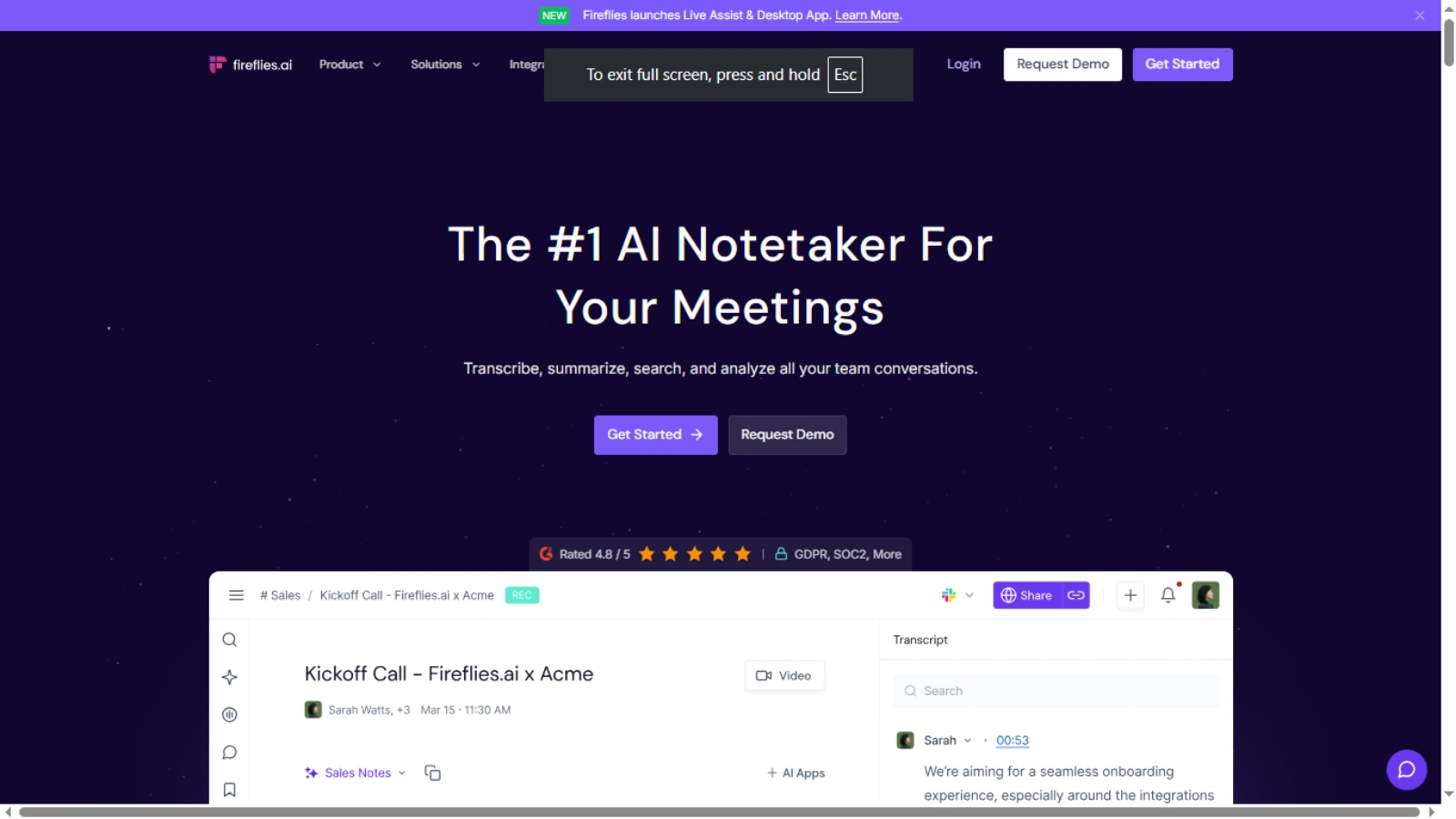
Fireflies.ai helps teams capture every important conversation without distractions. It automatically records meetings, converts speech into accurate transcripts, and creates clear summaries. Teams search past discussions in seconds, revisit decisions, and share insights without replaying long calls. This support keeps meetings focused and ensures no detail slips through the cracks.
Otter AI – Smart Real-Time Meeting Notes Agent
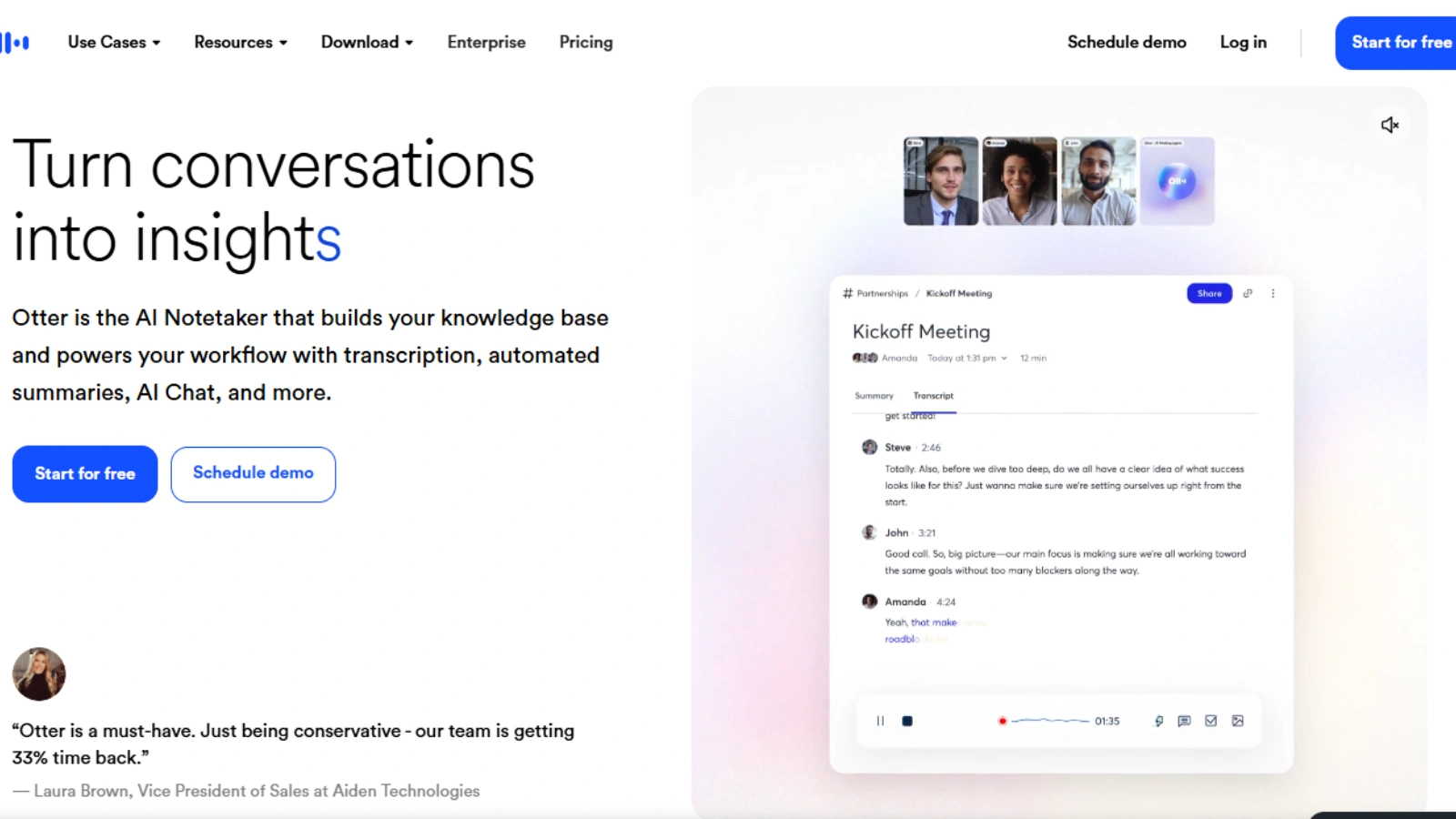
Otter AI joins meetings automatically and creates live transcripts as conversations happen. It highlights action items, key moments, and decisions in real time. Teams stay aligned during discussions and leave meetings with clear next steps. Shared notes reduce confusion and help everyone stay accountable.
Echo AI – AI Meeting Scribe & Note Extractor
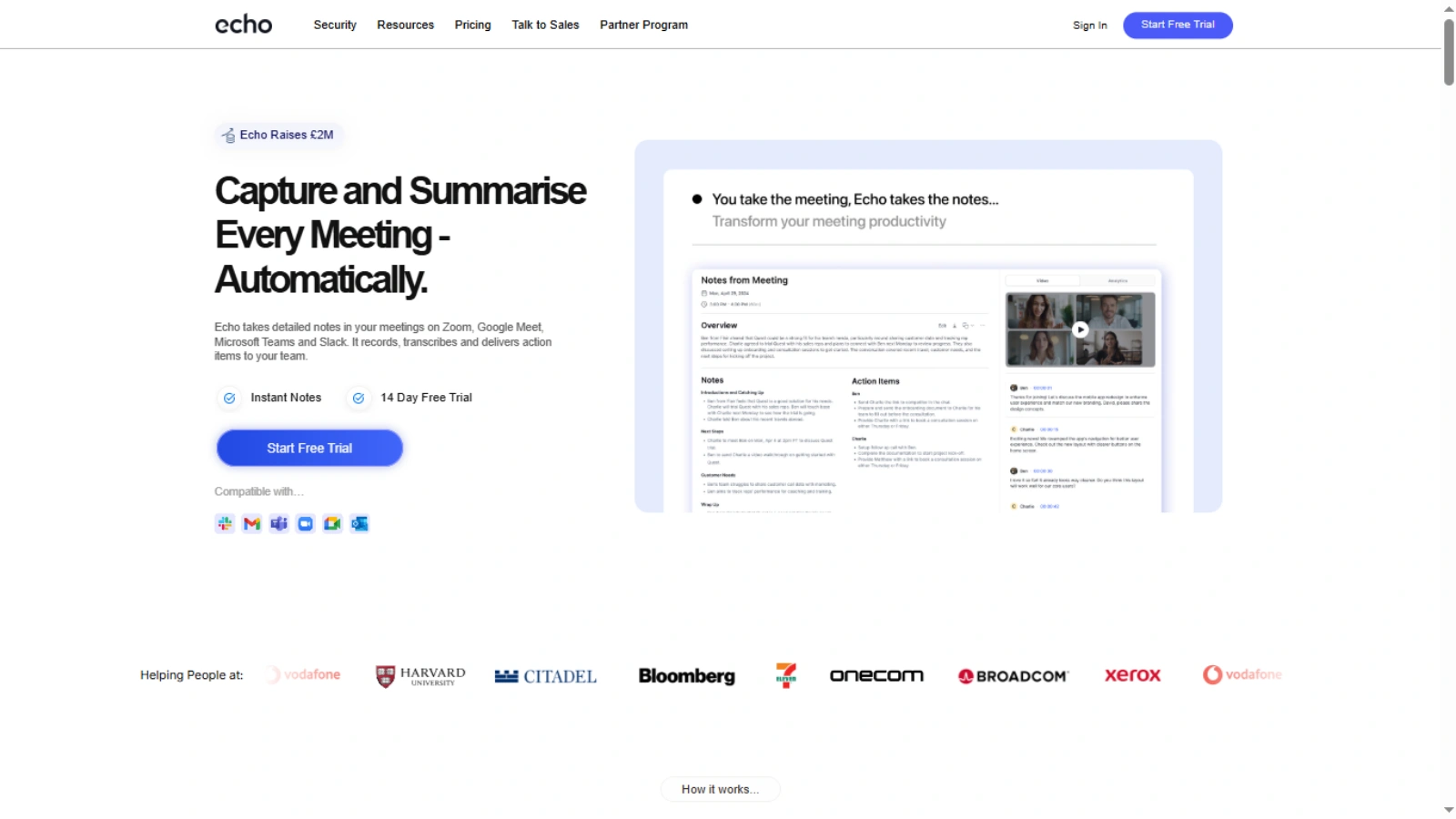
Echo AI transforms conversations into organized, easy-to-share meeting summaries. It identifies key points, captures decisions, and lists action items clearly. Teams no longer worry about missing updates in fast discussions. This structure facilitates follow-ups and ensures everyone remains informed after meetings conclude.
Decipher AI – AI Meeting Insights & Follow-Up Generator
Decipher AI focuses on clarity after meetings. It captures decisions, tracks commitments, and turns discussions into structured notes. Teams manage follow-ups with ease and avoid forgotten tasks. This process enhances accountability and enables leaders to monitor progress with minimal effort.
Taskade AI – AI-Powered Collaboration Workspace
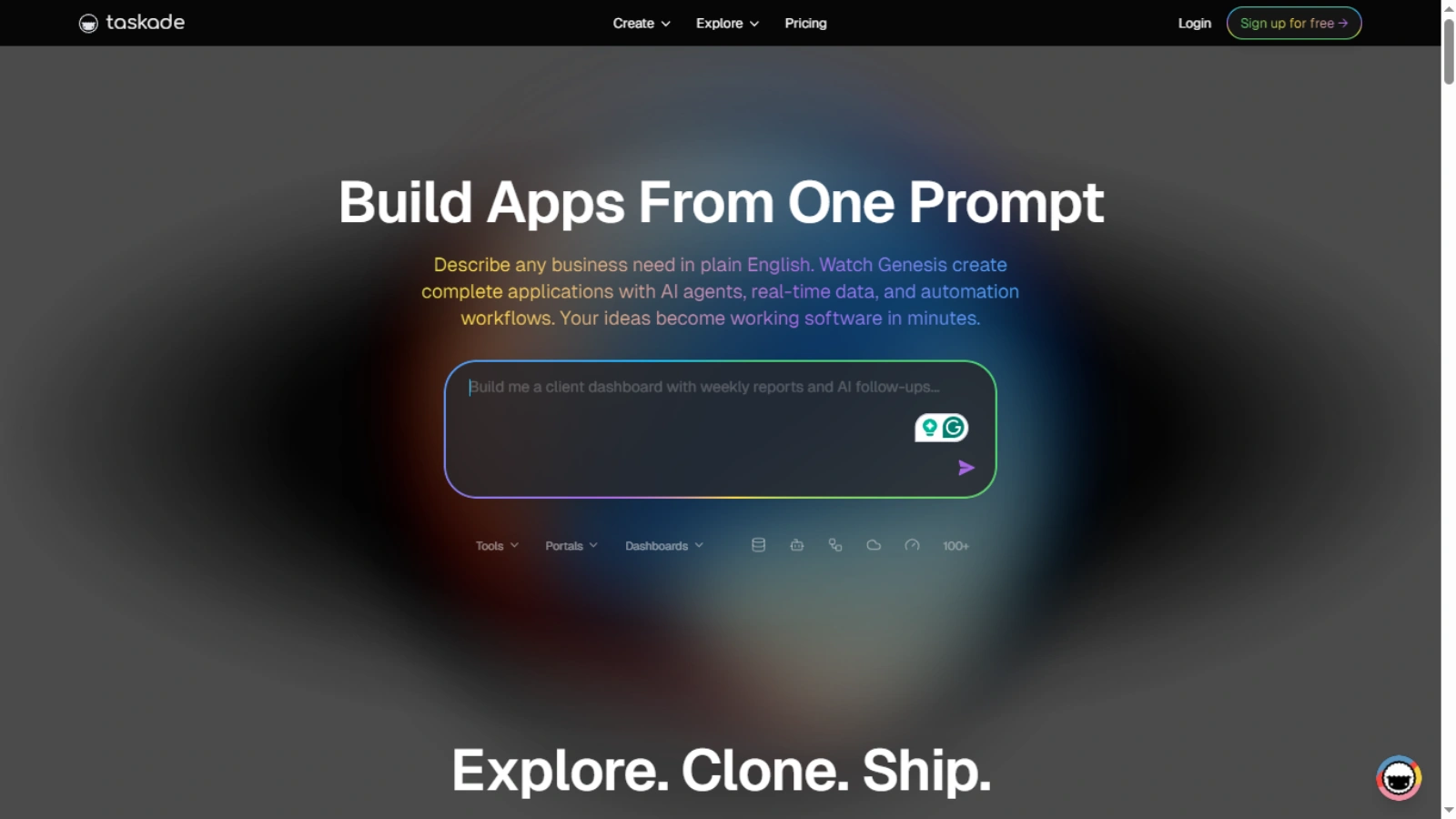
Taskade AI supports teamwork beyond meetings. It enables real-time collaboration through shared tasks, outlines, and project boards. Teams plan work together, update progress instantly, and generate summaries using AI support. This workspace keeps communication, planning, and execution connected in one place.
How This Helps Teams Choose Better?
SaasTrac highlights these AI agents so teams can compare real solutions instead of guessing what might work. With clear features, use cases, and roles defined for each agent, leaders avoid costly trial-and-error and pick tools that support real workflows. Teams can assess meeting automation, collaboration support, task tracking, and documentation features in one place rather than across scattered lists. This structured discovery process means smarter adoption and continuous improvement as needs evolve.
Real-World Use Cases For AI Collaboration Platforms
Different teams use collaboration platforms in unique ways:
- Remote teams coordinate tasks and updates across time zones
- Marketing teams plan campaigns and approvals
- Product teams track development milestones
In each case, team collaboration tools provide structure and visibility that support speed and quality.
Challenges Teams Face Without Modern Collaboration Systems
Teams without clear tools face common issues:
- Information silos: Teams lose critical context when updates stay scattered across disconnected tools.
- Repeated meetings: Teams waste time revisiting the same topics due to missing records and unclear outcomes.
- Missed deadlines: Projects fall behind when progress tracking lacks visibility and timely updates.
- Unclear ownership: Tasks stall when no clear responsibility defines who owns the outcome.
These problems slow progress and frustrate teams. Modern collaboration tools for teams prevent these issues through clarity and alignment.
Best Practices For Successful Implementation
Adoption matters as much as selection. Teams should:
- Set clear usage guidelines.
- Provide training and support.
- Encourage consistent updates.
- Review performance regularly.
Strong leadership support ensures that team collaboration tools deliver value.
Final Thoughts:
Clear collaboration drives results. Team collaboration tools help teams communicate, align, and execute with confidence. AI-powered features add speed and clarity to every step.
SaasTrac simplifies the search for the right solution. Teams that choose wisely will move faster, work smarter, and achieve stronger outcomes.
FAQs
- What are team collaboration tools used for?
Team collaboration tools help teams communicate, manage tasks, share files, and track progress in one structured platform. - How do team collaboration tools improve productivity?
They reduce confusion, clarify ownership, centralize updates, and help teams focus on execution instead of coordination issues. - What makes AI team collaboration tools different?
AI team collaboration tools add smart prioritization, automated summaries, risk alerts, and insights that speed up decision-making. - Why are AI meeting tools important for teams?
AI meeting tools capture discussions, decisions, and action items automatically, ensuring follow-ups stay clear and consistent. - How does SaasTrac help teams choose collaboration tools?
SaasTrac lists curated AI-powered team collaboration tools, helping teams compare real solutions without trial-and-error.