Why Trust SaaSTrac?
This review is based on Beautiful.ai’s own product documentation and pricing pages, cross-checked against independent reviews on G2 and Capterra and third-party buyer guides. We have not personally run a paid trial or built a deck on this platform, so claims about Smart Slide behavior, export fidelity, and support responsiveness reflect what the company publishes and what verified users report, not a private hands-on test. As an AI presentation maker, its core pitch is that automated design holds up once you’re adding real content; where sources disagree, or a claim is company-reported rather than independently verified, we’ve flagged that explicitly. This review is updated as new information becomes available.
What Beautiful.ai Is
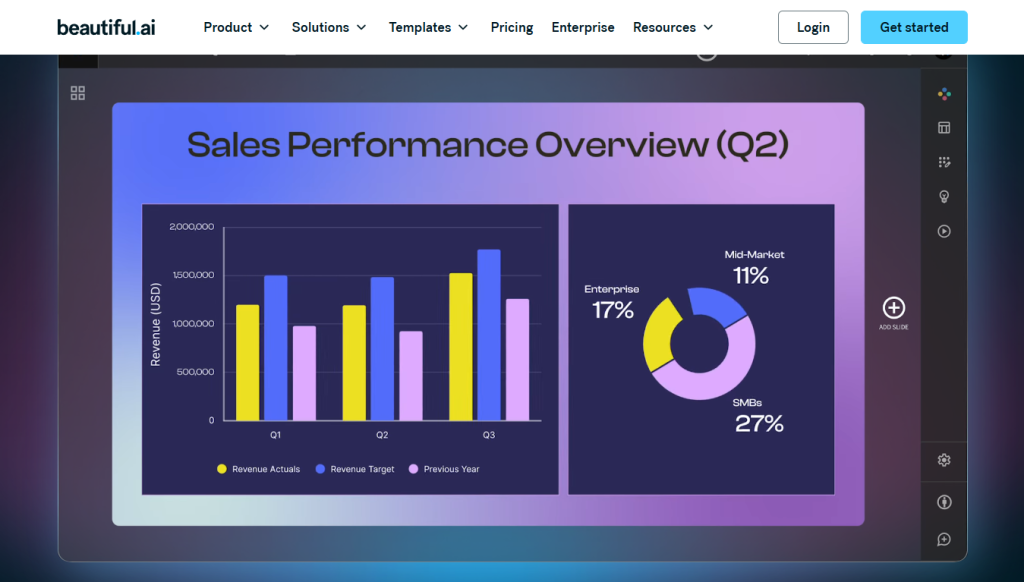
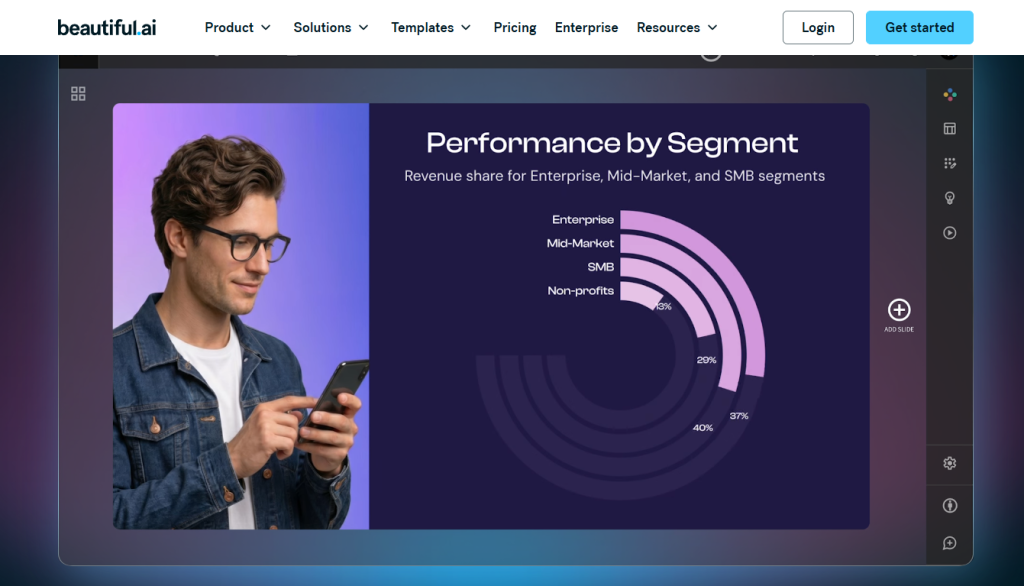
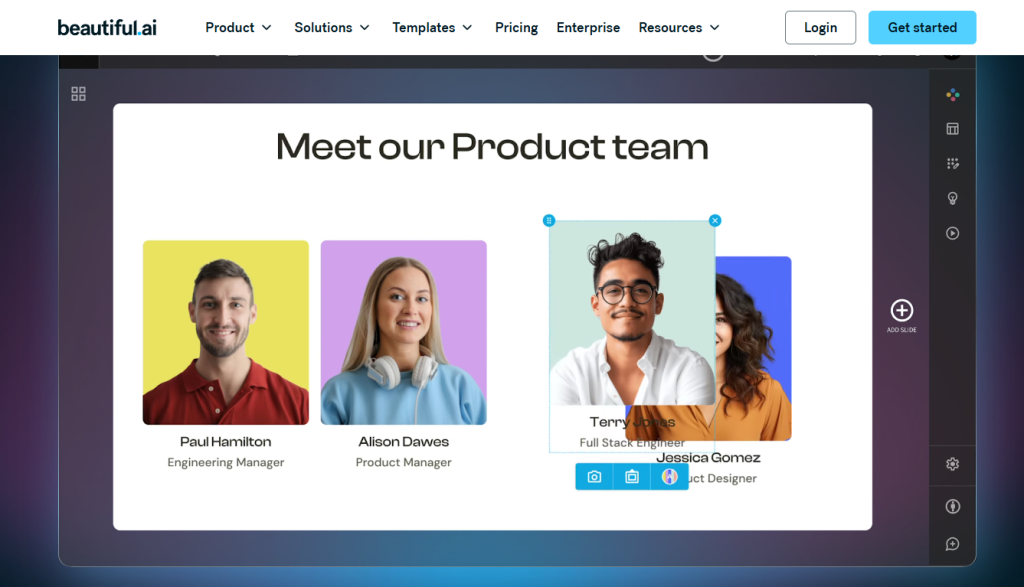
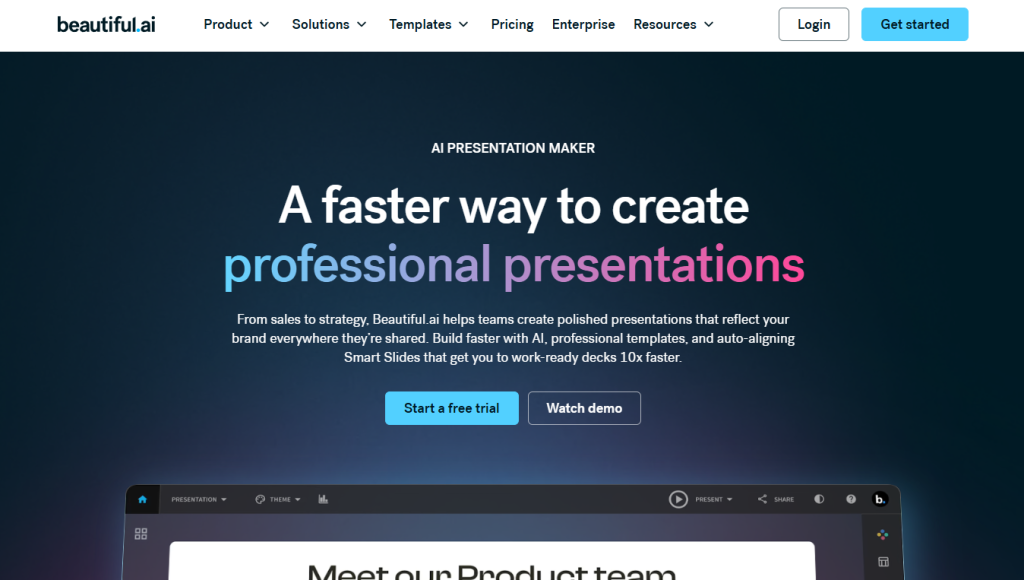
Beautiful.ai is a browser-based presentation tool built around a proprietary Smart Slide system: you pick a layout type, add your content, and the design automatically adjusts spacing, alignment, and sizing as you go, no manual textbox-wrangling required, according to the company. It includes AI content generation (DesignerBot), AI image generation, an AI writing assistant, and multi-language translation across all paid plans, with no credit system or usage caps to track. It’s positioned as a faster alternative to PowerPoint for people who want professional-looking slides without a design background, and is used by consultants, sales teams, founders, and corporate training departments.
Key Features:
Feature | Details |
Smart Slide System | 70+ templates; layout auto-adjusts as content is added |
AI Content Generation | DesignerBot slide generation, AI writing assistant, AI image generation |
Multi-Language Support | AI translation across 100+ languages (Team+) |
Import/Export | PowerPoint (PPTX) import/export, PDF export |
Analytics | Viewer engagement analytics (Pro+), team-wide analytics (Team+) |
Collaboration | Real-time editing, version control, shared asset libraries (Team+) |
Brand Control | Brand guardrails, custom fonts, template enforcement (Team+) |
Enterprise Security | SSO, SCIM provisioning, audit logs, dedicated account management (Enterprise) |
One-Off Option | Single-presentation purchase (~$45) for occasional users |
Education Program | One free year of Pro for students/teachers with a valid .edu email |
Pricing & Plans:
Capability | Pro | Team | Enterprise |
Unlimited AI presentations | ✓ | ✓ | ✓ |
Smart Slide templates (70+) | ✓ | ✓ | ✓ |
AI text, image generation, translation | ✓ | ✓ | ✓ |
PowerPoint import/export | ✓ | ✓ | ✓ |
Viewer analytics | ✓ | ✓ | ✓ |
Real-time collaboration | ✗ | ✓ | ✓ |
Centralized/shared asset libraries | ✗ | ✓ | ✓ |
Brand control & guardrails | ✗ | ✓ | ✓ |
Version control | ✗ | ✓ | ✓ |
SSO, SCIM provisioning, audit logs | ✗ | ✗ | ✓ |
Starting price (annual) | ~$12/user/mo | ~$40/user/mo (2-seat min) | Custom |
On template variety: with 70+ Smart Slide templates as the design backbone, some independent reviewers note that heavy users can start to notice decks, theirs and other users’, beginning to look visually similar, since the automated layouts pull from the same underlying library rather than fully custom design.
What Users Like?
Based on independent reviews (G2, Capterra) and third-party write-ups:
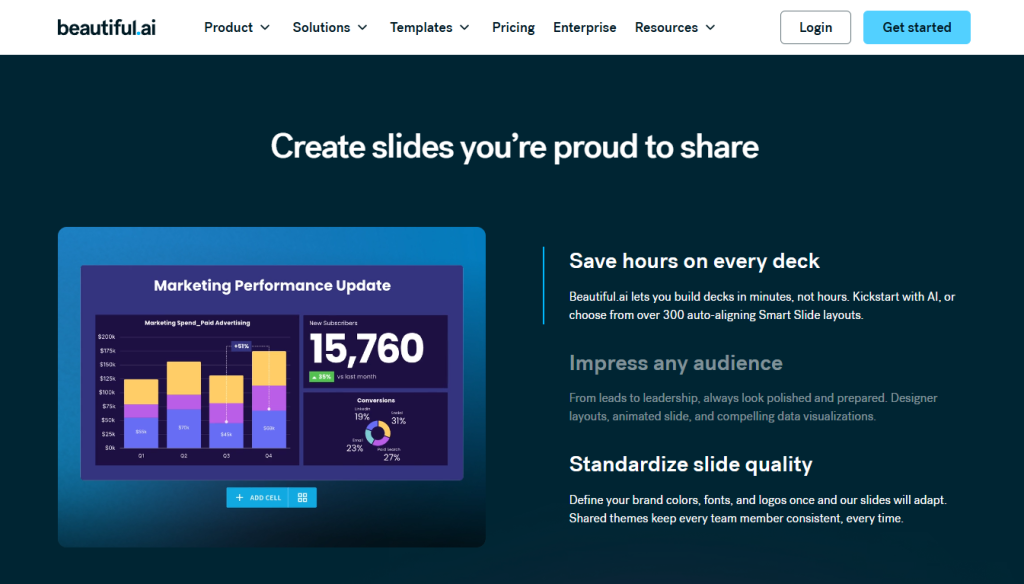
- Automated formatting, the Smart Slide system is reported to remove much of the manual alignment/spacing work that eats up time in PowerPoint, with content reflowing automatically as it’s added.
- Unmetered AI generation: no credit system on any paid plan; AI content generation, writing assistance, and image generation are included rather than tracked against a monthly cap.
- Reported time savings: G2 reviewers report saving 50–75% of design time compared to building the same deck in PowerPoint, particularly for recurring formats like training decks.
- Analytics on the entry plan viewer engagement analytics are included even on the base Pro plan, which is less common at this price point among competitors.
- Education program: students get a full free year via a valid .edu email, which reviewers describe as a genuinely generous offer.
Where Users Report Friction?
- No permanent free plan: every path in starts with a 14-day trial that requires a credit card upfront and, per the company’s own terms, auto-charges in full if you don’t cancel before it ends.
- Tight refund policy: annual plans reportedly qualify for a refund only within a 24-hour window of purchase or renewal, and monthly (non-annual) plans are described as entirely non-refundable.
- Steep tier jump: collaboration, brand guardrails, shared libraries, and analytics-at-scale are gated behind the Team tier, a jump from ~$12/user/mo to ~$40/user/mo that becomes a meaningful cost for a 10+ person team.
- No API access: there’s no option for programmatic deck generation, and multiple independent reviews describe PowerPoint export losing formatting fidelity on complex slides.
- Support responsiveness: Capterra reviews describe slow or dismissive responses to billing and access issues, with limited escalation options.
Who Should Use Beautiful.ai
Likely a good fit for:
- Consultants, freelancers, and startup founders building decks solo who want automated design without a design team
- Sales teams and corporate trainers producing recurring, structurally similar decks (training materials, pitch templates)
- Teams that want viewer analytics on presentations without upgrading to a separate BI tool
- Students and educators eligible for the free education-plan year
- Anyone who’d rather have unmetered AI generation than track a credit balance
Probably not the right fit if:
- You need a permanent free tier to test before entering payment details
- Your team is under 10 people but still wants brand controls and collaboration without a steep per-seat jump to Team
- You need programmatic, API-driven deck generation from CRM or analytics data
- Pixel-precise custom layout control matters more than speed
- You’ve been burned by tight refund windows before and want a more forgiving cancellation policy
Community Insights:
Time savings is the most consistent praise. G2 reviewers repeatedly cite 50–75% reductions in design time compared to PowerPoint, especially for recurring formats like training and sales decks.
Template sameness is the most common design critique. Heavy users note that because Smart Slides pull from a shared library, decks can start to look visually similar over time.
Pricing structure is a recurring frustration. The jump from Pro (~$12/user/mo) to Team (~$40/user/mo) for collaboration and brand control is cited often, with some reviewers mentioning they switched tools over the annual-vs-monthly pricing gap.
Trial and refund terms draw the sharpest complaints. Capterra reviews describe being charged in full after missing a trial cancellation deadline by as little as a day, with no refund offered on monthly plans.
Support responsiveness is a weak point. Independent reviews consistently describe slow or dismissive support responses on billing and access issues.
Overall sentiment: strong for fast, individual slide design; more friction at the team and billing level. Reviewers generally see it as a genuine time-saver for solo or small-team deck-building, with trial/refund terms and team-tier cost as the main caution flags.
What’s New (2026)?
Beautiful.ai has continued expanding beyond pure slide automation, with the company citing additions like live data linking, deeper multi-language support (100+ languages), and broader AI content generation across its DesignerBot, AI writing, and AI image tools, still offered without a credit-based cap, which the company positions as a differentiator from several newer AI presentation maker competitors. Beautiful.ai has also introduced flat-rate SMB plans (reportedly $6,000/year for up to 50 users, $12,000/year for up to 100) as a middle path between per-seat Team pricing and full Enterprise contracts. These are company-published updates rather than independently verified figures.
 Design slides as fast as you can type
FAQs
For individuals and small teams that want fast, automated slide design without hiring a designer, independent reviews generally lean positive, particularly at the ~$12/mo Pro price point. Larger teams should budget for the jump to Team pricing if collaboration and brand control matter.
It depends on your priority. PowerPoint gives full manual control over design; Beautiful.ai trades some of that flexibility for speed and automated, consistent layouts.
Beautiful.ai focuses more narrowly on structuring and designing slides, while Gamma leans further into generating fuller presentations and documents from a prompt.
Yes, but mainly on the Team plan and above, real-time editing, shared asset libraries, and brand consistency tools aren’t part of the base Pro experience.
No permanent free plan. Beautiful.ai offers a 14-day free trial with full feature access, but a credit card is required, and per the company’s terms, it auto-charges if you don’t cancel before the trial ends.
Downloadables
- Beautiful.ai Smart Slide Prompt Pack
- Presentation Design Time-Savings Checklist
- Trial Cancellation Reminder Template