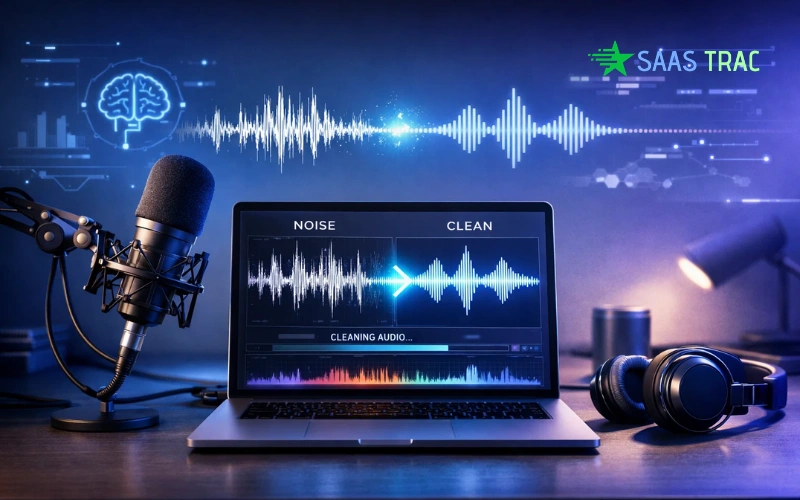
Audio quality is more important than most people think, particularly when you need to remove background noise from audio so your content sounds polished and professional.
You can have great visuals, nice editing, and even good content… but if the sound is full of background noise, people lose interest. Whether it is a podcast, YouTube video, online course, interview, or even a work meeting, clear audio makes a huge difference.
The problem is, most of us are not recording in soundproof studios. something: traffic outside, fan noise, keyboard typing, people talking in the background, or room echo. And even if you are using a good microphone, it still picks up unwanted sounds.
When that noise stays in your recording, it makes the content feel distracting and less professional. Listeners have to “work” to understand you, and that’s where you start losing attention.
In this guide, we will walk you through the 10 best software to remove background noise from audio. You will see professional studio tools to simple free options, so you can find what fits your workflow, skill level, and budget.
What Is Background Noise Removal?
Before we jump into the tools, let’s quickly understand what background noise removal actually means.
In simple terms, background noise removal is the process of removing unwanted sounds from an audio recording so the main voice becomes clear and easy to hear.
These unwanted sounds can be things like humming from machines, wind hitting the microphone, traffic outside, or people talking in the background. Sometimes you don’t even notice them while recording, but once you play the audio back, they become distracting.
The goal is to isolate the important sound, usually human speech, and reduce or eliminate everything else sitting behind it.
This process is done using AI noise reduction or audio filtering techniques. These technologies analyze the recording, detect what’s noise and what’s voice, and then clean it up automatically.
That’s why background noise removal is now widely used in podcasts, video production, online content, and even virtual meetings, anywhere clear communication matters.
Also Read!
10 Best Software To Remove Background Noise From Audio
There are tons of noise reduction apps out there, but not all of them are worth your time. Some are built for professionals, some are great for beginners, and some are perfect if you just want a quick AI cleanup without learning audio editing.
So instead of overwhelming you, we have picked 10 of the best software options that actually do a solid job removing background noise from audio, whether you are editing podcasts, videos, voiceovers, or meeting recordings.
Let’s go one by one.
1. Adobe Audition: Professional Background Noise Removal Suite
If you are looking for serious, studio-level audio cleanup, Adobe Audition is one of the strongest tools out there.
It’s widely used in film production, radio, and professional podcast editing. What makes it powerful is its spectral editing view; you can literally see noise frequencies and remove them precisely.
It also comes with adaptive noise reduction, de-reverb, and hum removal tools, which makes it great for repairing difficult recordings.
That said, it’s not really beginner software. There’s a learning curve. But once you get comfortable, the control it gives you is on another level.
Best for: Professional editors, filmmakers, audio engineers
2. Audacity: Best Free Background Noise Remover
If you want something free that still gets the job done, Audacity is usually the first recommendation, and for good reason.
It’s open-source, lightweight, and works on almost any system. The noise removal process is manual, where you capture a noise profile and reduce it across the track.
It may not be fancy, but it’s reliable. For voice recordings, podcasts, or student projects, it works surprisingly well.
The interface feels a bit old, but once you learn the basics, it’s straightforward.
Best for: Beginners, students, hobby creators
3. Krisp: Real-Time AI Noise Removal

Krisp is completely different from traditional editors.
Instead of fixing audio after recording, it removes noise while you’re speaking. It works in real time during Zoom calls, Google Meet, Teams, OBS recordings, and more.
It blocks background voices, typing, traffic, and even barking dogs — all powered by AI.
If you attend lots of meetings, webinars, or online classes, this tool is a lifesaver.
Best for: Remote workers, teachers, sales calls, live recordings
4. iZotope RX: Industry-Standard Audio Repair
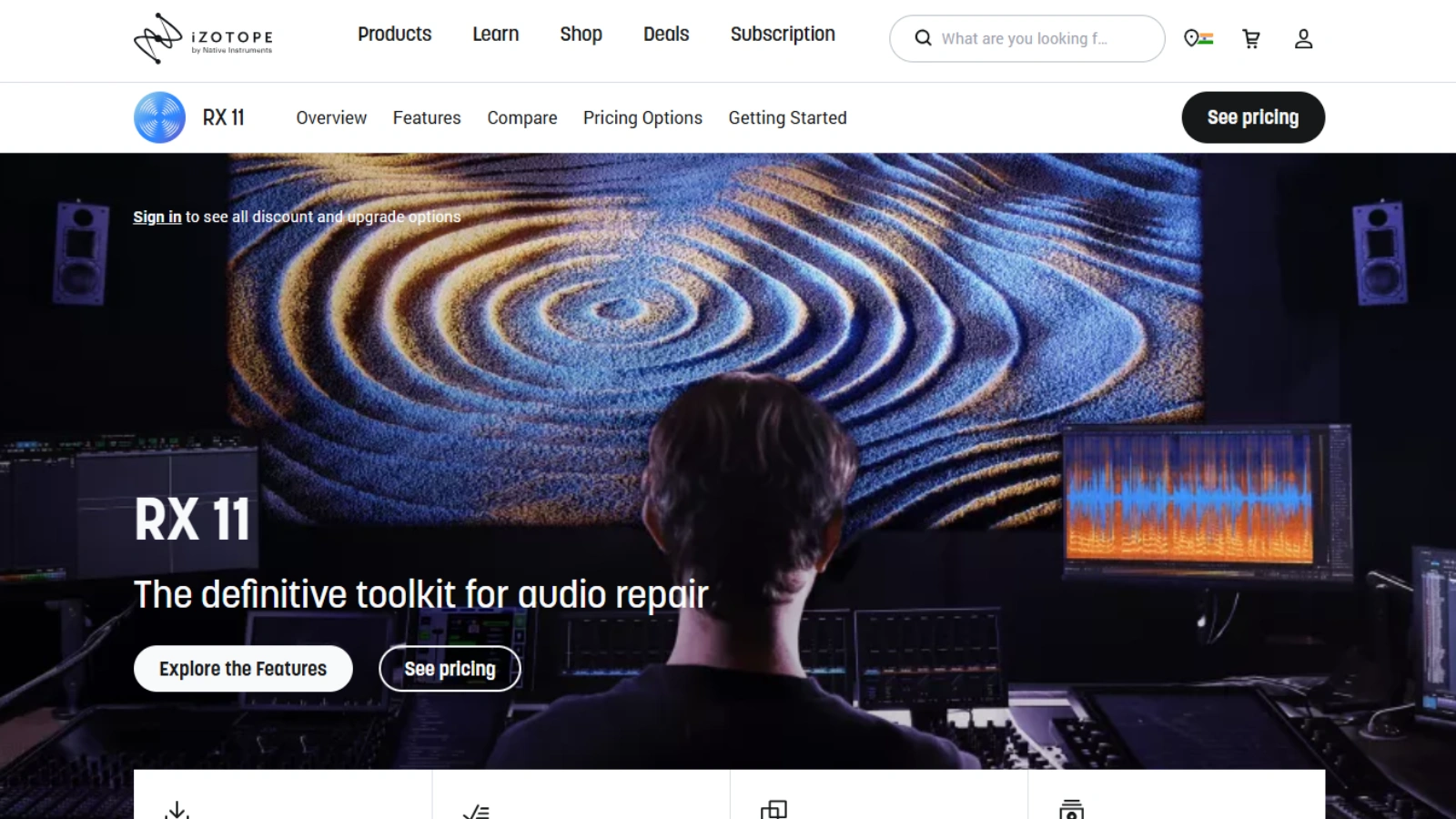
If Adobe Audition is powerful, iZotope RX is next level.
This is the kind of software used in Hollywood film post-production and forensic audio restoration. It can fix clipped audio, isolate dialogue, remove wind, and repair heavily damaged recordings.
Its AI Repair Assistant can even analyze audio and suggest fixes automatically.
It’s expensive, but when audio quality really matters, few tools come close.
Best for: Film audio, broadcast, professional restoration
5. Descript: AI Noise Reduction for Podcasts & Video

Descript feels less like an audio editor and more like a content editing tool.
You edit audio by editing text. Delete a word in the transcript, and it removes it from the recording.
Its “Studio Sound” feature uses AI to remove background noise from audio and enhance voice clarity automatically. It’s especially popular among podcasters and YouTubers.
It’s simple, fast, and very creator-friendly.
Best for: Podcasts, interviews, video content
6. VEED.io: Remove Background Noise From Video Online
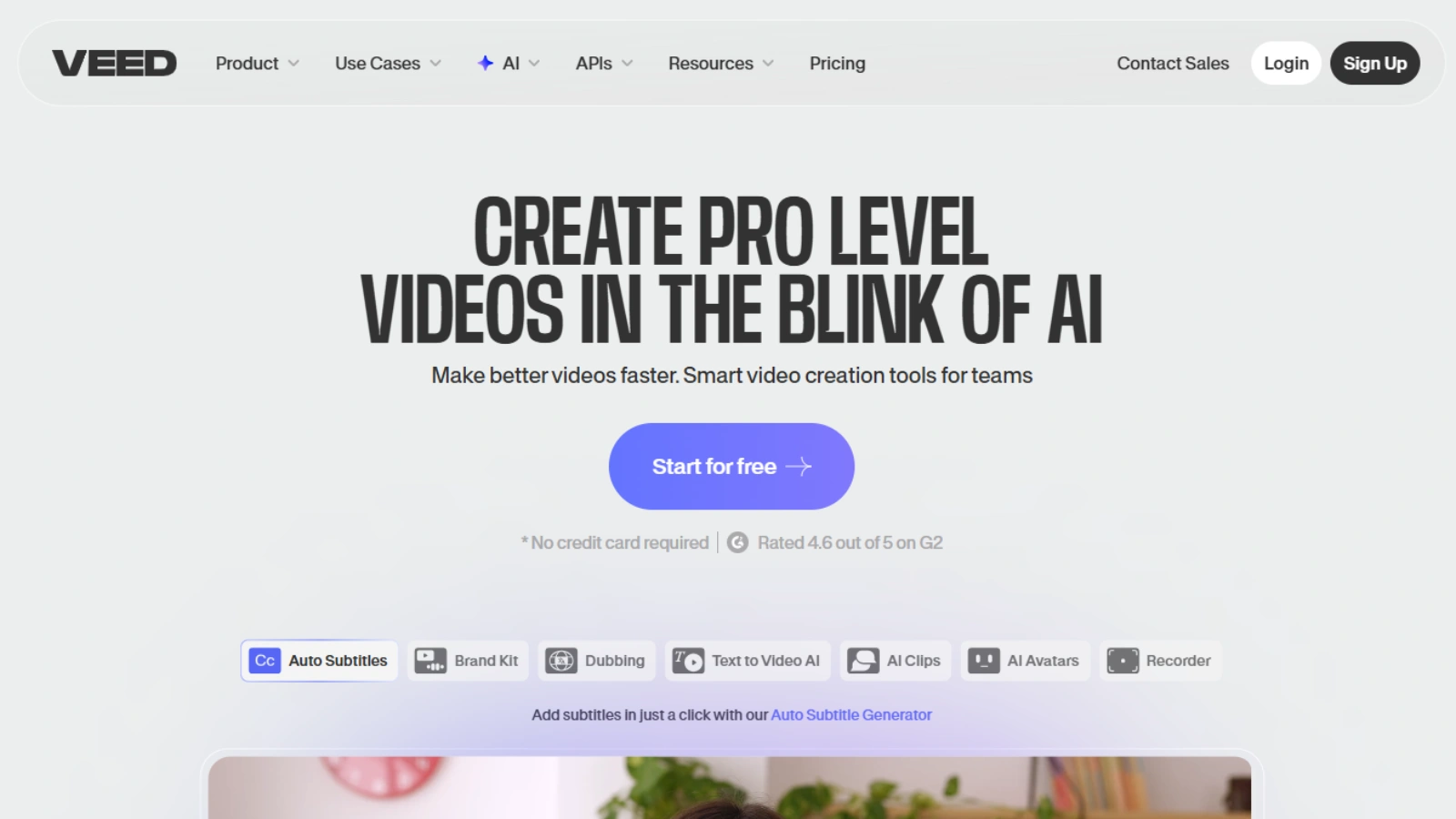
VEED.io is perfect if you don’t want to download software.
It runs fully in your browser and offers one-click background noise removal. Upload your video or audio, apply cleanup, and export.
It’s not as deep as professional tools, but for social media videos, reels, or quick edits, it works well.
Best for: Social media creators, marketers, beginners
7. Kapwing: Online Audio & Video Noise Cleaner

Kapwing is another browser-based editor, but with more collaboration features.
You can edit videos, clean audio, add subtitles, and work with teams in shared projects. Its noise remover is simple, not studio grade, but useful for content creators working on quick turnarounds.
Best for: Teams, agencies, social video editing
8. Auphonic: Automatic Podcast Noise Reduction
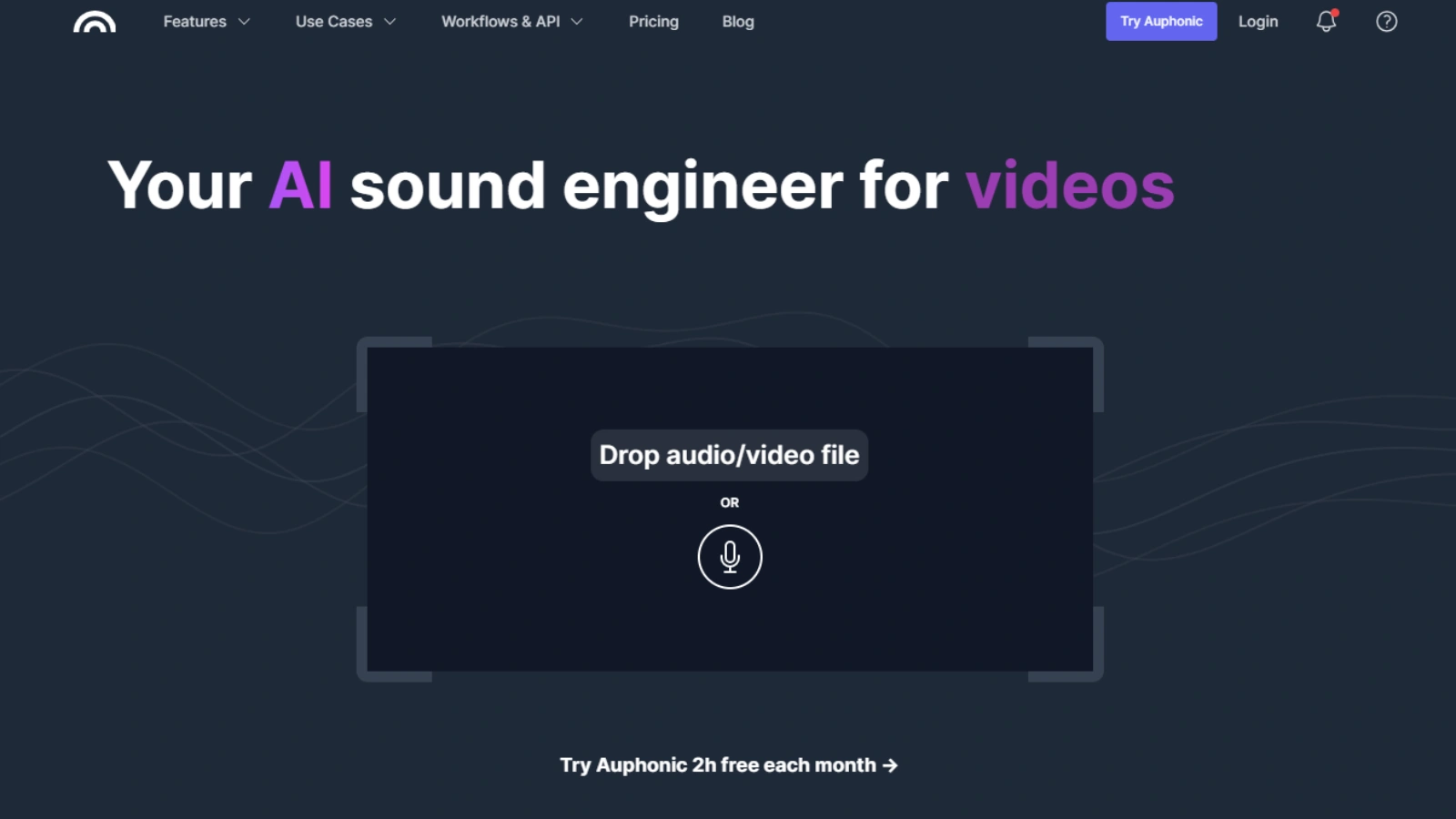
Auphonic is built specifically for voice content.
It doesn’t just remove noise; it also balances volume levels, reduces hum, and optimizes loudness to broadcast standards.
The whole process is automated. Upload your recording, and it handles post-production for you.
Podcasters love it because it saves hours of manual editing.
Best for: Podcasts, interviews, radio shows
9. LALAL.AI: AI Audio Separation & Cleanup
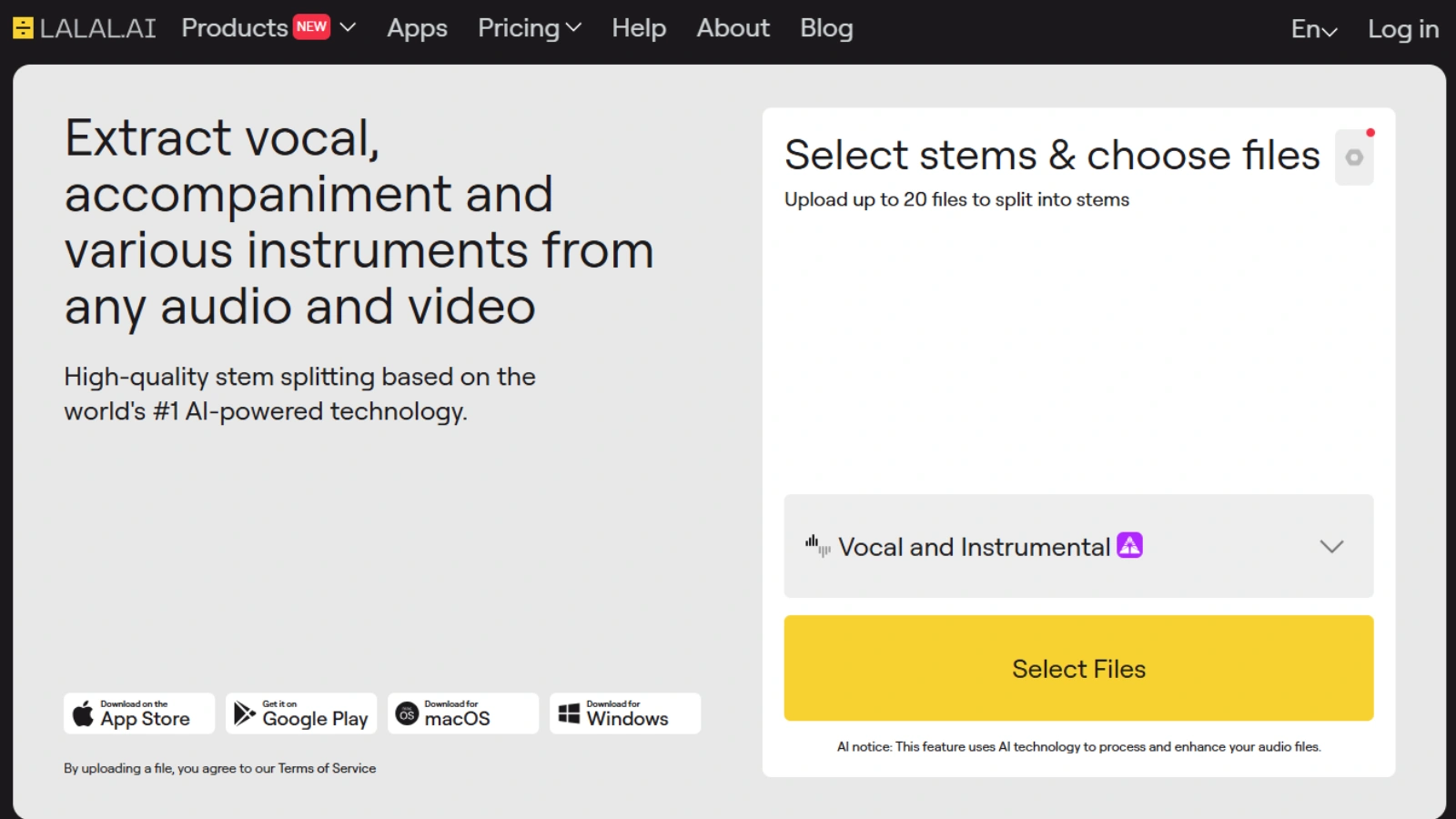
LALAL.AI is known for stem separation, splitting vocals from music, but it also helps with noise cleanup.
Isolating the voice track naturally removes background disturbances. This makes it useful for music producers, remixers, and dialogue editors.
It’s cloud-based and processes files quickly.
Best for: Music, vocal isolation, dialogue extraction
10. Dolby.io: Studio-Grade AI Noise Reduction

Dolby.io brings cinema audio technology into AI software.
It enhances dialogue, removes background noise, and improves overall clarity using cloud processing.
It’s used by media platforms and developers, but creators can use its tools for high-quality voice cleanup as well.
If you want polished, broadcast-style sound, it’s a strong option.
Best for: Media production, apps, pro voice content
Tips To Record Audio Without Background Noise
Before you even open noise removal software, here’s something important to know:
Noise reduction tools are powerful, but they work best when they are fixing small problems, not trying to rescue badly recorded audio.
So if you want professional-sounding results, these basic recording tips make a huge difference.
Microphone Placement
Where you place your mic matters more than most people think.
Try to keep the microphone close to your mouth, usually 6 to 10 inches away. It helps capture your voice clearly while reducing background sounds.
If the mic is too far, it picks up more room noise than voice.
Also, speak slightly across the mic instead of directly into it. This reduces harsh breath sounds and plosives.
Simple adjustment, big improvement.
Room Treatment
Your recording environment plays a huge role in audio quality.
Empty rooms create an echo because sound bounces off walls, floors, and ceilings. That hollow sound is reverb, and it’s hard to remove later.
You don’t need a professional studio, though.
Soft materials help absorb sound naturally:
- Curtains
- Carpets
- Sofas
- Cushions
- Bookshelves
Even recording in a closet full of clothes works surprisingly well because fabric absorbs reflections.
The goal is simple: reduce echo at the source.
Pop Filters
Pop filters are those small mesh screens you see in front of microphones.
They block strong air bursts from letters like P and B, which otherwise create popping sounds in recordings.
They are inexpensive but make voice recordings sound much cleaner.
If you don’t have one, even speaking slightly off-axis (not directly into the mic) helps reduce pops.
Recording Settings
Good settings can prevent noise before it even starts.
A few basics:
- Record in a quiet time of day
- Turn off fans or AC if possible
- Use proper input gain (not too high)
- Avoid boosting volume while recording
If the gain is too high, the mic captures hiss and room noise. It’s better to record slightly lower and adjust volume later.
Also, always use headphones while recording if you can; you will catch noise issues instantly.
Conclusion
No matter how good your content is, background noise can distract listeners and reduce the overall quality of your work. Whether you are creating podcasts, YouTube videos, online courses, interviews, or even attending virtual meetings, clear sound helps you communicate better and look more professional.
The good thing is that removing noise is much easier than it used to be.
From powerful studio tools like Adobe Audition and iZotope RX to beginner-friendly and background noise remover free options like Audacity, and even AI noise reduction platforms that work in real time, there’s a solution for every skill level and budget.
If you want deep control and precision, professional software is the way to go.
If you want, automatic cleanup, AI noise removal tools do the job in minutes.
And if you are just starting, free tools are more than capable of improving your audio quality.
But remember, software works best when your original recording is clean. Simple steps like better mic placement, basic room treatment, and proper recording settings can reduce noise before editing even begins.
So the right approach is a mix of both: record clean, then enhance with the right tool.
With the options covered in this guide, you now have everything you need to choose the best software to remove background noise from audio and produce clear, professional-sounding recordings every time.
FAQs
Does noise removal affect voice quality?
Yes, if overused. Too much reduction can make the voice sound robotic.
Can I remove background noise from audio using my phone?
Yes. Many mobile apps and online tools let you clean audio directly from your phone.
How long does noise removal take?
AI tools take a few minutes. Manual editing can take longer.
Can old recordings be cleaned?
Yes, if the voice is still audible. Results depend on audio quality.
Do AI noise removal tools need the internet?
Most do, because they process audio in the cloud.
Which audio formats are supported?
Common formats like MP3, WAV, AAC, and M4A work fine.