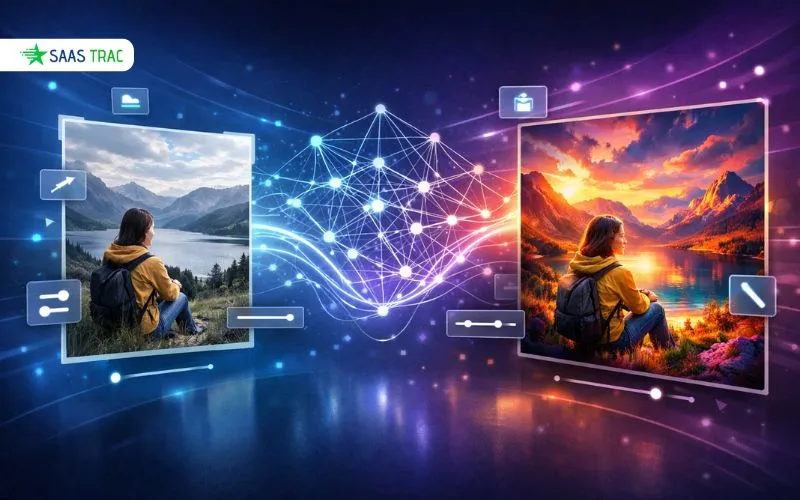
In the past few years, artificial intelligence has transformed the way we generate and manipulate visual content. An ai image to image generator has become one of the most effective methods of turning regular images into extraordinary artwork, professional designs, or completely new compositions. As a content creator, digital artist, marketer, or someone who is interested in the creative applications of AI technology, learning more about ai image to image generators can open new doors for you in your visual projects. This guide will take you through everything you need to know about ai image to image generators.
What is an AI Image to Image Generator?
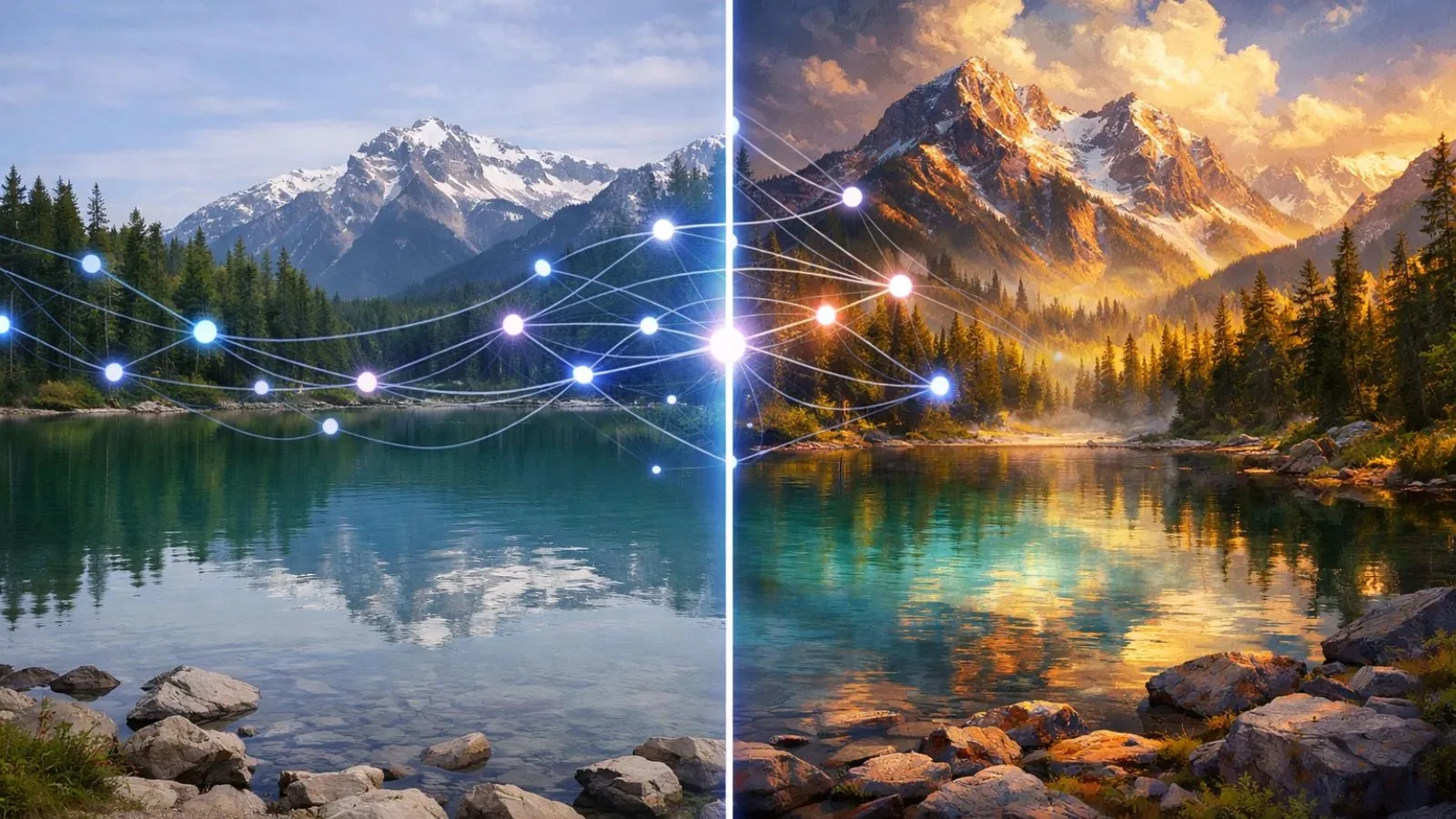
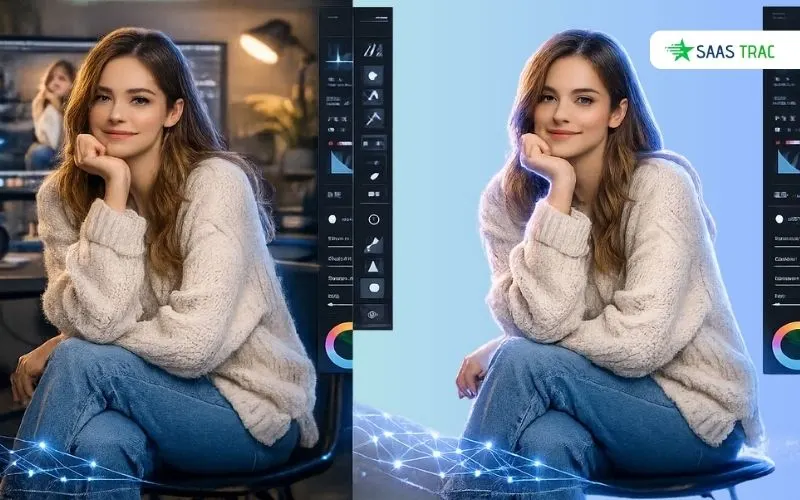
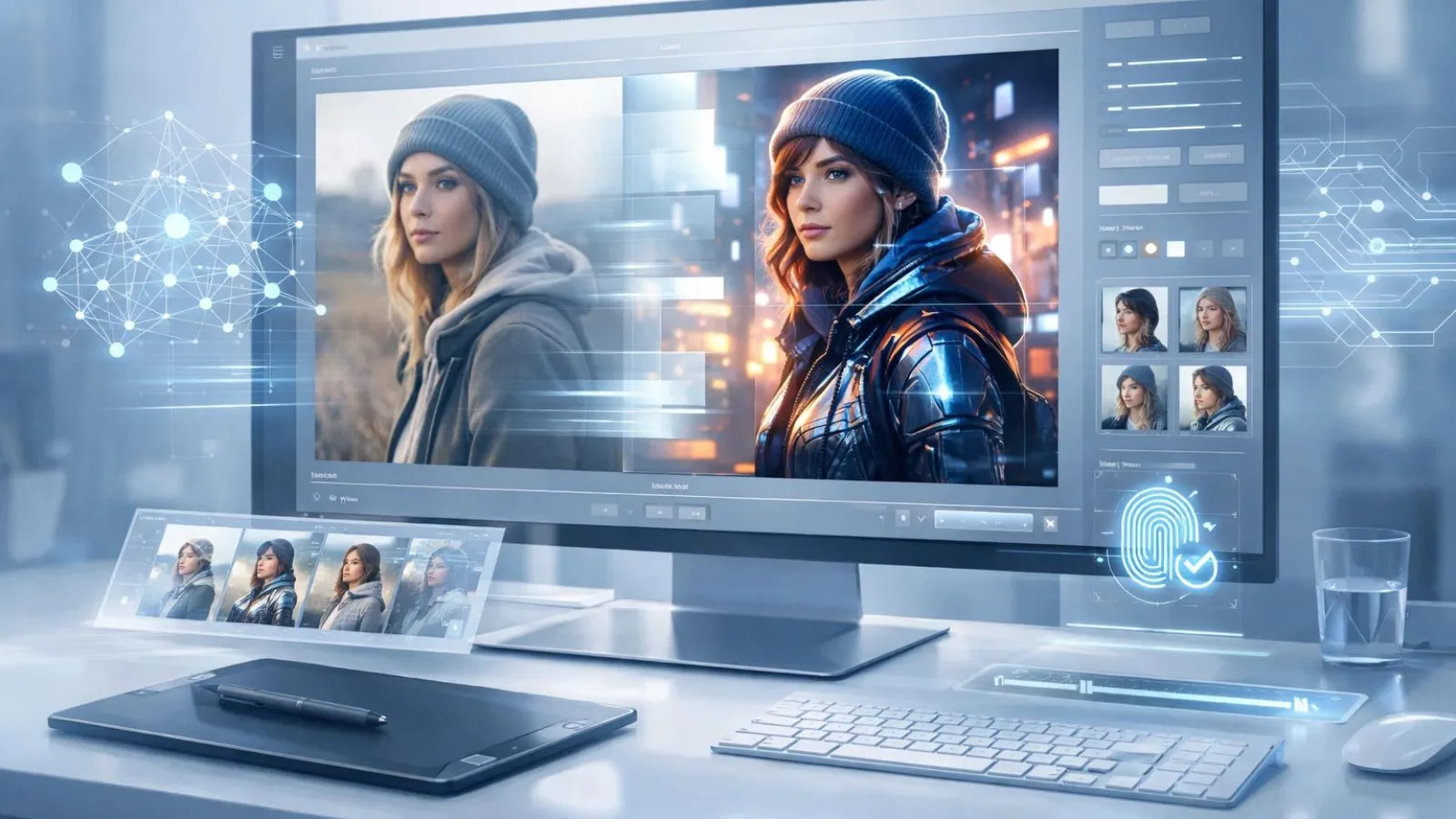
An ai image to image generator is an artificial intelligence-powered tool that transforms one image into another based on specific instructions, styles, or parameters you provide. Unlike traditional photo editing software that requires manual adjustments, these AI-driven platforms analyze your input image and regenerate it according to your specifications.
At its core, an AI image generator uses advanced machine learning models, particularly deep neural networks, to understand the content, style, and context of your original image. The technology then applies transformations, whether changing artistic styles, modifying objects, adjusting lighting, or completely reimagining the scene, while maintaining the structural integrity of the original composition.
Think of it as having a highly skilled artist who can instantly repaint your photograph in the style of Van Gogh, convert your daytime photo into a stunning nighttime scene, or transform a sketch into a photorealistic image. The image to image ai technology bridges the gap between what you have and what you envision, making creative transformation accessible to everyone, regardless of artistic skill level.
How Does Image to Image AI Technology Work?
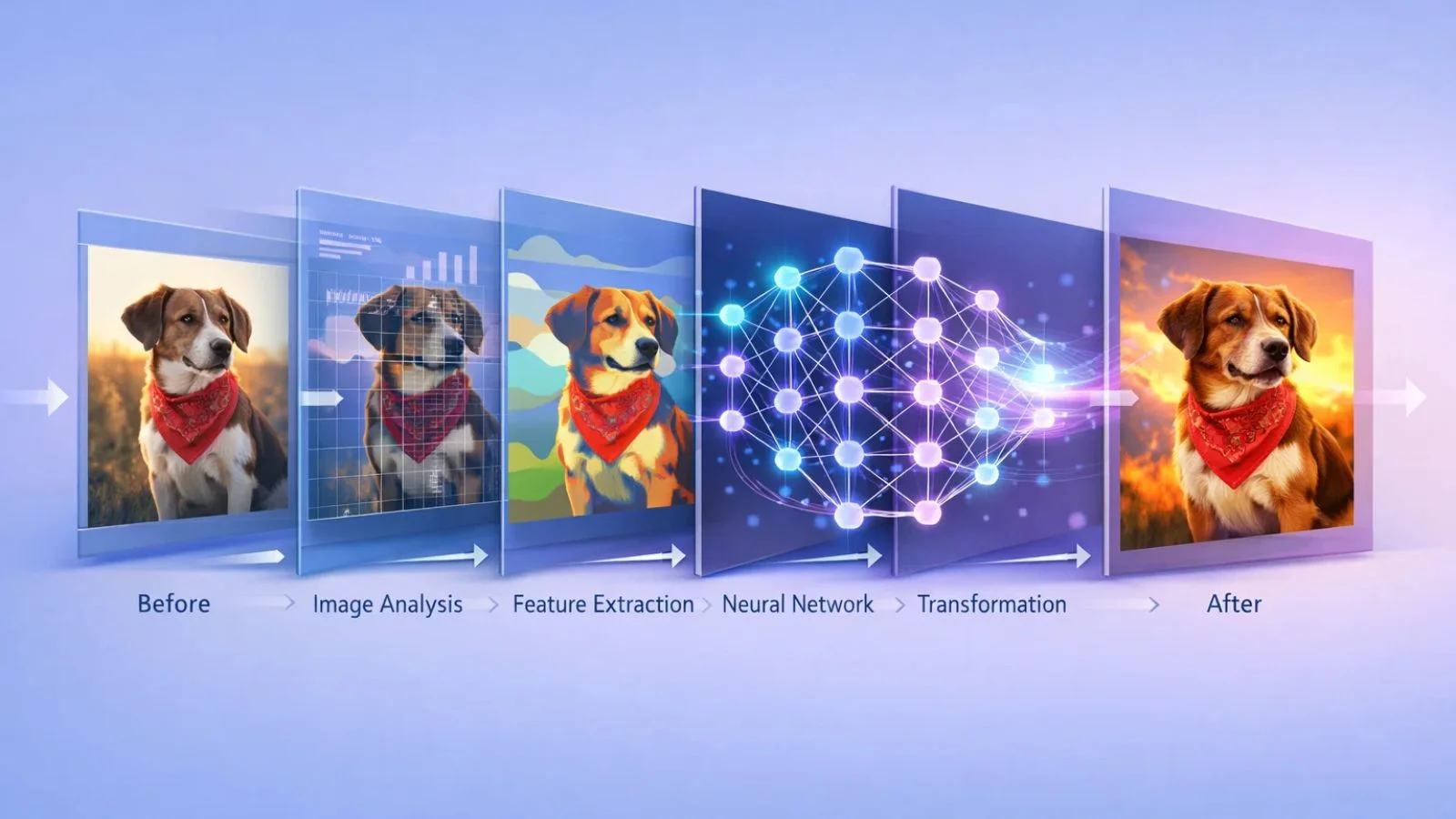
The magic behind image to image ai generator technology lies in sophisticated algorithms and neural network architectures. Here’s a simplified breakdown of the process:
- Input Analysis: When you upload an image, the AI system first analyzes it to understand various elements, objects, colors, textures, composition, lighting, and spatial relationships. This deep analysis creates a comprehensive understanding of your source material.
- Feature Extraction: The ai image to image generator identifies key features and patterns within the image. It recognizes what makes a face look realistic, how shadows fall naturally, or what defines a particular artistic style. This knowledge comes from training on millions of images.
- Transformation Processing: Based on your instructions (whether it’s a text prompt, style reference, or specific parameters), the AI applies learned transformations. It doesn’t simply apply filters; it reconstructs the image pixel by pixel, understanding context and maintaining coherence.
- Output Generation: The final stage produces your transformed image. Advanced models ensure the output maintains quality, resolution, and realistic characteristics appropriate to your request.
What makes modern ai image to image generator tools particularly impressive is their ability to understand context. They know that changing a summer scene to winter means adding snow, altering light quality, and adjusting colors, not just applying a blue tint.
Key Features of Modern AI Image to Image Generators:
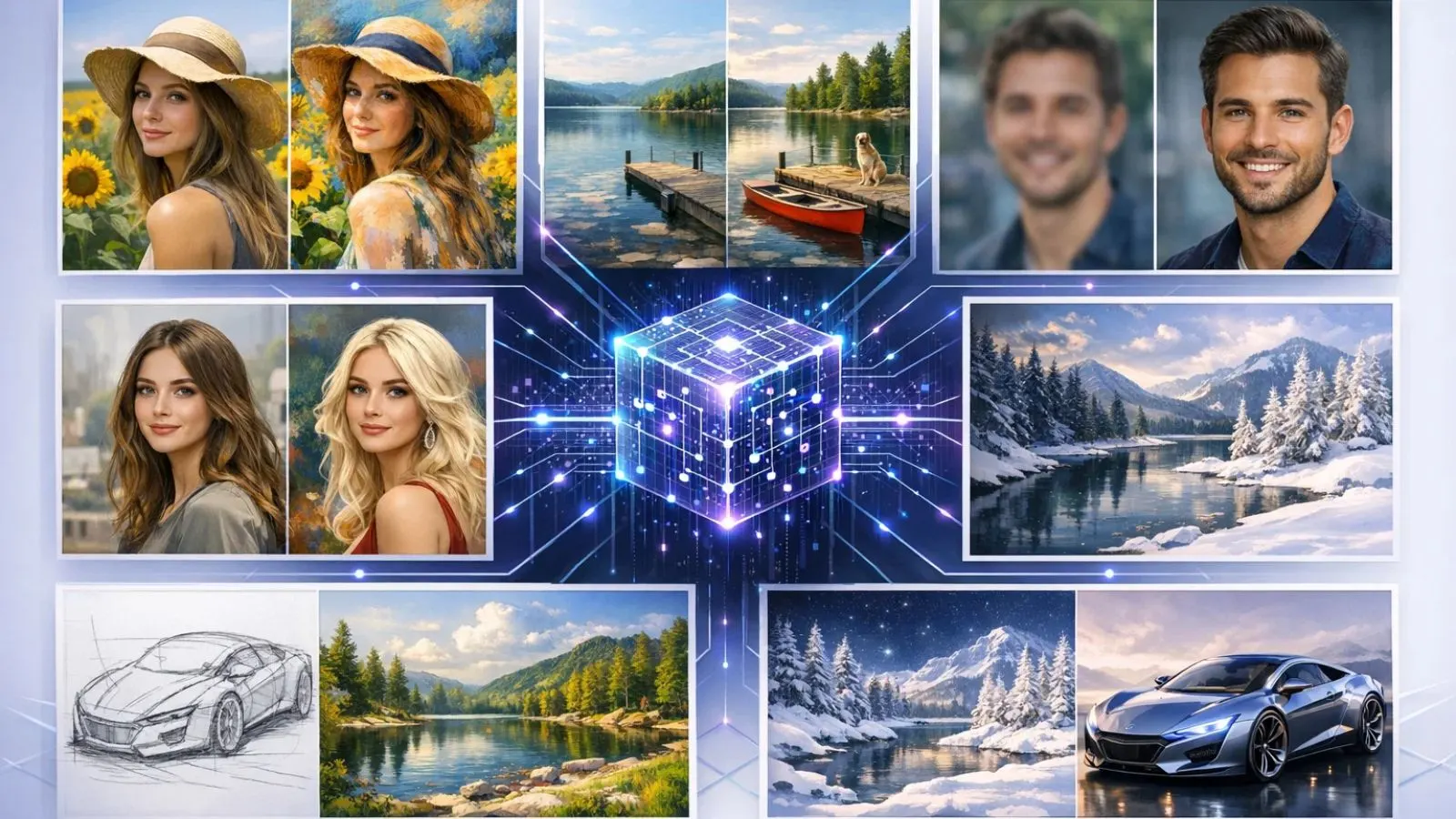
The ai image to image generator platforms come packed with powerful features that expand creative possibilities:
- Style Transfer: Apply the artistic style of famous painters or specific art movements to your photos. Transform your vacation photo into a Monet painting or give your portrait the dramatic flair of Renaissance artwork.
- Object Manipulation: Modify, add, or remove objects within images intelligently. The AI understands how to blend new elements naturally into existing scenes, maintaining proper lighting, shadows, and perspective.
- Quality Enhancement: Upscale low-resolution images, remove noise, sharpen details, and enhance overall image quality. The ai image to image generator can intelligently add detail that wasn’t present in the original.
- Facial and Figure Editing: Adjust expressions, change hairstyles, modify clothing, or even age faces, all while maintaining photorealistic quality and natural appearance.
- Scene Transformation: Convert day to night, summer to winter, or urban to rural. These transformations go beyond simple color adjustments to reimagine entire environmental contexts.
- Sketch to Image Conversion: Turn rough sketches or simple line drawings into fully realized, detailed images. This feature is particularly valuable for designers and artists visualizing concepts.
Popular Applications and Use Cases:
The versatility of ai image to image generator technology has found applications across numerous fields:
- Digital Marketing and Advertising: Marketers use these tools to quickly create multiple variations of product images, adapt visuals for different campaigns, or generate eye-catching promotional materials without extensive photoshoots.
- Content Creation: Bloggers, social media influencers, and content creators leverage image to image ai to produce unique visuals that stand out. From thumbnail creation to blog illustrations, the possibilities are endless.
- Architecture and Interior Design: Professionals visualize design concepts by transforming architectural sketches into realistic renderings or reimagining spaces with different styles, colors, and furnishings.
- E-commerce: Online retailers enhance product photos, create lifestyle images showing products in different contexts, or generate variations displaying items in multiple colors and settings.
- Entertainment and Gaming: Game developers and filmmakers use ai image to image generator technology for concept art, storyboarding, and creating visual assets efficiently.
- Personal Projects: Everyday users transform family photos, create artistic versions of memories, or simply explore creative expression without needing advanced design skills.
How to Use AI Image Generator: Step-by-Step Guide:
Getting started with an ai image to image generator is straightforward. Here’s a practical guide on how to use AI image generator tools effectively:
Step 1 – Choose Your Platform: Select an ai image to image generator that matches your needs. Consider factors like ease of use, available features, pricing, and output quality. Many platforms offer free tiers for beginners.
Step 2 – Prepare Your Input Image: Upload the image you want to transform. For best results, use high-quality source images with good lighting and clarity. Most platforms support common formats like JPG, PNG, and WEBP.
Step 3 – Define Your Transformation: Specify how you want the image changed. This might involve writing a text prompt describing desired changes, selecting a style preset, or adjusting specific parameters like intensity, color palette, or transformation strength.
Step 4 – Adjust Settings: Fine-tune advanced options if available. Many ai image to image generator tools allow you to control aspects like transformation intensity, preserve certain image areas, or specify resolution preferences.
Step 5 – Generate and Review: Process your image and examine the results. Most platforms generate outputs within seconds to minutes, depending on complexity. Don’t hesitate to iterate, try different prompts or settings if the first result isn’t quite right.
Step 6 – Refine and Download: Many tools allow further refinement. Once satisfied, download your transformed image in your preferred format and resolution.
Understanding how to use AI image generator platforms effectively comes with practice. Experiment with different prompts, styles, and settings to discover what works best for your creative vision.
Also Read:
Discovering the Best Tools with SaasTrac AI Agents:
When exploring the vast landscape of AI-powered image transformation tools, finding the right platform can feel overwhelming. This is where SaasTrac AI Agents becomes an invaluable resource for creators, designers, and businesses seeking the perfect ai image to image generator solution.
SaasTrac AI Agents serves as a comprehensive directory featuring over 1000+ curated AI tools across multiple categories. For those specifically interested in image generation and manipulation, the platform offers detailed listings of top AI Art Generators that excel in image-to-image transformation. Whether you’re looking for specialized tools for architectural visualization, product photography enhancement, or artistic style transfer, SaasTrac’s carefully organized categories help you discover exactly what you need.
What sets SaasTrac apart is its recognition of excellence through the SaasTrac Awards 2025, which highlights industry-leading AI tools based on innovation, performance, and user impact. The platform features winning tools across various categories, including AI Content Creation, AI Art Generators, and AI Design Tools, all relevant to image to image ai workflows.
Beyond just ai image to image generator tools, SaasTrac showcases complementary solutions that can enhance your creative process. Explore AI Writing Tools for crafting compelling descriptions for your transformed images, AI Marketing Tools for leveraging your visuals in campaigns, or AI Productivity Tools that streamline your entire creative workflow.
The platform’s intuitive search and filtering options make it easy to compare features, pricing models (free, freemium, paid), and user reviews, ensuring you invest in the right tools for your specific needs.
Tips for Getting Better Results:
Maximizing the potential of your ai image to image generator requires understanding a few best practices:
- Start with Quality Input: The transformation quality heavily depends on your source image. Use well-lit, properly focused, and high-resolution images whenever possible. Clear source material gives the AI more information to work with.
- Be Specific with Prompts: When describing desired transformations, specificity yields better results. Instead of “make it artistic,” try “transform this into an impressionist painting with vibrant sunset colors and visible brushstrokes.”
- Experiment with Parameters: Most ai image to image generator tools offer adjustment controls. Try different strength levels, style intensities, and guidance scales to find the sweet spot for your specific image and desired outcome.
- Iterate and Refine: Don’t expect perfection on the first try. Generate multiple variations, learn from each result, and refine your approach. Small prompt changes can produce dramatically different outputs.
- Understand Limitations: While powerful, image to image ai technology has boundaries. Extremely complex transformations, maintaining perfect facial details across dramatic style changes, or working with very low-quality inputs may yield inconsistent results.
Combine Multiple Tools: Sometimes the best results come from using several AI tools in sequence. Use one AI image to image generator for style transfer, another for upscaling, and traditional editing software for final touches.
Common Challenges and Solutions:
Users often encounter specific challenges when working with ai image to image generator platforms. Here are solutions to common issues:
- Inconsistent Quality Across Images: AI models may perform differently depending on image content. Solution: Try preprocessing images to standardize lighting and composition, or use style-specific models designed for particular image types.
- Unwanted Artifacts or Distortions: Sometimes transformations introduce visual glitches or unnatural elements. Solution: Reduce transformation intensity, use higher-resolution inputs, or try alternative prompts that guide the AI more specifically.
- Loss of Important Details: Critical features might be altered beyond recognition during transformation. Solution: Use masking features if available to protect important areas, or specify in your prompt which elements must be preserved.
- Processing Time and Costs: Complex transformations can be time-consuming or credit-intensive. Solution: Start with lower resolution tests, optimize prompts before final generation, and consider batch processing during off-peak hours when available.
The Future of AI Image to Image Technology:
The trajectory of ai image to image generator development points toward increasingly sophisticated capabilities. Emerging trends include real-time transformation, allowing instant preview of changes as you adjust parameters. Enhanced contextual understanding will enable AI to make more intelligent decisions about maintaining consistency across complex transformations.
Integration with other creative tools is expanding, with image to image ai capabilities being built directly into professional design software, video editing platforms, and content management systems. This seamless workflow integration makes AI-powered transformation a natural part of creative processes rather than a separate step.
Personalization and learning capabilities are advancing, too. Future ai image to image generator tools may learn your style preferences, remember successful transformations, and offer increasingly tailored suggestions. Expect improved control mechanisms that provide professional-level precision while maintaining the accessibility that makes these tools appealing to beginners. Ethical considerations are also shaping development. The industry is working toward better watermarking, provenance tracking, and transparency features that address concerns about AI-generated content while preserving creative freedom.
Conclusion:
The ai image to image generator represents a transformative technology that democratizes creative visual expression. From professional designers seeking efficiency to hobbyists exploring artistic possibilities, these tools offer unprecedented power to reimagine and transform images. Understanding the fundamentals, choosing the right platform, and applying best practices will help you harness this technology effectively. As AI continues evolving, image transformation capabilities will only become more sophisticated, opening new creative horizons for users across all skill levels.
FAQ’s:
Q1: Do I need design experience to use an AI image-to-image generator?
Ans: No, most modern platforms are designed for users of all skill levels. The AI handles technical complexity, allowing anyone to achieve professional-looking results through simple prompts and intuitive interfaces.
Q2: Are transformed images copyright-free?
Ans: Copyright depends on both the source image and the specific platform’s terms. If you own the original image rights, you typically own the transformed version, but always review your chosen platform’s licensing terms.
Q3: How long does image transformation take?
Ans: Processing time varies by complexity and platform, ranging from a few seconds for simple transformations to several minutes for high-resolution, detailed conversions. Most modern systems provide results within 30-60 seconds.
Q4: Can I use these tools commercially?
Ans: Many ai image to image generator platforms offer commercial licenses, though terms vary. Check specific platform policies regarding commercial use, especially for client work or products intended for sale.