Overall Value
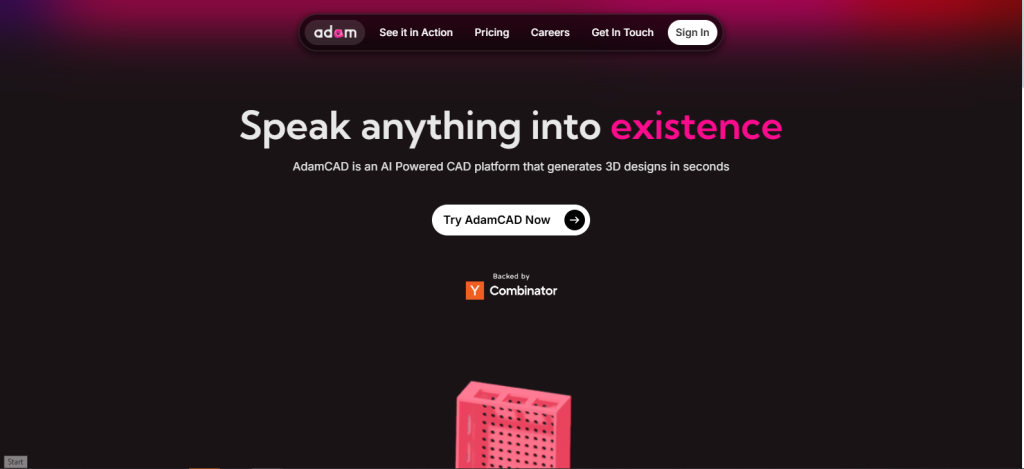
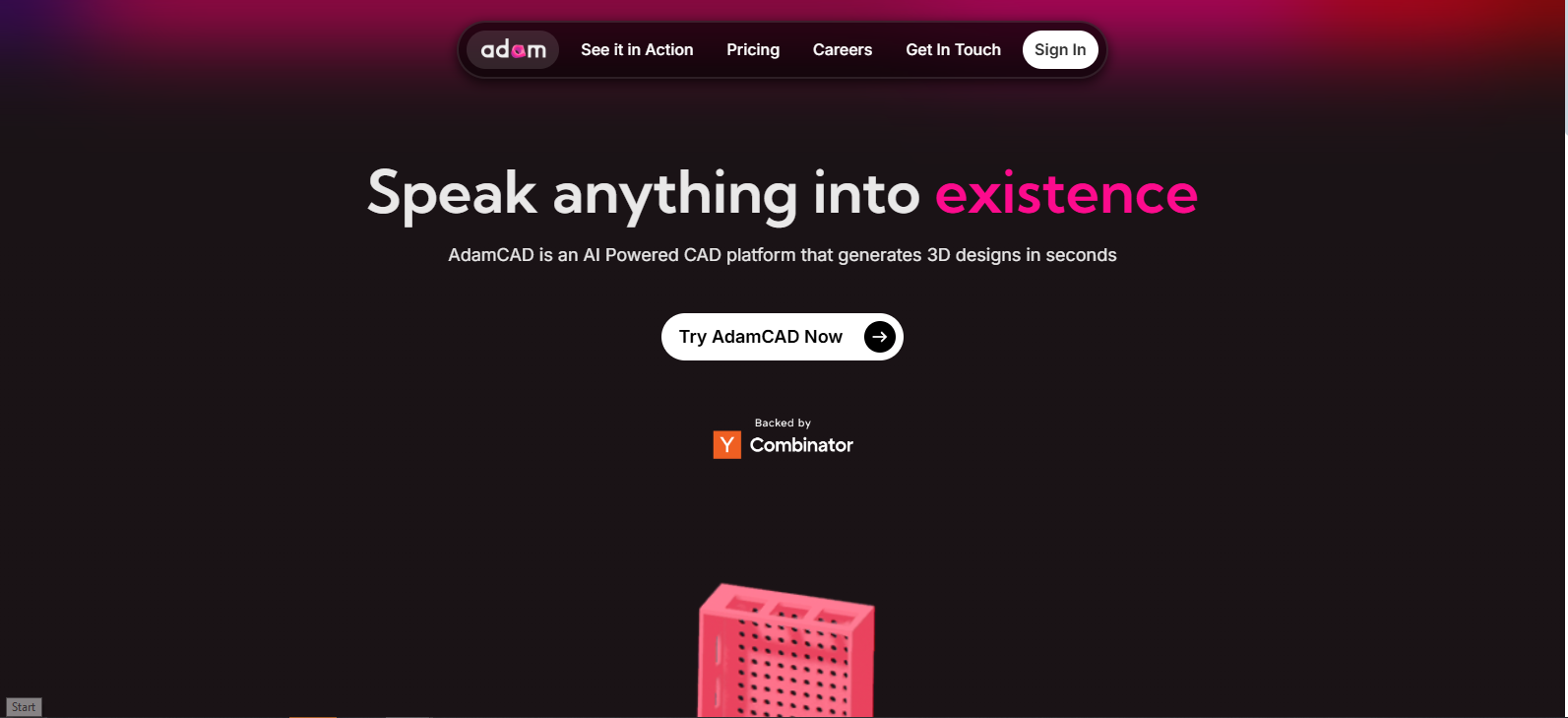
AdamCAD bridges the gap between creativity and precision. Whether you’re prototyping a mechanical part or designing a custom holder for your Raspberry Pi, this AI tool cuts your workflow from hours to minutes.
Key Features
- 🗣️ Prompt-to-Prototype – Turn natural language commands into ready-to-edit 3D CAD models. No modeling experience needed.
- 🖼️ Image-to-Object Engine – Upload a reference photo, and AdamCAD will recreate it in 3D with editable geometry.
- 🔁 Instant Refinement Mode – Auto-generates adjustable parameters (dimensions, tolerances, material presets) to fine-tune your model post-generation.
- 🧠 CAD Companion Mode – Seamlessly connects with leading CAD software to keep pros in their workflow with AI-assisted productivity.
- ⚙️ Built for Makers – Whether it’s mechanical components or hobbyist builds, AdamCAD handles everything from camshafts to key holders.
Use Cases
👷 Mechanical Engineers – Prototype complex parts like gears, camshafts, or enclosures without manual modeling.
🛠️ Makers & Tinkerers – Design 3D printables like organizers, cases, or quirky desk gadgets in minutes.
🏫 STEM Educators – Teach design thinking with an AI that supports beginner-level CAD creation.
🚀 Product Designers – Mockup parts or concepts for rapid iteration before jumping into precision detailing.
🎮 Game Devs & Artists – Use image-based modeling to create quick 3D assets or game props.
Technical Overview
- Interface: Web-based
- Input formats: Text prompts, JPG/PNG images
- Output formats: STL, STEP, OBJ
- Compatible software: Fusion360, SolidWorks, Onshape (via plugin)
- Best for: Desktop usage with mouse + keyboard
- Export: Requires premium plan
FAQs
👉 Describe your idea → Generate → Tweak → Export
Your vision. Your terms. Your design—done fast.
Yes. You can export models in formats compatible with popular software like Fusion360 or SolidWorks.
Absolutely. It generates high-precision STL and STEP files ideal for 3D printing and prototyping
Models are generated with design parameters that you can tweak, ensuring both accuracy and flexibility for detailed use.
Yes. Just upload your image, and AdamCAD’s visual modeling engine will create a 3D version you can refine.
Very! You don’t need CAD experience—just describe what you need, and let AdamCAD do the hard part.
Conclusion
AdamCAD isn’t just another CAD tool—it’s a creativity accelerator. Whether you’re designing custom hardware, printable objects, or mechanical assemblies, this AI-powered design assistant helps you build faster, smarter, and without limits. Forget the gridlocks of traditional CAD. Speak your ideas and shape them instantly with AdamCAD.
Top Alternatives

Shapr3D
Touch-based 3D design for iPad and desktop

uMake
Ideal for beginners creating 3D models using sketches

Leopoly
A simple online 3D design platform tailored for education and quick product design

TinkerCAD
Entry-level 3D design tool for hobbyists and students