You’ve probably landed here because you’re trying to decide between Netlify, Vercel, and just using a VPS or cloud provider directly, and you want to know whether the managed Git-deploy workflow actually saves enough time and operational overhead to justify a paid plan, or whether the credit-based pricing model will surprise you with unexpected usage charges. Those are the right questions. Netlify’s core promise connect a repo, push code, site is live with SSL and CDN without touching a server has been real and well-executed since 2014. What’s changed in 2026 is the pricing model, which shifted from per-seat to a credit-based system in late 2025, and the Pro plan, which dropped per-seat billing entirely in April 2026, making it $20/month flat for an unlimited team rather than $20 per member. Whether the credit system adds unwanted complexity to your budget planning depends on whether you understand how credits map to your actual usage patterns before you hit your monthly limit.
🔗 Start on Netlify free 300 credits/month, no credit card required
Why Trust SaaSTrac?
This review is built from Netlify’s own product and feature pages, cross-checked against multiple independent 2026 pricing guides from ToolChase, FlexPrice, Layer3Labs, Kuberns, AIPrice Radar, and CostBench, all verified against October 2026 pricing data. We haven’t run a private build speed or uptime benchmark on this account performance figures, credit consumption rates, and workflow quality reflect what the company publishes and what independent reviewers report from real production usage. Pricing figures are the most current available at time of writing Netlify made a significant change on April 14, 2026 (dropping per-seat billing on Pro), and pricing pages can change. Verify current credit costs per resource type at netlify.com/pricing before committing to a plan. Where reviewed sources show discrepancy on specific numbers, we flag that rather than presenting one figure as definitive.
What Netlify Is ?
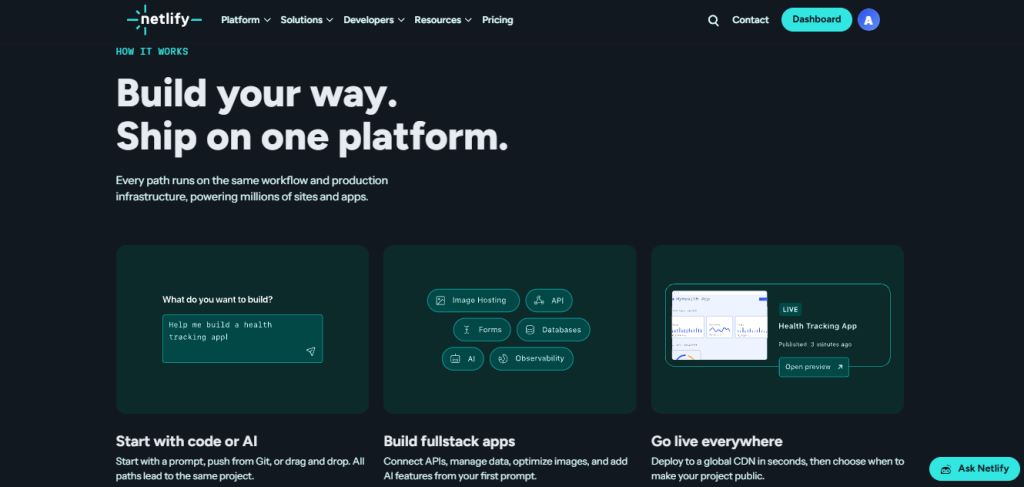
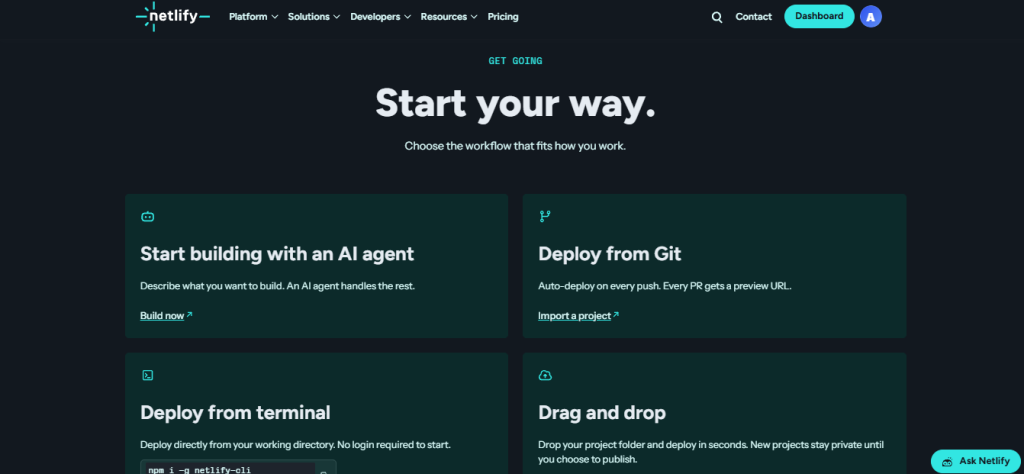
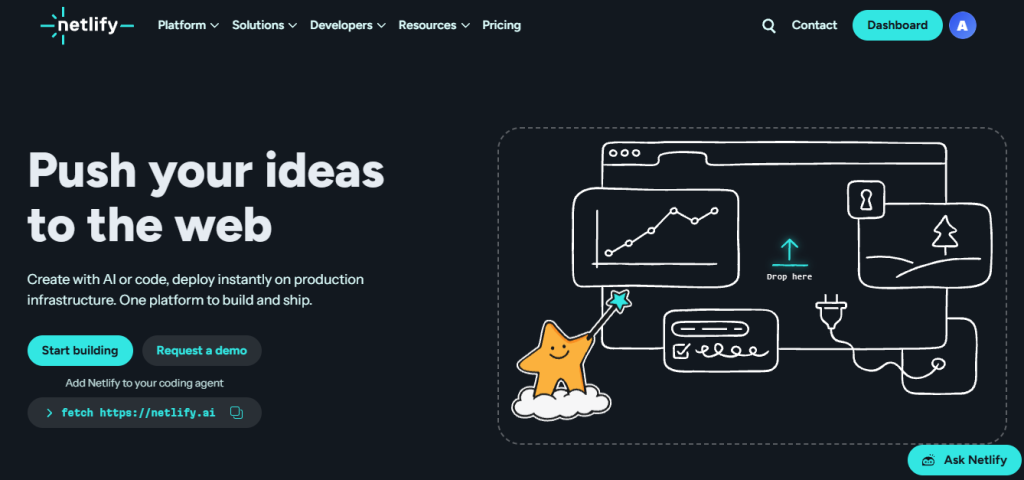
Netlify is a cloud deployment and hosting platform founded in 2014 built around the insight that the gap between writing code and having it live on the internet should be seconds, not days, and should not require a developer to configure servers, manage SSL certificates, set up CI/CD pipelines, or provision CDN infrastructure. Connect a Git repository, push code, and Netlify builds and deploys the result to a globally distributed edge network with HTTPS automatically.
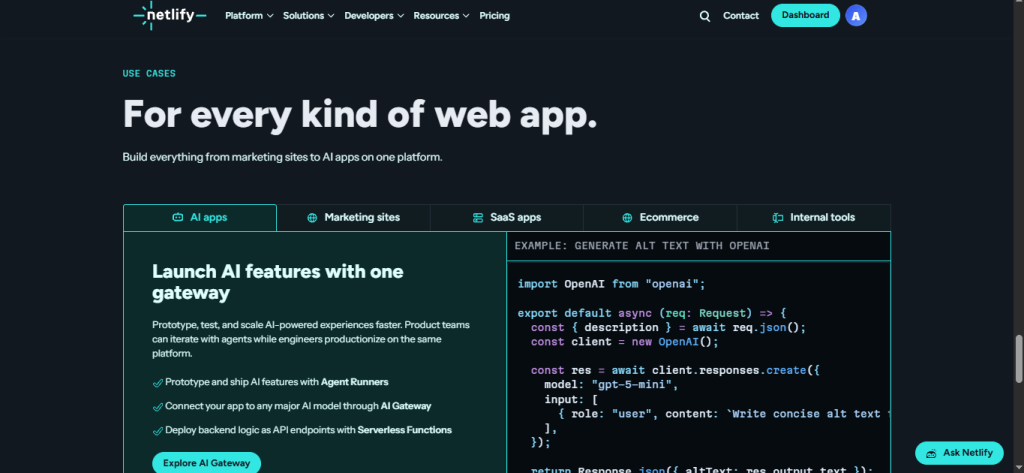
Beyond static site hosting, Netlify has grown into a full frontend cloud: Netlify Functions (serverless backend logic in Node.js, Go, Rust, Python, or TypeScript), a managed Postgres database, form handling without backend code, image optimization, web analytics with 30-day history on Pro, a WAF with basic firewall rules on all plans, preview deployments on every pull request (so you can review a change at a real URL before it merges), and an AI-ready infrastructure layer built for serverless AI inference and edge compute. Used by companies ranging from indie developers to enterprise teams at Netlify’s scale. The platform processes millions of deploys daily and has been consistently rated among the most developer-friendly hosting platforms in its category.
What You Get (and What You Don’t)
Feature | What’s Included | Limitations |
Git-Driven Deploys | Connect GitHub, GitLab, or Bitbucket every push triggers an automatic build and deploy; every pull request gets a unique preview URL with the full site live at a shareable link | Build minutes and bandwidth draw from your credit pool production sites with frequent deploys on Free (300 credits/month) will exhaust their allocation faster than low-traffic personal sites |
Global CDN & Edge Network | Sites served from Netlify’s globally distributed CDN with automatic HTTPS (Let’s Encrypt, auto-renewed), custom domains, and edge routing no configuration required | CDN bandwidth consumes credits at 20 credits/GB; Free plan’s 300 credits ≈ 15GB bandwidth before credits run out and sites pause until next month |
Netlify Functions | Serverless functions deployed alongside your site Node.js, Go, TypeScript, Rust, Python no separate hosting or Lambda account needed | Function invocations draw from credits; Free plan includes ~125,000 function invocations before credits exhaust; GB-hours of compute also credit-metered |
Managed Postgres Database | Netlify DB a fully managed Postgres database included on all plans; provision, connect, and query without a separate database service | Storage and query volume draw from credits; verify current credit rate per GB-hour of database compute at netlify.com/pricing |
Preview Deployments | Every pull request gets a unique, live preview URL share with stakeholders, review visually, and merge with confidence | Preview deployments count toward build minutes and credit usage; high-frequency PR workflows on Free can exhaust credits quickly |
Credit-Based Pricing | One unified currency for all usage bandwidth, builds, functions, compute; Free 300 credits, Personal 1,000, Pro 3,000, Enterprise unlimited | Credit-based pricing is simpler than separate meters per resource, but requires upfront modeling of your usage pattern to avoid surprise overage charges on paid plans; auto-recharge is off by default and must be manually enabled |
Form Handling | Netlify Forms processes form submissions without backend code spam filtering, email notifications, and a submissions dashboard included | Free plan limits apply; verify current submission caps per plan at netlify.com/pricing |
Image Optimization | Automatic image CDN with on-the-fly resizing, format conversion (WebP, AVIF), and compression | Optimization requests draw from credits verify current cost per transformation at netlify.com/pricing |
Web Analytics | Privacy-friendly first-party analytics built into the platform no external script, no third-party data sharing | 1-day history on Free, 7-day on Personal, 30-day on Pro; not a substitute for a full analytics platform for high-detail retention analysis |
Pro Unlimited Team Members | As of April 14, 2026, Pro at $20/month is flat for the entire team no per-seat billing, unlimited members | Credits (3,000/month) are shared across the whole team a larger team sharing one credit pool consumes credits faster than a solo developer on the same plan |
Enterprise | Custom pricing with unlimited credits, 99.99% SLA, enterprise network tier, high-performance builds, SSO & SCIM, log drains, organization management, 24/7 dedicated support | Custom pricing requires a sales conversation no self-serve enterprise plan |
AI-Ready Infrastructure | Edge compute, serverless inference, and infrastructure designed for AI workloads and next.js/framework-first projects | Netlify positions itself explicitly for AI-era frontend development; verify current AI compute credit rates for inference workloads |
Free Plan | 300 credits/month, permanent no credit card, no time limit; includes custom domain, SSL, Functions, Database, preview deploys, basic firewall, 1-day analytics | Sites pause (not deleted) when Free credits exhaust until the next monthly refresh; no auto-recharge on Free if traffic spikes unexpectedly, the site goes offline until credits reset |
The takeaway: Netlify’s clearest differentiator is the developer experience layer Git-connected deploys, preview deployments on every PR, managed serverless functions, and managed database all from the same platform, with zero server configuration. The trade-off that catches users off guard is the credit system: Free’s 300 credits (~15GB bandwidth or ~20 deploys) exhausts quickly if you’re running anything beyond a low-traffic personal site, and the auto-recharge is off by default, which means unexpected traffic can take a site offline on Free rather than triggering a payment. Understanding your actual credit consumption pattern before choosing a plan is the most important step in the evaluation.
Pricing: What You Actually Pay
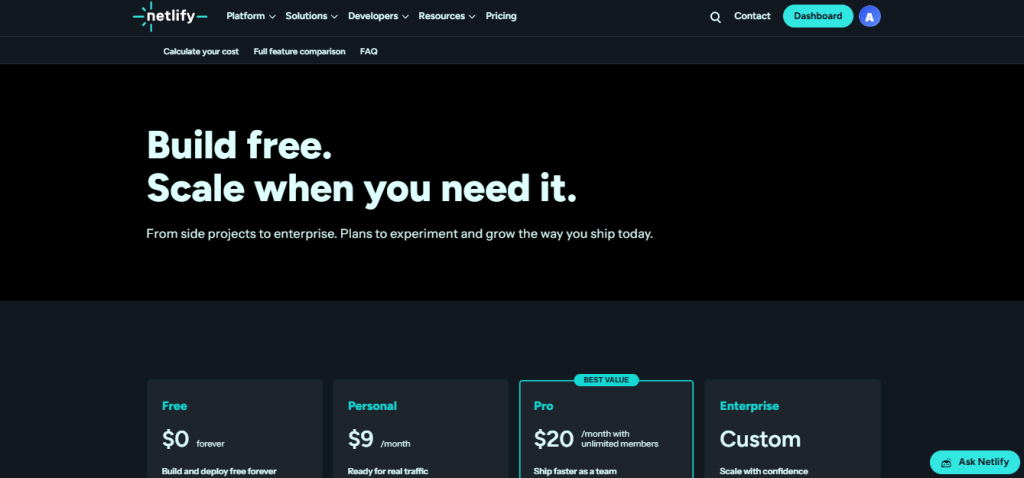
Netlify uses four plans with a unified credit currency. As of April 14, 2026, Pro dropped per-seat billing $20/month covers an unlimited team. Auto-recharge on paid plans adds credit packs automatically when you exceed your monthly limit (at $0.00667/credit overage); Free plans pause sites instead.
Plan | Price | Credits/Month | Concurrent Builds | Best For |
Free | $0 no credit card, permanent | 300 | 1 | Personal sites, portfolios, prototypes, open source sites pause when credits exhaust |
Personal | $9/month | 1,000 | 1 | Solo developers with more traffic; adds smart secret detection and priority support over Free |
Pro | $20/month flat unlimited team members | 3,000 | 3+ | Teams of any size; adds shared environment variables, private org repos, audit logs, 30-day analytics |
Enterprise | Custom contact sales | Unlimited | Custom | Large organizations needing 99.99% SLA, SSO/SCIM, log drains, dedicated support, and custom security controls |
Credit consumption reference (approximate):
Resource | Credit Cost |
Bandwidth | 20 credits/GB (~15GB on Free, ~50GB on Personal, ~150GB on Pro before overages) |
Build minutes | Varies by build time; a typical build ~1–3 credits |
Function invocations | Free includes ~125,000 invocations before credits draw |
Compute (GB-hours) | Credit-metered; verify current rate at netlify.com/pricing |
Overage (paid plans) | 0.00667percredit(~10 per 1,500 additional credits) |
Real-world cost context: the Pro plan at $20/month flat for unlimited team members is genuinely good value compared to Vercel’s team pricing and traditional per-seat SaaS models. ToolChase’s 2026 guide notes: “The Free tier covers personal sites indefinitely; the Pro tier at $20/month flat for unlimited members is genuinely good value for small teams.” A team of five on Pro pays $20 total not $100. The meaningful question is whether 3,000 shared credits covers a team’s actual monthly build, bandwidth, and function usage model this before assuming Pro is sufficient for a high-deploy, high-traffic production workflow.
Worth checking before you subscribe: auto-recharge is off by default on paid plans. Netlify sends usage alerts at 50%, 75%, and 100% of your monthly allotment but if auto-recharge isn’t enabled and you hit 100%, builds stop and traffic exceeding your credit ceiling will not be served. Enable auto-recharge intentionally, not accidentally. On Free, there is no auto-recharge option credits exhaust, sites pause, reset at month end. The credit model is simpler than per-resource billing, but requires more upfront planning than the flat-fee models on some competitors.
Git-Driven Deployment vs. Traditional Hosting: The Core Trade-Off
Netlify’s core argument is that the operational overhead of configuring and maintaining a server provisioning, SSL management, CDN setup, CI/CD pipelines, preview environments, and database provisioning is a tax on developer time that shouldn’t exist for the vast majority of web projects. Connect a repo, and all of that is handled. Developers who’ve used Netlify consistently describe the workflow as removing a class of problems rather than solving them one by one.
The trade-off shows up in two places that independent reviewers flag consistently. First, the credit model requires active monitoring it’s more transparent than surprise bandwidth overage bills from traditional hosting, but less predictable than a flat-fee model where you know exactly what you’ll pay regardless of traffic spikes. Kuberns notes directly: “The credit model requires teams to watch production deploys, bandwidth, compute, and request usage carefully.” Second, Netlify is optimized for frontend-heavy, Git-managed projects it’s not the right tool for projects that need persistent server processes, containerized workloads, or complex backend architectures that go beyond serverless functions. For those use cases, a VPS or container platform fits better.
Who Netlify Is Built For
Netlify’s practical value scales directly with how much of your project’s complexity sits in the frontend and how much you want to avoid infrastructure management:
- Indie developers and solo founders: Who want to deploy a site, SaaS frontend, or portfolio from a GitHub repo in under 5 minutes without touching a server, DNS configuration, or SSL setup.
- Frontend and Jamstack teams: building Next.js, Nuxt, Gatsby, Astro, SvelteKit, Remix, or static sites that want preview deployments on every PR and instant production deploys on merge.
- Startups and product teams: Who want the fastest path from code to production URL and can’t afford to spend engineering time on infrastructure when product work is the priority.
- Open-source maintainers: who need a reliable, permanently free hosting environment for documentation sites, project demos, and community tools.
- Agencies and freelancers: managing multiple client sites from one Netlify team account, using preview deploys to share work-in-progress with clients and deploying instantly on approval.
- AI-era projects: Building serverless AI inference endpoints, edge compute functions, and AI-augmented web applications on infrastructure specifically designed for the latency and compute patterns those workloads require.
- Developers migrating from traditional hosting: Who are currently managing Apache/Nginx configurations, manual SSL renewals, and deployment scripts and want to eliminate that operational surface entirely.
What Are the Downsides of Using Netlify?
Free plan sites pause when 300 credits are exhausted no grace period: If a Free plan site gets an unexpected traffic spike or a build loop burns through 300 credits, the site goes offline until the monthly credit reset. There’s no auto-recharge option on Free and no way to purchase additional credits without upgrading to a paid plan. For anything business-critical or public-facing, Free is a development and testing environment, not a production hosting solution.
Credit consumption rates require upfront modeling: The credit system is more unified than per-resource billing, but predicting monthly costs for a project with variable traffic, frequent builds, and function-heavy architecture requires mapping your actual usage patterns to credit costs before you commit to a plan. Independent reviewers consistently flag this as Netlify’s most confusing aspect for new users.
Auto-recharge is off by default on paid plans: If you don’t manually enable auto-recharge in your billing settings, hitting 100% of your monthly credit allotment stops builds and may affect traffic serving without payment processing automatically to continue. Usage alerts at 50%, 75%, and 100% provide warning, but require action to prevent downtime.
Not optimized for persistent backend processes: Netlify Functions are serverless and stateless; they’re excellent for API endpoints, form processing, and event-driven backend logic, but they’re not a substitute for a persistent Node.js server, containerized workload, or background job processor. Projects that need those patterns need an additional backend hosting layer.
Enterprise features require a sales conversation: SSO, SCIM, 99.99% SLA, log drains, and dedicated support are all enterprise-only; there’s no self-serve path to those features. Teams that need them must contact sales for custom pricing, which adds friction to the decision process.
Netlify vs. Alternatives: Where Each One Wins
Category | Netlify | Vercel | Cloudflare Pages | GitHub Pages |
Best for | Git-driven full-stack deployment with managed serverless functions, database, and form handling for frontend-heavy projects | Next.js-optimized deployment with the deepest framework integration, AI SDK support, and the strongest edge function performance | Fast, free static site and serverless deployment with Cloudflare’s global network and Workers for backend logic | Simple static site hosting from a GitHub repo no build config, no backend, ideal for documentation and portfolios |
Free plan | ✓ 300 credits/month permanent, sites pause at limit | ✓ Hobby plan bandwidth and function limits; commercial use requires Pro | ✓ Generous unlimited requests, 500 builds/month, unlimited bandwidth | ✓ Free static only, GitHub account required |
Managed database | ✓ Netlify DB (managed Postgres) included | ✓ Vercel Postgres (Neon) usage-billed | ✓ Cloudflare D1 (SQLite-based) | ✗ |
Serverless functions | ✓ Netlify Functions | ✓ Vercel Functions / Edge Functions | ✓ Cloudflare Workers | ✗ |
Preview deployments per PR | ✓ | ✓ | ✓ | ✗ |
Per-seat pricing on Pro | ✗ No $20 flat/unlimited team | ✓ Yes $20/user/month | ✗ No flat team pricing | N/A |
Form handling | ✓ Built-in, no code required | ✗ | ✗ | ✗ |
Web analytics included | ✓ (1/7/30-day by plan) | ✓ (Vercel Analytics usage-billed) | ✓ | ✗ |
Free plan bandwidth | ~15GB (300 credits) | 100GB | Unlimited | 1GB/month soft limit |
Pro price | $20/month (unlimited team) | $20/user/month | $20/month (unlimited team) | N/A |
Neither wins outright they suit different project architectures and team structures. If Next.js is your primary framework and you want the deepest framework-specific optimization and AI SDK integration, Vercel is purpose-built for that. If you want the fastest global network with Workers-based backend logic at the lowest cost, Cloudflare Pages is an extremely competitive alternative for static and edge-compute workloads. If you want built-in form handling, managed Postgres, preview deployments, and serverless functions for a team of any size at $20/month flat without per-seat charges Netlify’s value proposition is strongest.
Is Netlify Worth It?
Likely worth it if:
- You deploy frontend or full-stack web projects from a Git repo and want the entire pipeline build, deploy, SSL, CDN, functions, database handled without server configuration
- You’re a team of two or more on Pro at $20/month flat at any team size above one, Netlify Pro’s unlimited-member pricing beats Vercel Pro’s per-seat model immediately
- Preview deployments on every pull request are important to your workflow sharing a live URL with stakeholders or clients before merging is a workflow change that most developers describe as irreversible once experienced
- The free plan’s 300 credits is enough for your personal site, open source project, or low-traffic prototype it’s a genuinely permanent, functional free tier for those use cases
- You need built-in form handling, basic web analytics, and a managed Postgres database without adding three more vendor relationships and three more monthly invoices
Probably not the right fit if:
- Your project requires persistent server processes, containerized workloads, or background job infrastructure beyond what stateless serverless functions cover a VPS or container platform fits that architecture better
- You’re building exclusively with Next.js at scale and want the deepest possible framework-level optimization and AI SDK integration Vercel’s Next.js-first architecture is tighter there
- You need SSO, SCIM, 99.99% SLA, or dedicated support without a sales conversation all of those require Enterprise custom pricing
- Your project has unpredictable traffic spikes and you don’t want to actively monitor credit consumption the credit model requires more attention than a flat-fee unlimited model
The verdict: Netlify is a well-established, genuinely developer-friendly platform that does its core job as well as anyone in the category: connect a repo, push code, get a live site with SSL, CDN, and preview deployments without touching infrastructure. The credit-based pricing model introduced in 2025 is more unified than per-resource billing but requires upfront usage modeling that per-seat SaaS pricing doesn’t. The April 2026 change dropping per-seat billing on Pro making it $20/month flat for unlimited team members significantly improved the value proposition for any team beyond solo developers. For frontend developers, indie founders, agencies, and product teams who want maximum velocity from code to production URL without infrastructure overhead, Netlify remains one of the most trusted and complete platforms in the category.
Netlify Pros:
- Git-connected deploys with zero server configuration push code, site is live with SSL and CDN; HTTPS auto-provisioned and renewed
- Preview deployments on every pull request every branch gets a unique, shareable live URL for review before merging
- Pro plan at $20/month flat for unlimited team members no per-seat billing since April 2026; the entire team shares 3,000 credits for $20
- Netlify Functions serverless backend logic in Node.js, Go, TypeScript, Rust, or Python alongside your site without a separate hosting account
- Netlify DB managed Postgres database included on all plans; no separate database provisioning required
- Built-in form handling accept form submissions with spam filtering and email notifications without writing a backend
- Free plan is genuinely permanent 300 credits/month, no credit card, no time limit; real usable hosting for personal and open source projects
- Basic firewall and DDoS protection, web analytics, and image optimization included on all plans not sold as add-ons
- 4M+ developers use the platform an active ecosystem of community tutorials, framework-specific guides, and third-party integrations
Netlify Cons:
- Free plan sites pause at 300 credits with no grace period and no auto-recharge unexpected traffic spikes can take a site offline until the monthly credit reset
- Credit-based pricing requires upfront usage modeling predicting monthly costs for variable-traffic or function-heavy projects needs more planning than a flat-fee model
- Auto-recharge is off by default on paid plans must be manually enabled in billing settings or credit exhaustion stops builds without a payment triggering automatically
- Not suited for persistent server processes or containerized workloads Netlify Functions are stateless; complex backend architectures need an additional platform
- Enterprise features (SSO, SCIM, 99.99% SLA, dedicated support) require a sales conversation with custom pricing no self-serve enterprise path
 Built-in SSL, CDN, DB & functions
FAQs
For frontend developers, agencies, and teams who want the fastest path from code to production URL without server management, independent reviewers and the developer community consistently say yes, particularly at the Pro plan ($20/month flat for unlimited team members) where the value over per-seat alternatives is clear at any team size above one.
Yes, the free plan is permanent with no time limit and no credit card required. It includes 300 credits/month (approximately 15GB bandwidth or 20 deploys), custom domains, SSL, Netlify Functions, Netlify DB, form handling, preview deployments, and a basic firewall.
Yes, the free plan is permanent with no time limit and no credit card required. It includes 300 credits/month (approximately 15GB bandwidth or 20 deploys), custom domains, SSL, Netlify Functions, Netlify DB, form handling, preview deployments, and a basic firewall.
Credits are a unified currency that covers all resource usage: bandwidth (20 credits/GB), build time, function invocations, compute, and database activity.
Vercel (for Next.js-first projects where the deepest framework integration and AI SDK support are the priority), Cloudflare Pages (for maximum global network performance with Workers-based backend logic at the lowest cost, unlimited bandwidth on free), Render (for teams that need persistent servers, background workers, and containers alongside static hosting), and GitHub Pages (for the simplest possible free static hosting directly from a GitHub repo, no build config required) are the most commonly cited alternatives depending on whether framework depth, network performance, backend architecture, or simplicity is the primary priority.