Overall Value
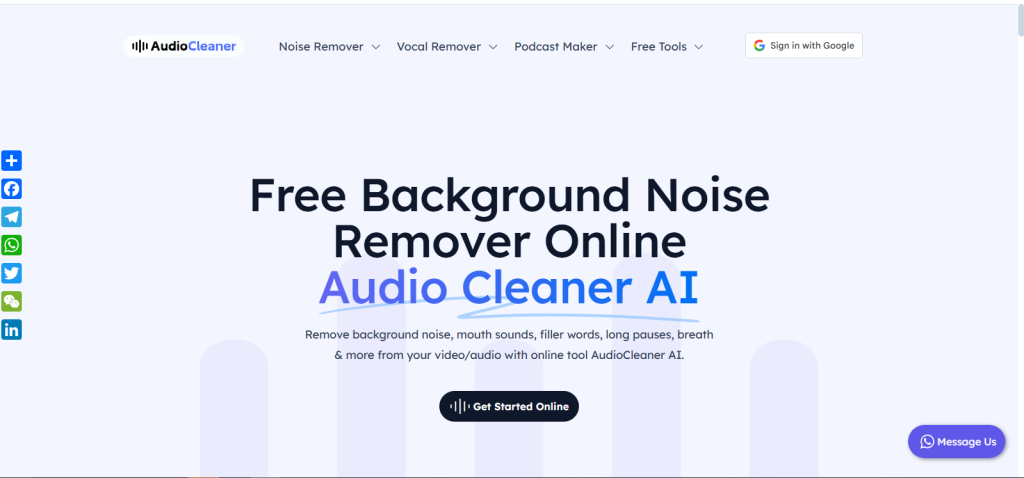
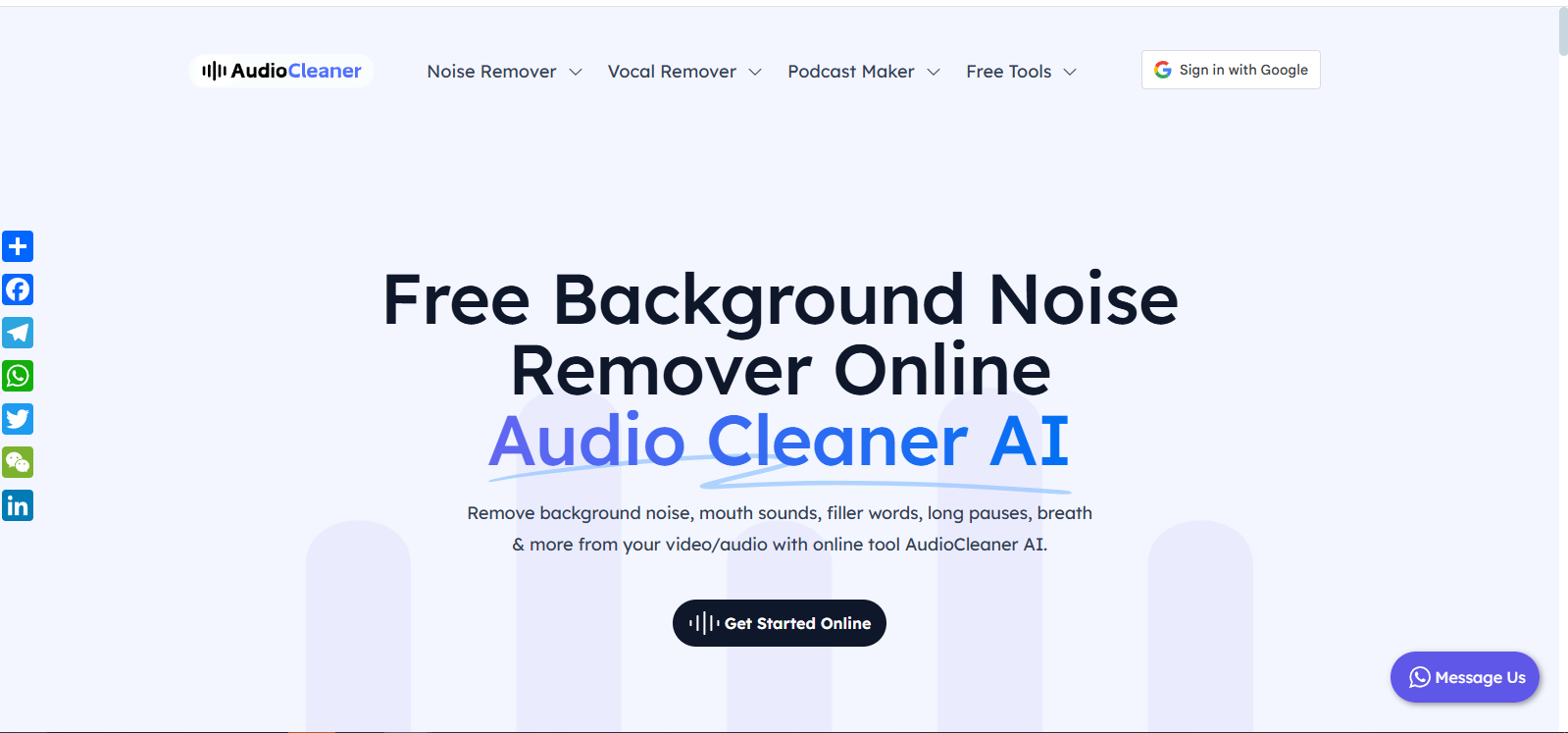
AudioCleaner.ai offers a fast, user-friendly platform that transforms messy audio into clean, studio-quality sound. Designed with creators in mind, it tackles multiple issues—noise, distortion, imbalance—all in one go. It’s your backstage sound editor that works in seconds.
Features
- Real-Time Noise & Echo Removal: Clean your audio with a single click no more hums, hisses, or background chatter.
- Smart Volume Balancing: Automatically equalizes audio levels for consistent clarity across speakers.
- Echo & Reverb Control: Reduce room echo without flattening your voice tone.
- Voice-Focused Enhancement: Brings vocals forward while suppressing distracting sounds.
- Simple Drag-and-Drop Interface: Upload, process, and download—no software needed.
- Multiple File Format Support: Works with MP3, WAV, M4A, and more.
- Batch Processing Mode: Clean multiple files in one go, perfect for podcasters and video editors.
- Cloud-Based Processing: No system lag or local rendering, your device stays fast.
Use Cases
- Clean up podcasts or interviews recorded in noisy environments
- Remove ambient sounds from home-recorded voice-overs
- Make the YouTube video audio sharp and viewer-friendly
- Level inconsistent mic volumes in webinars or online courses
- Polish up remote guest recordings for professional sound quality
Technical Specifications
- Cloud Rendering: Audio is processed on powerful remote servers—no stress on your device.
- Secure File Handling: All uploads are encrypted and deleted post-processing for full privacy.
- Intelligent Voice Detection: Identifies and protects speech frequencies during cleanup.
- No Installation Needed: Fully browser-based platform—start from any device.
- Speed Optimized: Processes most files in under a minute, even with batch mode.
Make every recording sound pro—without the editing grind.

FAQs
No. It’s designed for pre-recorded content, but you can clean files quickly and upload them soon after recording.
Yes! The platform is fully responsive and runs smoothly on most mobile browsers.
Absolutely. It keeps stereo integrity intact while cleaning up background noise.
Yes, but the limits are generous. You can upgrade for larger or longer files.
You can upload MP3 or WAV files, and download in both formats or separated stems.
Conclusion
AudioCleaner.ai is more than just a noise remover—it’s your shortcut to polished, professional audio without the learning curve. Perfect for creators, remote professionals, and editors who want clean sound fast. If your content deserves to sound as good as it looks, this tool’s got your back.
Top Alternatives
LALAL.AI
Vocal remover and audio splitter with high accuracy
Auphonic
Audio post-production automation for podcasts and videos
Krisp.ai
Real-time noise cancellation for calls and recordings.
Adobe Podcast Enhance
AI voice cleanup in Adobe’s audio suite.