Creating stunning visuals used to require years of design experience and expensive software. But in 2026, AI design tools have completely transformed the creative landscape, making professional-quality design accessible to everyone. Whether you’re a startup founder, marketer, or content creator, these intelligent platforms can help you create eye-catching graphics without any design background.
What Are AI Design Tools and Why Do They Matter?
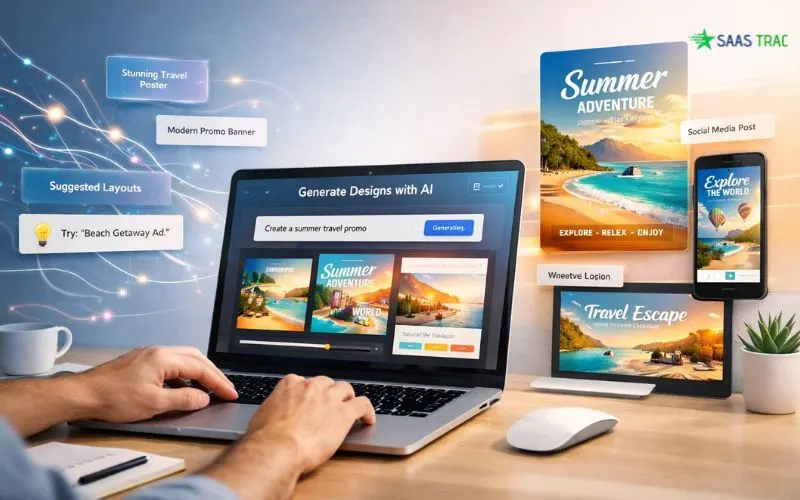
AI design tools are software applications powered by artificial intelligence that automate and simplify the design process. They use machine learning algorithms to understand design principles, generate layouts, suggest color schemes, and even create entire designs from simple text prompts, often serving as your first agentic AI workflow in creative execution.
For non-designers, these tools eliminate the steep learning curve traditionally associated with graphic design software. The beauty of modern AI design tools lies in their accessibility. You don’t need to understand typography rules, color theory, or composition principles. The AI handles these complexities while you focus on your creative vision. This democratization of design means small businesses can compete with larger companies without having to hire expensive design agencies.
What Makes an AI Design Tool Effective?
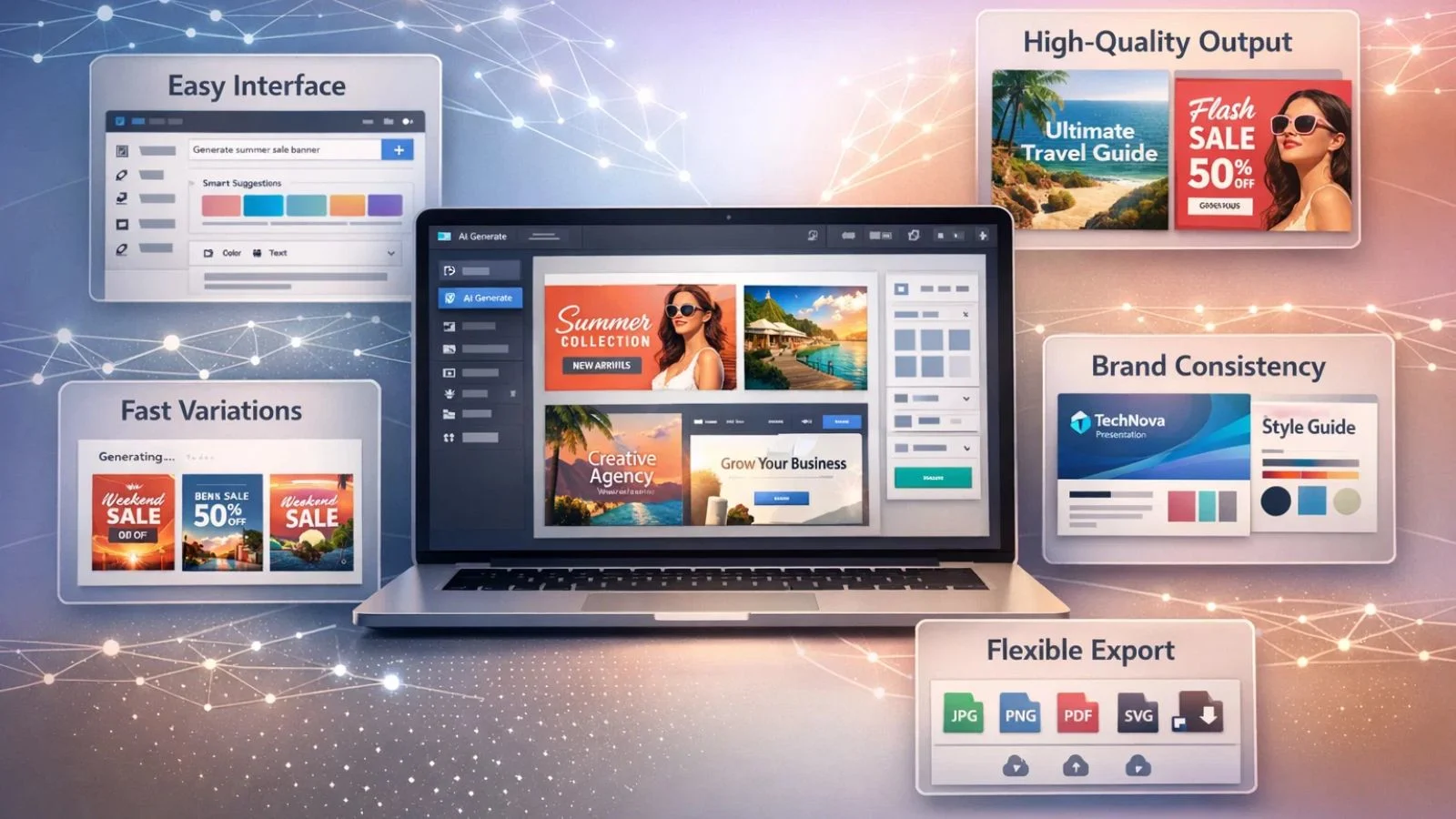
Not all AI design tools are created equal. What makes an AI design tool effective comes down to several key factors. First, the interface should be intuitive enough for beginners while offering depth for those who want more control. Second, the AI should produce high-quality outputs that look professionally crafted rather than obviously computer-generated.
Speed and efficiency matter tremendously. The best AI design tools can generate multiple design variations in seconds, allowing you to explore creative directions quickly. Template quality is another crucial factor; having access to online design tools with free templates gives you a strong starting point for any project. The tool should also understand context and branding. When you input your brand colors or preferences, the AI should consistently apply them across all designs. Finally, export flexibility ensures your creations work across different platforms and use cases.
Top Categories of AI Design Tools:
1. Free Graphic Design Platforms:
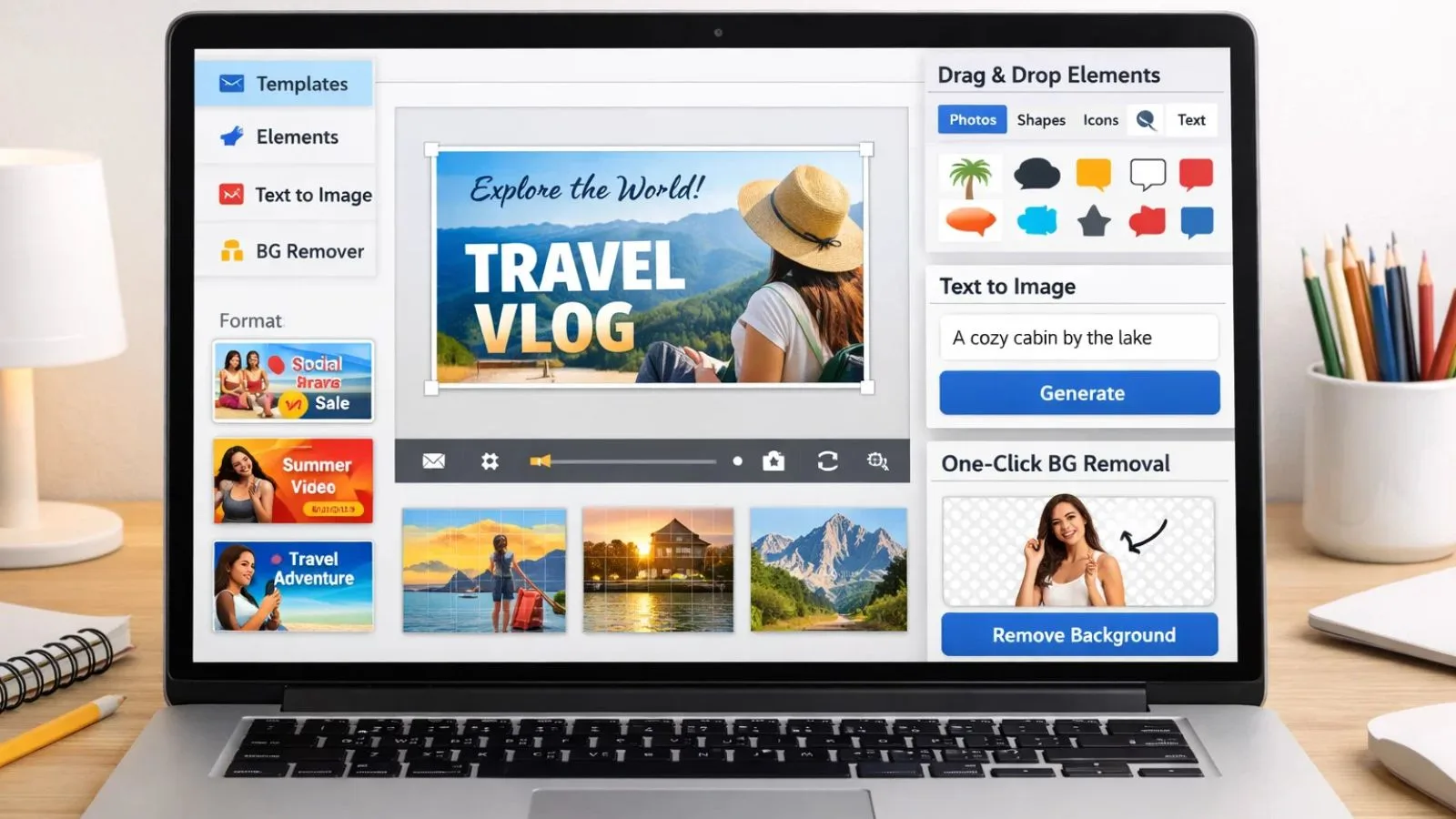
Free graphic design software has evolved dramatically with AI integration. Platforms like Canva’s AI features offer text-to-image generation, smart resize tools, and AI-powered background removal at no cost. These freemium models let you create professional designs while staying within budget, providing thousands of templates and design elements.
2. Logo and Brand Identity Creators:
AI design tools specializing in branding can generate complete logo systems in minutes. You input your company name, industry, and style preferences, and the AI produces dozens of unique logo concepts. Beyond logos, these tools create complete brand kits including color palettes, typography pairings, and brand guidelines.
3. Social Media Content Generators:
Social media demands constant content creation, making it the perfect territory for AI design tools. These platforms generate post designs optimized for different platforms, Instagram stories, Facebook posts, and LinkedIn banners, all from a single concept. The AI understands each platform’s dimensions and automatically resizes designs while adjusting text for optimal readability.
4. Presentation and Document Design:
Creating compelling presentations no longer requires PowerPoint expertise. AI design tools analyze your content and automatically generate visually appealing slides with appropriate layouts, graphics, and transitions. Whether you’re creating pitch decks, reports, or educational materials, the AI ensures your message is communicated effectively.
What Is the Best AI Tool for Graphic Design?
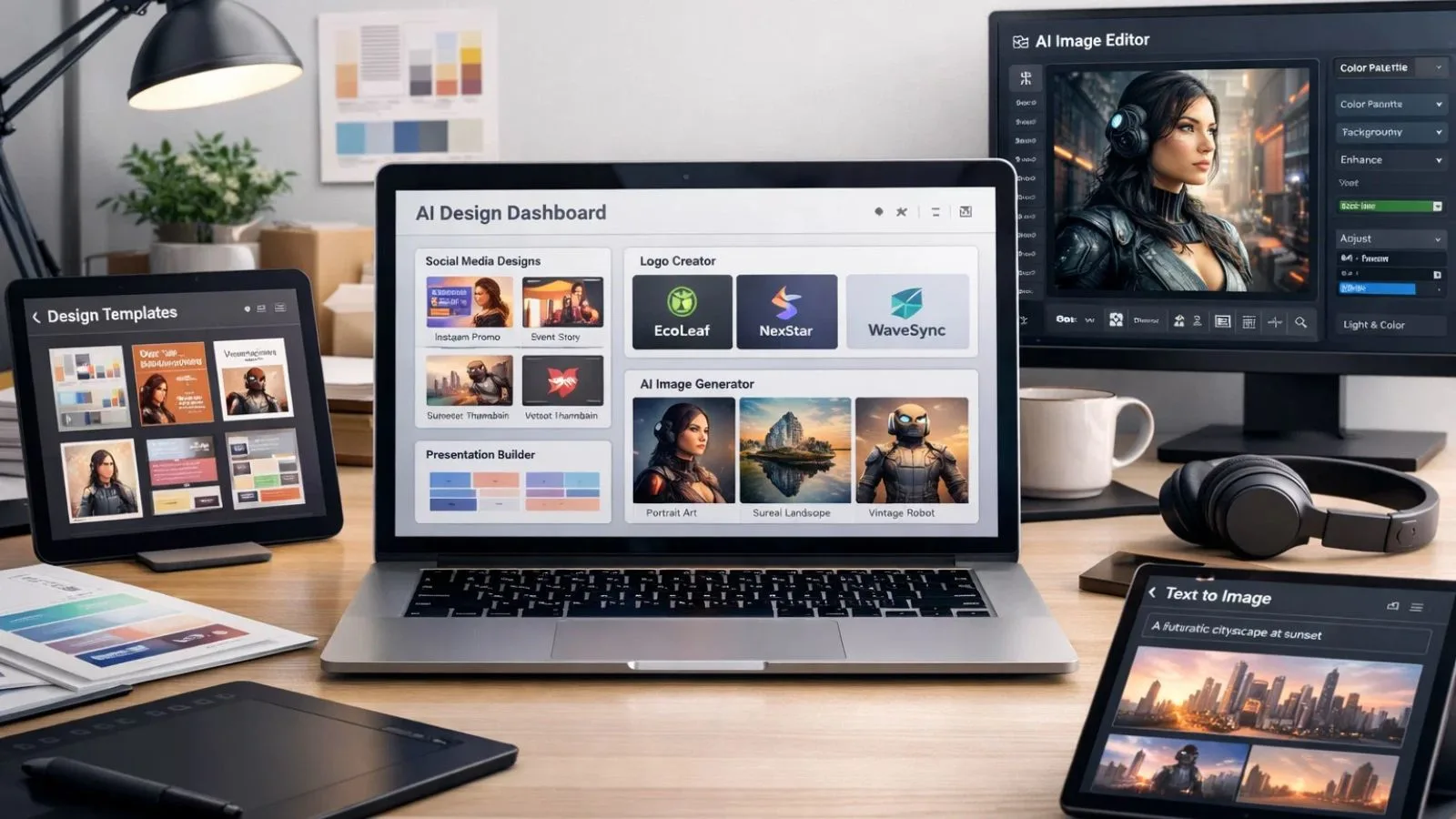
Determining what the best AI tool for graphic design is depends on your specific needs and workflow. However, several platforms consistently rank among the top choices for different use cases. For versatility and ease of use, Canva, with its AI Magic Studio features, stands out. It combines a user-friendly interface with powerful AI capabilities, including text-to-image generation, smart resize, and brand kit management. The platform excels at creating social media content, presentations, and marketing materials.
Adobe Firefly has emerged as a leader for those needing more advanced creative control. It offers exceptional AI image generation and editing capabilities while integrating seamlessly with Adobe’s professional creative suite. This makes it ideal for users who occasionally need sophisticated editing alongside quick AI-generated designs. For logo design specifically, Looka and Brandmark use AI to generate professional logo systems with complete brand identity packages. These specialized tools outperform general-purpose platforms when branding is your priority.
Midjourney and DALL-E 3 lead in pure AI image generation, creating stunning custom artwork from text descriptions. While they require more creative direction than template-based tools, they offer unmatched originality for unique visual content. The true answer is that the best tool often depends on combining multiple AI design tools. Many professionals use a primary platform for general work while leveraging specialized tools for specific tasks.
Key Features to Look For in AI Design Tools:
When evaluating AI design tools as a non-designer, prioritize platforms offering robust template libraries. Online design tools with free templates significantly reduce creation time and provide professional starting points you can customize. Smart object recognition and removal are invaluable. The best AI design tools can intelligently remove backgrounds, erase unwanted elements, and seamlessly fill gaps using AI-powered content-aware technology. Look for platforms offering brand consistency features.
These tools should let you save brand colors, fonts, and logos, then automatically apply them across all designs. This ensures everything you create maintains a cohesive look. Real-time collaboration capabilities matter if you work with teams. Cloud-based AI design tools allow multiple people to edit simultaneously, leave comments, and track version history, which is essential for modern remote work environments. Export flexibility is often overlooked but crucial. Your chosen platform should export designs in multiple formats (PNG, JPG, SVG, PDF) at various resolutions to suit different use cases, from web graphics to print materials.
Getting Started: Your First Project with AI Design Tools:
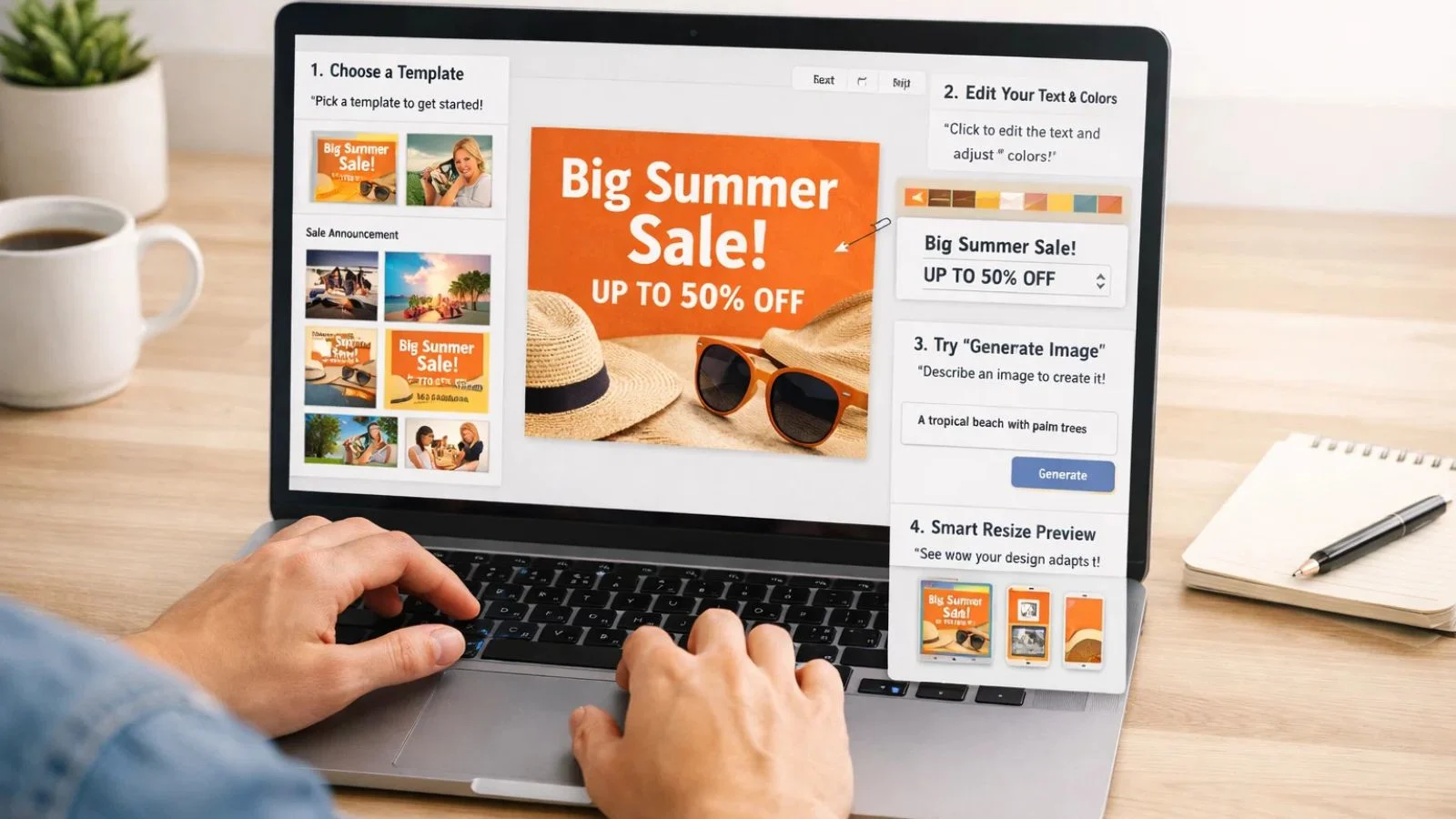
Starting your journey with AI design tools doesn’t require any previous experience. Begin by selecting a simple project, perhaps a social media post or a business card. This focused approach prevents overwhelm while letting you learn the interface. Most platforms offer onboarding tutorials walking you through basic features. Take advantage of these guides designed specifically for non-designers.
Start with templates rather than blank canvases. Browse the available online design tool templates, select one matching your vision, then customize colors, text, and images. Experiment with the AI features gradually. Try the text-to-image generator with simple prompts, test the smart resize function, or use AI-powered color palette generators. Each feature you master expands your creative capabilities. Don’t aim for perfection immediately; AI design allows unlimited iterations at no extra cost.
Also Read:
How SaaSTrac AI Agents Can Supercharge Your Design Workflow:
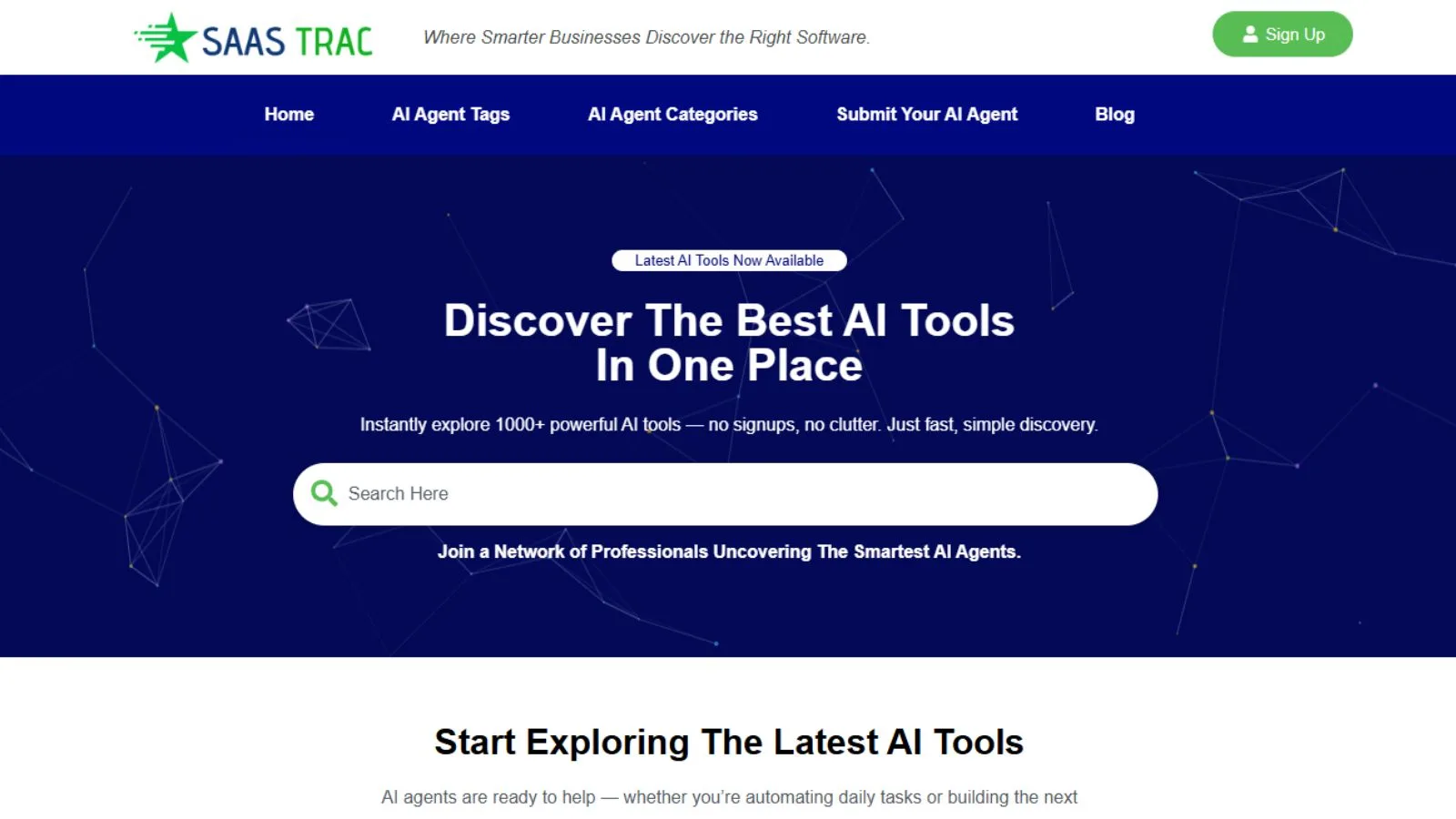
While individual AI design tools are powerful, managing multiple platforms can become overwhelming. SaasTrac AI Agents solves this challenge by providing a comprehensive directory of over 1,000 AI tools across multiple categories, including extensive design solutions. Instead of spending hours researching options, SaaSTrac offers curated listings with detailed information about each platform’s capabilities, pricing, and user reviews.
The platform categorizes tools by specific use cases, making it easy to find exactly what you need, whether that’s logo design, social media content, or presentation creation. SaaSTrac includes both free graphic design options and premium solutions, helping you make informed decisions based on your budget. The platform also highlights award-winning tools through their annual SaaStrac Awards, recognizing top performers in categories like AI Content Creation and AI Art Generators. By centralizing discovery, SaaSTrac saves non-designers countless hours of research and testing.
Advanced Techniques for Maximizing AI Design Tools:
Once comfortable with basics, leverage advanced AI capabilities to elevate your work. Text-to-image prompting is an art form in itself. Learn to write detailed, specific prompts describing style, mood, composition, and details. The more precise your description, the better your AI-generated results. Combine multiple AI design tools in your workflow. Use one platform’s superior image generation, another’s excellent text effects, and a third’s perfect export options.
This cross-platform approach produces results impossible with any single tool. Explore AI style transfer features that apply artistic styles to your images. Transform photos into paintings, apply specific artistic movements, or create unique visual aesthetics that make your designs memorable. Master batch processing capabilities to apply the same design changes across multiple files simultaneously, invaluable for creating consistent social media content or updating entire presentation decks.
Common Mistakes to Avoid When Using AI Design Tools:
New users often over-rely on AI, accepting the first result without refinement. While AI design produces impressive initial outputs, the best results come from iteration and customization. Always review and adjust AI suggestions to match your specific needs. Ignoring brand consistency is another pitfall. Just because AI design makes creating varied designs easy doesn’t mean you should. Establish and maintain consistent colors, fonts, and styles across all your materials to build brand recognition.
Many non-designers neglect basic design principles, assuming the AI handles everything. While AI design manages much of the heavy lifting, understanding fundamentals like visual hierarchy, whitespace, and contrast improves your ability to direct and refine AI outputs. Over-designing is tempting when AI makes adding effects and elements so easy. Resist the urge to use every feature.
Professional design often means restraint; let the AI suggest options, but choose simplicity when in doubt. Failing to optimize for different platforms wastes AI capabilities. Most AI design tools offer platform-specific optimization. Use these features rather than forcing one design to work everywhere. A LinkedIn banner has different requirements than an Instagram post.
The Future of AI Design Tools:
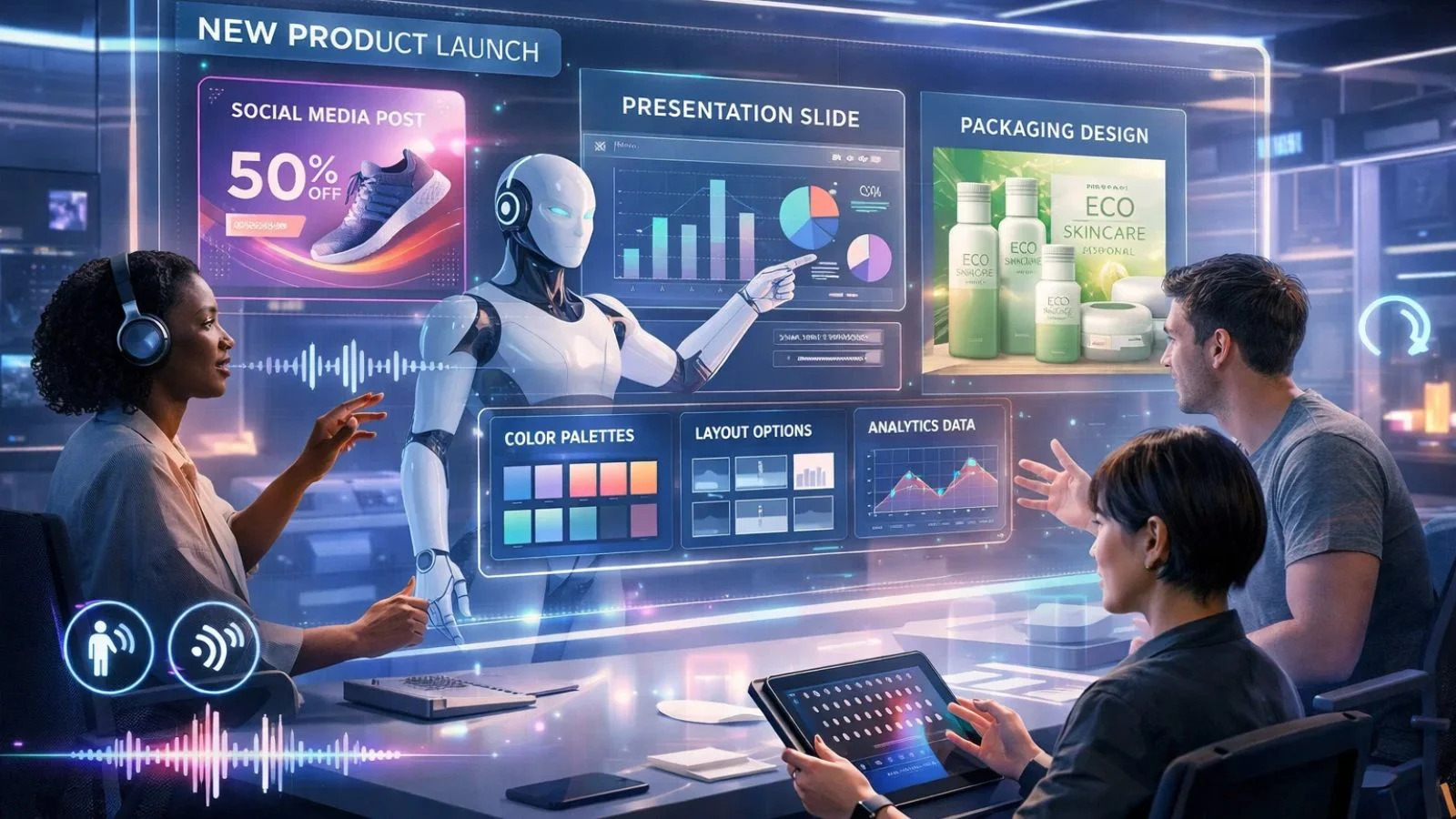
AI design tools continue evolving at a remarkable pace. Voice-controlled design is already in development, allowing you to create and modify designs through natural conversation with AI assistants. Real-time collaboration between human creativity and AI is becoming more sophisticated, with future tools understanding not just what you want to create, but why. Personalization will reach new levels as AI learns individual preferences, anticipating your needs and automatically applying your preferred styles to new projects.
Integration with other business tools will deepen, with AI automatically creating social media graphics from blog posts, generating presentations from sales data, or designing product packaging based on market research. Accessibility features powered by AI will make design truly universal, helping users with visual impairments create stunning graphics through audio descriptions and guidance.
Conclusion:
AI design tools have revolutionized creative work for non-designers, removing traditional barriers to professional-quality design. From free graphic design platforms to sophisticated online design tools with free templates, options exist for every budget and skill level. By understanding what makes an AI design tool effective and leveraging platforms like SaaSTrac AI Agents to discover the right solutions, you can create stunning visuals that elevate your brand and communicate your message effectively. The key is starting simple, experimenting boldly, and letting AI handle the technical complexity while you focus on your creative vision.
FAQ’s:
Q1: Do I need design experience to use AI design tools?
Ans: No design experience is necessary. AI design tools are specifically built for non-designers, with intuitive interfaces and smart automation handling technical aspects. You simply need creative ideas and basic computer skills.
Q2: Are free AI design tools good enough for professional use?
Ans: Many free graphic design software options offer professional-quality results suitable for business use. While premium versions unlock additional features, free tiers often provide everything needed for social media, presentations, and marketing materials.
Q3: How do I choose between different AI design tools?
Ans: Consider your specific needs, budget, and preferred workflow. Platforms like SaasTrac AI Agents help by providing comprehensive comparisons and reviews. Start with free trials to test interfaces and features before committing to paid plans.
Q4: Can AI design tools replace professional designers?
Ans: AI design tools excel at routine design tasks and enable non-designers to create quality work independently. However, complex branding projects, highly creative campaigns, and strategic design thinking still benefit from professional designer expertise. View AI tools as powerful assistants rather than complete replacements.