Creating videos usually takes a lot of editing skills, but text to video AI has completely changed the game. With the help of advanced AI video generators, you can easily turn a simple text prompt or script into a professional-looking video in just a few minutes.
Text to video AI tools make video creation cheaper and far more accessible. Rather than manually editing or recording voiceovers, AI can handle everything, from visuals to captions.
In this guide, we have researched and tested the best text to video AI tools available. You will find both premium and free AI text to video generator options, so whether you are experimenting or scaling video content, there is a tool that fits your needs.
If you are looking for an AI text to video generator free or a powerful solution for marketing or social media, this list will help you.
What Is Text To Video?
Text to video AI is a technology that turns written text into video content. You provide a script or short prompt, and the tool creates a video using visuals, animations, and AI avatars.
Most text to video tools follow a simple process. First, the AI reads and understands your text. Then it selects visuals, scenes, or avatars that match the message. It adds voice narration, background music, and transitions. It generates a complete video that is ready to share or edit.
These tools are easy to use. You do not need video editing skills or technical knowledge. Many platforms offer templates, drag-and-drop editors, and pre-built styles. So you can easily make text-to-video AI a practical solution for creating videos quickly and at scale.
How We Choose The Best Text To Video Tools
We selected these tools based on real, practical criteria. Our focus was on tools that are easy to use and deliver better results.
First, we looked at video quality, visuals, and made the final video. Next, we considered ease of use. We also reviewed features such as templates, customization options, and language support. Pricing was another key factor, especially the availability of free plans or trials. We evaluated how well each tool fits common use cases like marketing, training, and social media content.
The 10 Best Text To Video AI Tools
Below, we have carefully selected a list of the best text-to-video AI tools. Each tool on this list serves a unique purpose. Some are better for marketing and advertisements, while others focus on training, social media, or creative video generation.
We highlight what each tool is and where it may fall short. This will help you quickly compare options and choose the text to video AI tool that fits your goals and budget.
Synthesia: Best Text to Video AI for Professional and Training Videos
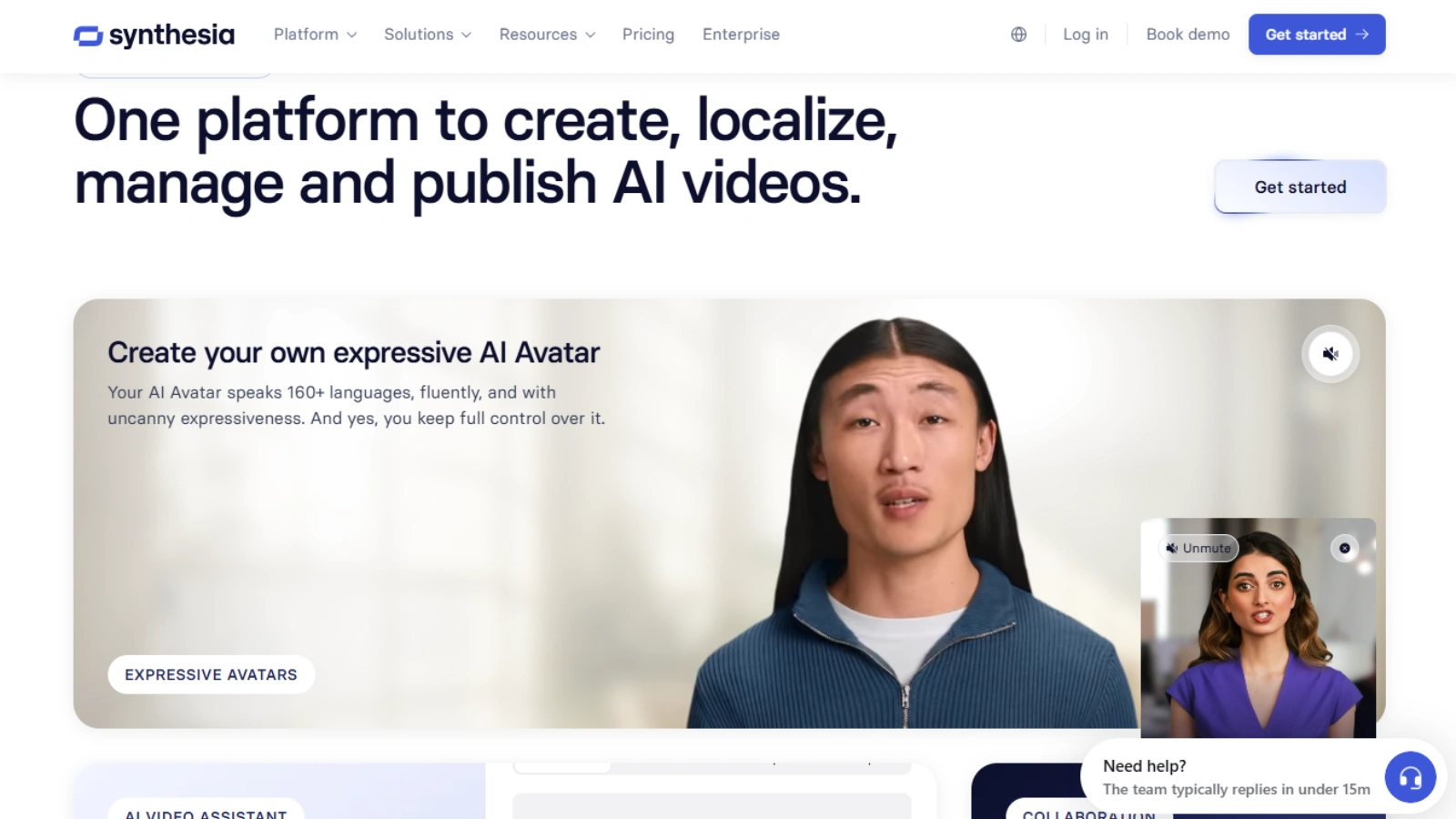
Synthesia is a popular text to video tool used by businesses and training teams. It allows you to create videos by typing a script and choosing an AI avatar to show it. The platform focuses on clear communication and professional results.
Synthesia works well for training videos, internal updates, product explainers, and corporate presentations. It supports many languages, which makes it useful for global teams. The interface is simple, and most videos can be created in a few steps.
The main limitation is pricing. Synthesia is more expensive than many other text-to-video tools. It is best suited for companies and professionals who need videos rather than casual social media content.
Vidnoz AI: Best Free Text To Video For Beginners
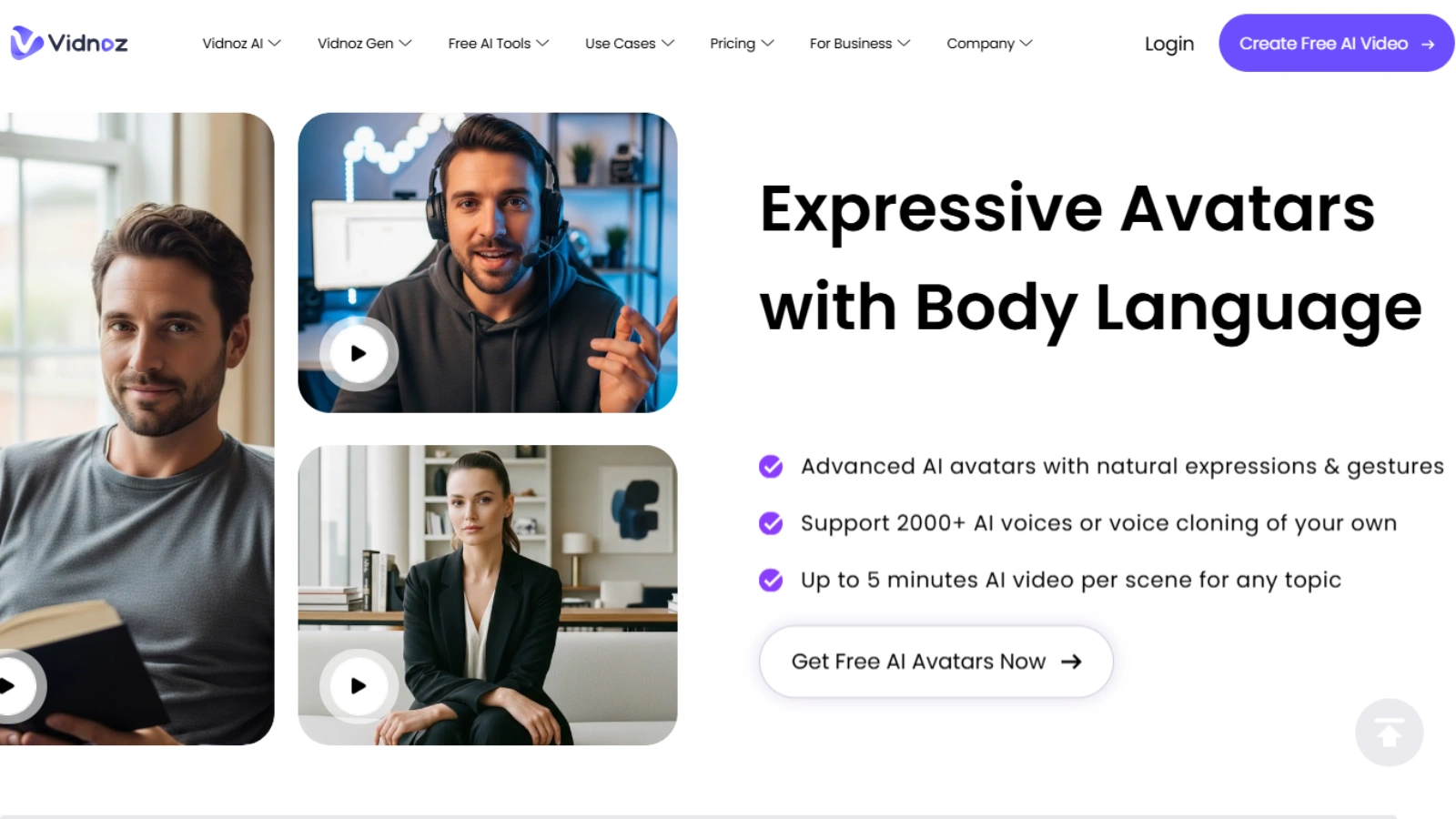
Vidnoz AI is a beginner-friendly text-to-video tool that focuses on simplicity and speed. It lets users turn text into videos using AI avatars, voiceovers, and ready-made templates. No technical skills are required to start.
This tool is a good choice for social media, short, and basic marketing content. Vidnoz offers a free plan, which makes it appealing for users who want to test text to video AI without spending. The dashboard is easy to understand, and videos can be created quickly.
And the free version has limits on video length and features. Advanced customization and higher output quality require a plan. Vidnoz AI is best for beginners, solo creators, and small teams looking for a simple and affordable AI video generator.
TopView AI: Best Text To Video AI Tool For Ads And eCommerce
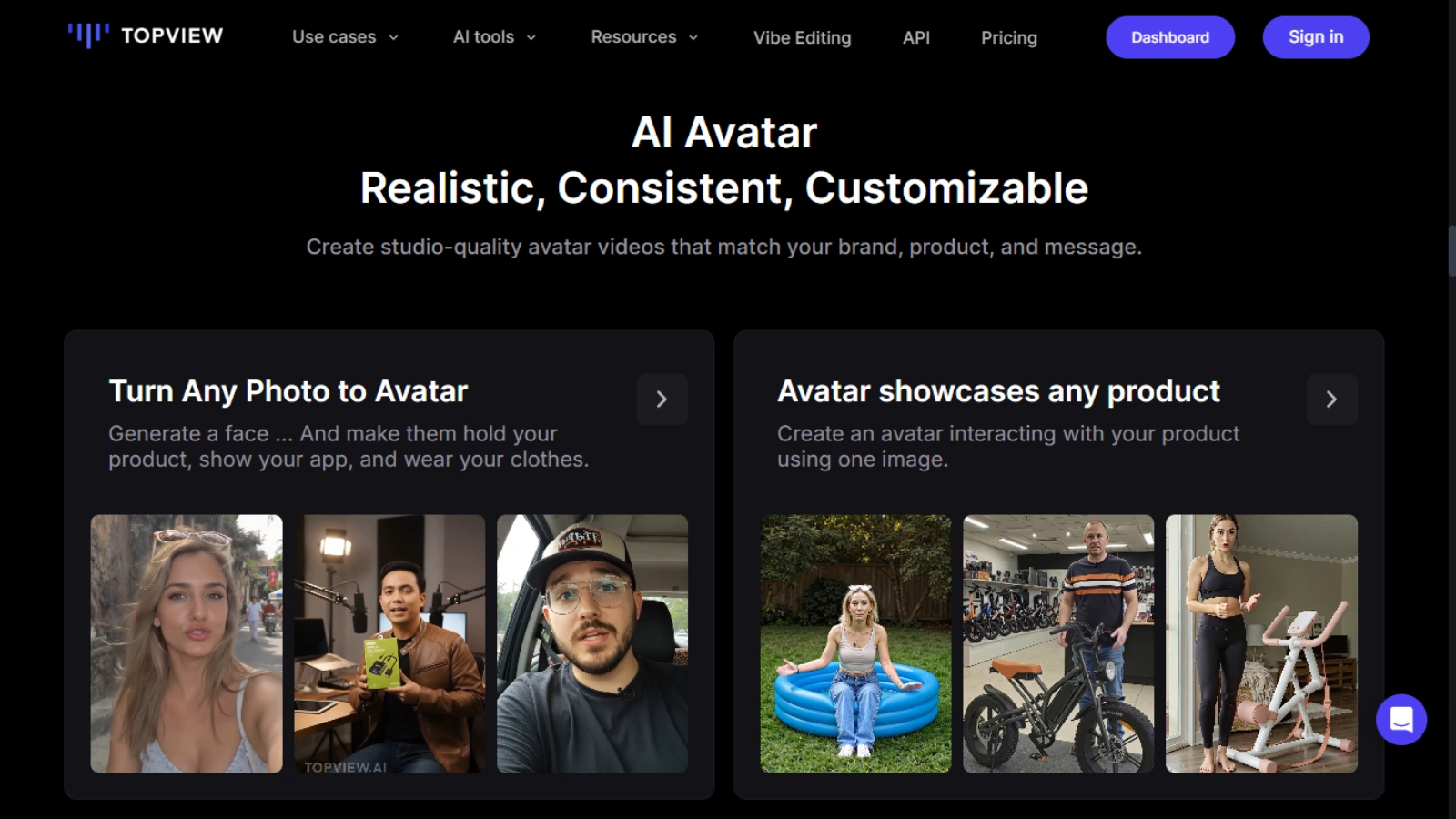
TopView AI is a high-performing marketing and e-commerce video from text. It focuses on short, engaging content that works on platforms like Instagram, TikTok, and YouTube Shorts. You simply add your script or product details, and the tool generates ready-to-use videos.
This tool is especially strong for ad creation. It offers templates built for conversions, UGC-style videos, and platform-optimized formats. TopView AI helps brands produce multiple video variations quickly, which is useful for testing ads and scaling campaigns.
TopView AI is a great choice for marketers, online sellers, and agencies that want quick results. It combines ease of use with practical features, making it a reliable text-to-video tool for growing businesses and performance-focused teams.
Clueso: Best Text To Video AI for Training And Documentation
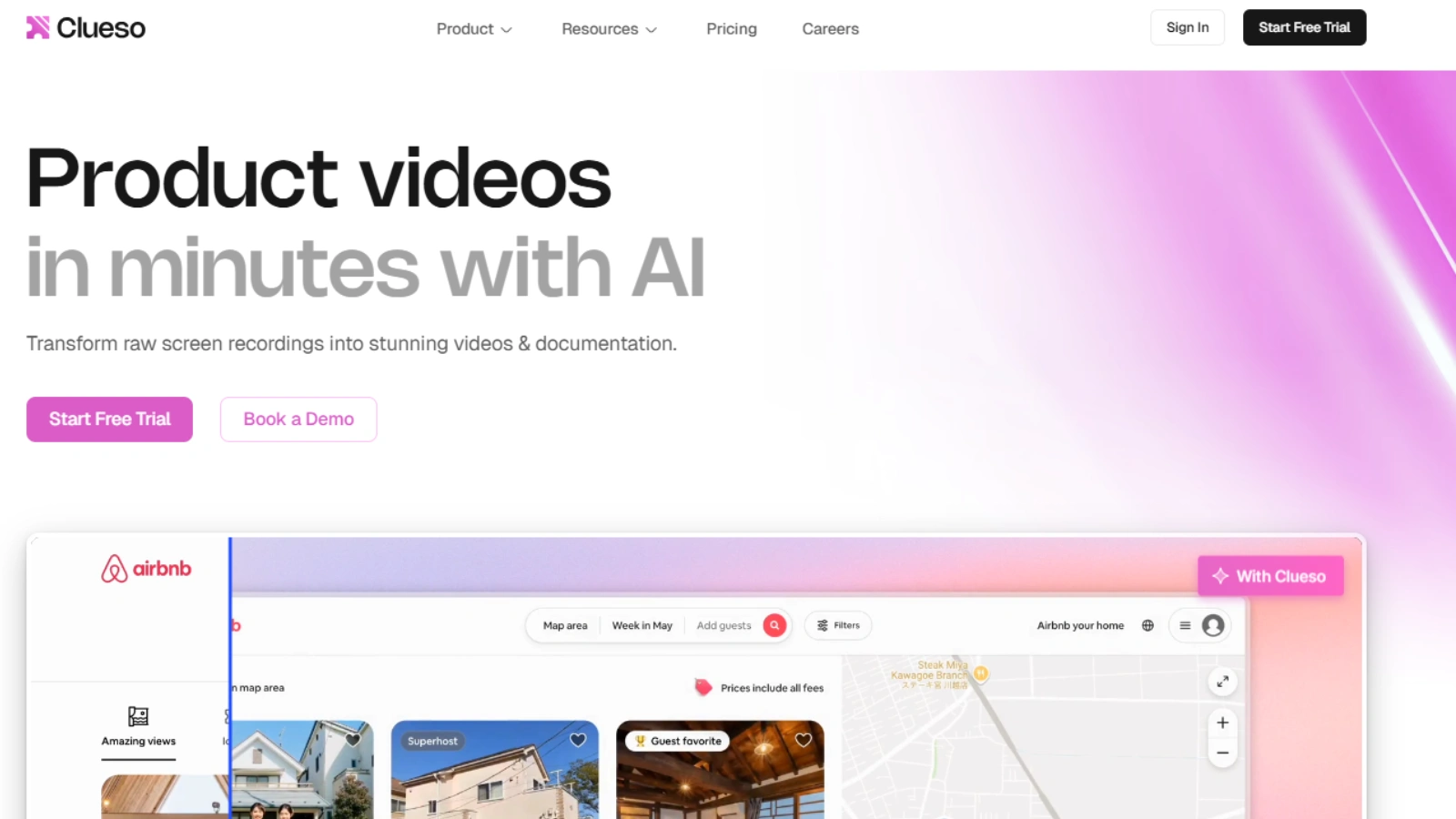
Clueso is a text-to-video tool built for training, onboarding, and documentation. It helps teams turn written guides and processes into clear, structured videos. The focus is on clarity and ease of understanding.
Clueso is especially useful for internal teams. It supports captions, translations, and consistent formatting, which makes training content easy to share across departments and regions. Videos feel organized and professional, making them suitable for long-term learning resources.
This tool is a strong fit for companies that need reliable training videos at scale. Clueso works well for HR teams, product teams, and support teams that want to explain workflows clearly using text-to-video.
Goku AI: Best Advanced Text To Video AI For High-Quality Visuals
This AI tool focused on generating high-quality, visually rich videos. It is built on advanced AI models that create smooth motion and realistic scenes from simple text prompts.
This tool is well-suited for creative projects, short cinematic clips, and experimental video content. Goku AI produces visually impressive results, which makes it useful for creators who want more than basic template-based videos. The output feels dynamic and modern.
Goku AI is a good choice for users who value visual quality and creativity. It works best for short-form content, concept videos, and creators who want to explore the next generation of AI video generation.
Seaweed AI: Best Text to Video For Cinematic Short Videos
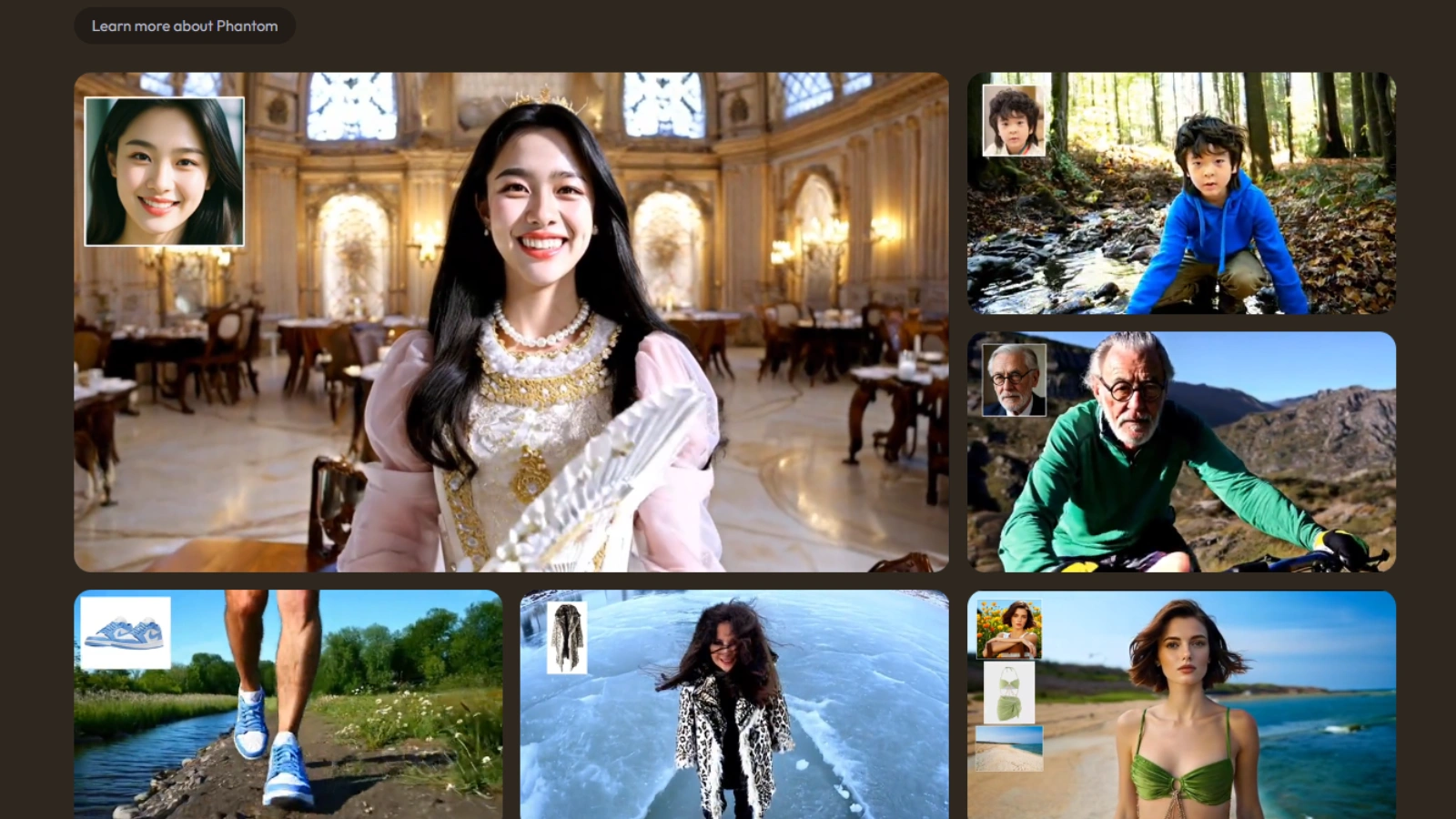
Seaweed AI is a modern AI tool known for producing visually polished and cinematic short videos. It focuses on realistic motion, smooth transitions, and strong visual detail, even from simple text inputs.
This tool works well for creating short creative clips, concept visuals, and branded storytelling content. The videos feel high-quality and engaging, which makes Seaweed AI a good option for creators who want their content to stand out visually.
Seaweed AI is best suited for short-form videos where quality matters more than length. It is a strong choice for designers, marketers, and creators looking for refined visuals using text to video AI.
Img2Video: Best Text To Video AI For Image-Based Videos
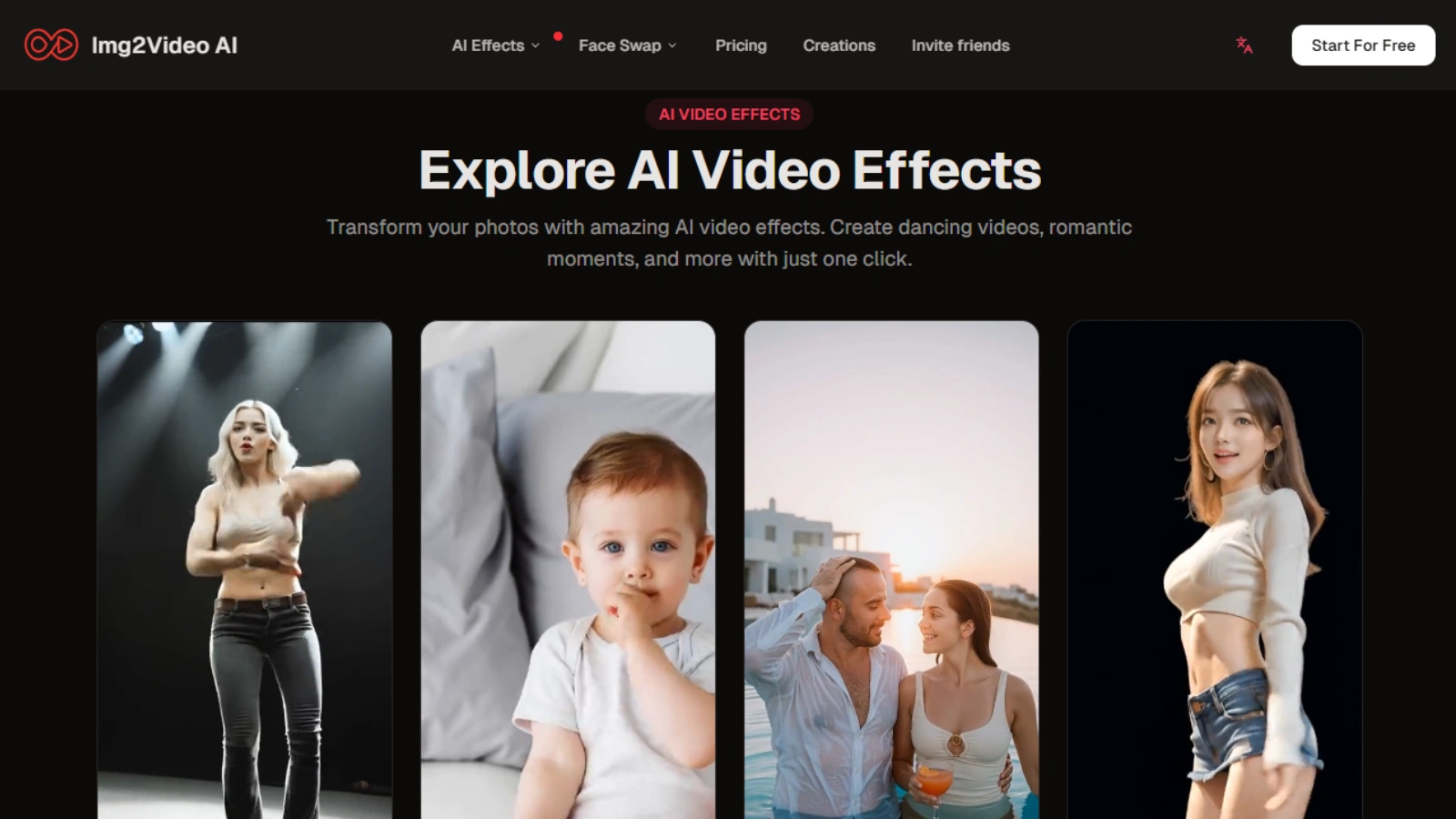
Img2Video is especially well-suited when combined with images. It allows users to turn text and still images into short, animated videos with smooth motion and visual effects.
This tool is useful for social media content, product showcases, and visual storytelling. You can upload images, add text prompts, and quickly generate engaging videos without complex editing. The process is simple and beginner-friendly.
Img2Video is a strong option for creators and marketers who already have images and want to convert them into videos. It helps bring static visuals to life and is a practical choice for quick, eye-catching content using this video generation tool.
VidMe: Best Text To Video AI For UGC-Style Content
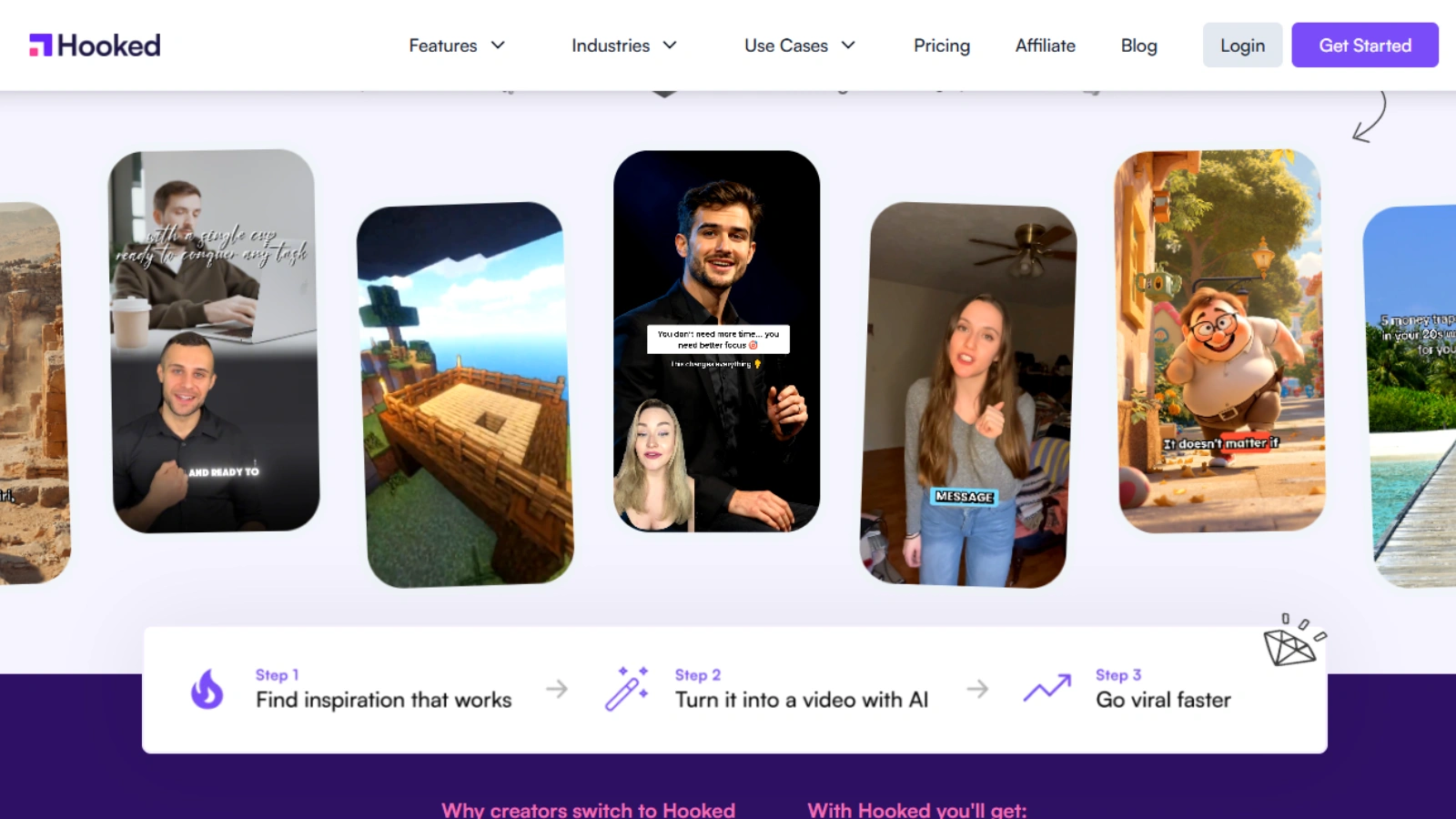
VidMe (hooked) is the best AI tool which is focuses on short, engaging videos that feel natural and authentic, which makes them ideal for social media platforms.
The tool allows users to turn simple scripts into videos using AI avatars and ready-made formats. It works well for promotional content, product highlights, and quick social posts. The creation process is quick and does not require editing experience.
VidMe is a good choice for creators, influencers, and brands that want casual, relatable videos. It helps produce content that fits modern social media trends while keeping the process simple and efficient.
Director-Based AI Tools: Best Text to Video AI for Automated Workflows
Director-based AI tools focus on automating the video creation process from start to finish. These tools plan shots, structure videos, and assemble content automatically from text.
They are especially useful for teams that create videos regularly. With a clear script, Director-based tools can handle scene flow, pacing, and layout with minimal input. This saves time and keeps videos consistent across projects.
These tools are a strong choice for agencies, content teams, and advanced users who want efficiency and scale. Director-based text to video solutions work best when you need repeatable workflows and structured video output.
Pictory: Best Budget-Friendly Text To Video AI Tool
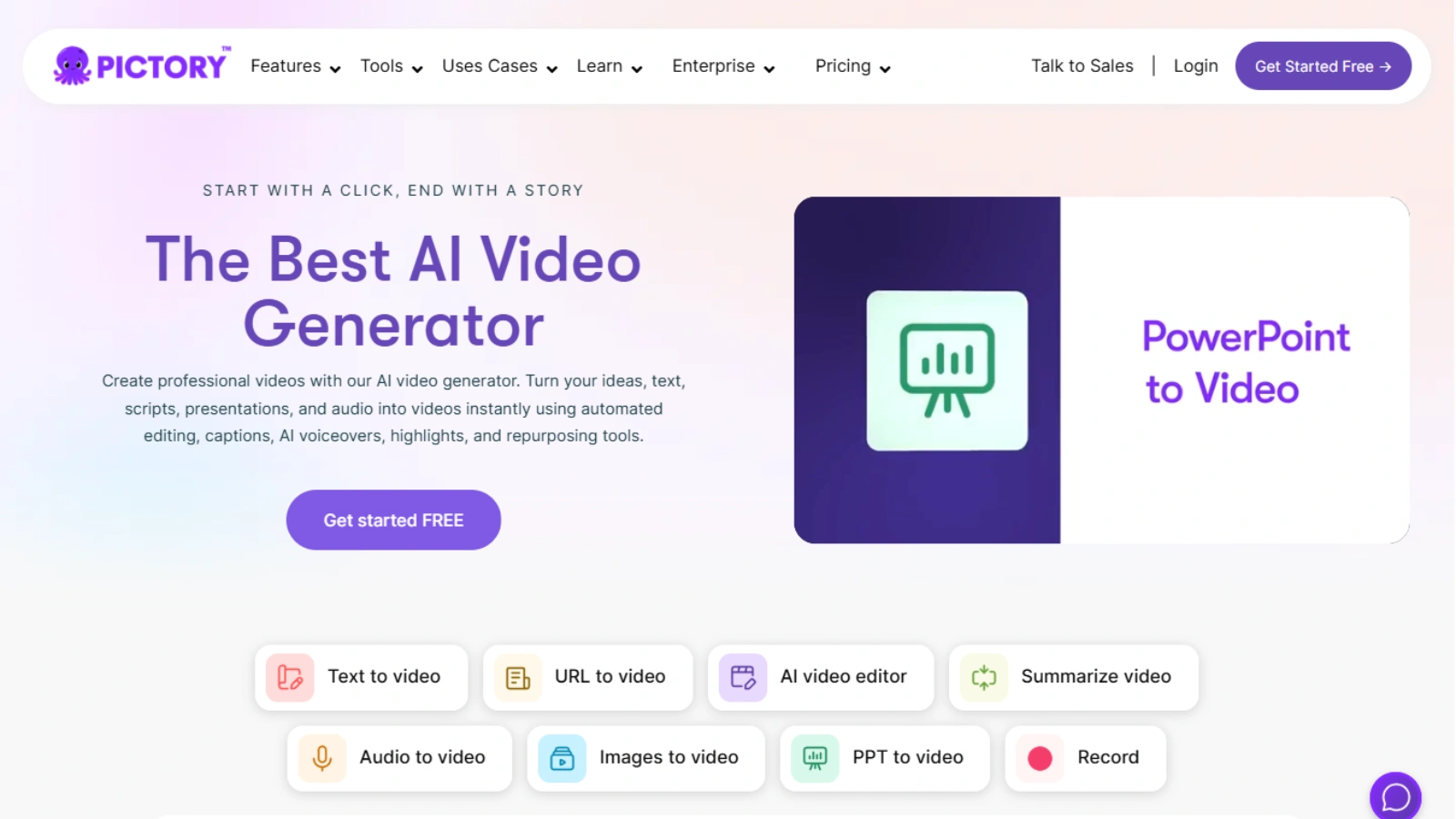
Pictory is a budget-friendly AI video generation tool that helps turn scripts, articles, or short text into simple videos. It is designed for ease of use and works well for users who want quick results without a steep learning curve.
The tool is well-suited for blog-to-video content, social media clips, and basic explainer videos. It offers ready-made layouts and automated scene selection, which helps speed up the creation process. Videos can be edited easily, even by beginners.
Pictory is a good option for creators, small businesses, and startups working with limited budgets. It provides a practical way to get started with text-to-video while still delivering clean and professional-looking videos.
Quick Comparison
Many text-to-video tools offer free plans or trials. These options are useful for those who want to explore AI video creation without upfront costs. Free plans usually allow basic video creation with limited features.
Most free AI text-to-video generators include restrictions such as shorter video length, watermarks, fewer templates, or lower export quality. Despite these limits, they are still helpful for testing ideas, learning the platform, and creating simple content.
Free tools work best for small projects, personal use, or early-stage content creation. If you need higher quality, branding control, or longer videos, upgrading to a paid plan is often the next step.
Common Mistakes To Avoid When Using Text to Video AI
One common mistake is using overly long or complex scripts. Text to video works best with clear, simple sentences. Short and focused scripts help the AI produce better visuals and smoother pacing.
Another mistake is relying on the default settings every time. While templates are helpful, small adjustments to visuals, timing, or voice can greatly improve the final video. Spending a few extra minutes on customization makes a noticeable difference.
Many users also skip testing. Creating multiple versions and reviewing the output helps you understand what works best. Avoiding these mistakes can help you get more value and better results from text to video AI tools.
Conclusion
Text to video AI tools have made video creation faster, easier, and more accessible than ever. individuals and businesses to turn ideas into videos without technical skills or large budgets. For marketing, training, and content creation, these tools can save time while maintaining consistent quality.
The best text to video AI tool depends on your goals. Some tools are ideal for professional training, others work better for ads, social media, or creative projects. Free options are useful for testing and learning, while paid tools offer more control and higher-quality output.
Overall, text to video is a practical solution for modern content needs. By choosing the right tool and using it thoughtfully, you can create effective videos that support your message and grow your audience.
Frequently Asked Questions (FAQs)
Can text to video AI be used for long-form videos?
Yes, but most tools work best for short to medium-length videos. For longer videos, content is usually created in sections and then combined for better flow and clarity.
Do text to video AI tools require an internet connection?
Most text to video AI tools are cloud-based and require an internet connection. This allows them to process scripts, generate videos, and save projects online.
Can I customize the voice and tone in text to video AI videos?
Yes. Many tools offer multiple voice options, accents, and speaking styles. Some also allow you to adjust speed and tone to better match your content.
Are text to video AI videos suitable for professional branding?
They can be, especially when using paid plans. Professional tools allow brand colors, logos, and consistent styles, which help maintain a polished and branded look.