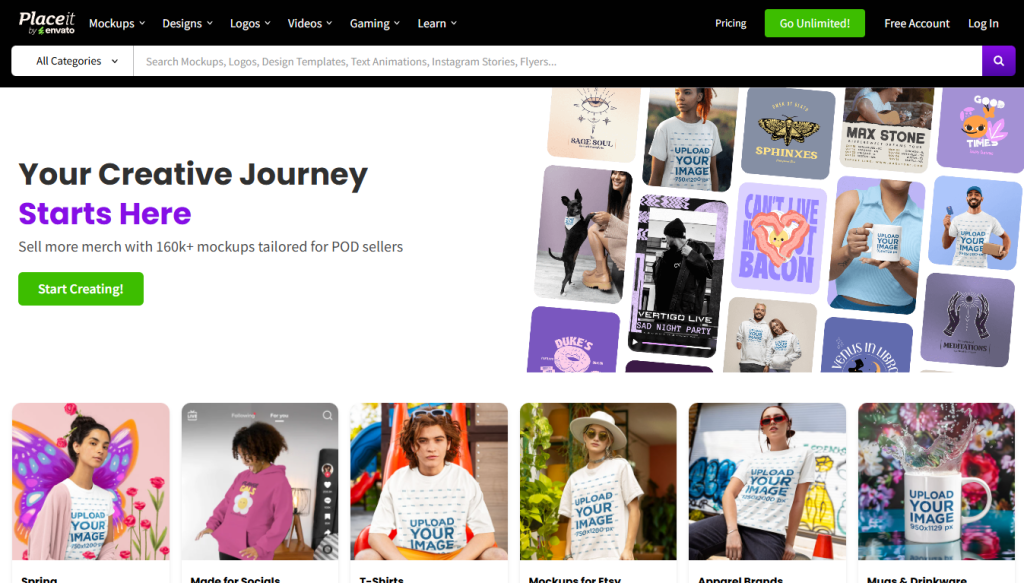
You’ve probably landed here because you’re trying to figure out if Placeit is worth paying for, or if a general design tool like Canva already covers what you need. That’s the right question to ask, because Placeit isn’t a general design platform; it’s a narrow, purpose-built mockup and merch-template generator, and whether it’s worth it depends almost entirely on how much of your work is product visuals versus everything else.
🔗 Try Placeit by Envato
Why Trust SaaSTrac?
This review is built from Placeit’s own product and pricing pages, plus independent write-ups and user reviews on Capterra and GetApp. We haven’t personally run a paid subscription on this account, so anything about day-to-day editing experience, export quality, or support responsiveness reflects what verified users report, not a private hands-on test. Where pricing or feature details vary across sources, we’ve noted that rather than presenting one figure as certain.
What Placeit Is
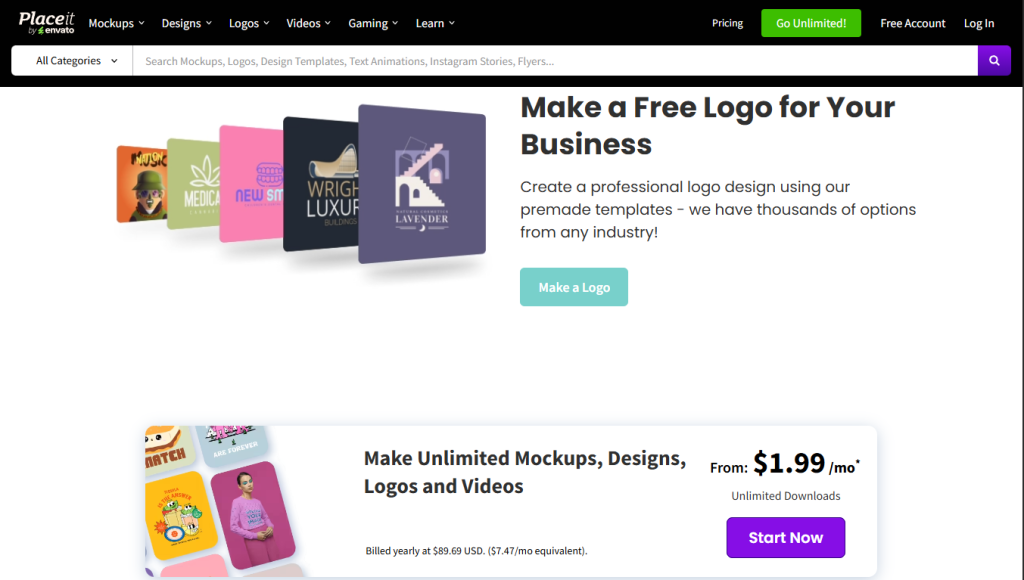
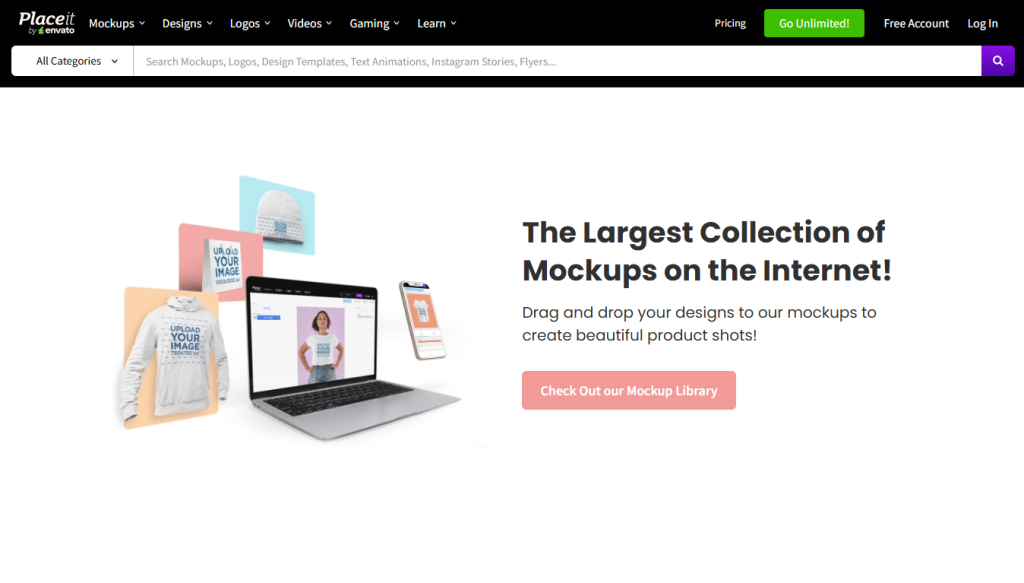
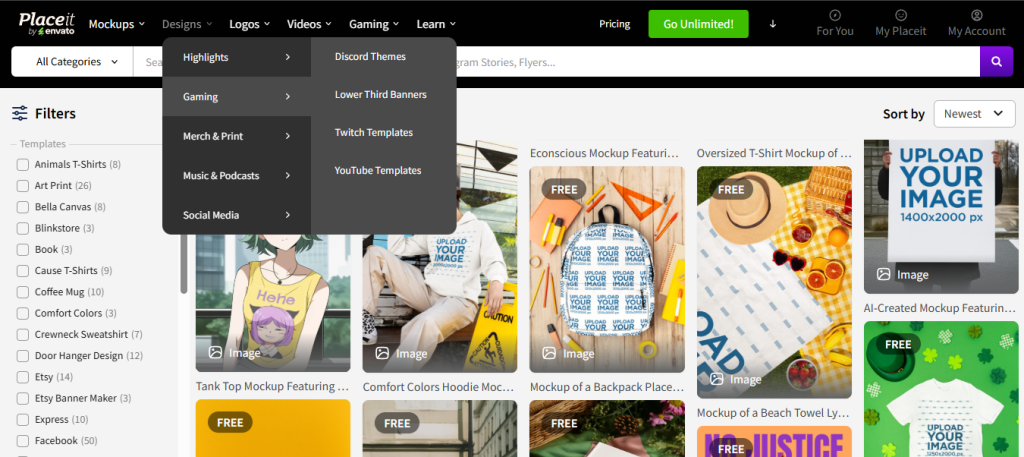
Placeit is a cloud-based design tool, owned by Envato, that specializes in one thing: turning your artwork or text into realistic product mockups, logos, and short marketing videos using pre-built templates, no Photoshop or design software required. It’s built around a library reported at 30,000+ templates spanning apparel mockups (t-shirts, hoodies, mugs), device mockups (phone screens, laptops, packaging), a logo maker, video intros, and print-ready assets for Etsy listings, flyers, and business cards. It’s aimed squarely at print-on-demand sellers, Etsy shop owners, and small e-commerce brands rather than agencies or design teams needing full creative control.
What You Get (and What You Don’t)
Feature | What’s Included | Limitations |
Mockup Library | 30,000+ templates across apparel, devices, packaging, books | Fixed poses/models per template; no custom scene creation |
Logo Maker | AI-assisted logo generator with style/industry libraries | Template-based, not a full vector design tool like Illustrator |
Video Maker | Social intros, YouTube intros, merch/product videos | Limited to preset video templates, not a full video editor |
Design Templates | Etsy listing images, flyers, business cards, planners | Fewer general-purpose templates than Canva’s library |
Team Collaboration | None dedicated to Placeit | Each team member needs their own subscription; no shared workspace |
API Access | Not available | No programmatic mockup generation for bulk/automated workflows |
The takeaway: Placeit does one job, realistic product mockups and merch templates and does it deep rather than broad. If your work is mostly product visuals for a POD store or Etsy shop, that depth is the whole point. If you also need general social graphics, presentations, or team design collaboration, you’ll likely need a second tool alongside it.
Pricing: What You Actually Pay
Placeit’s pricing is simpler than most tools in this category: a single tier, two billing options:
Plan | Price | What’s Included |
Free | $0 | Browse and customize templates; downloads are watermarked and capped at a preview, not a working plan |
Monthly | ~$14.95/mo | Unlimited downloads, all 30,000+ templates, commercial use rights, no watermark, cancel anytime |
Annual | ~$89.69/year (~$7.47/mo) | Same access as monthly, billed yearly at roughly half the effective monthly cost |
Real-world cost context: both paid tiers include identical template access; the only difference is billing frequency and total cost. There’s no per-seat multiplier since each subscription is single-user, but that also means a 5-person team needs 5 separate subscriptions, since Placeit has no team or multi-user plan. Refunds generally follow Envato’s standard policy, which is reported to require that no downloads have been made during the billing period.
Worth checking before you subscribe: the free tier’s watermarked downloads are fine for testing whether the template styles match your brand, but not usable for actual production; budget for a paid plan if you intend to publish anything.
Template Depth vs. General Design Tools:
Placeit’s core trade-off is specialization. Independent reviews consistently note that for product mockups specifically,–shirts, mugs, phone cases, packaging, -Placeit’s library is deeper and more realistic than general design tools like Canva, which include mockups only as one category among many. The flip side: because everyone is customizing the same template base, stores that lean heavily on Placeit can end up with visually similar-looking product photos to other sellers using the same templates, a pattern also noted with template-driven tools generally.
Integrations for Sellers:
Placeit’s most practical value for e-commerce comes from format compatibility rather than deep API integrations:
- Print-on-demand platforms , mckup sizes and formats are built to match Printful and Printify listing requirements directly.
- Etsy, dedicated template sizes for listing images and shop branding.
- Shopify, Amazon, eBay , download-ready formats for major marketplace listing requirements.
There’s no native API, and no direct account-level sync with any of these platforms , you download the asset from Placeit and upload it manually wherever you sell.
What Are the Downsides of Using Placeit?
- No team plans. Every user needs a separate subscription; there’s no shared brand kit or workspace, which makes it a poor fit for agencies or larger in-house design teams.
- Narrow scope. It’s excellent at mockups and merch, but general design work (presentations, detailed social graphics, print collateral beyond the included templates) is thinner than a tool like Canva.
- Template-driven sameness. Because customization happens within a fixed template, heavy users across the same niche can end up with visually similar product photography.
- No API or bulk automation. Sellers managing hundreds of SKUs will need to generate mockups manually rather than programmatically.
- Free tier is a preview only. Watermarked, capped downloads mean you can’t meaningfully evaluate output quality without upgrading.
Placeit vs. Canva: Where Each One Wins
Category | Placeit | Canva Pro |
Best for | Product mockups, POD/merch, logos | General design, social posts, docs, presentations |
Starting price | ~$7.47/mo (annual) | ~$15/mo (annual, per source) |
Mockup library depth | Deep, product-specific (30,000+) | Broader design library, mockups are one category |
Team collaboration | None (single-user subscriptions only) | Yes, dedicated Team plans |
Video creation | Template-based intros/merch videos | Broader video editing tools |
API access | No | No (on standard plans) |
Neither tool clearly “wins” outright; they solve different problems. If product mockups are your main need, Placeit’s specialization and lower price make it the more efficient choice. If your work spans mockups plus everything else (social content, docs, presentations, team collaboration), Canva covers more ground from one subscription, though its mockup selection won’t go as deep as Placeit’s.
Is Placeit Worth It?
Likely worth it if:
- You run a print-on-demand store, Etsy shop, or small merch brand and need realistic product mockups regularly
- You want a low-cost, no-design-skill way to generate logos and short promotional videos
- You’re a solo seller who doesn’t need team accounts or collaboration features
Probably not the right fit if:
- You need shared team workspaces or brand kits across multiple users
- Your design needs extend well beyond product mockups into general marketing collateral
- You need programmatic or bulk mockup generation via an API
- You’re comparing tools purely on breadth of use cases rather than depth in one category
The verdict: Placeit is a specialist tool that does its one job, product mockups and merch templates, well, at a genuinely low price for solo sellers. It’s not trying to be a full design platform, and it shows in the lack of team features and API access. For the audience it’s built for (POD sellers, Etsy shop owners, small e-commerce brands), that focus is a feature, not a limitation.
Placeit Pros:
- 30,000+ templates focused specifically on product mockups, logos, and merch
- Simple, transparent pricing with only two options (monthly or annual)
- No design software or skills required, browser-based drag-and-drop editing
- Commercial use rights included on all paid plans
- Mockup formats built to match Printful, Printify, and Etsy requirements directly
- Lower entry price than most general design tool competitors (Canva, VistaCreate, Adobe Express)
Placeit Cons:
- No team or multi-user plans; each person needs a separate subscription
- Free tier is watermarked and capped, more of a preview than a usable plan
- No API access for bulk or automated mockup generation
- Narrower general-design template library compared to Canva
- Template-based customization can lead to visually similar output among sellers in the same niche
 Design slides as fast as you can type
FAQs
For sellers who regularly need product mockups, merch designs, or a simple logo maker, yes, the annual plan is one of the cheaper options in its category. If your needs are broader than mockups, it’s worth pairing with or comparing against a general design tool.
Monthly billing is about $14.95/mo with no commitment. Annual billing works out to roughly $7.47/mo, billed as one annual payment of about $89.69.
There’s a free tier, but downloads are watermarked and limited, useful for browsing template styles, not for production use.
No. Each subscription is single-user, with no shared workspace, brand kit, or team billing option.
Canva Pro, VistaCreate, and Adobe Express are the most commonly cited alternatives for general design work; none matches Placeit’s specific depth in product mockups