You’ve probably landed here because you’re trying to figure out if SparrowDesk is worth switching to, or if a heavyweight like Zendesk already covers what you need. That’s the right question to ask, because SparrowDesk isn’t trying to out-feature the big enterprise helpdesks; it’s a leaner, AI-first platform, and whether it’s worth it depends almost entirely on how much of your ticket volume is repetitive versus how much genuinely needs a human.
🔗 Try SparrowDesk:
Why Trust SaaSTrac?
This review is built from SparrowDesk’s own product and pricing pages, plus independent write-ups and user reviews on Capterra and G2. We haven’t personally run a paid subscription on this account, so anything about day-to-day setup experience, AI accuracy, or support responsiveness reflects what verified users and other reviewers report, not a private hands-on test.
Worth flagging:
SparrowDesk’s own marketing pages describe pricing as “flat” and seat-independent in a few places, while its published pricing page and third-party listings (Capterra, G2) consistently show a three-tier, per-seat model. We’ve gone with the per-seat figures below since they’re the ones that appear on the actual pricing page and are corroborated independently, but you should confirm current terms before you buy.
What SparrowDesk Is:
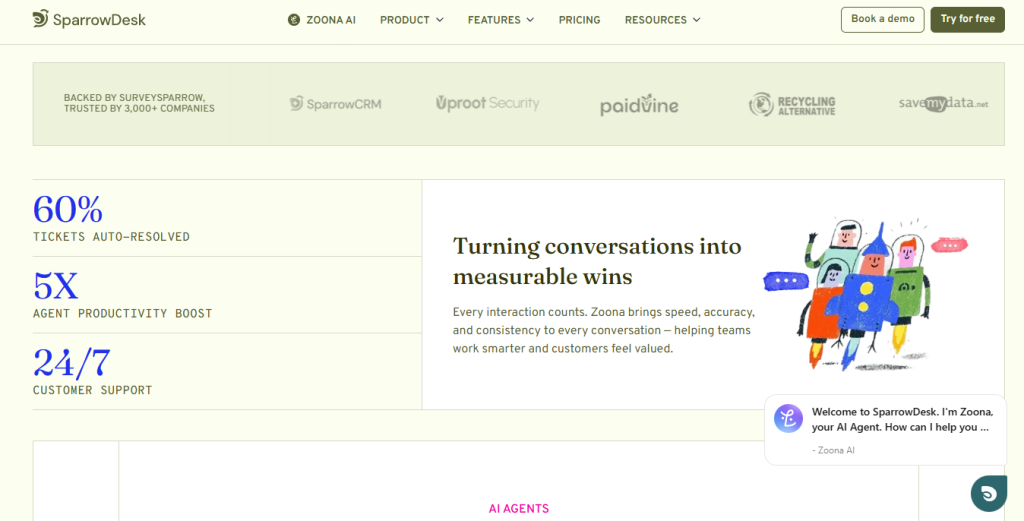
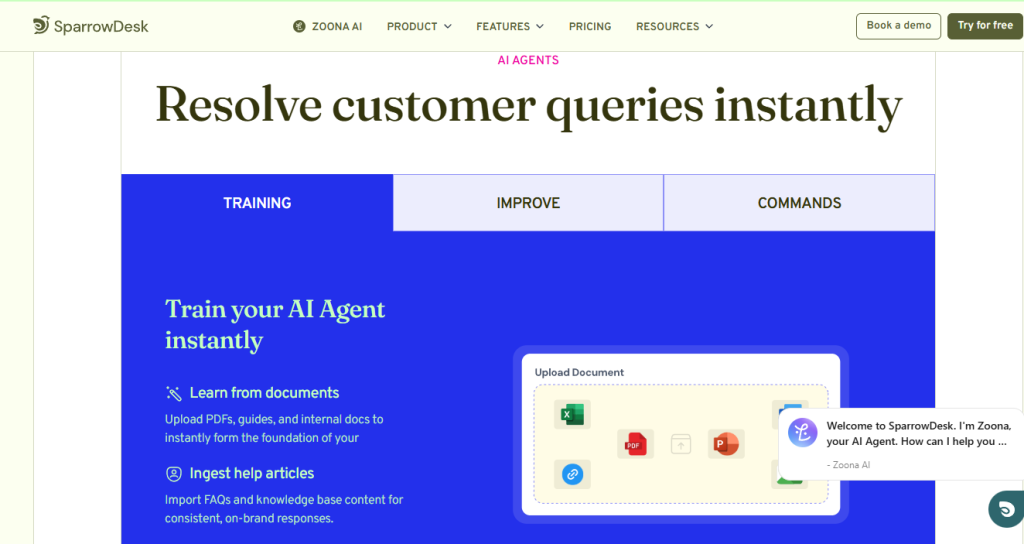
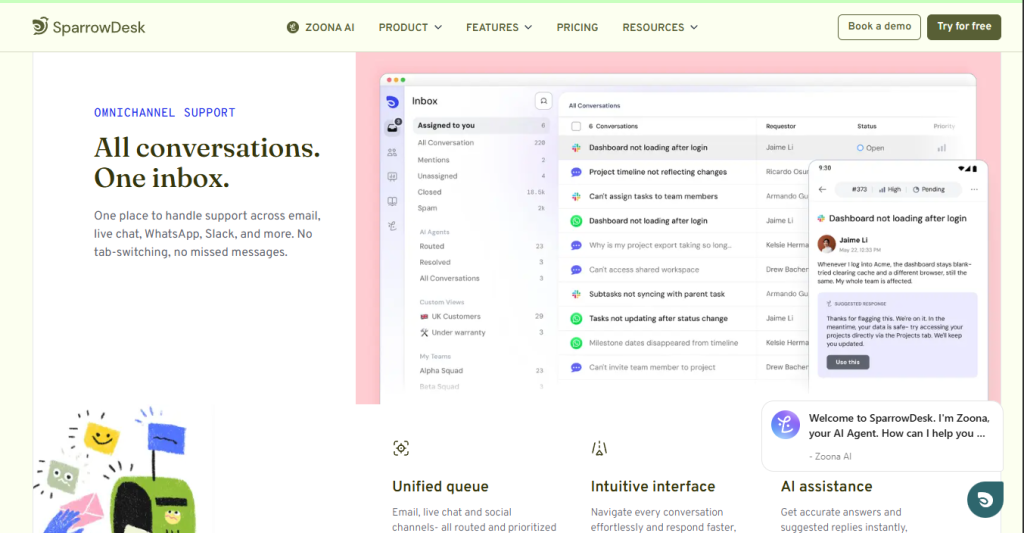
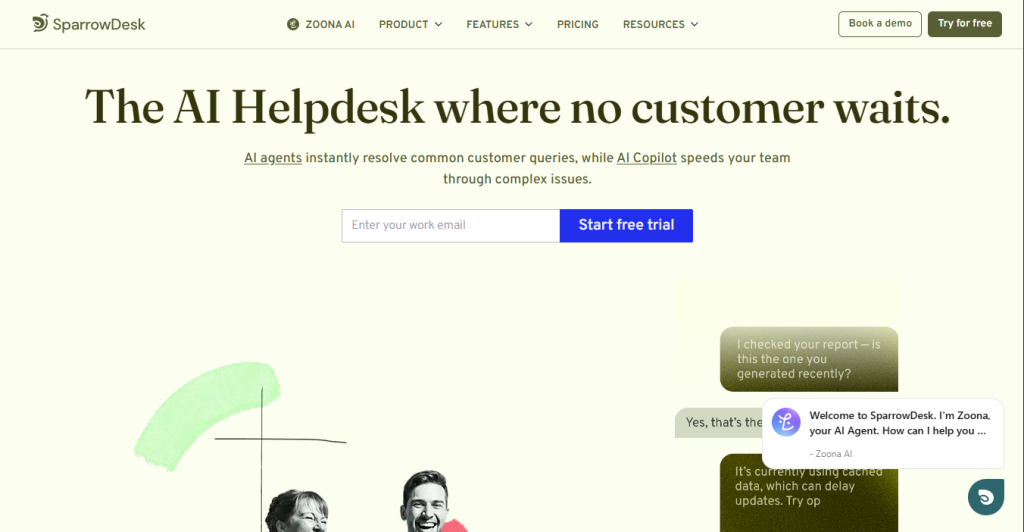
SparrowDesk is a cloud-based customer service platform built around Zoona AI, an agent that reads incoming tickets, resolves the routine ones on its own, and passes anything complicated to a human agent along with the full conversation history. It pairs that with an AI Copilot for your human agents (reply drafts, summaries, on-demand answers) and a unified inbox that pulls email, live chat, and other channels into one queue.
It’s aimed at SaaS companies, e-commerce brands, and IT teams that are seeing ticket volume outgrow their headcount, rather than large enterprises that need the deepest possible integration library.
What You Get (and What You Don’t)?
Feature | What’s Included | Limitations |
Zoona AI Agent | Auto-resolves a majority of routine tickets, learns your brand voice, hands off to humans with full context | Output quality depends heavily on how well you build out the knowledge base it trains on |
AI Copilot | Reply suggestions, ticket summaries, on-demand answers for human agents | Bundled into paid plans rather than sold as a fully separate usage-based add-on on the main pricing page |
Unified Inbox | Email, live chat, and other channels routed and prioritized into one queue | Deepest channel coverage (WhatsApp, Slack, etc.) is emphasized more in marketing pages than on the core pricing tiers |
Ticket Management | Shared inbox, contact segmentation, SLAs (Professional+), routing and prioritization | SLAs and advanced email configuration are locked to the Professional tier and above |
Knowledge Base & Help Centers | Public help center on all plans; multiple/private help centers on Enterprise | Multi-brand help center support is an Enterprise-only feature |
API Access | Included, per Capterra’s feature listing | Documentation depth and rate limits aren’t detailed on the public pricing page |
The takeaway: SparrowDesk’s whole pitch is that the AI actually resolves tickets instead of just routing them, and it backs that up with a human handoff that keeps context intact. If your ticket volume is dominated by repetitive questions, that’s the entire value proposition. If you need the deepest integration marketplace or the most mature enterprise reporting, you’ll want to weigh it against the established players.
Pricing: What You Actually Pay: SparrowDesk uses a three-tier, per-seat pricing model, with a free tier for very light use:
Plan | Price | What’s Included |
Free | $0/seat/mo | Basic email and live chat support with a public help center |
Starter | $16/seat/mo | Email & live chat, shared inbox, contact segmentation |
Professional | $49/seat/mo | Everything in Starter, plus advanced email configuration and SLAs |
Enterprise | $89/seat/mo | Everything in Professional, plus multiple help centers and a private help center |
Real-world cost context: all paid plans stack on top of each other rather than gating basic AI features behind the top tier, and every tier, including Free, comes with a 14-day free trial and no credit card required to start. There’s no separate per-resolution AI charge on the core pricing page, though some of SparrowDesk’s own comparison content mentions a pay-per-resolution AI agent add-on priced separately, so it’s worth double-checking with sales if usage-based billing matters to your budget.
Worth checking before you subscribe:
The Free plan is genuinely usable for a small team handling light volume, but SLAs, advanced email routing, and multiple help centers only show up once you’re on Professional or Enterprise, so budget accordingly if your team is past the “just email and chat” stage.
🔗 Try SparrowDesk:
AI Depth vs. General Helpdesk:
Tools: SparrowDesk’s core trade-off is where it puts its engineering effort. Independent reviews consistently note that Zoona AI’s no-code training setup and its full-context human handoff are more accessible than what you’ll find in older, ticketing-first platforms that bolted AI on later. The flip side: SparrowDesk is a newer entrant next to platforms like Zendesk that have over a decade of integrations, reporting depth, and enterprise features behind them, so teams with complex, highly customized workflows may still find the established players go further.
Integrations for Support Teams:
SparrowDesk’s most practical value comes from consolidating channels rather than a sprawling app marketplace: Email and live chat are core to every plan, including Free. Multi-channel routing extends to channels like WhatsApp and Slack on marketing pages, pulling everything into one prioritized queue. API access is listed as included per Capterra, giving teams a path to connect SparrowDesk to other systems, though the public pricing page doesn’t spell out API scope or limits. There’s no marketplace of 1,000+ pre-built apps the way Zendesk offers, so teams with a large existing tool stack should confirm specific integrations exist before switching.
What Are the Downsides of Using SparrowDesk?
Newer market reputation. SparrowDesk is a comparatively recent entrant, so it has less of a long-term track record than Zendesk, Freshdesk, or Help Scout. AI output depends on your input. Zoona AI’s response quality is directly tied to how complete and current your knowledge base is; teams that skip real onboarding get weaker automation results. Inconsistent public pricing framing.
Some SparrowDesk marketing pages describe flat, seat-independent pricing, while the actual pricing page and third-party listings show a standard per-seat model, so it’s worth confirming current terms directly. Less proven at extreme scale. Reviewers position it as a strong fit for growing mid-sized teams rather than the largest, most complex enterprise support operations. Overhead may not suit tiny teams. For solo operators or teams fielding only a handful of tickets a day, the time spent training an AI agent may outweigh the benefit versus a simple shared inbox.
SparrowDesk vs. Zendesk: Where Each One Wins?
Category | SparrowDesk | Zendesk |
Best for | AI-first resolution, growing SaaS/e-commerce/IT teams | Large, complex enterprise support operations |
Starting price | Free tier; $16/seat/mo for Starter | ~$19–25/agent/mo entry tier, rising quickly on Suite plans |
AI resolution | Zoona AI aims to auto-resolve the majority of routine tickets | Advanced AI available, but often metered per automated resolution with extra charges beyond an included allowance |
Integrations | Growing channel coverage, API access included | Very large integration marketplace, deepest on the market |
Setup complexity | Positioned as fast to configure, minimal training curve | Often takes longer to fully configure workflows, routing, and reporting |
Reporting depth | Core reporting included | More extensive, enterprise-grade analytics and compliance options |
Neither tool clearly “wins” outright; they solve different problems. If your priority is getting AI to genuinely reduce ticket volume without a steep setup curve, SparrowDesk’s focus and lower entry price make it the more efficient starting point. If you’re running a large, complex support operation that needs the deepest integrations and most mature compliance features, Zendesk still has the broader track record, at a correspondingly higher price.
🔗 Try SparrowDesk:
Is SparrowDesk Worth It?
Likely worth it if: You’re a SaaS, e-commerce, or IT team with ticket volume growing faster than your headcount You want AI that actually resolves tickets, not just routes or tags them You’re comparing helpdesk tools primarily on price-to-automation ratio rather than the size of an integration marketplace Probably not the right fit if: You run a large, complex enterprise support operation that needs the deepest possible reporting and integrations You handle very low, irregular ticket volume where AI training overhead isn’t worth the time investment You need a platform with a decade-plus track record and an extensive third-party app marketplace
The verdict:
SparrowDesk is a focused, AI-first helpdesk that does its core job, resolving tickets automatically and handing off the rest cleanly, well, at a price that undercuts the established enterprise players. It’s not trying to match Zendesk’s decade of integrations and enterprise polish, and it shows in the newer market reputation. For the audience it’s built for (growing SaaS, e-commerce, and IT support teams), that focus is a feature, not a limitation.
SparrowDesk Pros:
Zoona AI auto-resolves a majority of routine tickets and hands off complex ones with full context No-code AI training that’s more accessible than many bolted-on AI features elsewhere Free tier plus a 14-day free trial on paid plans, no credit card required API access included, per third-party feature listings Meaningfully lower entry price than Zendesk and Intercom for comparable AI functionality Unified inbox consolidates email, live chat, and other channels into one queue
SparrowDesk Cons:
Newer entrant with less of a long-term market track record than Zendesk or Freshdesk. AI quality is only as good as the knowledge base you put into it. Public pricing framing is inconsistent across SparrowDesk’s own marketing pages. SLAs, advanced email configuration, and multiple help centers are locked to higher tiers. Less suited to very small teams with minimal, irregular ticket volume
 Chat with your data
FAQs
For growing SaaS, e-commerce, or IT teams dealing with rising ticket volume, yes, it’s one of the more affordable AI-first options that competes directly with Zendesk on functionality.
There’s a Free plan at $0/seat/mo, Starter at $16/seat/mo, Professional at $49/seat/mo, and Enterprise at $89/seat/mo, all with a 14-day free trial and no credit card required.
Yes. The Free plan includes basic email and live chat support with a public help center, and it’s usable for actual production, not just a watermarked preview.
Yes, all paid plans are built around shared inboxes and multiple seats, unlike single-user tools; pricing scales per seat across the Starter, Professional, and Enterprise tiers.
Zendesk, Freshdesk, Help Scout, and Intercom are the most commonly cited alternatives, with Zendesk offering the deepest enterprise feature set and Freshdesk and Help Scout generally positioned as simpler, more affordable options.