Audio production can be achieved at home with minimal, relatively affordable, and uncomplicated equipment. Creators, marketers, musicians, and educators are all looking for multimedia audio enhancement and delivery processes to operate much faster than previously offered. One exciting technology has emerged from several fields to help provide these people with superior audio quality and enhance how they edit sound. So, an increasing number of professionals are utilizing AI voice removal software to separate their sound sources quickly and with a high degree of accuracy.
The advent of AI voice-preserving technology is changing the way we think about audio editing. Smart tools are now available to provide similar results to what an average audio professional could get through manual means using advanced audio processing methods. We have created this guide to explain how the changing landscape of audio technology is affecting our perceptions, processes, and practices when it comes to audio editing and what tools we should be looking at.
What An AI Voice Remover Actually Does?
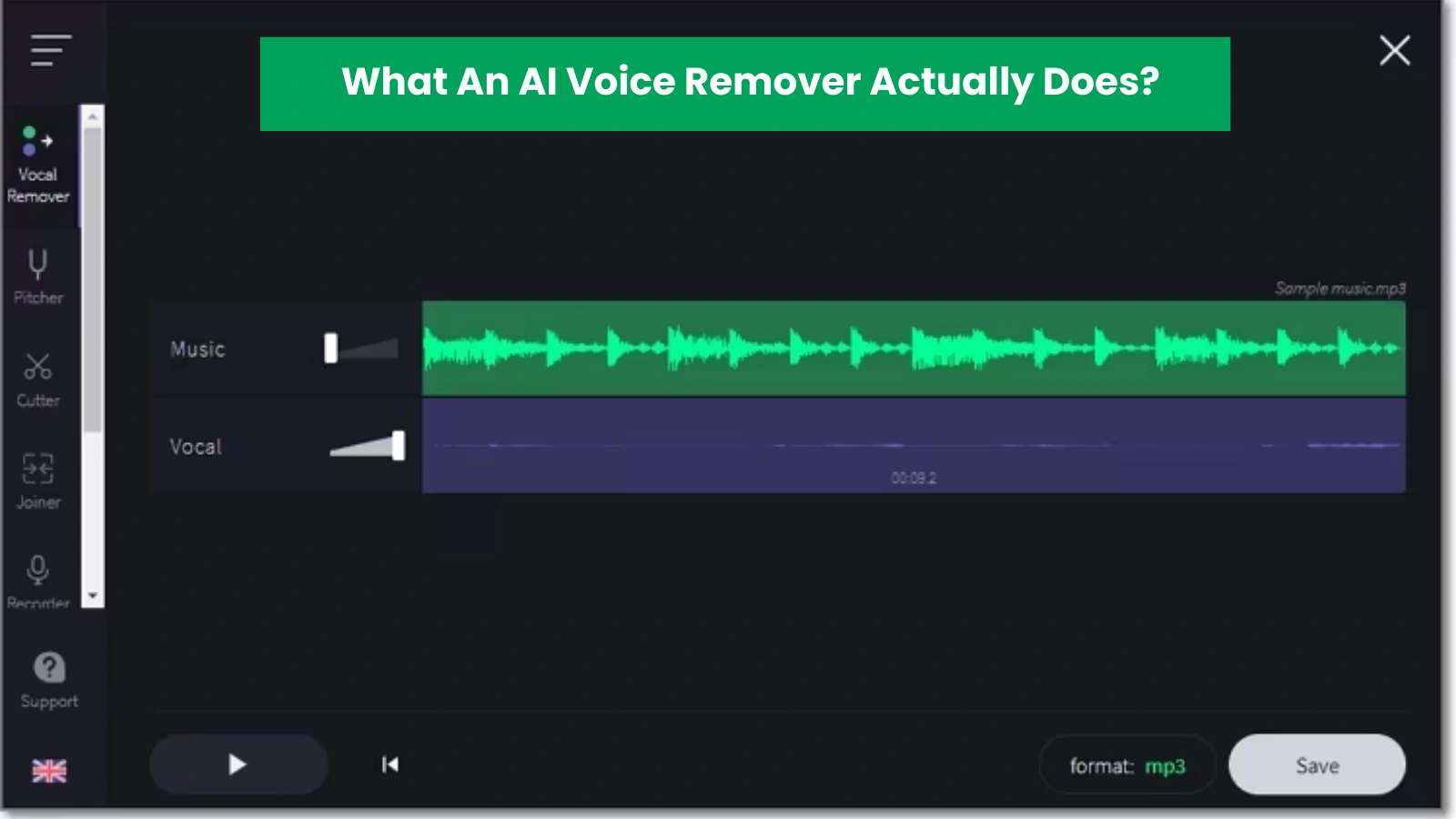
The sound quality of a recording is often determined by how effectively you can isolate each audio signal. An AI voice remover employs sophisticated algorithms that can identify and separate human speech from other audio signals, such as music or background noise. Thus, an AI voice remover enables users to fully isolate or remove vocals from audio files.
An AI voice remover uses pitch, frequency, and tone to differentiate between vocal and instrumental sounds – this makes it more accurate than manual methods. Many creators now prefer using AI voice removal for editing their music, podcasts, and video content.
Why Audio Editors Choose AI-Based Solutions?
Audio editing once required hours of manual effort. Traditional methods demanded skill, patience, and costly software. Modern creators prefer faster workflows. An AI voice remover shortens production time and delivers consistent output.
These tools serve beginners and experts alike. A simple upload often leads to clean results within minutes. This ease attracts content teams, solo creators, and agencies.
Voice Remover Vs AI Vocal Remover
At first glance, both tools seem to do the same job: remove vocals from audio. But the way they work, the results they deliver, and who should use them differ a lot.
What Is A Voice Remover?
A voice remover uses basic audio processing techniques to reduce or mute vocals from a track.
How it works
- Detects center-panned vocals
- Cancels or lowers vocal frequencies
- Leaves background music mostly untouched
Key characteristics
- Works best on simple stereo tracks
- Struggles with layered vocals
- Often affects music quality
- Limited control over output
Best for
- Quick karaoke tracks
- Basic audio edits
- Casual users with simple needs
What Is An AI Vocal Remover?
An AI vocal remover uses machine learning models trained on thousands of audio samples to separate vocals and instruments with precision.
How it works
- Analyzes vocals and instruments independently
- Identifies complex vocal patterns
- Separates layers without damaging music
Key characteristics
- High-accuracy voice isolation
- Clean instrumental output
- Handles background vocals and harmonies
- Supports professional audio quality
Best for
- Music producers
- Content creators
- Podcasters
- Remix artists
Side-by-Side Comparison
Accuracy
- Voice remover: Moderate
- AI vocal remover: High
Audio quality
- Voice remover: Often distorted
- AI vocal remover: Clean and balanced
Complex tracks
- Voice remover: Limited success
- AI vocal remover: Excellent separation
Control options
- Voice remover: Basic
- AI vocal remover: Advanced
Use cases
- Voice remover: Karaoke, simple edits
- AI vocal remover: Production, remixing, professional audio
Which One Should You Choose?
Pick a voice remover if you need fast results for simple tracks.
Choose an AI vocal remover if you want studio-grade output, precise voice isolation, and flexibility for modern audio projects.
As content quality expectations rise, creators now lean toward AI-powered solutions for cleaner and more reliable results.
How Vocal Isolation Works?
Accurate separation depends on smart analysis. Vocal isolation relies on machine learning models that identify speech frequencies. A vocal isolator focuses on voice signals and separates them from instruments.
This method improves clarity and quality. Voice isolation allows users to extract vocals or remove them with minimal distortion. Many studios now rely on this approach for remix work and restoration tasks.
The Role Of Voice Isolation In Content Creation
Clear speech drives engagement. Podcasts, videos, and online courses demand clean audio. Voice isolation helps creators remove noise and enhance clarity.
An AI voice remover plays a vital role here. It separates speech from music beds or ambient sound. This ability improves listener experience and content value.
How Does An AI Voice Remover Remove Voice From Songs?
Removing vocals from music no longer feels complex or time-consuming with smart AI-powered tools.
- Upload the song file into the AI voice remover tool.
- The system scans audio frequency layers.
- Vocal and instrumental elements get identified separately.
- Advanced models isolate the human voice.
- Music tracks remain clean and balanced.
- The voice remover from the song creates an instrumental version.
- Artists use it for karaoke, remixes, and practice.
- The process saves time and protects sound quality.
An AI voice remover delivers clean instrumentals fast, helping creators focus on music, not manual edits.
Vocal Isolator Tools And Their Accuracy
A vocal isolator must handle complex mixes. Live recordings and studio tracks present different challenges. Advanced tools adapt to these variations.
An AI voice remover excels here. It detects subtle vocal cues and separates them cleanly. This accuracy benefits music producers and audio engineers.
Key Benefits Of An AI Voice Remover
An AI voice remover gives creators a faster and smarter way to work with audio. Its benefits reach beyond simple vocal removal and support multiple creative goals.
- Fast audio separation: The tool processes tracks within minutes, which helps creators save effort and meet tight deadlines without quality loss.
- High accuracy across formats: It works well with different audio types and file formats, ensuring reliable results whether the source sounds simple or complex.
- Simple user experience: Clear controls and easy uploads allow anyone to remove vocals without technical confusion or learning curves.
- No advanced skills required: Creators do not need audio engineering knowledge. The system handles separation automatically with precision.
- Consistent results: Each track receives the same level of clarity, making the output dependable for repeated use.
An AI voice remover delivers strong value across use cases. From music edits to content cleanup, this technology helps creators achieve clean, professional audio with ease.
Common Use Cases Across Industries
Different sectors rely on these tools:
- Musicians create instrumentals
- Podcasters clean interviews
- Video creators refine soundtracks
- Educators improve lesson audio
- Marketers enhance brand videos
In each case, an AI voice remover simplifies workflow and boosts quality.
Limitations Users Should Understand
No tool solves every problem. Some audio files contain heavy distortion or overlapping frequencies. These cases challenge any voice remover.
However, an AI vocal remover handles most scenarios well. Users should test files and adjust expectations. Quality input leads to better output.
Top AI Voice Remover Tools Worth Attention
Several platforms offer strong solutions. SaasTrac highlights tools that meet performance and usability standards.
1. Vocal Remover – Smart Tool for Music & Audio Separation
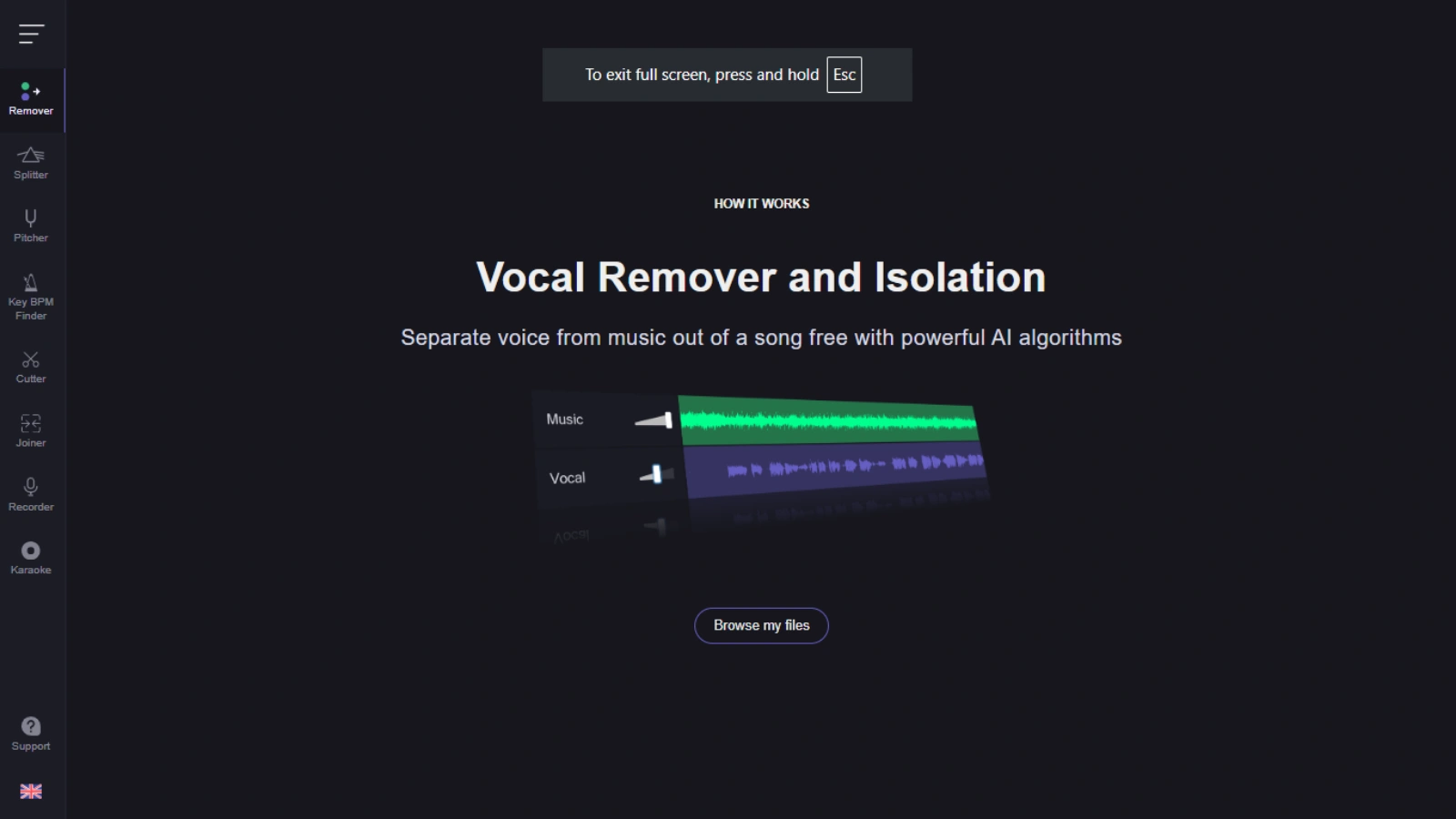
Vocal Remover focuses on separating vocals and instrumentals from any audio file in seconds. Rather than manual cut-and-paste editing, this tool uses advanced signal processing to isolate the human voice track or strip it out entirely.
Key Features
- One-click vocal and instrument isolation from songs.
- Karaoke mode with adjustable vocal volume.
- Equalizers for fine-tuned control of output.
- Batch processing for multiple audio files.
- Supports formats like MP3, WAV, FLAC, and more.
Typical Use Cases
- Making karaoke tracks without original vocals.
- Creating acapellas for remixing or sampling.
- Producing clean backing tracks for live performance or content.
Why It Matters
This tool lets anyone handle what used to be studio-only tasks like extracting vocals cleanly without expensive software or steep learning curves. That’s why many creators use it as their go-to voice remover from song solution.
2. Krisp – AI Noise Cancellation & Voice Clarity Tool
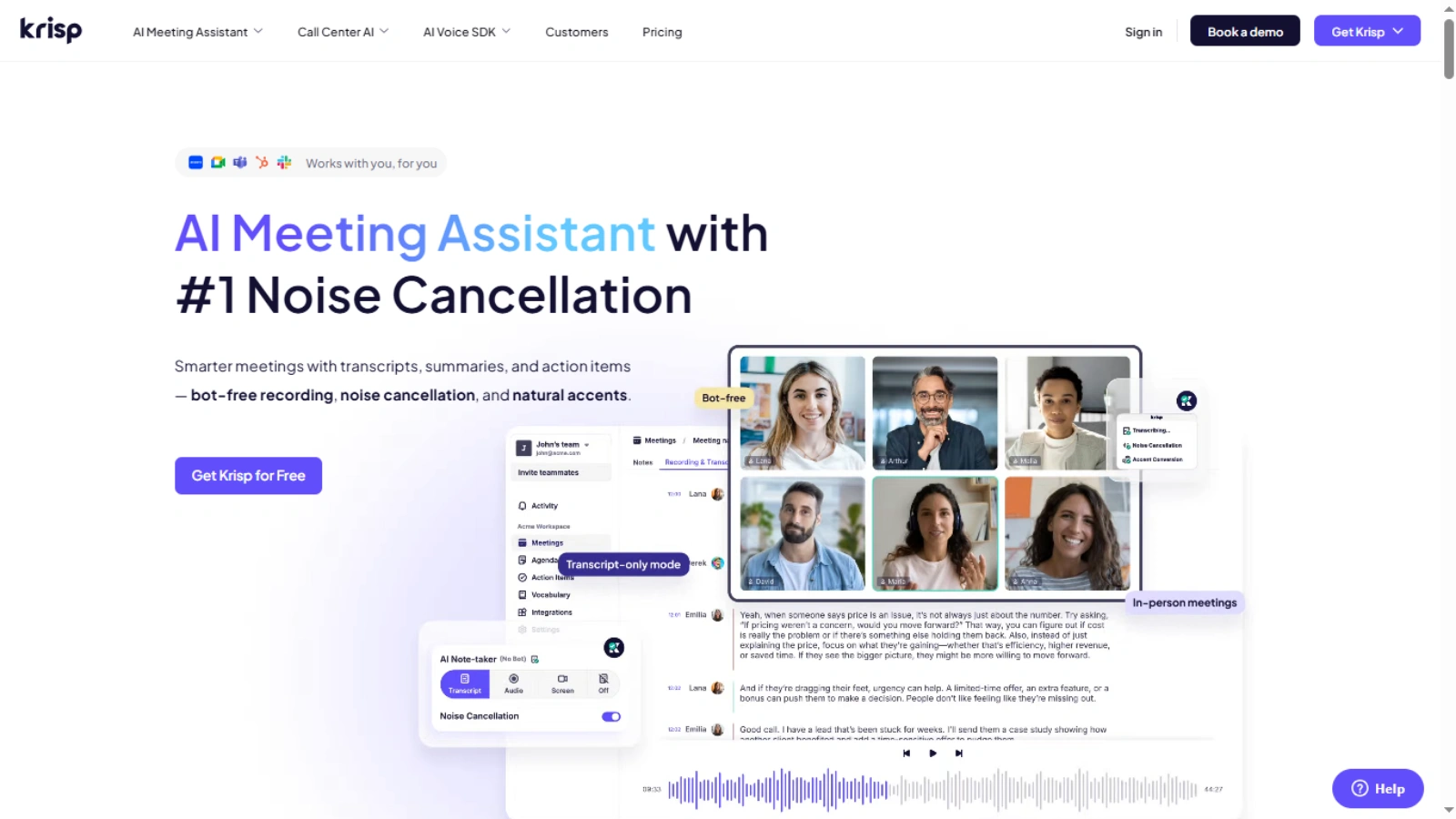
Krisp is not a traditional vocal remover, but it plays an important role in voice isolation and audio clarity, especially in communication settings like calls and recordings.
Core Capabilities
- Real-time AI-powered noise and voice cancellation.
- Filters out ambient sounds, echo, and room reverb.
- Works locally on your device to protect privacy.
- One-click setup and easy integration with Zoom, Teams, Meet, and more.
- Offline noise cancellation so you can talk clearly without an internet connection.
Typical Use Cases
- Professional calls or webinars without distracting background noise.
- Podcasters or vloggers who need clean voice recordings.
- Online training sessions or sales demos where clarity matters.
Why It Matters
If you want high-quality voice isolation during live communication or prerecorded sessions, Krisp ensures background noise doesn’t dominate your message — even if it doesn’t separate vocals like a traditional vocal remover.
3. Hume – Voice Generation, Emotional AI, and Voice Design
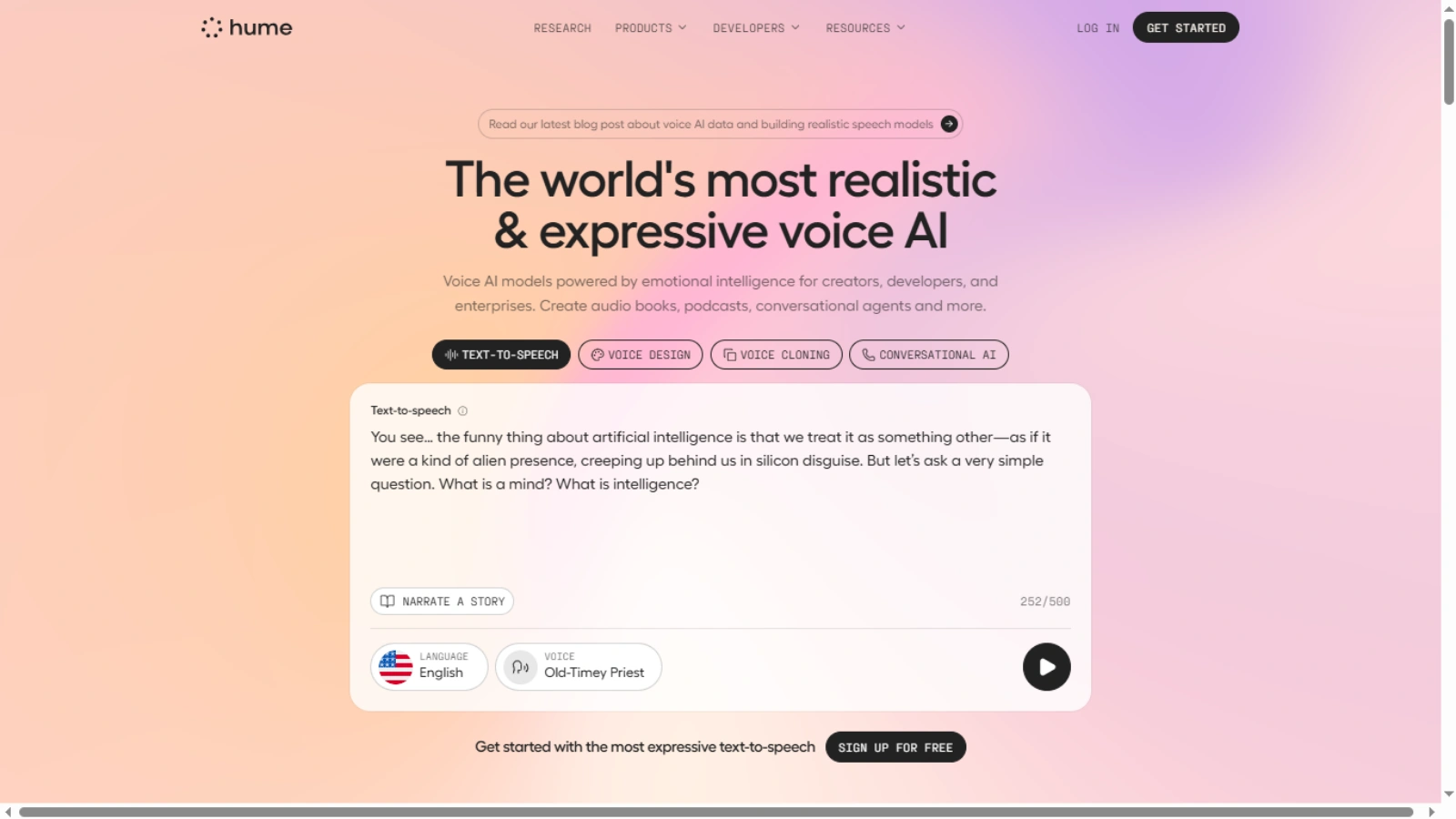
Hume is broader than simple audio editing. This tool focuses on human-like voice generation and emotional audio features, often used for expressive content and immersive experiences.
Highlights
- Voice generation for narration, audiobooks, and podcasts.
- Tools to design and customize voice profiles, including emotional expression.
- APIs and SDKs for developers to integrate into apps and media.
What Makes It Unique
Unlike a typical AI voice remover, Hume goes further by letting creators or developers generate new speech, adjust tone, and instruct specific voice characteristics. This includes custom voices for multiple characters in podcasts or interactive media.
Use Cases
- Producing studio-quality podcasts with multiple speakers.
- Creating voiceovers for videos, games, or apps.
- Integrating expressive voices into automated experiences.
4. Vapi – Build Custom Voice AI Agents
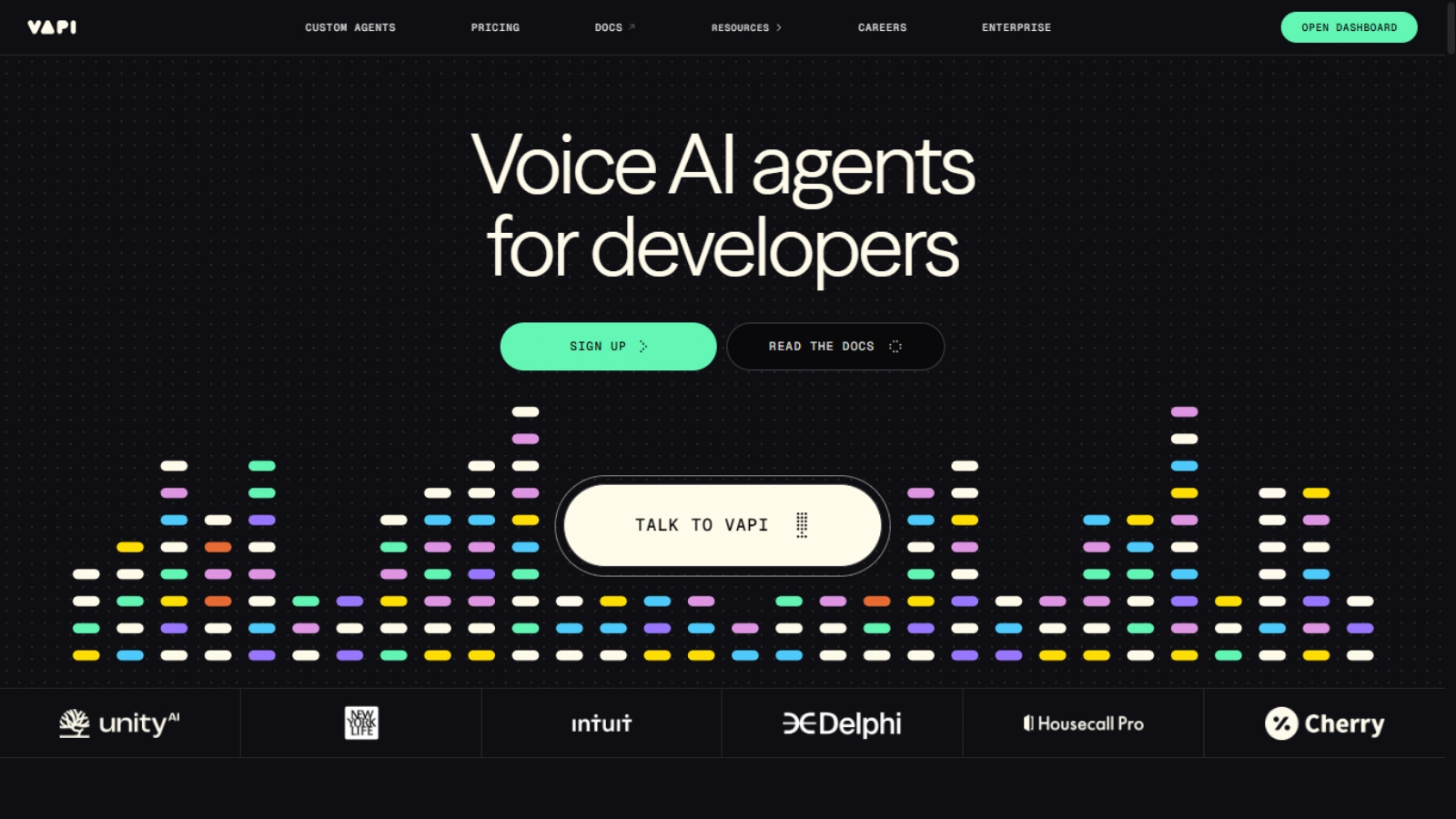
Vapi isn’t just an audio editing tool. It’s a developer platform that lets teams build advanced voice AI agents that can interact with users by phone or voice-enabled systems.
Key Capabilities
- Create natural voice agents that can make and receive phone calls.
- Integrate speech-to-text, language understanding, and text-to-speech.
- Configure multilingual conversations in 100+ languages.
- API-centric design so developers can customize behavior and responses.
Use Cases
- Automated customer support with real voice interactions.
- Booking or appointment systems that use natural language.
- Lead qualification or outbound call workflows.
Why It Matters
While not a conventional voice remover, Vapi powers systems where voice input and output are primary interfaces, automating tasks that once required human agents.
5. AIVA – AI Music Composition Companion
AIVA stands apart from the others because it focuses on music creation, not voice editing. While it won’t remove vocals or perform voice isolation, it complements audio workflows by generating high-quality music tracks. (Note: details like this are consistent with how AIVA is known in AI music creation contexts, even if not fully described on SaasTrac’s listing.)
What It Offers
- Tools to compose original music across genres.
- Music generation that supports videos, games, ads, and creative projects.
- Integration with broader creative workflows where audio quality matters.
Why It Matters for Audio Creators
Even if you focus on vocal separation or AI voice remover tools, AIVA can help produce background scores, soundtracks, or musical layers for projects enhanced by clean vocal tracks or isolated stems.
How SaasTrac Helps You Evaluate These Tools
Platforms like SaasTrac curate and compare options like the ones above so you can discover tools that best fit your workflow. Instead of trying dozens of apps, SaasTrac offers validated descriptions, feature breakdowns, and structured insights to make tool selection easier.
How To Choose The Right AI Voice Remover?
Selection depends on purpose. Music creators need strong vocal isolator accuracy. Podcasters need clean voice isolation. Video teams need flexible formats.
An AI voice remover should support common file types, deliver fast results, and offer reliable output. Reviews on SaasTrac provide valuable insight during evaluation.
Legal and Ethical Considerations
Audio rights matter. Users should respect copyright rules and obtain permission when required. A voice remover from song tool should serve creative or educational needs, not misuse.
Responsible use protects creators and platforms alike.
The Future Of Voice Removal Technology
Innovation continues to shape audio tools. Models now learn from vast sound libraries. This progress improves accuracy and speed.
An AI voice remover will soon handle even complex audio with ease. Integration with creative software will also expand. SaasTrac tracks these trends and highlights emerging leaders.
Why SaasTrac Matters In AI Tool Discovery?
Finding reliable tools proves difficult. SaasTrac simplifies this process. It offers reviews, comparisons, and expert insights.
Creators trust SaasTrac to discover high-quality AI solutions. This platform helps users compare features and choose tools that match their needs.
Final Verdict:
Audio work now moves faster and smarter. An AI voice remover removes barriers that once slowed creativity. It empowers creators across skill levels.
From music production to content creation, this technology reshapes workflows. With trusted platforms like SaasTrac, users can explore the best tools with confidence.
The answer stands clear. An AI voice remover truly changes how audio editing works today.
FAQs
- Can an AI voice remover work on any type of song?
An AI voice remover works best on high-quality audio files. Clear vocals and balanced mixes deliver the most accurate separation. - Does using an AI voice remover reduce music quality?
Modern AI voice remover tools preserve instrumental clarity and minimize distortion when the source file quality remains strong. - Is an AI voice remover suitable for professional projects?
Yes. Many producers, podcasters, and video creators rely on AI voice remover tools for studio-level results and faster workflows.