Ask any developer where time disappears, and the answer is rarely “hard problems.” It’s the small things like wiring forms, rewriting similar API calls, converting Figma frames into components, digging through unfamiliar code, and fixing the same class of bugs again.
Those tasks aren’t difficult. They’re repetitive. And repetition slows teams down.
That’s why AI web development has quietly moved from curiosity to everyday workflow. Not because companies want fewer developers, but because they want developers spending less time on predictable work.
Across start-ups, agencies, and large engineering teams, AI in web development now shows up in practical places: generating scaffolding, explaining codebases, turning designs into UI, documenting logic, and helping debug production issues.
If you’re exploring AI for web development, these seven tools represent how teams are actually working today, not the hyped version, but the real one.
Why AI Web Development Is Catching On
Software teams have always reused patterns. Authentication flows, dashboards, and CRUD APIs most products share the same foundations. The difference now is that those foundations don’t need to be written from scratch every time.
With AI web development, developers can start with a rough structure and shape it instead of building everything line by line. That small change affects velocity more than people expect.
You see it when:
- A new feature starts as generated scaffolding
- Onboarding time drops because code can be explained instantly
- Designers and developers iterate without long handoffs
- Documentation updates itself alongside code
This is also where conversations around agentic AI web development come in. Instead of single suggestions, some tools can plan steps, create files, connect logic, adjust components, and move a task forward.
The role of the AI web developer becomes less about typing everything and more about directing the work.
The Tools Developers Are Actually Using
The AI web development stack isn’t one tool. It’s layers. Editors, UI generators, prototyping environments, monitoring, and knowledge capture all play a role.
Here are seven platforms teams keep coming back to.
Durable AI
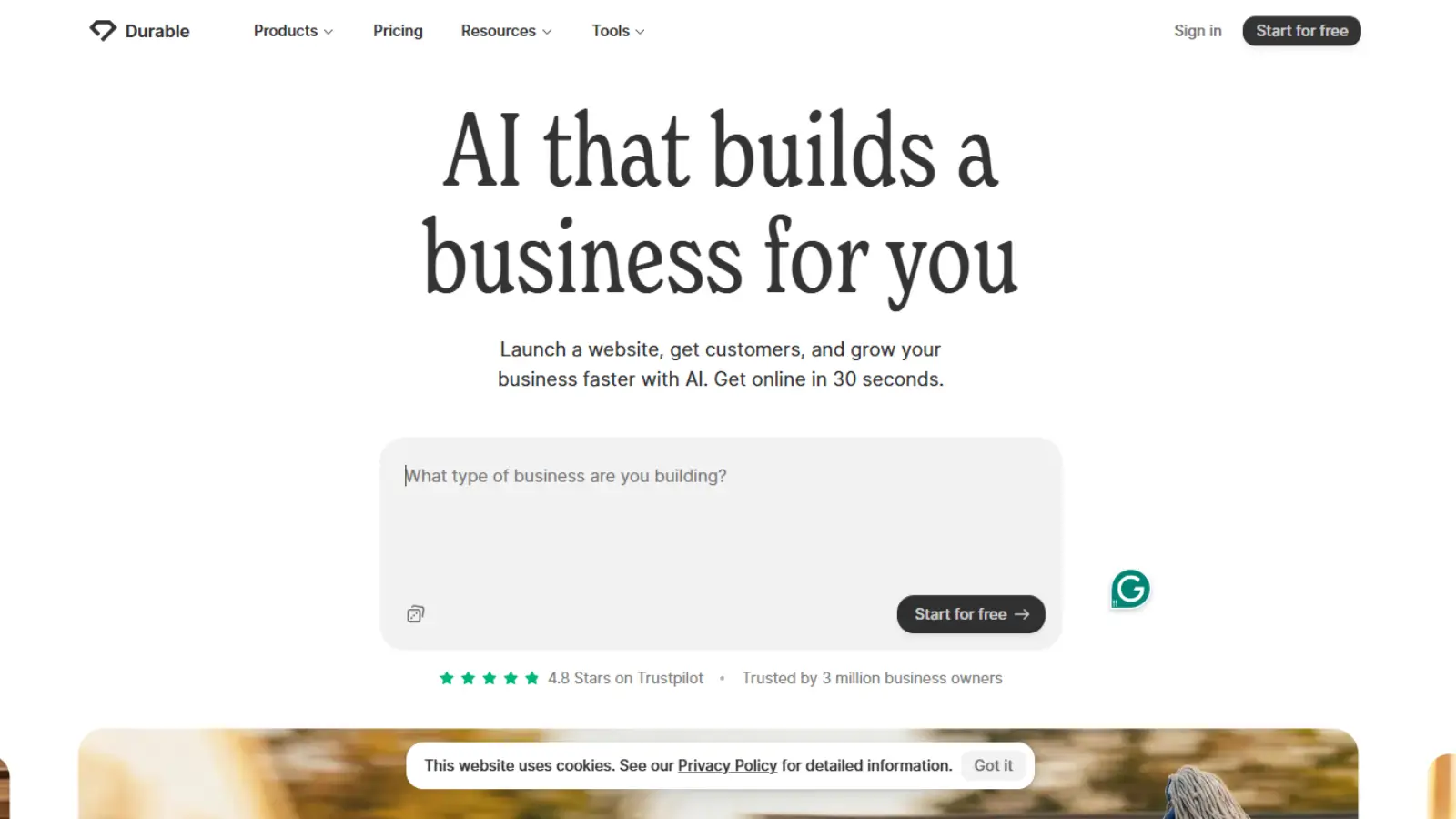
Durable brings AI into the business side of web development. Instead of focusing only on code or UI generation, it helps teams launch, market, and optimize websites using a single context-aware assistant.
From creating a marketing campaign to shaping pricing strategy, Durable generates recommendations tailored to your business rather than generic prompts.
As you continue using the platform, it understands your website, messaging, and goals, which allows future output to become more relevant over time. This persistent context is what makes Durable different from one-off AI tools.
Durable also runs continuously in the background. Suggestions, updates, and insights keep evolving even when you are not actively working, helping founders and small teams maintain progress without constant manual effort.
Another advantage is automatic model upgrades. Durable manages the AI layer for you, ensuring you are always using the latest capabilities without switching tools or workflows.
Where it fits:
Durable sits in the website operations layer of AI web development, supporting launch, copy creation, pricing experiments, and ongoing optimization.
ZipWP
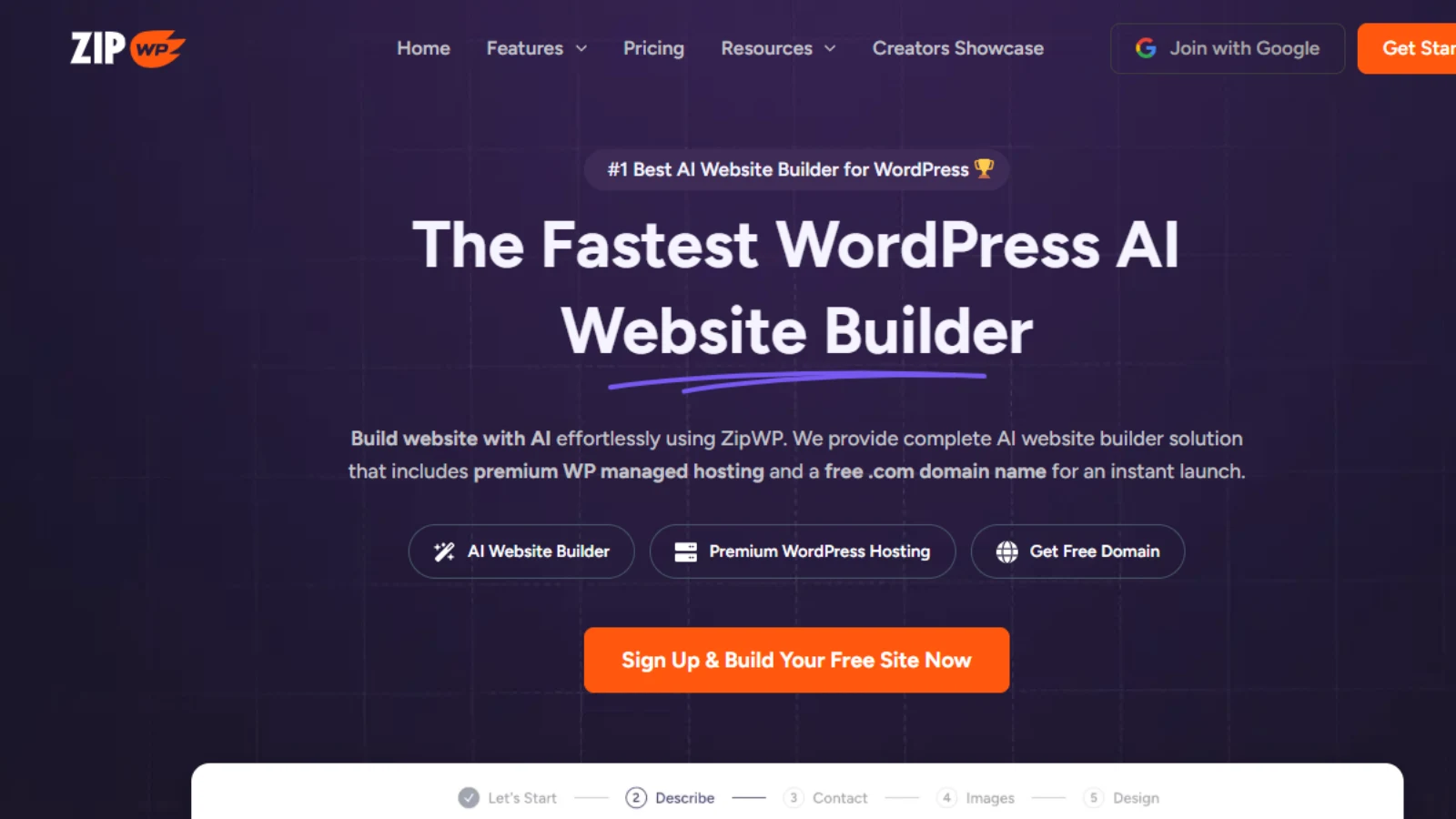
ZipWP shows how AI web development is moving beyond individual components into full website creation. Instead of starting with hosting, themes, and plugins, you describe your business and receive a complete WordPress site — structure, design, and copy already in place.
The platform focuses on reducing setup friction. Performance optimization, mobile responsiveness, and core configuration happen automatically, allowing developers and non-technical teams to begin iterating immediately.
ZipWP also introduces planning into the AI workflow. Its site planner generates sitemaps and wireframes, while the built-in assistant helps refine content, layout, and functionality without switching tools. Features like reusable blueprints and pattern libraries make it especially useful for agencies delivering multiple projects.
Where it fits:
ZipWP belongs to the AI website generation layer, helping teams move from idea to launch without the traditional WordPress setup process.
Wegic

Wegic approaches AI web development as a conversation. Instead of choosing templates or configuring settings, you describe what you want and the AI designs, structures, and refines the website through chat.
The platform generates layouts, content, and responsive pages automatically, allowing teams to iterate quickly without navigating complex builders. Changes happen in real time — ask for a redesign, new section, or style shift, and the site updates instantly.
This conversational workflow makes Wegic especially useful during early exploration, where ideas evolve quickly and speed matters more than precision. It reduces the gap between concept and visible interface while keeping customization accessible.
Where it fits:
Wegic sits in the conversational AI website creation layer, focusing on rapid ideation and iterative design rather than traditional setup.
SitesGPT
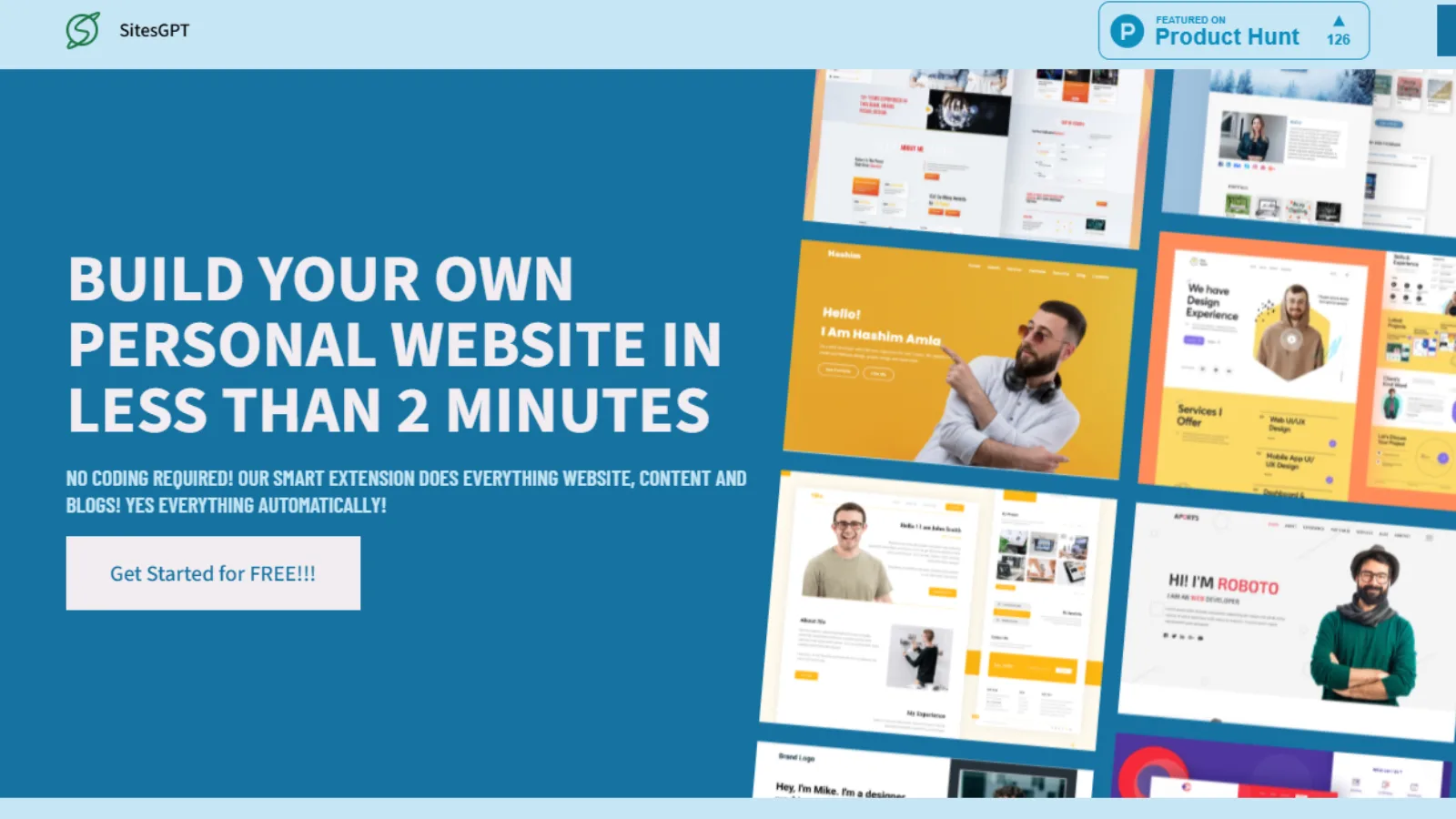
SitesGPT is a conversion-first AI website builder designed to help businesses launch fast without sacrificing performance or branding. Instead of dragging blocks around, you generate a fully structured, content-rich website in minutes already optimized for search and engagement.
The platform personalizes layout, copy, and visual style based on your niche, making each website feel purpose-built rather than template-driven.
What sets SitesGPT apart is its focus on growth. Built-in SEO structure, smart branding suggestions, and pre-designed lead capture sections ensure your site isn’t just live it’s ready to convert.
Everything runs from a simple dashboard. You can edit content in real time, publish with one click, map your domain instantly, and manage hosting without third-party tools.
Where it fits:
SitesGPT belongs to the AI-powered website generation layer, focused on fast deployment with built-in branding and SEO intelligence.
Screenshot to Code
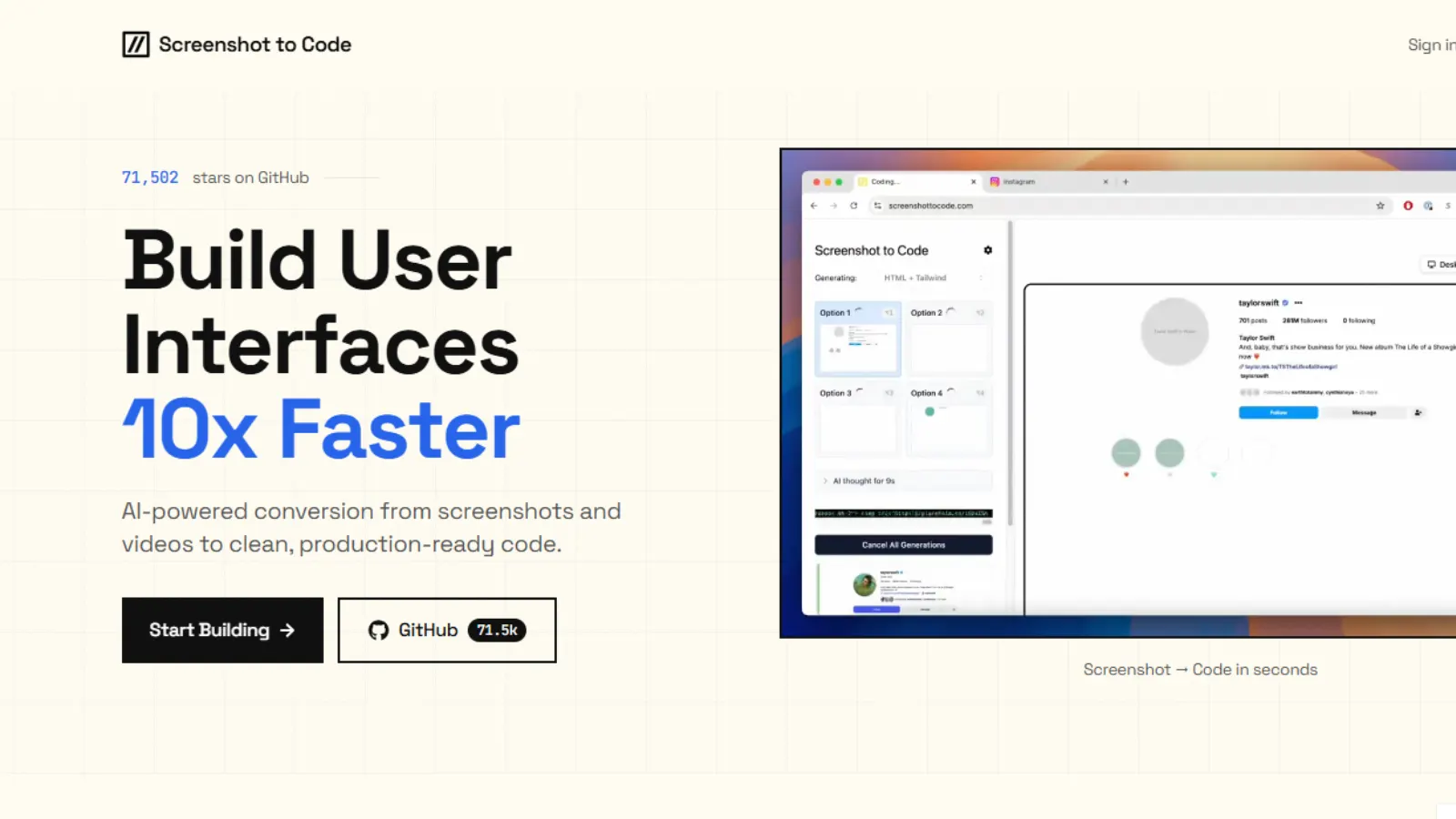
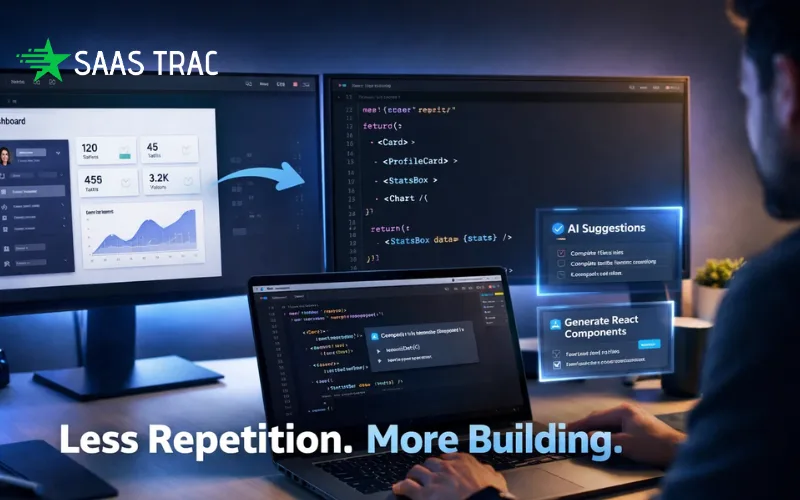
Screenshot to Code tools turn visual designs into working frontend components automatically. Instead of rebuilding layouts manually, you upload a screenshot, mockup, or draft and receive structured HTML or framework-ready code within seconds.
The AI detects interface elements such as buttons, forms, navigation bars, and modals, then generates editable components that developers can refine rather than recreate from scratch. This dramatically shortens the gap between design and implementation.
These tools are especially useful during rapid prototyping, UI experimentation, and legacy interface updates, where speed matters more than pixel-perfect precision on the first pass.
Where it fits:
Screenshot-to-Code belongs to the design-to-component layer of AI web development, bridging visual ideation and frontend execution.
Where AI for Web Development Makes the Biggest Difference
Adoption usually starts with frustration, not strategy. Something takes too long. A team tries a tool. It sticks.
The most common entry points:
- building internal dashboards
- prototyping customer features
- migrating legacy interfaces
- writing integration layers
- documenting complex services
- supporting testing workflows
From there, usage spreads organically. Developers discover where AI helps and where it doesn’t. The stack evolves around real work rather than trends.
For teams exploring agentic AI web development, the biggest impact often appears in multi-step features, the kind that previously required several setup phases before visible progress.
Choosing Tools Without Overcomplicating the Stack
More tools don’t automatically mean faster teams. The best implementations feel almost invisible; they remove friction without adding process.
Questions teams tend to ask:
- Does this fit the editors we already use?
- Does it understand our codebase or just snippets?
- Will designers, developers, and products all benefit?
- Does it help new developers ramp faster?
- Does it scale with how we work?
Research platforms like SaaSTrac often help teams compare options before committing, especially when multiple tools overlap.
The pattern that works: start narrow, keep what helps, and ignore the rest.
The Changing Shape of the AI Web Developer
The idea that developers will be replaced misses what’s actually happening. The skill set is shifting, not shrinking.
A strong AI web developer spends more time:
- reviewing generated output
- shaping prompts and workflows
- designing system boundaries
- thinking about performance earlier
- collaborating across design and product
Typing less code doesn’t mean doing less work. It means doing different work.
What’s Next for AI in Web Development
The tools we have now still feel like early versions of a larger shift. Assistance is moving closer to the center of development environments rather than living on the edges.
Expect more:
- tools that understand entire repositories continuously
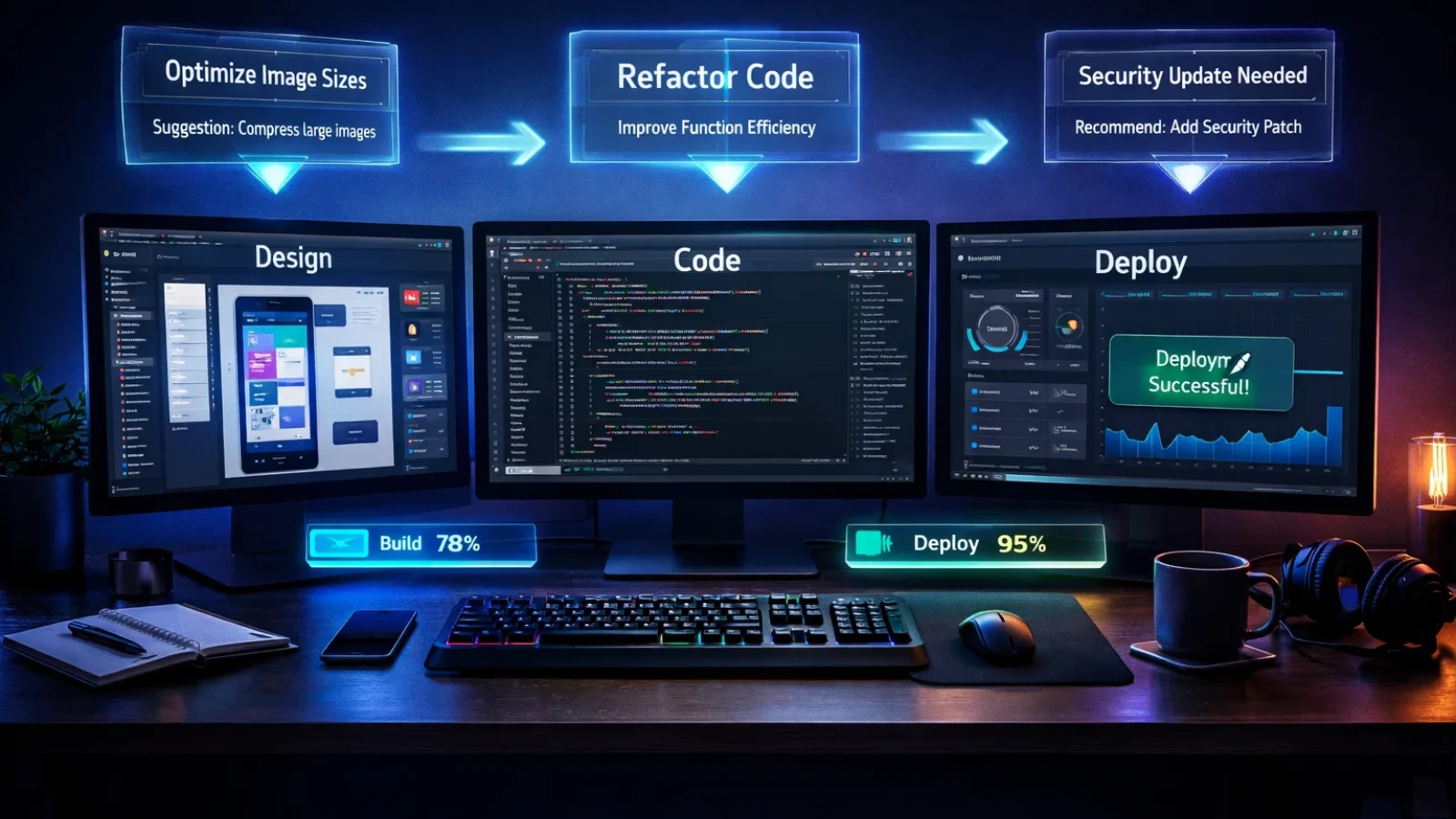
- workflows that span design, backend, and deployment in one loop
- knowledge layers that persist across projects
- collaboration where AI participates instead of reacting
That’s the direction AI web development is heading: less about individual features, more about integrated workflows.
How Teams Introduce AI Web Development Without Disrupting Workflow
One reason AI web development adoption works is that it rarely requires a full process change. Most teams don’t announce a shift; it starts quietly with one developer using a tool to speed up a task. A generated component here, an explained function there. Over time, those small improvements become normal.
The key is introducing AI for web development at points where friction already exists. For some teams, that’s UI implementation. For others, it’s onboarding into unfamiliar repositories or maintaining internal tools that never seem urgent but always take time.
Managers often notice the change indirectly. Reviews become more focused on logic instead of formatting. Documentation gaps shrink because explanations are easier to produce. Experiments appear earlier in sprint cycles because creating a starting point takes less effort.
This gradual adoption is also why conversations around agentic AI web development are increasing. Once teams trust assistance on small tasks, they become more open to workflows that handle multiple steps, generating structure, connecting services, and preparing features for iteration.
What matters most is clarity. Teams that treat AI as a support layer rather than a replacement tend to see steadier results. The technology works best when developers remain in control of decisions while allowing routine groundwork to happen faster.
Conclusion
The conversation around AI web development is often framed as a transformation, but in practice, it looks like gradual relief. Less repetitive setup. Faster understanding. Shorter gaps between idea and implementation.
The seven tools here show how assistance now touches every stage of writing code, shaping interfaces, debugging issues, and preserving knowledge.
Teams that see the biggest gains aren’t the ones using the most tools. They’re the ones applying AI for web development where friction is highest and letting adoption grow from there.
The work of building software hasn’t disappeared. It’s becoming more focused.
FAQ
What is AI web development?
Using intelligent tools to support coding, interface creation, debugging, documentation, and workflow automation.
How does agentic AI web development work?
Agent-style systems can plan and execute multi-step tasks rather than responding to single prompts.
Do small teams benefit from AI for web development?
Often the most. Faster prototyping and reduced setup help smaller teams move quickly.
What does an AI web developer do differently?
More review, more system thinking, more workflow design, less repetitive implementation.
How do teams know AI in web development is working?
Features ship sooner, onboarding gets easier, and repetitive work stops dominating engineering time.