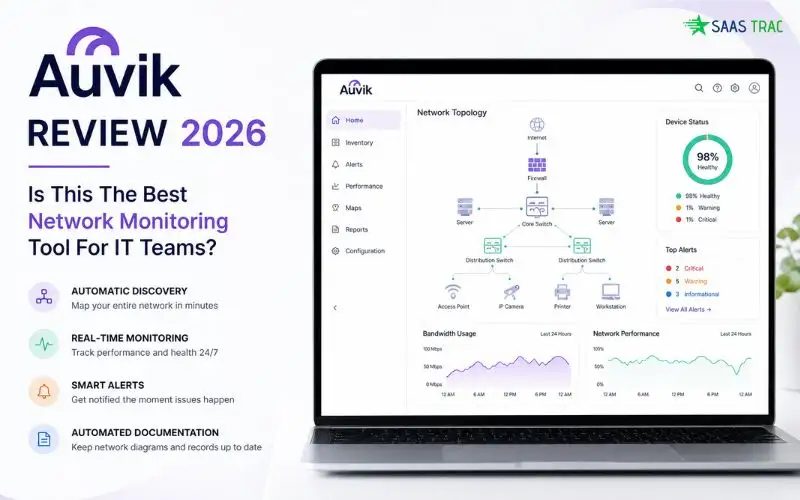
Modern IT environments are a tangled web of routers, switches, firewalls, access points, servers, and remote endpoints scattered across multiple sites. When a connection drops or a critical app slows down, the last thing your IT team has time for is digging through individual device logins, manually drawing topology diagrams, or chasing ghost devices through CLI sessions. They need real-time visibility, automated documentation, and intelligent alerts, all in one place.
That’s exactly the gap Auvik is built to close. It’s a cloud-based platform that automatically discovers your entire infrastructure, maps it visually in minutes, monitors device health in real time, and alerts you the moment something goes wrong. For internal IT teams and MSPs alike, it has become one of the most trusted names in the industry.
In this detailed write-up, I’ll walk you through what the platform actually does, how its features perform in real-world use, what it costs, and whether it’s worth your budget in 2026. By the end, you’ll know whether it fits your operational goals or whether another tool might suit you better.
What Is Auvik?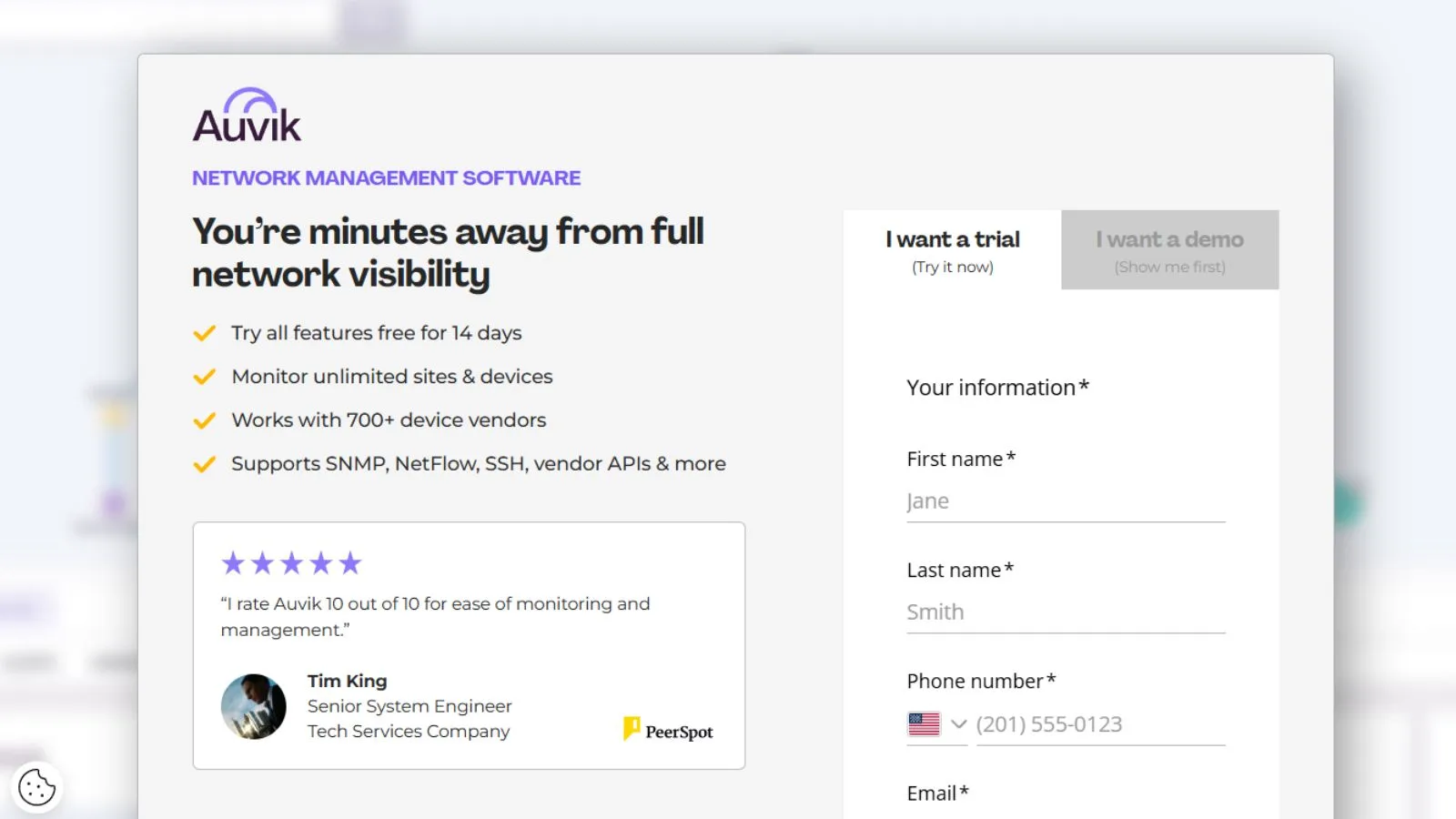
Auvik is a cloud-based network management and monitoring solution designed to give IT teams real-time visibility and control across distributed infrastructure. Instead of jumping between switches, firewalls, and WAN links to troubleshoot issues, you get one centralized dashboard with automated network discovery, live topology maps, and proactive alerting.
Founded by Auvik Networks Inc. in 2011, the platform now powers thousands of MSPs and internal IT departments across industries like financial services, manufacturing, healthcare, education, government, and retail. With over 50 pre-configured alerts, automated configuration backups, and deep integrations with ConnectWise, Autotask, Freshdesk, and other ITSM tools, it’s purpose-built for teams that manage complex, multi-site networks every day.
Best of all, you don’t need to be a senior engineer to deploy it. If you can install a lightweight collector, you can have a fully discovered topology and live monitoring running in under an hour.
Key Features:
Here’s a breakdown of what you get when you sign up for the platform.
1. Automated Network Discovery & Mapping:
The flagship feature. Within minutes of deployment, the system automatically discovers every device on your network, managed and unmanaged, and renders a clean, interactive topology map. As your infrastructure changes, the map updates in real time without any manual upkeep, eliminating the painful task of maintaining static Visio diagrams.
2. Real-Time Topology & Performance Overlays
Beyond static maps, the platform delivers full network visualization with live performance overlays. You can see traffic flows, link utilization, device health, and connection paths visually, making it dramatically easier to spot bottlenecks, misconfigurations, or rogue devices at a glance.
3. Proactive Alerting (50+ Pre-Built)
The platform ships with over 50 pre-configured alerts covering device down events, interface saturation, configuration drift, certificate expirations, and more. All alerts are customizable, and notifications can route to email, Slack, PagerDuty, or your PSA tool of choice.
4. Configuration Backup & Version Control
Every device configuration is automatically backed up, version-controlled, and searchable. If a tech makes a bad change at 2 AM, you can roll back to the previous working state in seconds. This single feature has saved teams from countless extended outages.
5. Traffic Analysis & TrafficInsights
NetFlow-based traffic analysis shows exactly which apps, users, and devices are consuming bandwidth. ML-powered application visibility identifies encrypted traffic, helping IT teams enforce policies and detect anomalies without expensive deep packet inspection appliances.
6. Remote Management & CLI Access
Access any monitored device’s CLI directly from the dashboard, no VPN, no jump box, no separate session manager. For distributed teams managing remote sites, this alone saves countless hours of “rolling a truck” for routine troubleshooting.
7. Deep Integrations
Native integrations with ConnectWise Manage, Autotask, Freshdesk, Slack, Microsoft Teams, ServiceNow, and dozens of other tools mean alerts and tickets flow automatically into your existing workflow. SAML SSO is supported for enterprise identity management.
8. SaaS Management (Add-On)
Beyond infrastructure monitoring, the SaaS Management module discovers shadow SaaS, tracks license usage, and identifies redundant subscriptions. Useful for IT teams trying to control SaaS sprawl across the organization.
Auvik Plans & Cost: How Much Does It Cost?
When it comes to auvik pricing, the model is refreshingly straightforward compared to consumption-based competitors. The platform uses per-device billing tied only to billable network devices, routers, switches, firewalls, and wireless controllers. Everything else (servers, workstations, access points, printers, UPS, NAS) is monitored for free.
There are two main tiers:
- Essentials include core discovery, mapping, monitoring, alerting, configuration backup, and remote access. Best for SMBs and growing IT teams.
- Performance, AaddsNetFlow traffic analysis, ML-powered application visibility, advanced reporting, and priority support. Best for MSPs and enterprises managing complex environments.
Pricing typically starts around $150/month for smaller networks and scales based on device count, with custom quotes for MSP and enterprise plans. Annual contracts deliver meaningful savings. Compared to alternatives like SolarWinds NPM (heavy on-prem licensing) and Datadog (consumption-based, can spike to $5,000+/month), the platform sits firmly in the predictable, mid-market sweet spot.
A 14-day free trial with full access is available, no credit card required.
👉 Check Live Auvik Plans & Current Deals
Pros of Using the Platform:
Here’s what genuinely makes this tool stand out in the crowded network monitoring space.
- Automated discovery is best-in-class, Full topology mapped in minutes, with ghost devices flagged automatically.
- Predictable pricing model, per-device billing, no surprise consumption fees, unlimited users and sites included.
- Auvik integrates deeply with ConnectWise, Autotask, Freshdesk, Slack, Teams, and ServiceNow, all of which work natively.
- Configuration backups are a lifesaver. Automatic version control means you can roll back from a bad change instantly.
- Real-time live maps. Topology updates dynamically as your network changes, no manual upkeep needed.
- Strong MSP focus, Multi-tenant architecture, client separation, and white-label reporting are first-class features.
- L1/L2 friendly interface, Junior techs can troubleshoot effectively without escalating every issue.
- Encrypted traffic visibility, ML-based application identification works even on TLS-encrypted flows.
- 14-day free trial with full access, no paywalls, no credit card, all features unlocked.
- Excellent customer support. Most users praise the responsiveness and technical depth of the support team.
Cons to Keep in Mind:
No platform is perfect. Here are a few honest downsides to know before you commit.
- Pricing scales for large deployments, Networks with 500+ billable devices can get expensive quickly.
- No application performance monitoring APM, distributed tracing, and code-level insights aren’t included by design.
- Alert tuning takes time. Out of the box, alerts can feel noisy until you adjust thresholds.
- Reporting could be more flexible. Operational dashboards are great, but executive-level custom reports need work.
- Occasional device misidentification. Some devices need manual reclassification after discovery.
- Limited offline customization, Cloud-only deployment, so no air-gapped or fully on-prem option exists.
- Pricing isn’t published publicly. You need to request a quote or start a trial to see real numbers.
What Makes It Stand Out From the Crowd?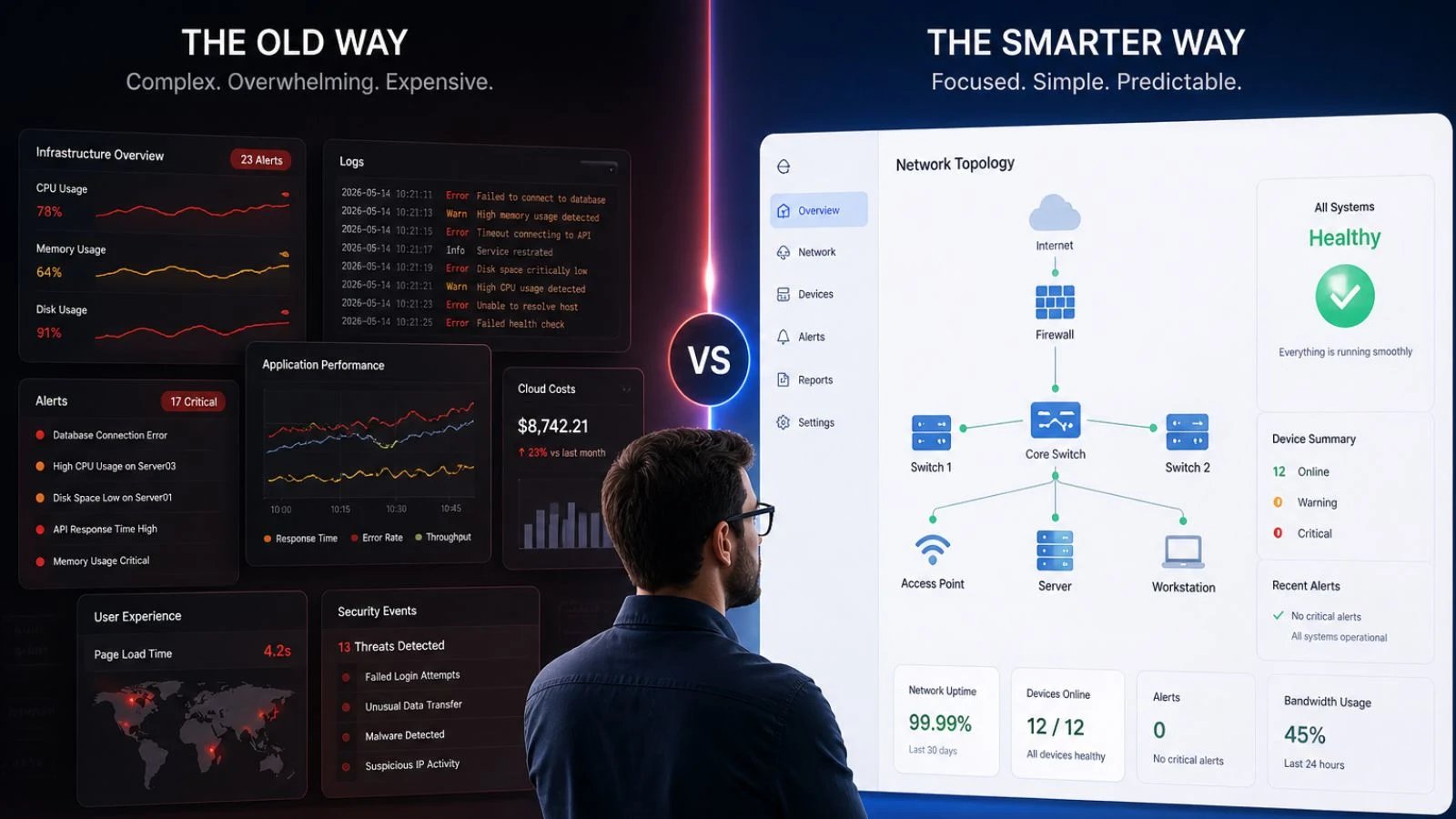
The network monitoring space is crowded, but a few things genuinely set the platform apart in 2026.
First, the focus is laser-sharp. While competitors like Datadog try to be everything to everyone, APM, logs, RUM, infrastructure, and security, this product stays focused on network and infrastructure monitoring done extremely well. For teams that need network depth (not application breadth), that focus translates into a more polished, less overwhelming experience.
Second, the predictable pricing model is genuinely rare in 2026. Almost every major observability platform has shifted to consumption-based billing, where surprise bills of $5,000+ are common. This tool’s per-device model means you know exactly what next month’s invoice will look like, a critical advantage for IT budgets that need to forecast accurately.
Third, the MSP-first design philosophy shines through everywhere. Multi-tenant architecture, client separation, white-label reports, and PSA integrations were built in from day one, not bolted on after the fact. For MSPs running networks for dozens or hundreds of clients, no competing platform feels as natural to operate.
Fourth, the time-to-value is genuinely impressive. Most enterprise observability platforms take weeks of professional services to fully configure, with consultants billing thousands of dollars before you see your first dashboard. Here, you can deploy a collector, watch the topology auto-build, and start receiving meaningful alerts within the same afternoon. For lean IT teams that need quick wins to justify the budget, this fast onboarding curve is a major operational and political advantage.
Who Should Use It?
Auvik reviews from G2, Capterra, and Gartner consistently point to a few ideal user profiles. The platform is a strong fit for:
- Managed Service Providers (MSPs) managing client networks across multiple sites and needing centralized visibility.
- Internal IT teams at mid-market companies who want enterprise-grade visibility without enterprise complexity.
- Multi-site organizations like retail chains, school districts, and healthcare systems have distributed infrastructure.
- Hybrid IT environments mix cloud, on-premise, and edge devices that need unified monitoring.
- L1/L2 helpdesk teams who need to troubleshoot network issues without escalating every ticket to senior engineers.
- Compliance-driven industries like finance, healthcare, and government need automated config backups and audit trails.
If you only manage 5-10 devices in a single location, you may find it overkill. But for any organization with real network complexity, it pays back its subscription many times over in saved engineer hours.
How to Get Started?
Getting up and running takes about 30 minutes from signup to the first live map.
- Sign up for the free trial using this link.
- Deploy the lightweight collector, which runs on a small VM or physical box at each site. No agents on individual devices required.
- Add SNMP credentials so the platform can discover and inventory your switches, routers, and firewalls.
- Watch the topology auto-build; within minutes, your full network map will populate with devices and connections.
- Configure alerts by tweaking the 50+ pre-built alert templates to match your environment.
- Connect integrations to ConnectWise, Autotask, Slack, or Microsoft Teams to route notifications.
- Optional: invite team members; unlimited users are included on every plan.
Our Final Verdict:
After years of real-world use and thousands of verified user reviews, Auvik lands firmly on the positive side. It’s one of the most capable and most refined network monitoring platforms you can buy in 2026. The combination of automated discovery, real-time mapping, predictable pricing, and deep integrations makes it genuinely hard to beat for IT teams and MSPs serious about reducing MTTR.
Yes, the per-device pricing scales up for very large networks, and the alert system needs tuning out of the box. But for the value delivered, hours of engineer time saved every week, instant config rollback, and full multi-site visibility, those friction points are minor compared to the operational impact.
If you’re still unsure about which tier suits your environment, start with the free 14-day trial. You’ll see real value within the first day of network discovery and live mapping.
👉 Start Your Free Auvik Trial Today
Conclusion
Network downtime isn’t getting cheaper in 2026, but the right monitoring platform can dramatically reduce both MTTR and operational stress. If you want automated discovery, real-time topology maps, predictable per-device pricing, and deep PSA integrations in one cloud-based solution, Auvik is one of the smartest tools to invest in this year. The platform pays back its cost many times over in saved engineer hours, faster troubleshooting, and proactive issue detection. Click below to start your free 14-day trial and see the value firsthand within minutes.
FAQ’s:
Q1. Is Auvik really free to try?
Ans: Yes. A 14-day trial includes full feature access with no credit card required.
Q2. How does pricing work?
Ans: Per-device billing for routers, switches, firewalls, and controllers. Servers, workstations, and APs are free.
Q3. Does it support MSPs?
Ans: Yes. Multi-tenant architecture, client separation, and PSA integrations are built in.
Q4. Can it monitor remote sites?
Ans: Yes. Cloud-based with lightweight collectors, it handles distributed and hybrid environments.
Q5. Does it replace Datadog or SolarWinds?
Ans: It replaces network-focused tools well, but doesn’t include APM observability.