Overall Value:
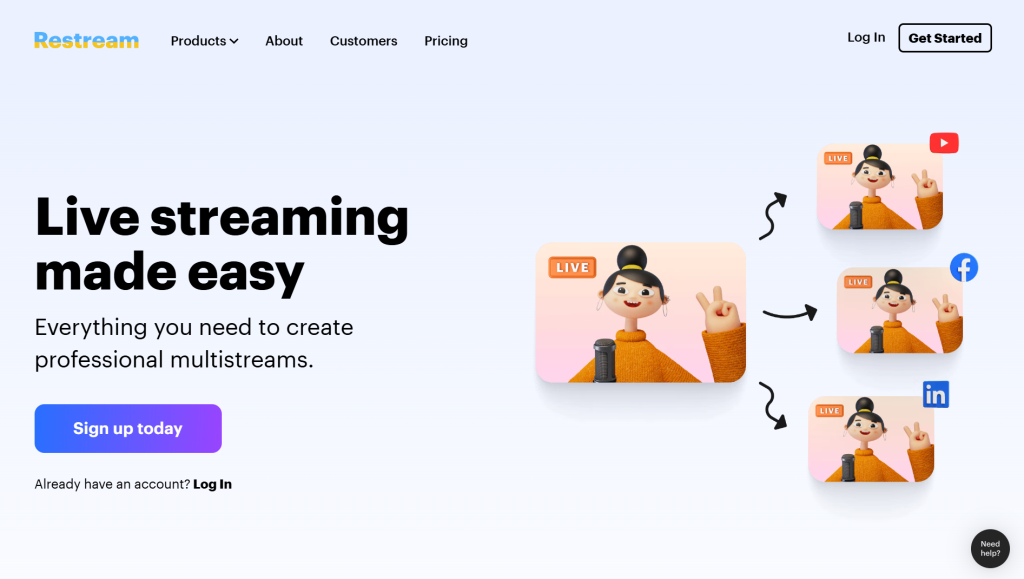
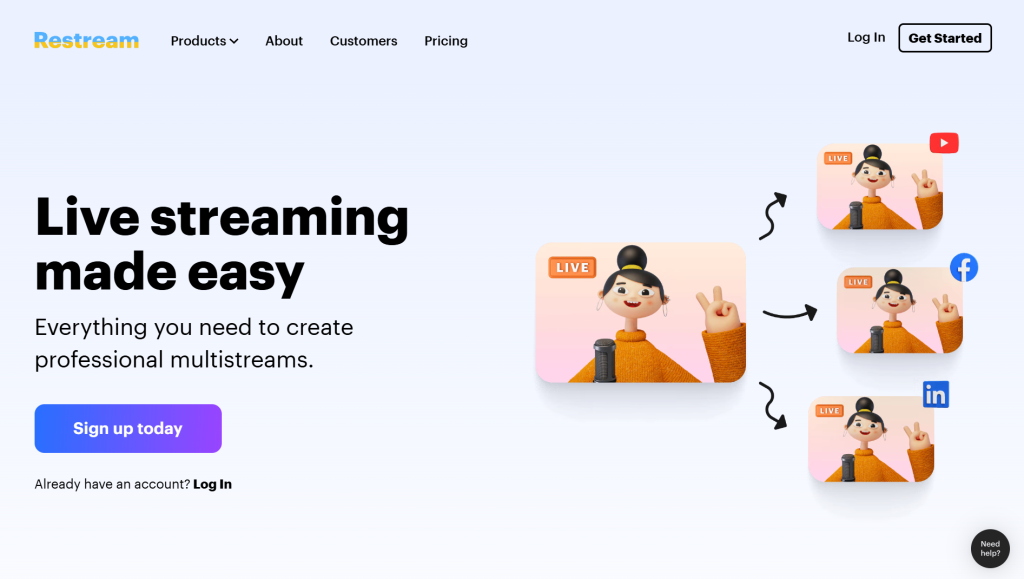
Restream removes the complexity of managing multiple live platforms by allowing users to stream across channels like YouTube, Facebook, LinkedIn, and more in real time. With built-in analytics, chat aggregation, and studio tools, it offers a cost-effective and scalable solution for creators and businesses aiming to maximize reach and engagement without extra technical setup.
Restream Review:
Key Features:
- Multistreaming to Multiple Platforms: Broadcast live to 30+ platforms like YouTube, Facebook, LinkedIn, and Twitch simultaneously.
- Unified Chat Management: Manage and respond to messages from all platforms in one single dashboard.
- Built-in Live Streaming Studio: Go live directly from your browser without needing external software.
- Guest Streaming Support: Invite guests easily for interviews, podcasts, and collaborative live sessions.
- Pre-recorded Streaming: Schedule and stream pre-recorded videos as live broadcasts.
- Custom Branding Tools: Add logos, overlays, and backgrounds to maintain a professional brand presence.
- Real-Time Analytics: Track stream performance, audience engagement, and growth metrics instantly.
Use Cases
- Broadcast live sessions across multiple social platforms simultaneously
- Host webinars, podcasts, and live interviews with remote guests
- Repurpose pre-recorded videos as live streams for better reach
- Manage audience engagement from a single unified chat dashboard
- Build brand presence through consistent multichannel streaming
- Run live product launches, tutorials, and marketing campaigns
Technical Specs
• Input Method: Live video, webcam, screen sharing, or pre-recorded uploads
• Output: Multi-platform live streams with real-time interaction
• Platform Access: Web-based (no installation required)
• Usage Model: Freemium (free + paid plans with advanced features)
• Integration: Works with OBS, Zoom, and major streaming platforms
Multistreaming Made Simple
FAQs
Restream allows users to stream live video to multiple platforms at once while managing chats and analytics from a single dashboard.
Yes, it offers a free plan with basic features. Advanced capabilities like higher quality streaming and branding require paid plans.
No, Restream is beginner-friendly with an intuitive interface, while also offering advanced tools for professionals.
Yes, Restream allows you to schedule and stream pre-recorded content as if it were live.
Yes, you can invite guests directly into your live stream for interviews, podcasts, or discussions.
Conclusion
Restream stands out as a reliable and efficient solution for anyone looking to expand their live streaming reach without increasing complexity. Its multistreaming capability, easy-to-use interface, and powerful engagement tools make it ideal for creators, businesses, and marketers alike. If your goal is to grow visibility and streamline live content distribution, Restream delivers strong value.
Get started with Restream →
Stream smarter. Reach wider. Grow faster.