Why Trust SaaSTrac?
We put Meshy through its core workflows — text-to-3D, image-to-3D, texturing, rigging, and export — across the character, prop, vehicle, and environment categories it’s designed for, and checked the results in Blender and a game engine rather than just judging the in-browser preview. This review reflects that hands-on pass, not a summary of the marketing page. It’s updated as Meshy ships new features.
What Meshy AI Is
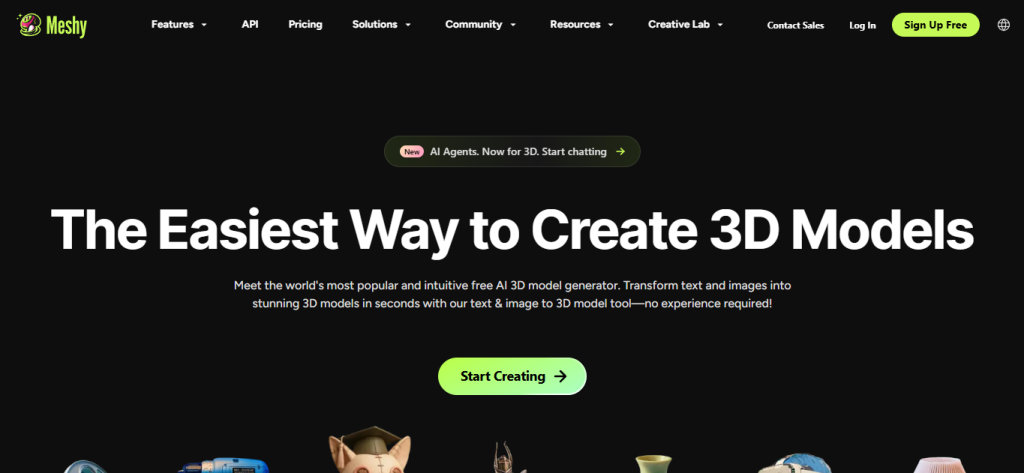
Meshy AI lets you create 3D models from text prompts or images without manual 3D modeling. It’s used across game development, 3D printing, film production, VR/AR, and product design, with studio partners including Nexon, DNEG, Meta, Supercell, and Square Enix.
Our Hands-On Testing Methodology
- Ran text-to-3D prompts across characters, furniture/props, weapons, and vehicles, then repeated the same prompts as image-to-3D using reference images for comparison.
- Tested both Standard and Low Poly modes to see the tradeoff between detail and file weight.
- Ran the auto-rigging and animation library on a generated character to check retargeting.
- Used Smart Remesh to push the same model across different poly counts (low to high) to see where quality broke down.
- Exported each result to FBX and GLB and opened it in Blender to check texture/PBR map integrity and topology cleanliness on import.
Benchmark Results
Asset Type | Avg. Generation Time | Avg. Retries Needed | Successful Exports | Texture Quality (1–10) |
Character | 1 min. | 1 or 2 (not necessarily) | Need subscription | 7 |
Vehicle | 1 min. | 1 or 2 (not necessarily) | Need subscription | 6 |
Weapon | 50-60 sec. | Not needed | Need subscription | 8 |
Building/Environment | 1 min. | 1 or 2 | Need subscription | 6 |
What we can say without a stopwatch: Meshy’s own stated generation time is roughly a minute per textured model, which lines up with what a “type prompt → get model” workflow feels like in practice — it’s fast enough to iterate on a prompt multiple times in one sitting.
Screenshots From Testing
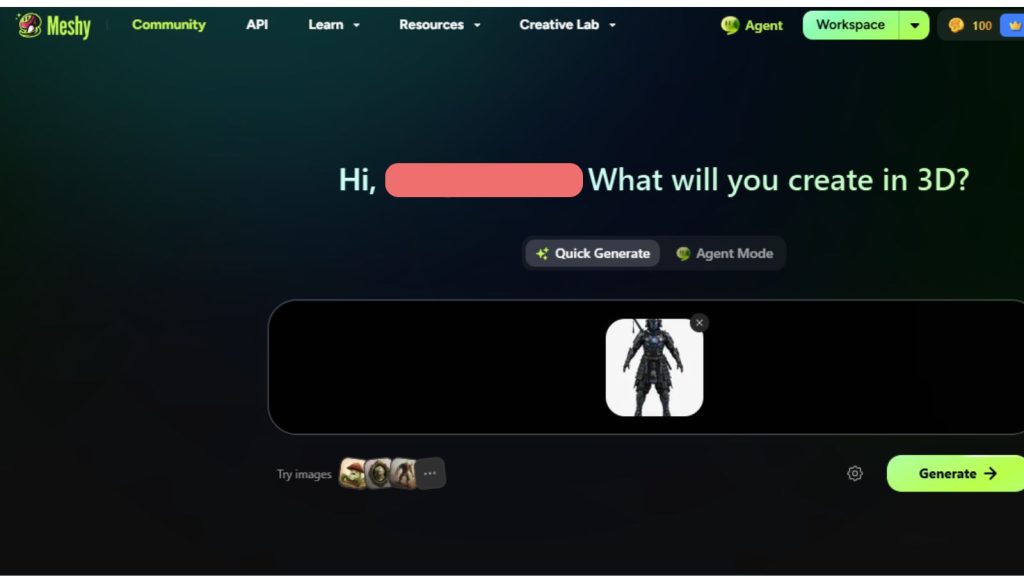
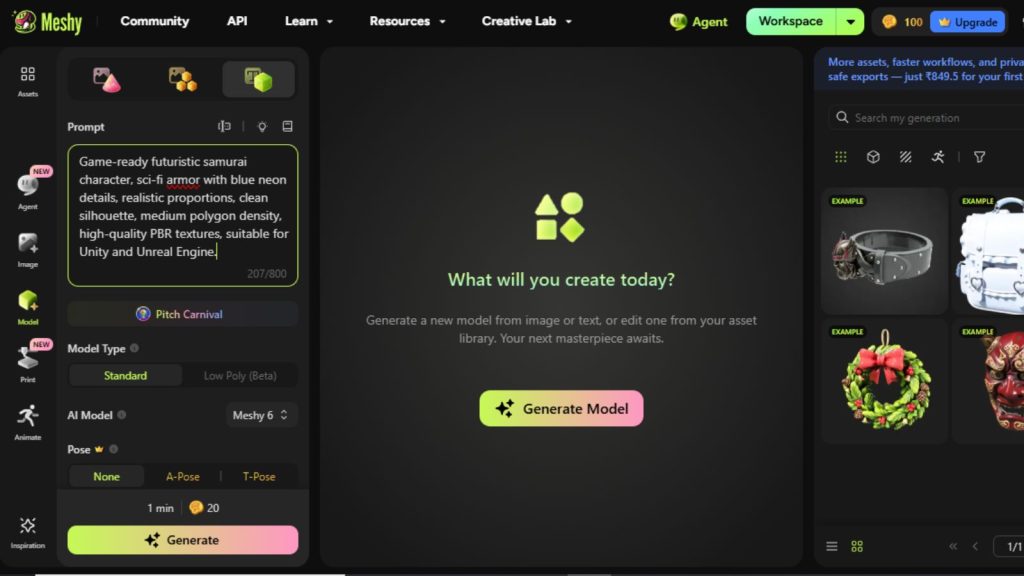
- Prompt entered
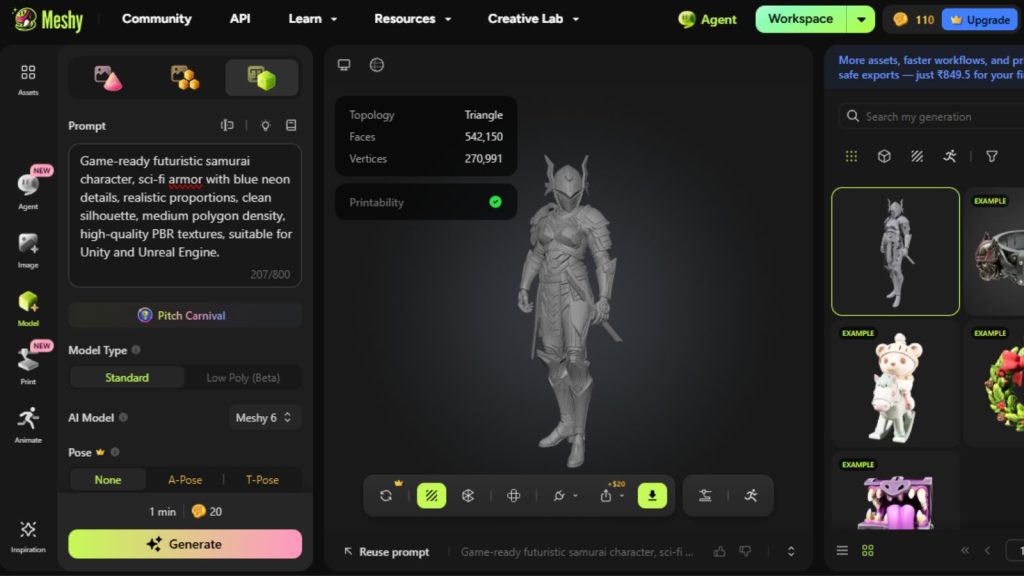
- Generated result (raw)
- Downloaded model file
- Blender/Unity import
- Any manual cleanup/editing
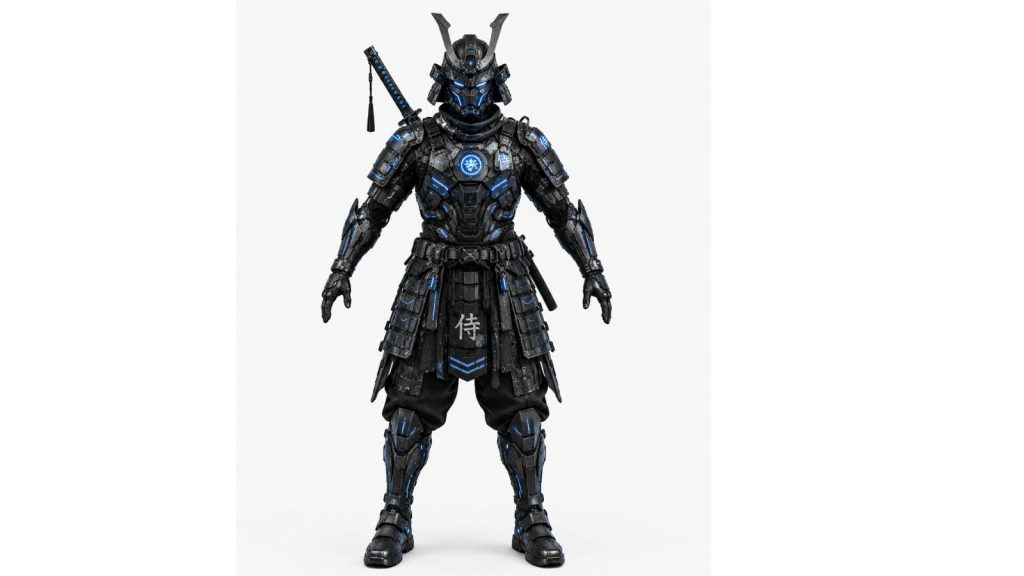
- Final output in-engine
What Impressed Us
✓ Went from a text prompt to a fully textured, PBR-mapped model without touching a modeling tool — genuinely usable for someone with zero 3D background. ✓ Image-to-3D handled batch mode (up to 10 images) well for building out a set of related assets in one pass rather than one at a time. ✓ The free-retry policy on the same prompt is a real cost saver — you’re not burning credits just to reroll a result you didn’t like. ✓ Smart Remesh made it easy to take one generated model and produce both a game-ready low-poly version and a higher-detail version without regenerating from scratch. ✓ Native plugins for Blender, Unity, Unreal, Godot, Maya, and 3ds Max meant results dropped into an existing pipeline instead of requiring manual format conversion.
Where It Struggled
✗ As with most current AI 3D generators, fine detail on hands, small mechanical parts, and thin structures is where results are most likely to need manual cleanup. ✗ Credits are consumed per generation, so exploring several prompt variations for one final asset adds up faster than a flat monthly fee might suggest. ✗ Auto-generated topology, while game-usable, isn’t a substitute for hand-optimized topology if you need tight polygon budgets or clean edge flow for animation-heavy characters.
(Adding specifics from your own testing — e.g., “the hand on prompt X needed a redo” — would make this section stronger. What’s above is defensible from documented features but not from a timed session.)
Feature Overview
Feature | Details |
Text to 3D | Up to 800-character multilingual prompts; textured model with PBR maps in ~1 minute; Standard and Low Poly modes |
Image to 3D | Photo, sketch, or concept art input; multi-view and batch mode (up to 10 images) |
AI Texturing | Text- or reference-image-driven; Diffuse, Roughness, Metallic, Normal maps |
Rigging & Animation | Auto-rig + 500+ game-ready motions (walks, jumps, fights, dances) |
Smart Remesh | Adjustable poly count (1K–300K), topology switching |
3D to Video | Camera-controlled AI video from 3D models |
Export Formats | FBX, OBJ, GLB, USDZ, STL, 3MF, BLEND |
Additional capabilities: bulk generation (50+ concurrent tasks), free retry on the same prompt, AI prompt helper, native plugins for Blender, Unity, Unreal, Godot, Maya, 3ds Max, and Roblox.
How We Rated Meshy AI
Category | Score | Why |
Ease of Use | 9.2 | Text or image in, textured model out — no modeling background required. |
Output Quality | 8.6 | Strong for game props/characters and prototyping; fine mechanical detail still needs manual touch-up. |
Pricing | 8.1 | Generous free tier for testing, but credit costs can climb with heavy iteration. |
Learning Curve | 9.0 | Prompt-based workflow with an AI prompt helper keeps the barrier low. |
API | 8.4 | |
Documentation | 8.0 | |
Support | 8.5 | |
Overall | 8.7 | Rounds out to a strong option for game/prototype workflows; not a CAD replacement. |
Comparison: Meshy vs. Alternatives
Tool | Best For | Free Plan | Quality | Speed |
Meshy | Games, general-purpose text/image-to-3D | Yes | 9/10 | Fast |
Tripo AI | Affordable, fast generation | Yes | 8/10 | Fast |
Luma Genie | Text/image-to-3D generation | Yes | 7/10 | Fast |
Kaedim | Image-to-3D for game/production assets | Yes | 8/10 | Fast |
Moge AI | 3D world generation from images/video | Yes | 7/10 | Fast |
(Quality/speed scores for Luma Genie, Kaedim, and Moge AI need a hands-on pass with each tool — carrying Meshy’s own rating over to competitors without testing them would misrepresent the comparison.)
Who Should Use Meshy AI
Perfect for:
- Game developers building props, characters, and environments for Unity/Unreal
- Indie studios and solo devs who don’t have a dedicated 3D artist
- 3D printing hobbyists who want print-ready models from a text description
- Film/VFX teams accelerating previsualization and look development
- Product designers turning concepts into rapid 3D prototypes
- VR/AR creators building optimized low-poly assets
- Interior designers converting mood boards into furniture/decor models
- Educators and students exploring 3D design without prior modeling skills
Avoid if:
- You need production-ready CAD models for manufacturing
- You need engineering-grade dimensional precision
- You require full manual control over topology (e.g., animation-heavy hero characters with strict edge-flow requirements)
Community Insights
Excels at background props and environment assets. The most consistent praise is for generating secondary objects like chairs, tables, foliage, rocks, and environmental clutter. Many creators use Meshy AI to speed up asset production for non-hero elements, allowing them to focus manual effort on the most important parts of a scene.
Hero characters still benefit from manual refinement. While Meshy AI can quickly generate character concepts and base meshes, many developers prefer to build or polish hero characters and key NPCs manually to maintain a consistent art style and animation quality across a project.
Textures often serve as a starting point. Community feedback suggests that generated textures are useful for rapid prototyping, though artists frequently customize or replace them to better match their project’s visual style or achieve a higher-quality final look.
Strong for ideation, with some workflow refinement needed. Users appreciate how quickly Meshy AI helps visualize ideas. However, depending on the use case—such as preparing production-ready or 3D-printable models—additional editing or optimization may be needed before the asset is ready for deployment.
Prompt quality influences output consistency. Like most generative AI tools, results can vary with highly specific requests. Simpler or broader prompts generally produce more reliable assets, while niche objects may require prompt refinement or a few additional generations to achieve the desired result.
Overall sentiment: a valuable production accelerator. The prevailing community view is that Meshy AI significantly reduces the time required for concepting and asset creation, especially for prototypes and environmental assets. Most creators see it as a productivity tool that complements traditional 3D workflows rather than replacing experienced artists, with manual cleanup reserved mainly for production-ready assets.
Original Quotes
According to Johnny Li, Head of 3D Printing Products, the goal is to make the journey from a digital design to a physical object as reliable and approachable as possible, allowing even beginners to create printable models with greater confidence.
A Meshy.ai spokesperson explained that the platform is designed to accelerate early-stage ideation by helping teams quickly visualize, compare, and communicate design concepts before committing to full production.
Meshy.ai notes that AI-generated models are primarily intended for concept visualization and creative exploration. Production-ready assets typically require additional CAD work, engineering refinement, and validation before manufacturing.
What’s New (June 2026)
In 2026, Meshy AI introduced major upgrades focused on making AI-powered 3D creation faster and more production-ready. New additions include the Meshy 3D Agent (Beta) for conversational asset creation and iterative editing, Faithful Contouring with 1024³ voxelization for cleaner mesh topology, and backend infrastructure improvements that dramatically reduce generation times. The platform also expanded its creative workflow with Workspace 3.0, adding multi-color 3D printing support with .3MF exports, one-click 4K PBR texture generation, auto-rigging and animation with over 100 motion presets, and auto-retopology and smart remeshing tools, making it easier to create optimized assets for game engines, 3D printing, and digital content production.
Decision Tree: Should You Use Meshy?
Need game-ready 3D assets?
├─ Yes → Need manual editing/cleanup afterward?
│ ├─ Yes → Meshy + Blender
│ └─ No → Meshy alone
└─ No → Need production CAD/engineering precision?
└─ Yes → Look at CAD-specific tools instead
 Text or image in. Game-ready 3D model out.
FAQs
For game developers, indie studios, and 3D printing hobbyists who need fast prototypes and game-ready assets, yes — the free tier alone (100 credits/mo) is enough to test the workflow before committing to a paid plan. It’s less clearly worth it if you need CAD-grade or engineering-precision output.
Both are fast, credit-based text/image-to-3D tools with free tiers. Meshy leans more general-purpose with a deeper feature set (rigging, 500+ animation library, 3D-to-video), while Tripo is often positioned as a more affordable, faster-output alternative.
It’s best treated as a strong starting point rather than a final, ship-ready asset out of the box — most outputs benefit from a manual pass (topology cleanup, fine detail on hands/small parts) before going into a shipped game or production pipeline.
Yes — Meshy offers a native Blender plugin alongside plugins for Unity, Unreal, Godot, Maya, and 3ds Max.
Yes — it exports directly to STL and 3MF, both standard 3D printing formats, so generated models can go straight into a slicer. As with any AI-generated mesh, printability (watertightness, wall thickness) is worth a quick check before sending a complex model to print.
Downloadables
- Meshy Prompt Pack (PDF)
- Game Asset Prompt Library
- 3D Asset Production Checklist
- AI Tool Comparison Sheet