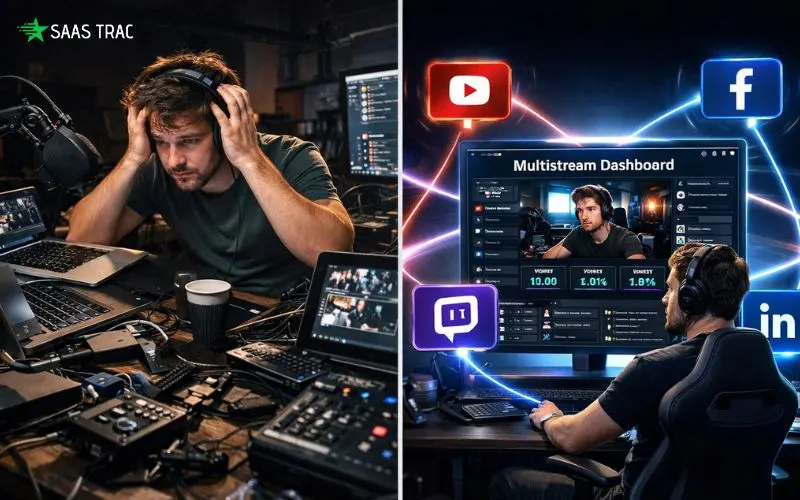
Going live on just one platform at a time isn’t enough anymore. If you’re a content creator, marketer, coach, podcaster, or small business owner, you already know your audience is spread across YouTube, Facebook, LinkedIn, Twitch, TikTok, Kick, and Instagram. Streaming to each channel separately eats into your time, bandwidth, and sanity. That’s exactly the problem Restream has been solving for nearly a decade. It’s a cloud-based multistreaming platform that lets you broadcast one live video feed to 30+ social channels simultaneously without losing quality, without extra hardware, and without any complicated technical setup.
In this detailed Restream review, I’ll walk you through what the platform actually does, how the features perform in real-world use, what it costs, and whether it’s worth your money in 2026. By the end, you’ll know whether it fits your streaming goals, whether another tool might suit you better.
What Is Restream?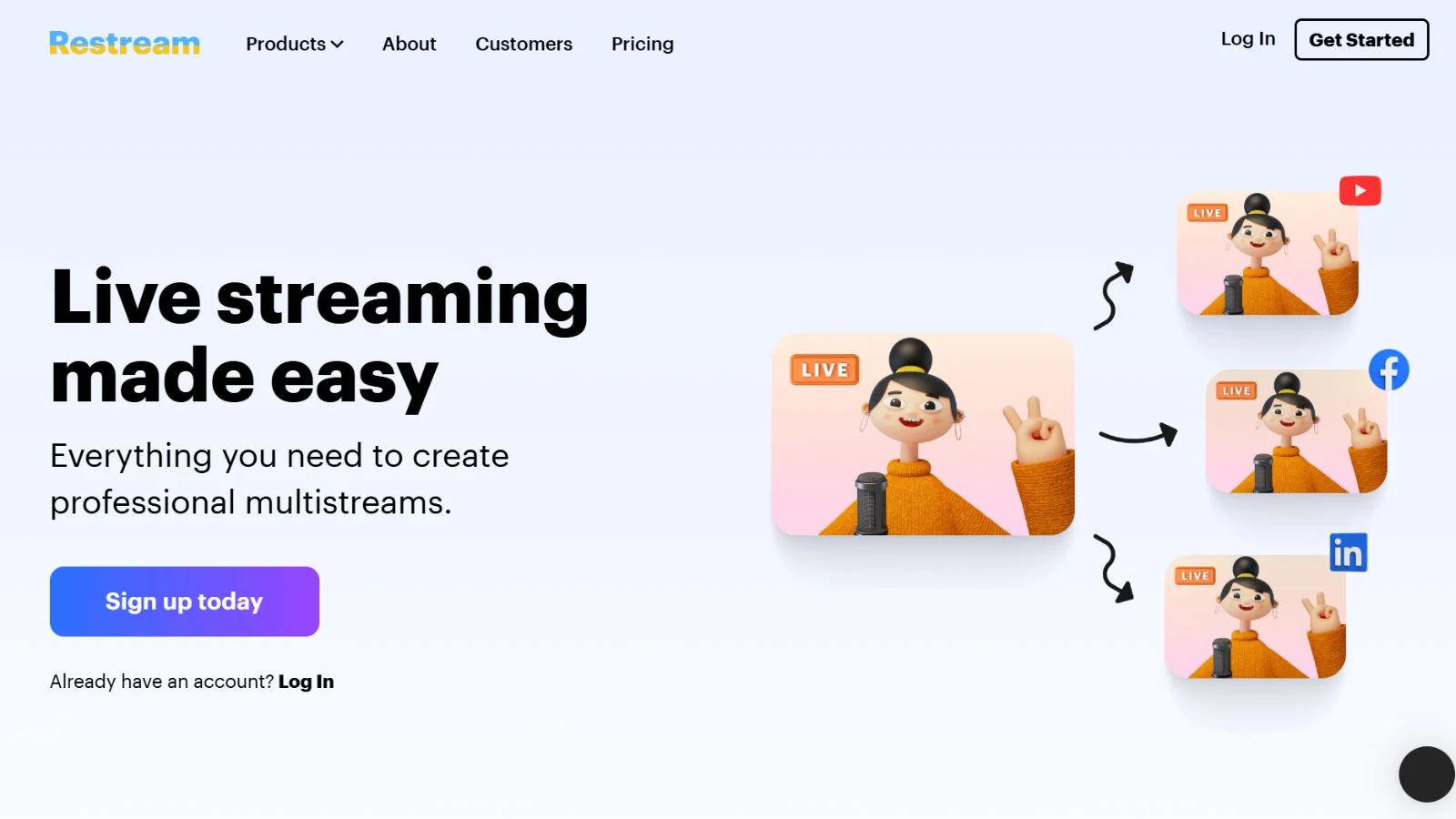
Restream is a browser-based live video streaming and multistreaming solution that lets you go live on multiple platforms at the same time with a single click. Instead of running three or four browser tabs, managing four different stream keys, and burning through your upload bandwidth, you connect all your channels once and broadcast everywhere in real time.
Founded in 2015, Restream has grown into one of the most trusted streaming platforms on the market, used by over 5 million creators around the world. It supports more than 30 destinations, including YouTube Live, Facebook, LinkedIn Live, Twitch, TikTok, Kick, X (Twitter), and any custom RTMP endpoint you want to plug in. Whether you’re a solo creator, a podcaster, an agency, a church, or a corporate communications team, the platform is built to scale with you.
The best part? You don’t need any fancy hardware or heavy software. If you’ve got a browser, a webcam, and a stable internet connection, you can go live from your browser in under five minutes.
Key Features:
Let’s break down exactly what you get when you sign up for this Restream software.
1. Multistreaming to 30+ Platforms:
This is the flagship feature and the reason most people sign up. The platform takes one video feed and distributes it across every channel you’ve connected, up to 8 destinations at once on the top plan. All the heavy lifting happens on the cloud servers, so you don’t need extra bandwidth or CPU power to stream to more destinations.
2. Restream Studio:
The built-in Studio is a browser-based production suite. You can go live directly from your browser with up to 10 guests, add custom overlays, brand colors, logos, lower-thirds, and even switch between multiple scenes. It supports 1080p Full HD streaming on the Professional plan and higher.
3. Unified Chat Across All Platforms:
One of the most painful parts of multistreaming is managing five different chat windows at once. The tool rolls every comment from every connected channel into one clean, unified interface, so you can reply to viewers without ever switching tabs. It’s a small feature that feels huge once you actually use it.
4. Restream Clips (AI Highlights):
After your broadcast ends, the built-in AI automatically scans your recording and pulls out the most engaging moments. It crops them vertically for TikTok, Shorts, and Reels, adds captions, and serves them up ready to share. This single feature saves creators hours of editing every week.
5. Upload & Stream (Pre-Recorded Live):
Don’t want to go live in real time? Upload a pre-recorded video, and the platform will broadcast it as a live stream to all your connected channels. It’s great for repurposing webinars, evergreen content, or testing new formats without being on camera.
6. Scheduling:
Plan your broadcast days or weeks. The tool creates event pages on each connected platform automatically, so your followers get notified ahead of time and show up ready when you go live.
7. Deep Integrations:
The software integrates seamlessly with OBS Studio, Streamlabs, Ecamm Live, XSplit, Elgato, and Zoom through a simple RTMP key. Business users can also plug in SRT ingest for rock-solid broadcast-grade transport.
8. Analytics Dashboard:
See viewer counts, engagement trends, peak moments, and performance per channel, all in one clean dashboard. You’ll quickly learn which platforms bring the most eyeballs and where to double down your effort.
Restream Pricing: How Much Does It Cost?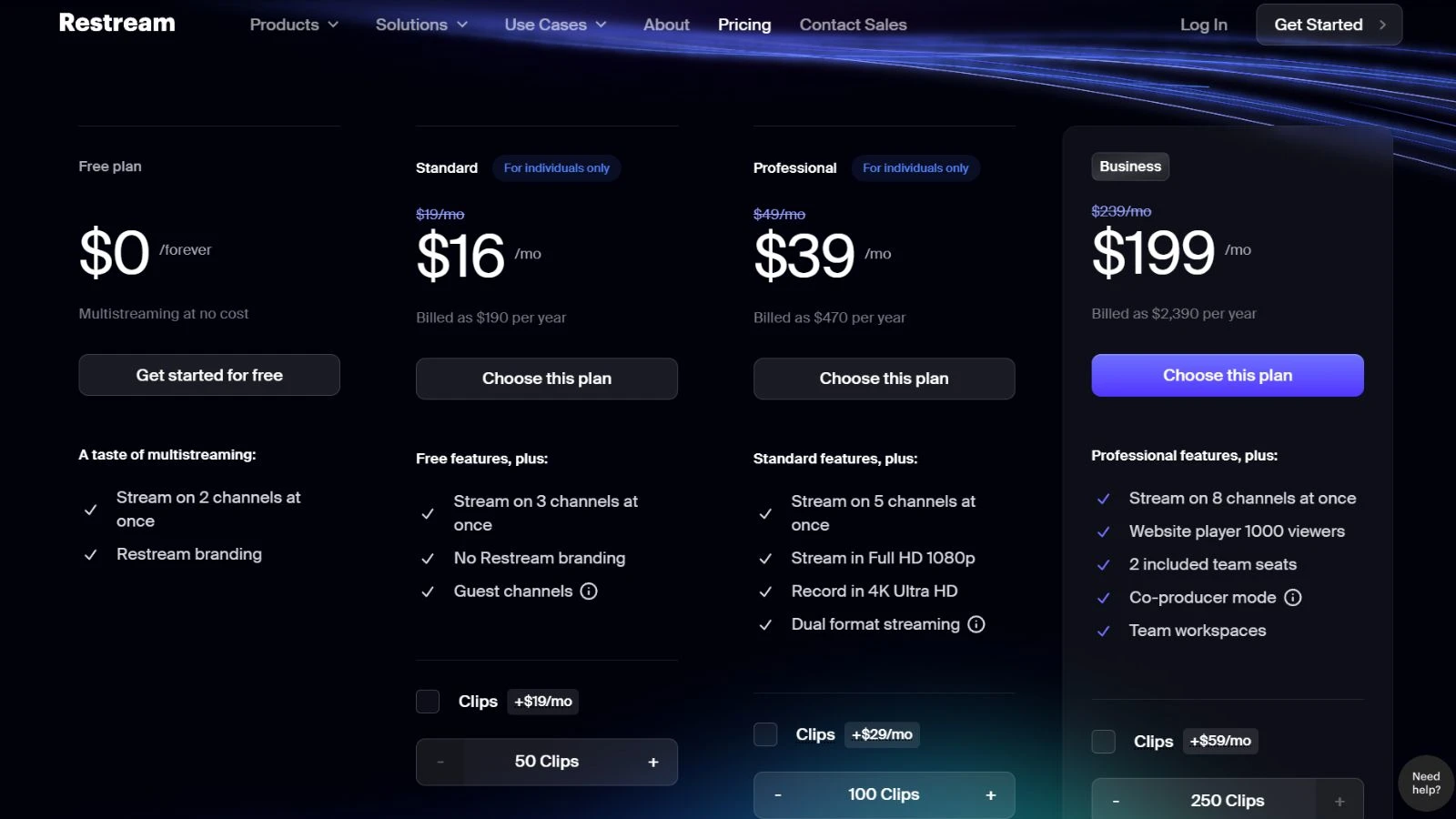
When it comes to the cost, the platform offers a genuinely generous free forever plan along with three paid tiers designed for different types of users. Here’s a quick snapshot:
- Free Plan, Stream to 2 channels at 720p with a small watermark. Includes Studio access and unified chat. Great for beginners.
- Standard – $16/month 3 simultaneous channels, no watermark, custom graphics, basic branding. Best for solo creators starting to get serious.
- Professional – $39/month, 5 simultaneous channels, 1080p Full HD streaming, team access, split recordings, and AI Clips. The sweet spot for most content creators.
- Business – $199/month 8 simultaneous channels, SRT ingest, white-label web player, SSO, and priority 24/7 support. Designed for agencies, media companies, and enterprise teams.
You can also save roughly 30% by choosing annual billing over monthly. Compared to alternatives like StreamYard (starting at $35.99/month for the Core plan when billed annually) or Ecamm Live, this tool delivers strong overall value, especially on the Professional tier, which is the plan most growing creators will want.
👉 Check Live Restream Plans & Current Deals
Pros of Using the Platform:
Here’s what genuinely makes this tool stand out in the live streaming space.
- Widest platform support in the category, 30+ destinations mean you can grow on every channel your audience lives on.
- Zero bandwidth strain on your side. All the heavy lifting happens in the cloud, not on your home internet.
- Clean, intuitive interface. Even total beginners can connect their accounts and go live in under 5 minutes.
- Restream Studio is genuinely powerful, Browser-based production with guests, overlays, and branding, no OBS required if you don’t want it.
- AI-powered Clips save hours, and automatic vertical highlights remove the need for a separate editor.
- The free plan is actually useful; unlike many trial plans, the free tier is strong enough for casual creators to get real value.
- Unified chat is a time-saver. Managing every comment in one place is a game-changer for live engagement.
- Reliable performance. Delay is typically under 2 seconds, there’s no bitrate cap, and uptime is consistent.
- Pre-recorded streaming support, The Upload & Stream feature is perfect for repurposing evergreen webinars and training content.
- Strong integrations work smoothly with OBS, Ecamm, Streamlabs, Zoom, and other pro tools you already use.
Cons to Keep in Mind:
No platform is perfect. Here are a few honest downsides worth knowing before you commit.
- Business plan is expensive, at $199 a month, it’s pricey for small businesses, and competitors like Castr undercut it significantly.
- Watermark on the free plan. If you want a clean, fully-branded look, you’ll need at least the Standard plan.
- Scheduler locked behind paid tiers. A few handy features are paywalled, which can annoy free users.
- Instagram limitations: due to Meta’s policies, you can’t stream to Instagram from desktop tools. It’s not the provider’s fault, but still frustrating.
- Occasional bugs: A minority of users report minor glitches during streams, though support is usually quick to respond.
- Limited local recording options. If you want broadcast-grade local recordings, tools like StreamYard or Ecamm may edge ahead in that specific area.
What Makes It Stand Out From the Crowd?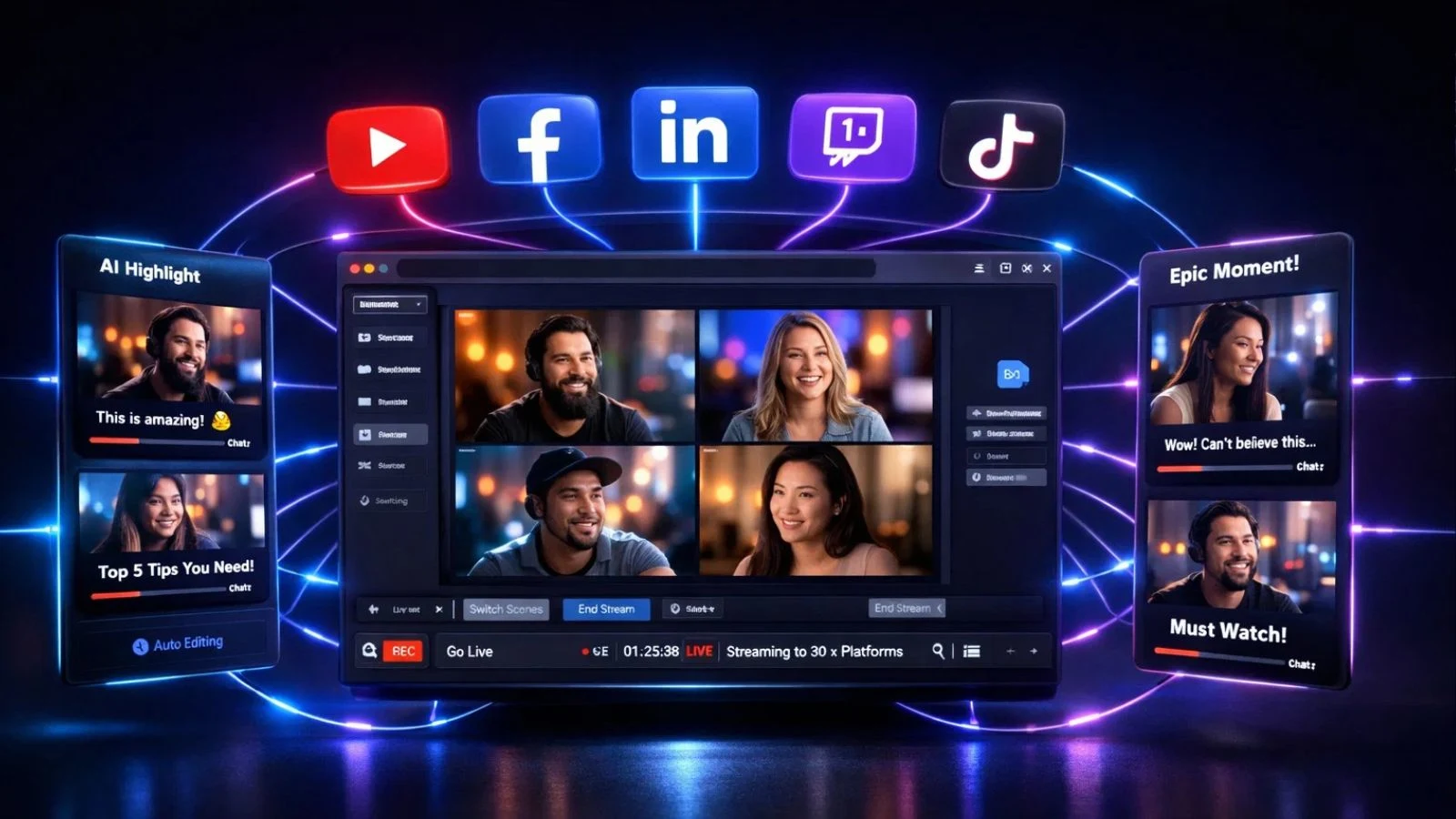
In a market crowded with streaming tools, a few key things separate this platform from the pack. First, the sheer channel coverage is unmatched; most competitors top out at 8 to 10 destinations, while this tool gives you access to 30+. Second, the browser studio experience is unusually polished. Most browser-based studios feel like stripped-down OBS clones, but this one genuinely plays like a production tool, with multi-guest support, overlays, and scene switching all built in.
Third, the AI Clips feature bridges the gap between live streaming and short-form content. Very few competing products handle automated vertical cropping, captioning, and highlight extraction this well in 2026. For creators trying to feed TikTok, Shorts, and Reels without hiring an editor, this feature alone can justify the monthly subscription.
Fourth, reliability matters when you’re live. The cloud infrastructure has been battle-tested across millions of broadcasts, and the sub-2-second delay means multi-platform chats feel nearly simultaneous to your audience. Combined with strong customer support on paid plans, it becomes the kind of tool you can actually depend on for business-critical events like product launches, webinars, or revenue-generating live shows.
Who Should Use It?
This platform is a strong fit for:
- Content creators who want to grow faster by reaching audiences on YouTube, Twitch, TikTok, and LinkedIn simultaneously.
- Coaches, consultants, and course creators who need a polished live presence without hiring a production crew.
- Podcasters who want to record and stream high-quality interviews with remote guests.
- Small businesses and marketers are running webinars, product launches, demos, and community events.
- Agencies and media teams need SRT ingest, white-label features, and team-level controls.
- Churches, schools, and nonprofits are broadcasting services or classes to congregants and students across platforms.
If you only ever stream to one platform and have no plans to expand your reach, you may not need this tool. But if growth and content repurposing matter to you, it’s a natural fit.
How to Get Started?
Getting going takes about five minutes from start to first stream:
- Sign up for free using this link.
- Connect your channels, YouTube, Facebook, LinkedIn, Twitch, TikTok, and 25+ others via secure OAuth.
- Choose your setup: use the built-in Studio directly in your browser, or plug in OBS using your unique Restream RTMP key.
- Go live! Hit the stream button, and you’re broadcasting everywhere at once.
- Monitor and engage using the unified chat window and the analytics dashboard.
Our Final Verdict:
After years of real-world use and thousands of user reviews, Restream lands squarely on the positive side. It’s still one of the cleanest, most reliable, and most feature-rich multistreaming platforms you can buy in 2026. Wide platform support, a polished browser-based Studio, AI-powered Clips, and unified chat make it a near no-brainer for anyone serious about growing a live audience.
Yes, the Business plan is pricey, and a few features are paywalled in annoying places. But for the Professional plan, it’s hard to argue with the value. Full HD streaming, 5 channels, AI Clips, split recordings, and a powerful Studio for $39/month beats most direct competitors head-to-head.
If you’re still on the fence, just start with the free plan. You’ll know within your first broadcast whether it’s right for you.
Conclusion:
Live streaming isn’t slowing down in 2026, and neither should you. If you want to grow your audience, save hours every week, and professionalize your broadcasts without hiring a production crew, Restream is one of the smartest tools to invest in this year. The unified chat, AI-powered Clips, and powerful Restream Studio alone are worth the signup. Add 30+ platform support and rock-solid reliability, and it’s easy to see why millions of creators trust it daily. Click below to create your free account and start streaming today.
FAQs:
Q1. Is Restream really free?
Ans: Yes. The free plan streams to 2 channels at 720p with a watermark, removed on paid plans.
Q2. How many platforms can Restream broadcast to?
Ans: Up to 30+ channels, with 8 simultaneous streams on the Business tier.
Q3. Does it reduce video quality?
Ans: No. Resolution, frame rate, and bitrate are preserved with under 2-second delay.
Q4. Does it work with OBS?
Ans: Yes. It plugs into OBS, Streamlabs, Ecamm, XSplit, and Zoom via RTMP.
Q5. Can I stream pre-recorded videos?
Ans: Yes. Upload & Stream schedules recorded content as a live broadcast.