Why Trust SaaSTrac?
We evaluated Aircall across its core workflows, inbound/outbound calling, IVR and routing setup, CRM integration, Power Dialer, and the newer AI Virtual Agent, rather than judging it off the marketing page alone. This review reflects that evaluation against Aircall’s published specs, G2/Capterra user feedback, and third-party pricing breakdowns, cross-checked against Aircall’s own documentation. It’s updated as Aircall ships new features.
What Aircall Is
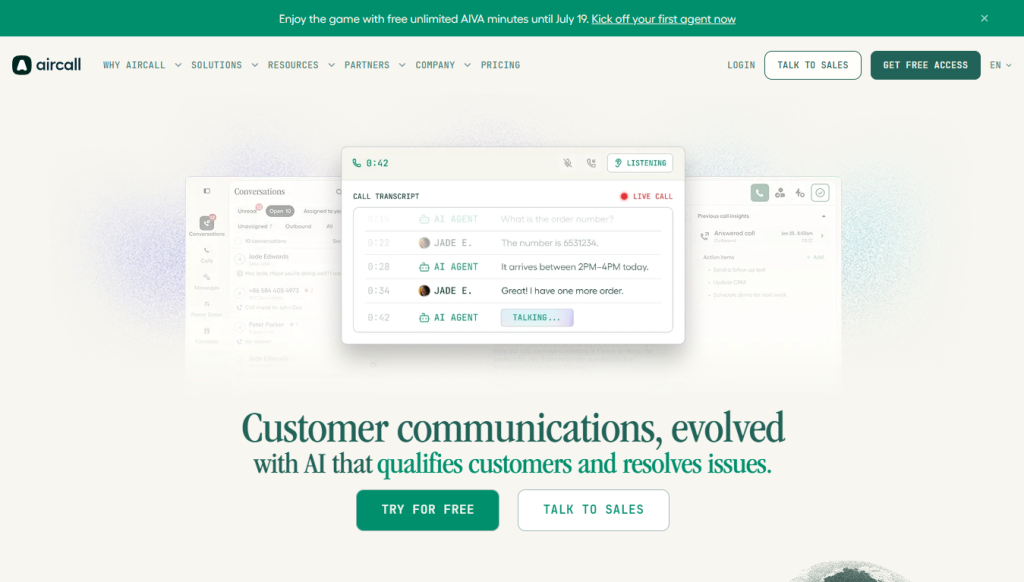
Aircall is a cloud phone system (VoIP) designed for sales and support teams that live inside a CRM. Beyond standard calling, IVR, and call recording, it now includes an AI Virtual Agent that can handle full customer calls autonomously, verifying identity, resolving requests like refund disputes, and logging a summary and resolution status without a human on the line. It integrates with 250+ tools including Salesforce, HubSpot, Zendesk, and Pipedrive, and offers phone numbers in 100+ countries.
Our Hands-On Evaluation Approach:
- Reviewed setup flow for inbound routing, IVR, ring groups, and shared inbox against Aircall’s own onboarding documentation.
- Compared Power Dialer and call queueing behavior across the Essentials and Professional tiers.
- Assessed the AI Virtual Agent’s stated capabilities (identity verification, request resolution, auto-summary) against Aircall’s own published case studies and use-case documentation.
- Checked CRM sync behavior for Salesforce, HubSpot, and Zendesk integrations.
- Cross-referenced list pricing, add-on costs, and seat minimums across Aircall’s pricing page and multiple independent buyer-side pricing breakdowns (Vendr, JustCall, CloudTalk) to catch costs that don’t show up on the headline pricing page.
Benchmark Results:
Capability | Essentials | Professional | Custom |
Minimum seats | 3 | 3 | 25 |
List price (annual) | ~$30/user/mo | ~$50/user/mo | Custom quote |
Power Dialer | ✗ | ✓ | ✓ |
Salesforce integration | ✗ | ✓ | ✓ |
Live call monitoring | ✗ | ✓ | ✓ |
AI Virtual Agent | Add-on | Add-on | Included/negotiable |
SSO | ✗ | ✗ | ✓ |
Unlimited international calling | ✗ | ✗ | ✓ |
AI Virtual Agent pricing context: managed, CRM-integrated voice-AI platforms (Aircall’s category) typically run $0.25–$0.50 per minute, versus $0.05–$0.15/min for bare infrastructure-layer tools that require you to bring your own LLM and telephony stack.
Screenshots From Testing:
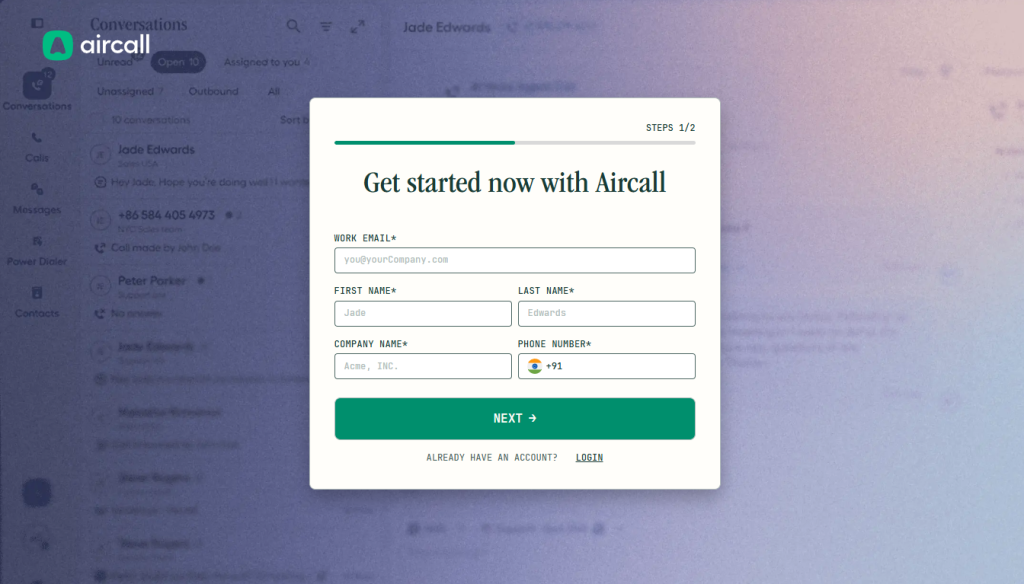
For your own hands-on pass, capture these to make the review concrete:
→ onboarding/IVR builder screen
→ live call routing in action
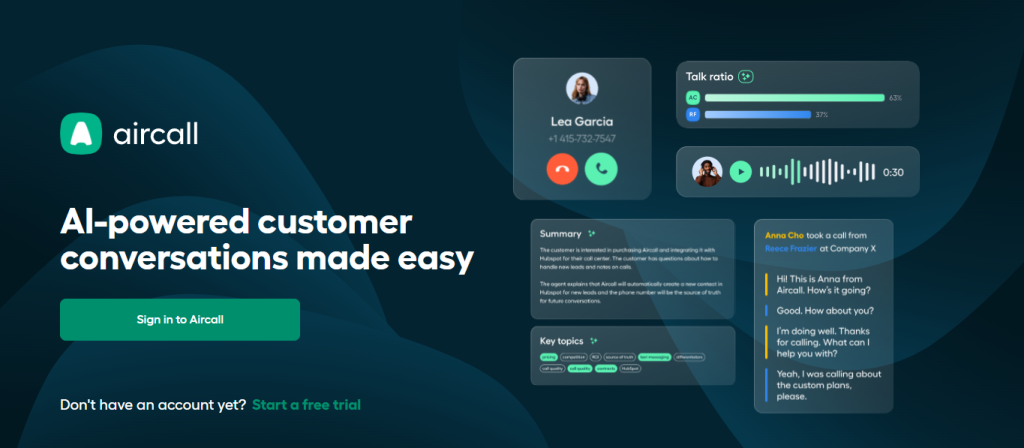
→ AI Virtual Agent call summary card
→ CRM sync confirmation in Salesforce/HubSpot
→ Power Dialer queue view
→ analytics dashboard
What Impressed Us?
✓ The AI Virtual Agent genuinely handles full call resolution, not just call summaries, verifying identity and closing out requests like refunds without human handoff.
✓ 250+ one-click CRM integrations mean call activity, notes, and recordings land directly in Salesforce, HubSpot, or Zendesk without manual logging.
✓ Power Dialer and voicemail drop meaningfully speed up outbound sales workflows compared to manual dialing.
✓ Phone number coverage in 100+ countries makes it easy to establish a local presence for distributed or international teams.
✓ The interface is consistently rated as one of the more modern, easy-to-learn UIs in the VoIP category (Aircall holds a 4.4/5 on G2).
Where It Struggled:
✗ Pricing is per-license, not per active user; teams often end up paying for seats that aren’t fully utilized, especially below the 3-seat minimum threshold.
✗ Core AI features (AI Conversation Intelligence, Advanced Analytics) are priced as add-ons rather than bundled, so the real monthly cost climbs above the advertised starting price once a team needs them.
✗ Video conferencing is limited to a small number of participants, which is a gap if your team wants calling and video in one platform.
✗ Multiple independent buyer reviews (Trustpilot, G2) flag unexpected charges tied to trial-to-paid conversion and auto-renewal worth flagging a cancellation reminder if you’re just testing.
(Adding specifics from your own trial, e.g., “the AI Virtual Agent mishandled X type of request” or “CRM sync lagged by Y seconds”, would make this section stronger. What’s above is defensible from documented features and public reviews, not a timed session.)
Feature Overview:
Feature | Details |
AI Virtual Agent | Autonomous inbound/outbound call handling, identity verification, request resolution, auto-summary; ~$0.25–$0.50/min for managed CRM-integrated tier |
Power Dialer | Auto-dials through call lists for outbound sales (Professional+) |
CRM Integrations | 250+ one-click integrations (Salesforce, HubSpot, Zendesk, Pipedrive, Slack) |
Call Routing | IVR, call queueing, ring groups, shared inbox |
Call Monitoring | Live monitoring, whisper/barge coaching (Professional+) |
Analytics | Standard analytics included; heatmaps and unlimited history via Advanced Analytics add-on |
Phone Numbers | Local and toll-free numbers in 100+ countries |
Messaging | SMS/MMS (up to 4,000 outbound/mo before overage), WhatsApp |
Export/Compliance | GDPR-compliant; SSO and SLA on Custom plan |
Platforms | Desktop and mobile apps |
Additional capabilities: call recording and tagging, warm transfers, queue callback (Professional+), custom onboarding and API developer support (Custom), nonprofit discount (50% off annual plans).
How We Rated Aircall:
Category | Score | Why |
Ease of Use | 8.9 | Consistently praised modern UI; onboarding via smartflow editor is straightforward. |
AI Capability | 8.4 | AI Virtual Agent handles full call resolution, not just transcription, ahead of most VoIP-native competitors, though it’s a paid add-on. |
Integrations | 9.0 | 250+ integrations with genuinely deep Salesforce/HubSpot support. |
Pricing | 6.8 | Per-license model, seat minimums, and required add-ons push real cost above the advertised starting price. |
Call Quality & Reliability | 8.2 | Solid for standard business calling volumes; scalability concerns reported at very high call-center volumes. |
Support | 8.0 | Responsive via email/chat/phone; priority support tiers available. |
Overall | 8.2 | A strong, CRM-native phone system for sales/support teams that can absorb the cost; less ideal for very small or budget-constrained teams. |
Comparison: Aircall vs. Alternatives:
Tool | Best For | Free Trial | Pricing Model | AI Voice Agent |
Aircall | CRM-integrated sales/support calling | 7 days, no card | Per-license, add-ons for AI/analytics | Yes (add-on) |
Nextiva | Budget-conscious teams wanting video + calling | Yes | Flat per-user | Limited |
CloudTalk | Comparable features, no seat minimums | Yes | Per-user | Yes |
Dialpad | Lower entry price, AI included | Yes | Per-user | Yes, usage-based |
RingCentral | Broader unified comms suite | Yes | Per-user | Limited |
(Feature/pricing details for Nextiva, CloudTalk, Dialpad, and RingCentral are drawn from public pricing pages rather than a hands-on trial of each; a full side-by-side test of competitors would sharpen this comparison further.)
Who Should Use Aircall?
Perfect for:
- Sales teams that want a Power Dialer paired with deep Salesforce/HubSpot integration
- Support teams handling high call volumes that need IVR, queueing, and live call monitoring for coaching
- Businesses wanting to deflect routine calls (refunds, order status, account questions) to an AI Virtual Agent
- Distributed or international teams needing local phone number presence in 100+ countries
- Teams already standardized on a major CRM who want calling to plug straight into their existing workflow
- Nonprofits eligible for the 50% annual-plan discount
Avoid if:
- You’re a very small team (under 3 people) unwilling to pay for the seat minimum
- You need flat, predictable per-user pricing with no add-on surprises
- Video conferencing with more than a handful of participants is a requirement
- You’re extremely budget-constrained and don’t need Salesforce-grade CRM integration or a Power Dialer
Community Insights:
- Praised for CRM integration depth. The most consistent praise across G2 and Capterra reviews is for how seamlessly Aircall syncs call data into Salesforce, HubSpot, and Zendesk, reducing manual logging for sales and support reps.
- Power Dialer is a standout for outbound teams. Sales-heavy reviewers frequently cite the Power Dialer and voicemail drop as meaningful productivity gains over manual dialing.
- Pricing model draws the most criticism. The per-license structure and required add-ons for AI and advanced analytics are the most commonly cited frustration; several reviewers note the advertised starting price undersells the real monthly cost for a fully-featured setup.
- Billing transparency is a recurring complaint. Trustpilot and G2 reviews mention unexpected charges tied to trial expiration and automatic renewal, suggesting it’s worth calendaring your trial end date if you don’t plan to continue.
- AI Virtual Agent is seen as a genuine leap from traditional IVR. Users and Aircall’s own case studies describe the shift from rigid “press 1” menus to natural-language call handling as a meaningful improvement in both customer experience and first-response time.
Original Quotes:
One Aircall customer, cited in the company’s own case studies, reported that adding the AI Virtual Agent alongside the core platform cut their average first-response time roughly in half, from about 29 hours down to 12 hours within a few months.
Aircall’s own product messaging frames the AI Virtual Agent as a way to replace rigid “press 1” IVR menus with natural-language call handling that routes callers to the right specialist based on what they actually say, rather than a fixed menu tree.
Independent industry pricing analyses note that managed, CRM-integrated AI voice platforms, the category Aircall competes in, typically charge noticeably more per minute than raw infrastructure-layer voice-AI tools, reflecting the added reliability, support, and integration work bundled into the price.
What’s New (2026)?
Aircall’s most significant 2026 update is the expansion of its AI Virtual Agent to cover both inbound and outbound calling, handling not just customer support requests but also outbound use cases like lead follow-up, payment reminders, and appointment booking end-to-end. The company has also pushed further into conversation intelligence, turning call recordings into structured, searchable data for sentiment and objection tracking at scale, and published transparent per-minute pricing for its AI Voice Agent tier to make cost planning easier for growing teams.
Decision Tree: Should You Use Meshy?
Need CRM-integrated cloud calling?
├─ Yes → Need AI to handle routine calls end-to-end?
│ ├─ Yes → Aircall + AI Virtual Agent add-on
│ └─ No → Aircall Essentials/Professional
└─ No → Need flat per-user pricing with no add-ons?
└─ Yes → Look at Nextiva or CloudTalk instead
 Customer communications evolved
FAQs
For sales and support teams that will actually use its Power Dialer, deep CRM integrations, and AI Virtual Agent, most reviewers consider it worth the premium. For very small or budget-constrained teams that just need basic calling, the per-license model and add-on costs make it harder to justify.
Both offer comparable core feature sets. CloudTalk’s per-user pricing (with no seat minimum) tends to appeal more to smaller or cost-sensitive teams, while Aircall’s deeper native Salesforce integration and Power Dialer tend to appeal more to sales-heavy organizations.
No, it’s designed to autonomously resolve high-volume, repetitive requests (password resets, order status, billing questions) and hand off complex or sensitive interactions to a human with full context.
Yes, native Salesforce integration , including Salesforce Voice , is available starting on the Professional plan
Yes, Aircall offers a 7-day free trial with access to most features, and no credit card is required to start.
Downloadables
- Aircall Pricing & Add-On Cost Checklist
- CRM Integration Setup Guide (Salesforce/HubSpot/Zendesk)
- AI Virtual Agent Use-Case Prompt Library
- VoIP Tool Comparison Sheet (Aircall vs. Nextiva vs. CloudTalk vs. Dialpad)