No small business owner has the time to sit and build a website from scratch. And that is the reason why so many people are using an AI website builder. You just type what you want, and the AI creates a full website for you in minutes. Whether you need a quick landing page, a clean business site, or even a simple prototype, these AI tools make the whole process easy and affordable. Some of them even offer a free AI website builder option, so you can get your website online.
In this guide, we are breaking down the 5 best AI website builders for small business owners. You will see what each tool can do, who it’s best for, and which one works as the most reliable AI website generator for your business.
What Makes A Great AI Website Builder For Small Businesses?
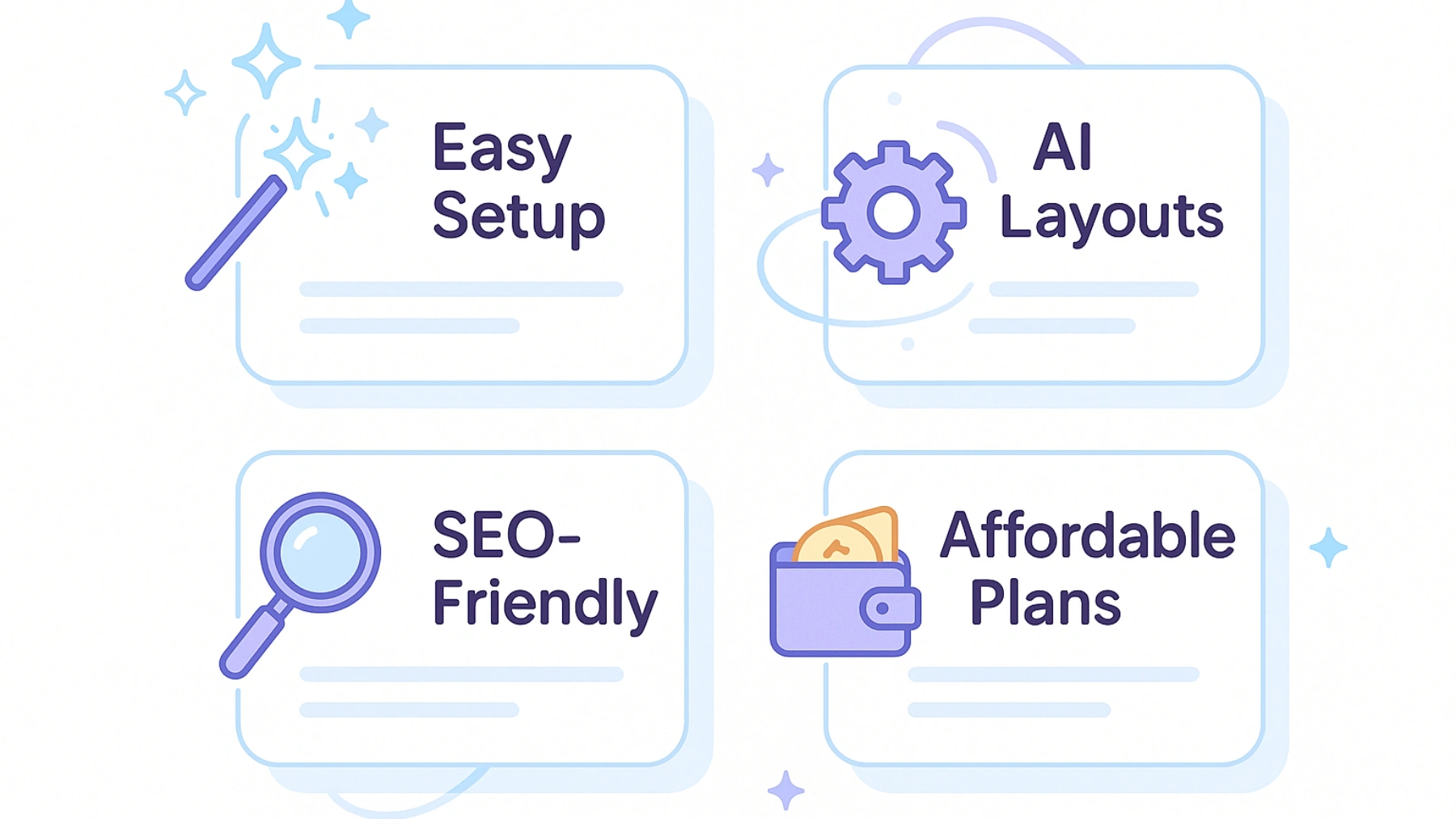
Not every AI tool is worth it, and a small business needs something simple and affordable. Here are the factors to consider when choosing an AI website builder.
1. Easy Setup and No-Code Editing
A good AI website builder should be super easy to use. You do not need to understand coding or complicated design tools.
The user types a prompt, lets the AI generate the layout, and makes quick edits with a simple drag-and-drop editor. If it feels too confusing, it is not the right tool.
2. AI-Generated Layouts & Content
One of the biggest advantages of using an AI website builder is its acceleration.
The best ones can:
- Generate full website layouts
- Write basic copy for your pages
- Suggest colors, fonts, and styles
- Adjust your design automatically
This helps you go from an “idea” to a “real website” in minutes.
3. SEO-Friendly Pages and Loading
An excellent AI website builder should assist with the following:
- Clean page structure
- Mobile-friendly design
- Immediate loading speeds
- Easy ways to add titles, descriptions, and keywords
All of this helps your website appear on Google and look professional.
4. Pricing, Free Plans, and Scalability
Small businesses require tools that fit their budgets.
A good platform should offer the following:
- A free plan to test things out
- Affordable upgrades as your business grows
- Options for custom domains
- Extra features like forms, e-commerce, or more pages
Free plans are great, but the best tools also allow you to upgrade smoothly when you need more features.
Framer: Best Design-First AI Website Builder
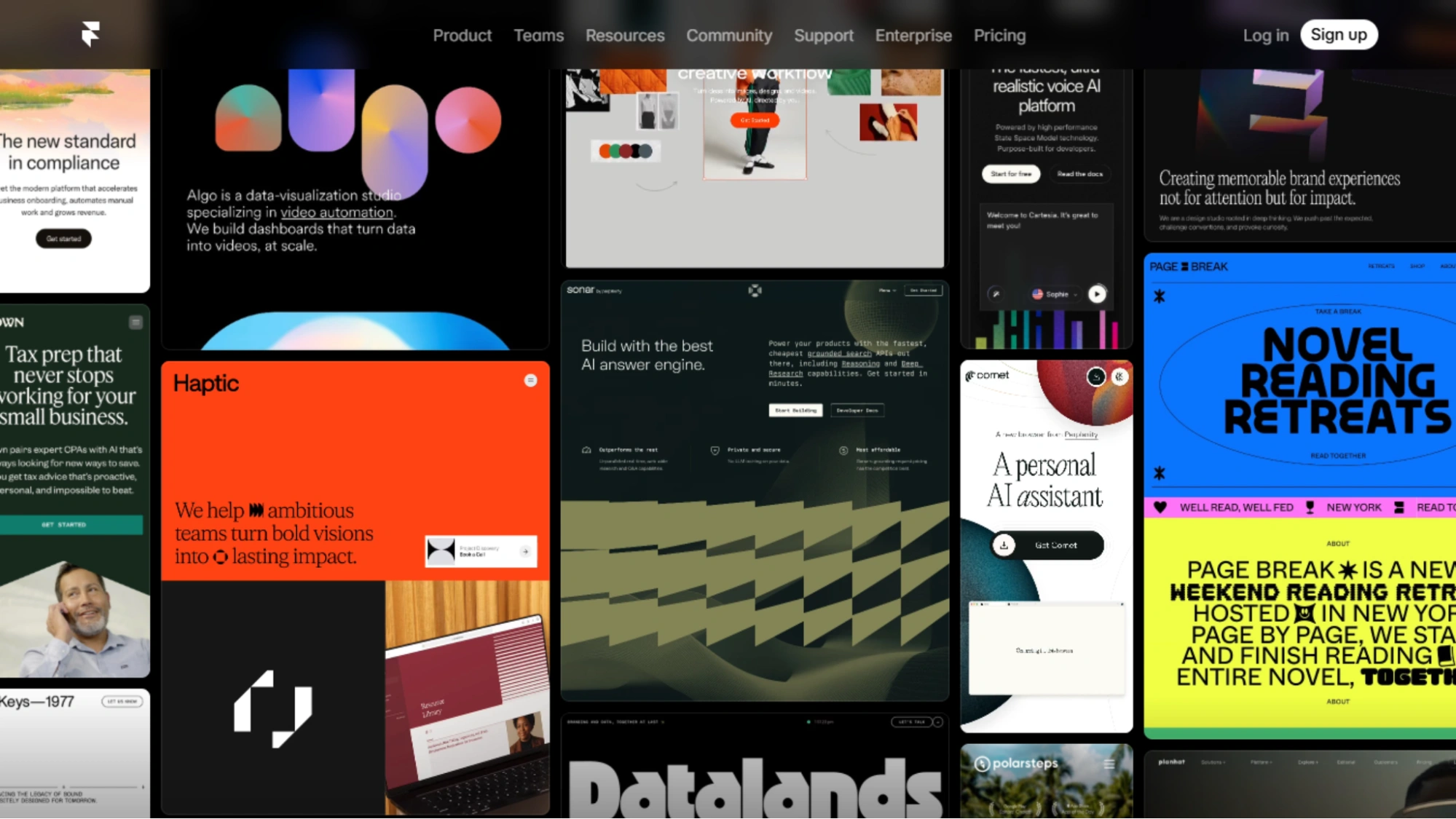
If you want a website that looks modern and premium, Framer is one of the best AI website builders. It is super popular because it provides designer-level layouts.
What Framer AI Does Well
Framer AI is very good at turning simple ideas into clean and professional pages. You can describe what kind of website you want, and the AI instantly generates it.
- Full layouts
- Sections and page structure
- Colors, fonts, and modern styling
- Responsive designs that look good on all devices
It can even turn a rough wireframe into a complete website. This makes Framer perfect for miniature business owners who want a high-quality site.
Pricing & Free Plan
Framer offers a free plan, so yes, it is a free AI website builder to start.
But there are limits:
- You can build and design for free
- To connect your own domain, you will need a paid plan
- Paid plans unlock more features and publishing options
However, the free version is more than sufficient to test ideas and build the first version.
Golex AI: Best for Prototype & Web-App Style Websites
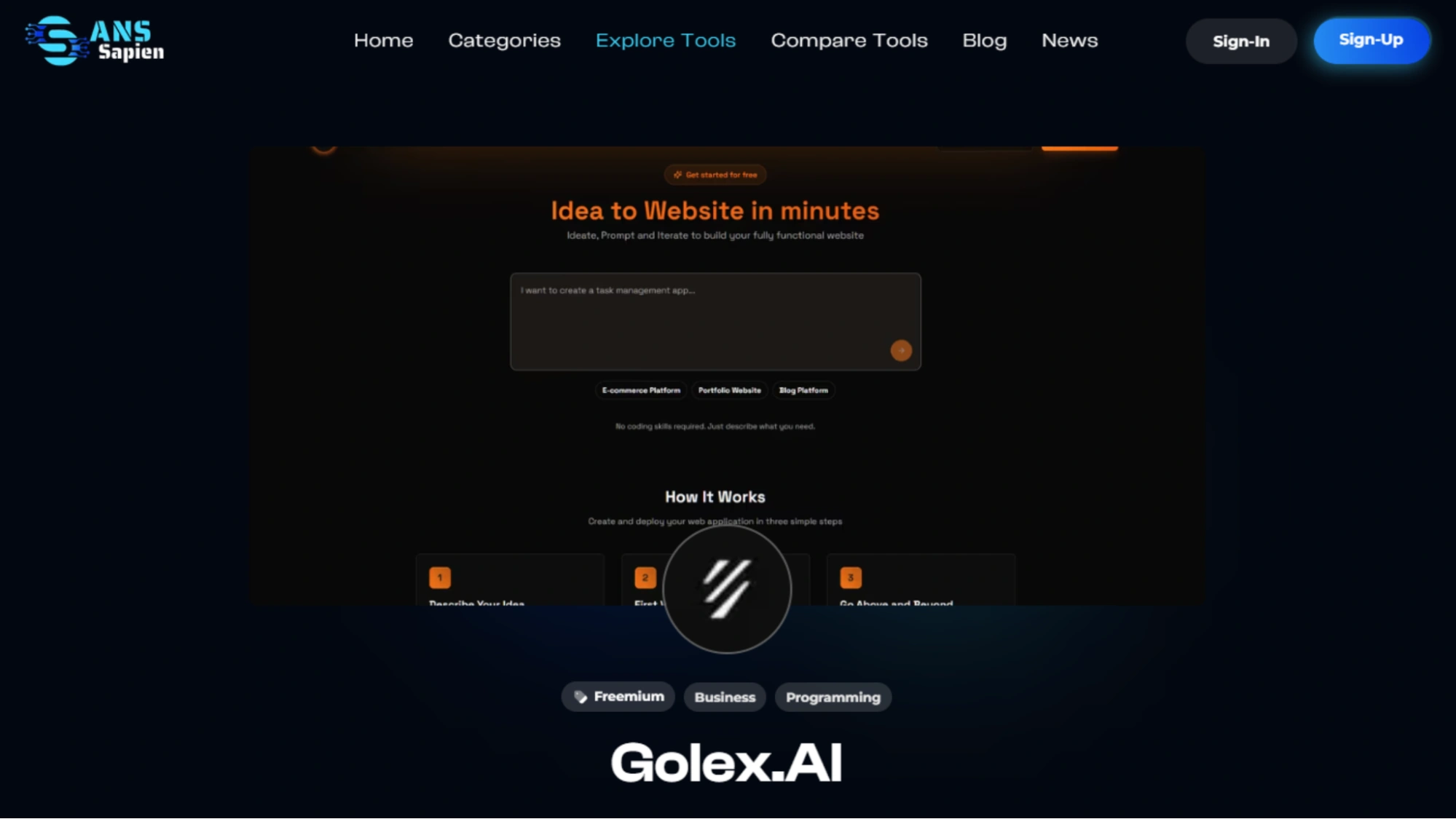
Golex AI is perfect if you want to create a prototype working website. Instead of spending hours planning every detail, you can simply give the AI a prompt, and it will build the structure for you.
This is great for small business owners, startup founders, or anyone who wants a quick demo, MVP, or concept website.
What Golex AI Does Well
Golex AI focuses on creation and functionality. You can start with:
- A simple text prompt
- A product idea
- A PRD (product requirement document)
- A design reference
It is especially helpful if you want to test ideas, pitch to clients, or show how a concept would work in real life.
What makes it stand out is how quickly you can go from a “thought in your head” to a real, clickable website.
Pricing & Free Version
Golex AI usually provides a free or trial option to test the tool before paying. It is not a fully free AI website builder, but you can try its features.
Paid plans unlock:
- More projects
- Higher-quality exports
- Custom domains
- Advanced AI features
If you want to test the idea, the free version is sufficient.
Design.com: Best AI Website Generator for Complete Branding
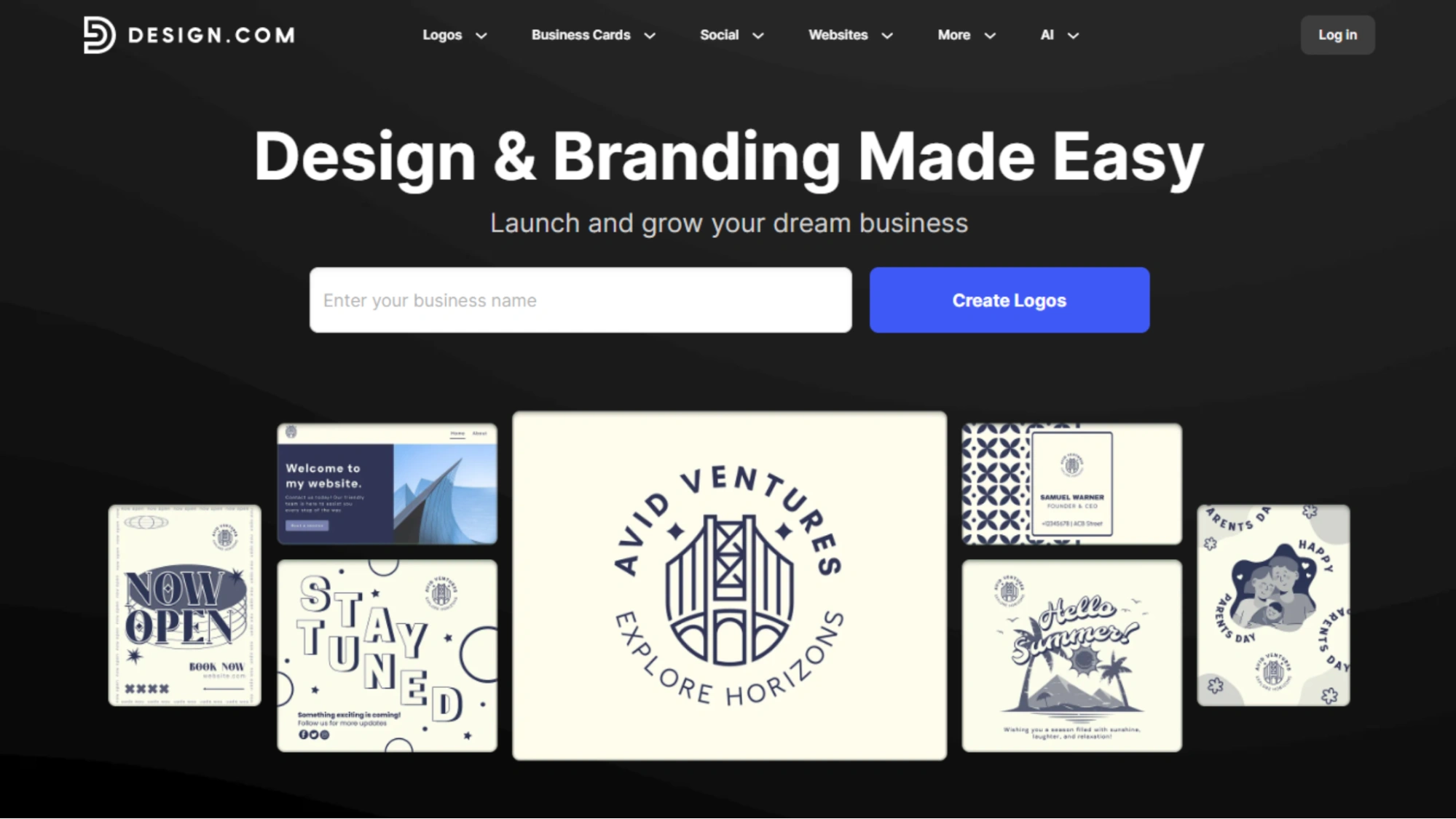
Design.com is a full branding studio where everything can be created. If you want everything to look consistent and professional, this tool makes the process easy.
What Design.com Offers
Its main highlight is its AI website generator.
You type a few words about your business, and the AI instantly builds a clean, ready-to-edit website for you.
However, what makes Design.com special is the extra stuff:
- AI logo maker
- Brand kits
- Social media templates
- Banners, ads, and graphics
- Full website creation in minutes
Basically, you get a full “brand + website” combination without hiring a designer.
Free Plan Details
Design.com offers free usage for many features, which makes it feel like a free AI website builder at the start. But:
- Some advanced features require a paid plan
- Exporting certain assets may also need an upgrade
- Connecting your own domain usually needs a subscription
However, you can still play around with the AI tools for free and build your first version without paying.
Also Read!
Visme: Best for Visual Landing Pages & Marketing Sites
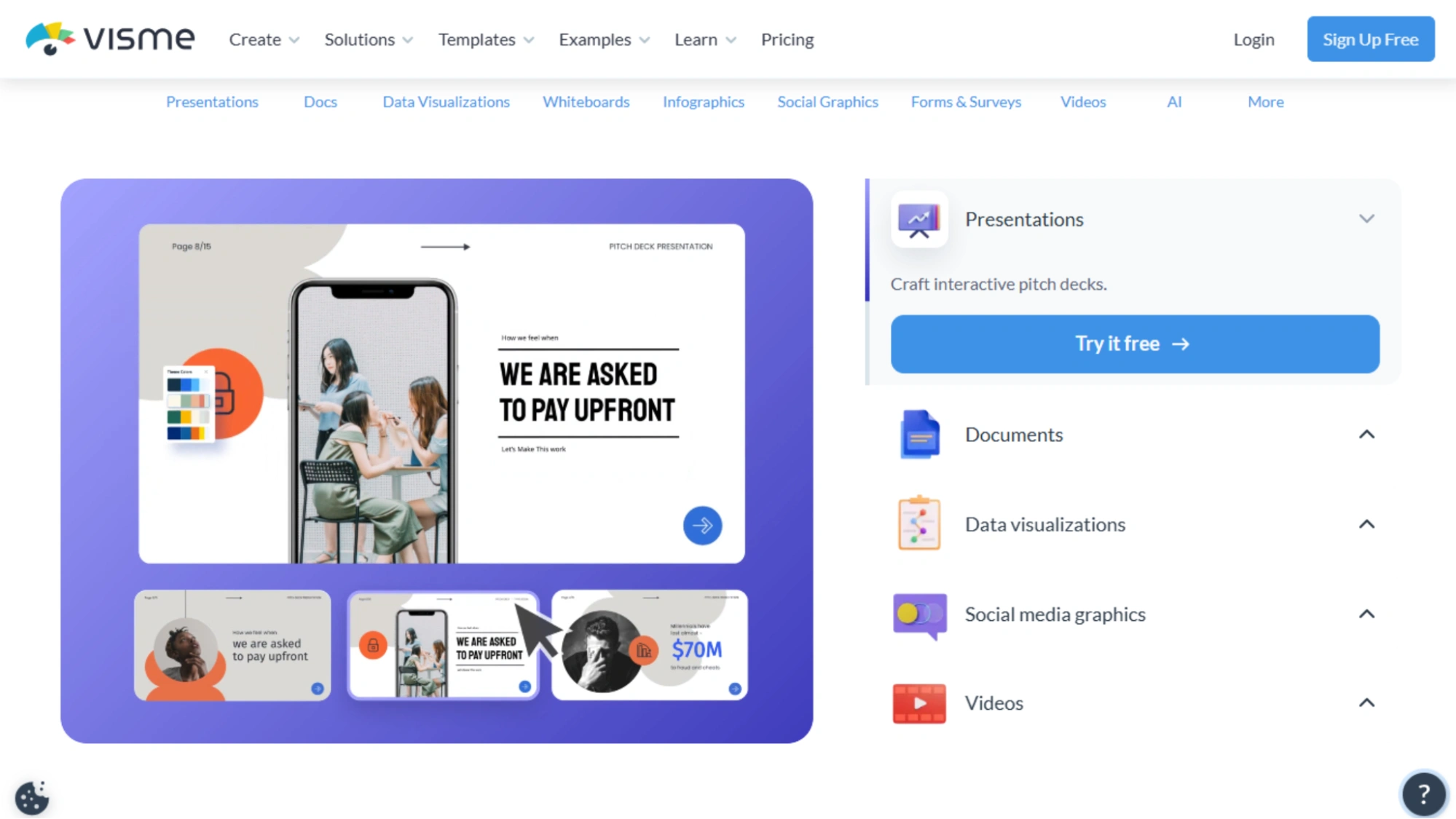
Visme isn’t your typical AI website builder. It is a super-easy design tool that helps create beautiful visual pages, landing pages, and marketing content. Visme is an excellent choice if your business requires something eye-catching and creative.
Features Small Business Owners Will Love
Visme uses AI to help you design. You can:
- Generate layouts with a simple prompt
- Create visual landing pages for campaigns
- Build presentations, graphics, and charts
- Use templates for business pages
- Add animations and interactive elements
The designs are modern and clean, making your website look more professional.
Moreover, if you are not great at design (most people are not), Visme makes it super easy to make things look good.
Pricing & Free Tier
Visme offers a free plan, so it works as a free AI website builder option when you’re getting started. With the free plan, you can do the following:
- Create designs
- Use templates
- Try basic AI tools
However, if you want advanced features, such as full export options or branding tools, you will need a paid plan.
However, the free version is more than sufficient to create a solid visual landing page for your business.
Websim AI: Prompt-to-Site Generator
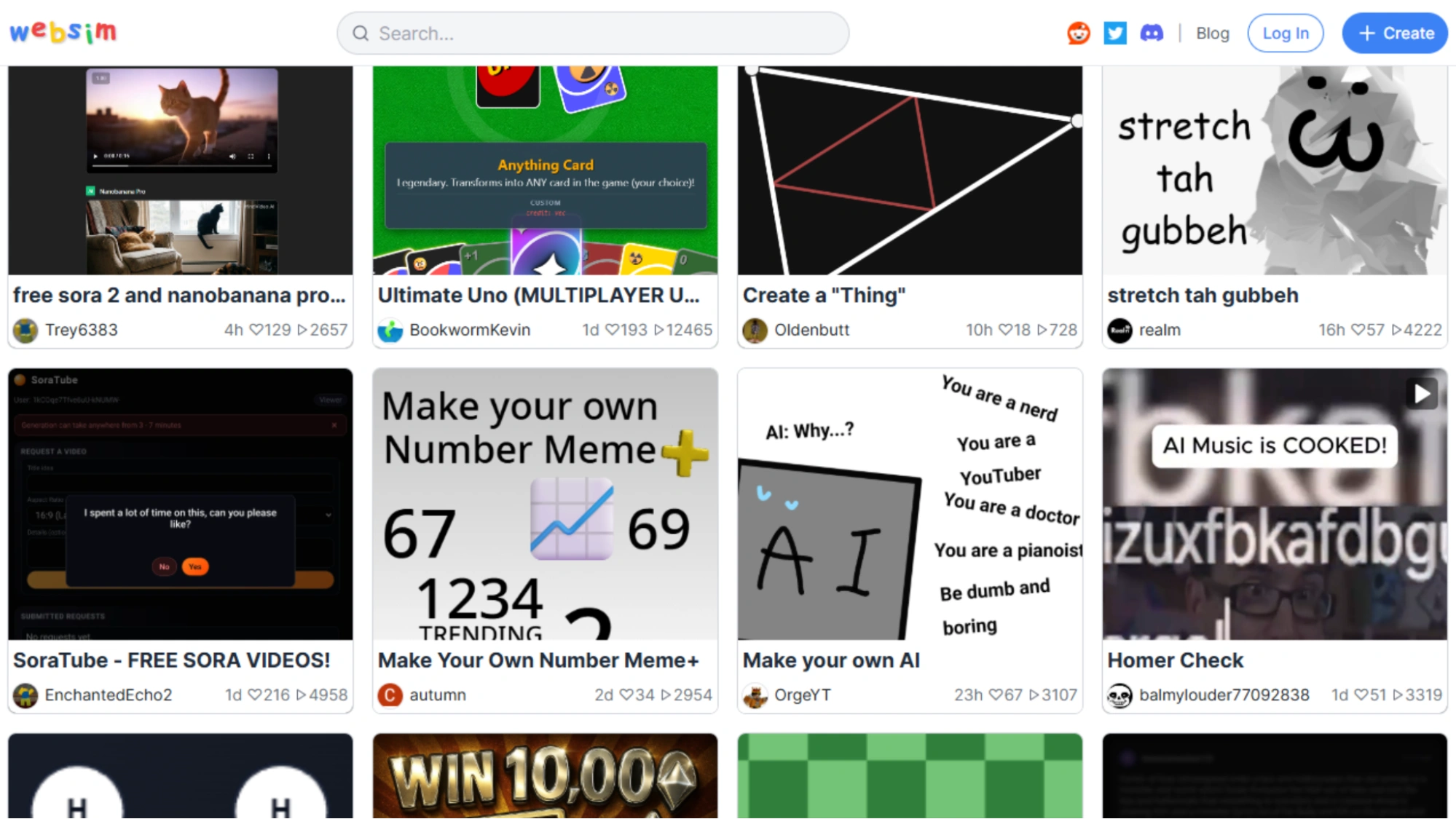
Websim AI is one of the quickest AI website generators, and if you just want to type a short prompt and get a working website in seconds, this tool is perfect for you. It is extremely simple, and the entire process feels almost instantaneous.
Key Features
Websim AI focuses on speed and efficiency. Its AI can:
- Generate a website from just a sentence
- Build pages using your domain name
- Create layouts automatically
- Help you edit and customize the design
No technical skills are required. It takes the words you provide and turns them into a clean, shareable website.
This makes it great for things like:
- Launching a new service quickly
- Creating event or promo pages
- Building simple “info-only” business websites
- Testing ideas before spending money on a full site
Free Usage Options
Websim AI offers free usage, which is great if you are looking for a free AI website builder to get started.
With the free version, the following are possible:
- Generate websites
- Try different prompts
- Experiment with layouts
Paid plans usually unlock more editing features, better hosting options, and custom domains. However, free tools are sufficient for testing and simple pages.
Comparison: Which AI Website Builder Is Best for You?
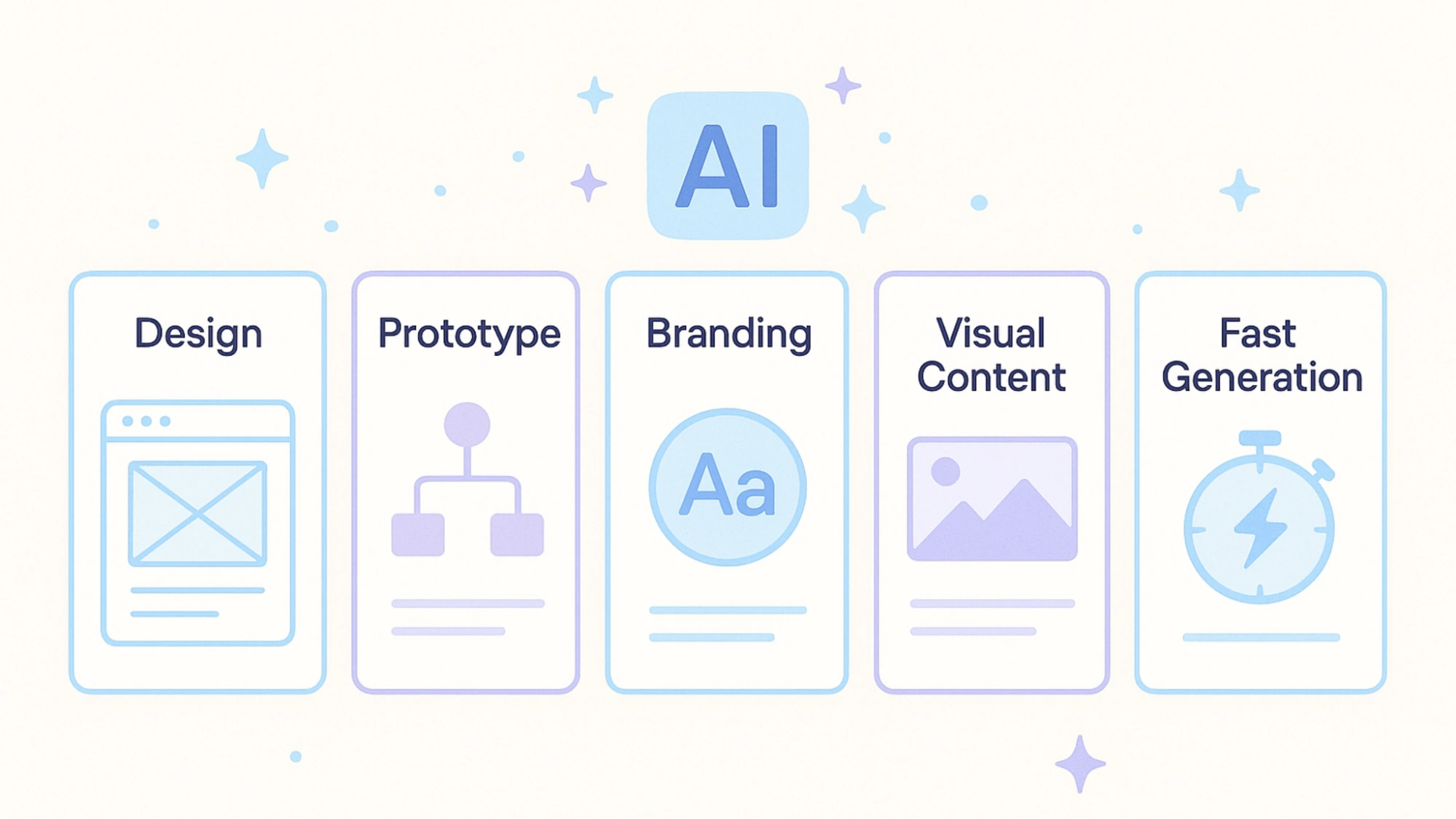
All five tools can help you build a website, but each one is different. Here is a simple breakdown to help you choose the best AI website builder for your business.
⭐ Best for Modern, Professional Design = Framer
If you want a website that looks clean and high-quality, then Framer is the best choice.
It provides designer-level layouts with almost no effort.
Best for Prototypes & Startup Ideas = Golex AI
If you are testing ideas, creating an MVP, or need a quick demo for investors, Golex AI is perfect.
It builds interactive prototypes using simple prompts.
Best for Branding + Website in One Place = Design.com
Choose this option if you want your logo, colors, branding, and website to be created together.
It is great for small business owners starting from scratch.
Best for Visual & Creative Landing Pages = Visme
If you care about visuals, storytelling, or marketing pages, Visme is the best choice.
Although it is not a traditional website builder, it is excellent for landing pages and campaigns.
Best for the Prompt-to-Site Experience = Websim AI
If you want a website in seconds, Websim AI is the quickest tool available.
It is perfect for simple pages, quick launches, and testing ideas.
Conclusion
Building a website used to take days or even weeks, but now, with an AI website builder, you can create a clean and professional site. Whether you want something simple, visual, or fully branded, there is a tool that fits your business perfectly.
Framer is great for modern designs, Golex AI is ideal for quick prototypes, Design.com helps build a full brand and website together, Visme is perfect for creative landing pages, and Websim AI provides the fastest prompt-to-site experience. Each works as a powerful AI website generator, and many even offer an AI website builder with free plans so you can start without spending anything.
The best choice depends on the user’s needs. The good news is that all five tools make building a website easier than ever for small-business owners.
Start with the tool that feels right for your goals, experiment with its features, and you will have a professional website in no time.
FAQs
How long does it usually take to build a website using an AI website builder?
Most AI website builders can generate the first draft in less than a minute. The only time you will spend is on editing the text, adding images, and customizing the layout. On average, a small business website can be ready in 30–60 minutes if things are kept simple.
Can I switch to another AI website builder later on?
Yes. You can always switch builders, but you usually have to rebuild your website manually because most platforms do not allow you to export full designs. The good news is that AI makes rebuilding much faster than before.
Do AI website builders work well for service-based businesses
Absolutely. AI tools are especially helpful for service businesses such as salons, cafés, coaches, freelancers, repair services, and consultants. They automatically generate sections such as pricing, services, testimonials, and booking pages.
Will AI website builders replace web designers?
No. AI builders simplify website creation, but professional web designers are still needed for custom branding, advanced features, complex layouts, and larger business sites. Consider AI as a great starting tool, not a full replacement.