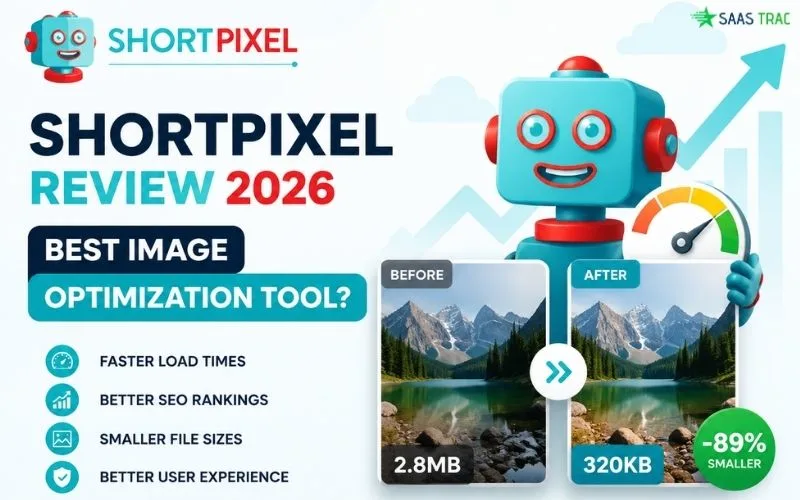
Page speed is one of the biggest ranking factors in 2026, and unoptimized images are the single biggest culprit slowing down most websites. Big JPGs, uncompressed PNGs, and oversized hero banners eat up your hosting bandwidth, kill your Core Web Vitals scores, hurt your search rankings, and frustrate mobile visitors with painfully slow load times. The math is brutal: even a one-second delay can drop conversions by 7%.
That’s exactly the gap ShortPixel is built to close. It’s a powerful image optimization software that automatically compresses your JPG, PNG, GIF, WebP, AVIF, and PDF files without sacrificing visual quality. With WordPress plugin support, a cloud-based API, a CDN delivery option, and over 300,000 active installations, it has quickly become one of the most trusted names in the image compressor space.
In this detailed write-up, I’ll walk you through what the platform actually does, how its features perform in real-world use, what it costs, and whether it’s worth your budget in 2026. By the end, you’ll know whether ShortPixel fits your performance goals or whether another tool might suit you better.
👉 Try ShortPixel For Free Here
What Is ShortPixel?
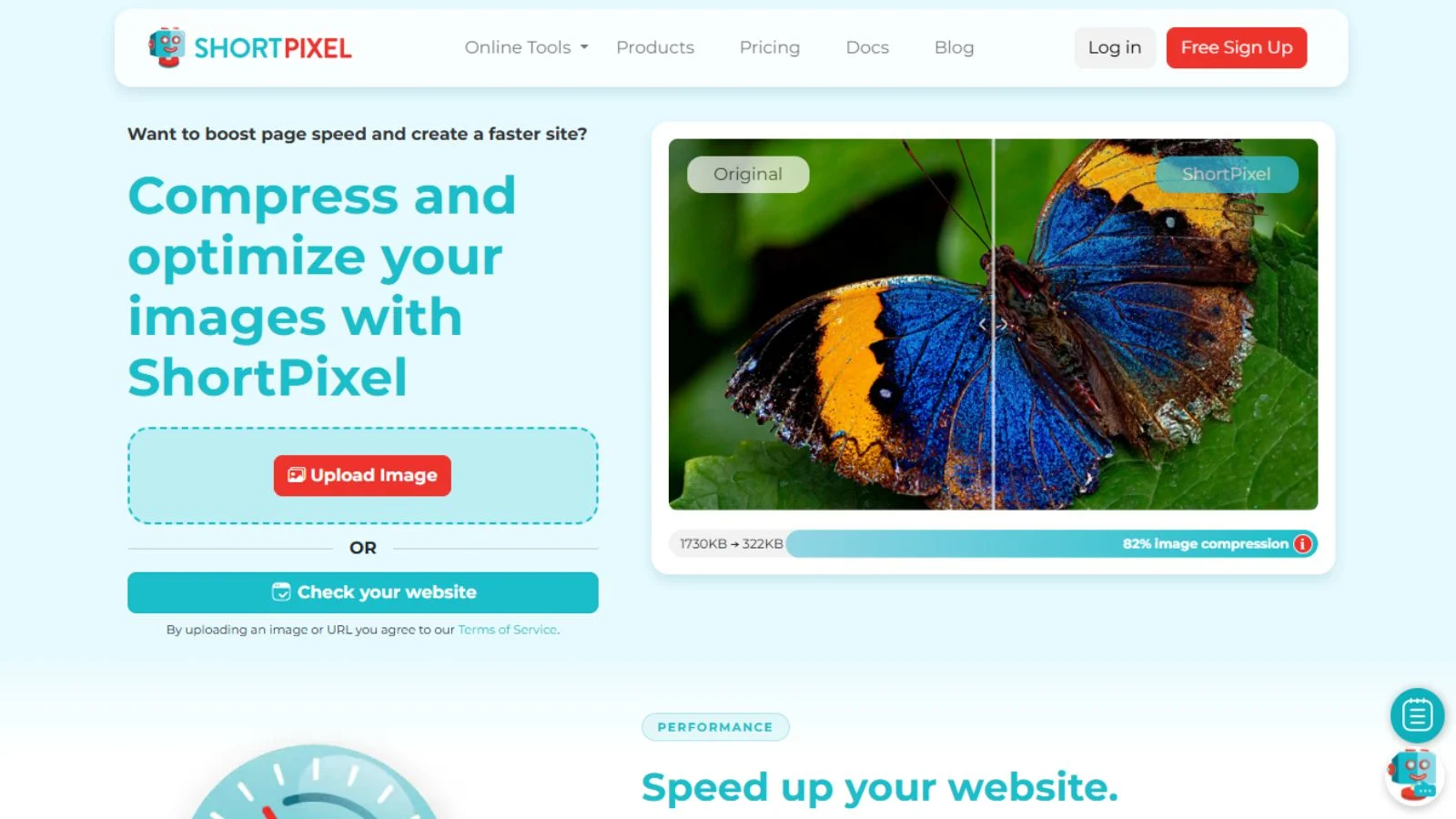
ShortPixel is a cloud-based image compression and optimization service that helps websites load faster by reducing image file sizes without losing visual quality. Instead of manually editing every image before upload, you connect the platform once and let it automatically optimize every existing and future image on your site.
Founded in 2014 in Romania, the company now powers more than 300,000 active WordPress installations worldwide, with additional support for Shopify, custom CMS platforms, and standalone API workflows. The platform supports JPG, PNG, GIF, WebP, AVIF, and PDF compression, offers three quality levels (Lossy, Glossy, Lossless), and ships with a global CDN for ultra-fast image delivery from edge servers near your visitors.
Best of all, you don’t need any technical skills to get started. Install the plugin or paste in your API key, and ShortPixel takes care of compressing every image automatically in the background while you focus on building your site.
Key Features:
Here’s a breakdown of what you get when you sign up for the platform.
1. Automatic Bulk Image Compression
The flagship feature. ShortPixel automatically scans your entire media library, identifies unoptimized images, and compresses them in bulk with a single click. New images uploaded after installation are optimized on the fly, set it and forget it for ongoing performance gains across your whole site.
2. Three Compression Levels
You choose how aggressive compression should be: Lossy for maximum file-size reduction, Glossy for the perfect balance of quality and size (ideal for blogs and content sites), or Lossless when pixel-perfect quality is non-negotiable. This level of control is rare in the image optimization category.
3. WebP & AVIF Conversion
Automatically convert your images to next-gen WebP and AVIF formats while keeping JPG/PNG fallbacks for older browsers. WebP files are typically 25-35% smaller than equivalent JPGs, and AVIF can shave another 20% on top, huge wins for Core Web Vitals.
4. ShortPixel Adaptive Images CDN
The Adaptive Images CDN dynamically delivers the right image size, format, and resolution to each visitor based on their device, browser, and screen size. Images are served from edge servers around the globe, drastically cutting load times for international audiences.
5. WordPress Plugin Integration
The WordPress plugin (used by 300,000+ active sites) integrates seamlessly into your media library, replacing original images with optimized versions while keeping originals as backups. It works alongside popular caching plugins like WP Rocket, W3 Total Cache, and LiteSpeed Cache without conflicts.
6. API for Custom Workflows
Developers can integrate the compression engine directly into any application via the ShortPixel REST API. Whether you’re building a SaaS product, a custom CMS, an eCommerce platform, or an automation pipeline, the API gives you full programmatic control over image optimization at scale.
7. PDF Compression
Beyond images, the platform also compresses PDF files, useful for sites distributing ebooks, white papers, brochures, or downloadable documents. The same lossy/lossless options apply, often delivering 30-70% file size reductions on text-heavy PDF assets.
8. Image Backup & Restore
Original images are securely backed up in your site’s uploads directory or in ShortPixel’s cloud, so you can always restore originals or re-optimize at a different quality level later. This safety net removes the anxiety of permanently destroying source files during compression.
ShortPixel Pricing: How Much Does It Cost?
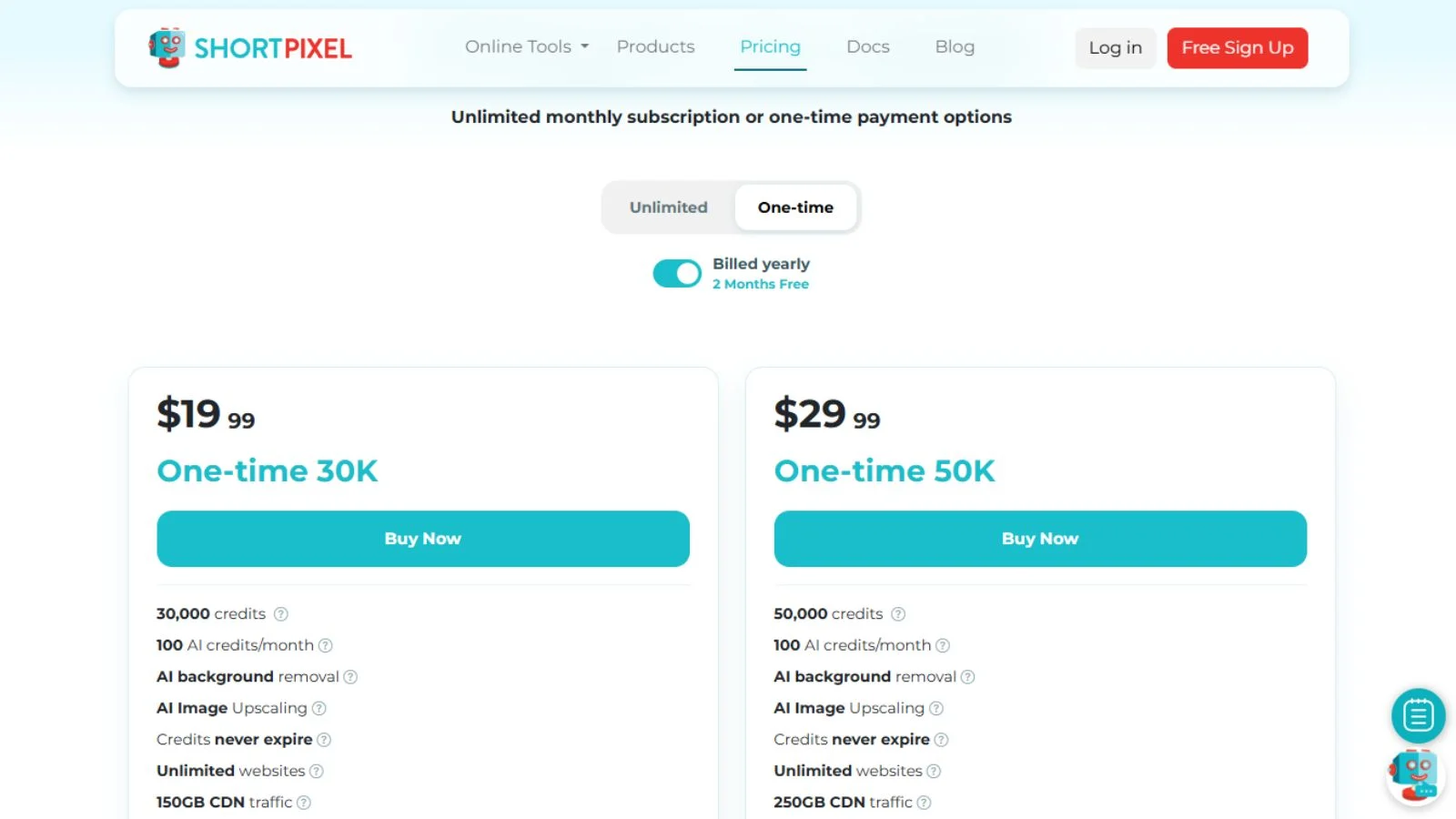
The pricing structure is refreshingly flexible. Here’s a quick snapshot of what you get:
- Free Plan, 100 image credits per month. Great for small sites and personal blogs.
- Short Plans (One-Time, From $9.99) 10,000 credits, no expiration. Best if you have a one-time bulk batch of images to optimize.
- Monthly Plans (From $3.99/month) start at 7,000 monthly credits and scale up to 1,000,000+ credits per month for enterprise sites.
- CDN Plans (From $4.99/month) Adaptive Images CDN with dynamic resizing and global delivery on top of bulk compression.
Credits roll over for one month on most plans. Annual billing saves around 17% over monthly. Compared to alternatives like Imagify ($4.99/mo), TinyPNG, EWWW Image Optimizer, and Smush, the platform sits firmly in the value sweet spot, especially for multi-site operators and developers who need API access.
A generous free plan and lifetime deals make it easy to test risk-free before committing to a recurring plan.
👉 Check Live ShortPixel Plans & Current Deals
Pros of Using the Platform
Here’s what genuinely makes this tool stand out in the crowded image optimization space.
- Superior compression ratios. Often, 30-60% smaller files with no visible quality loss.
- Multiple compression levels, Lossy, Glossy, and Lossless, give granular quality control.
- WebP and AVIF conversion, Next-gen formats baked in, future-proofing your site.
- 300,000+ active WordPress installs, Battle-tested at scale across every site type.
- Affordable starting price of $3.99/month entry point is genuinely accessible.
- Generous free tier, 100 monthly images covers most small blogs entirely free.
- Full REST API access, Custom workflows, multi-site operations, and headless builds all work.
- ShortPixel CDN integration: Adaptive image delivery across global edge servers.
- Excellent customer support, Responsive, knowledgeable team praised across G2 and Capterra.
- Backup and restore safety net. Original images are stored, never permanently lost.
Cons to Keep in Mind
No platform is perfect. Here are a few honest downsides to know before you commit.
- The credit system can be confusing. Each image counts as 1+ credits depending on size, retina, and resizes.
- No native Shopify app, WordPress is the primary focus; Shopify users have fewer first-party options.
- Setup requires an API key. Beginners may find the initial connection step slightly intimidating.
- Dated user interface, functional but visually feels older than newer SaaS competitors.
- Heavy sites need bigger plans. Image-heavy WooCommerce stores can burn through credits quickly.
- Some images load more slowly initially. A minority of users report first-load delays right after compression.
- No free unlimited tier, Free plan caps at 100 images/month, which lighter competitors sometimes beat.
What Makes It Stand Out From the Crowd
The image optimization space is crowded, but a few things genuinely set the platform apart in 2026.
First, the compression quality is consistently among the best in the category. Side-by-side tests against Imagify, EWWW, Smush, and TinyPNG show ShortPixel delivering smaller file sizes at equivalent visual quality, or equivalent file sizes at higher visual quality. For sites where image fidelity matters (photography, e-commerce design portfolios), that quality edge translates directly into better user trust and conversion.
Second, the flexibility of the compression engine is genuinely rare. Most competing tools force you into a single fixed compression style. The Lossy/Glossy/Lossless options here give you precise control over the quality-vs-size trade-off, and the per-image override settings let you treat hero images differently from blog thumbnails. For agencies handling diverse client sites, that flexibility is a real productivity unlock.
Third, the developer-friendly API turns it into a serious infrastructure tool, not just a WordPress plugin. SaaS founders, headless CMS builders, and eCommerce engineers can integrate compression directly into their build pipelines or runtime workflows. Combined with the Adaptive Images CDN, you can deliver dynamically resized, format-optimized images to every visitor without writing a single line of custom image-processing code.
Fourth, the pricing flexibility is rare in this category. Most competitors lock you into recurring monthly subscriptions whether you need them or not. Here, you can choose one-time credit packs that never expire (perfect for a single big batch project), recurring monthly plans for ongoing sites, or pay-as-you-go API usage for developer workflows. That kind of model genuinely respects how different teams actually consume image optimization, and it keeps the math friendly for agencies juggling unpredictable client workloads.
Who Should Use It?
ShortPixel is a strong fit for:
- WordPress site owners want faster load times and better Core Web Vitals scores.
- Bloggers and content creators are publishing image-heavy articles regularly.
- eCommerce stores running large product catalogs with hundreds or thousands of images.
- Photography and design portfolios balancing high visual quality with web performance.
- Agencies and freelancers managing multiple client sites need centralized image optimization.
- Developers and SaaS founders want API-based compression for custom workflows.
- SEO professionals focused on Core Web Vitals, page speed, and mobile experience scores.
If you only have a tiny personal site with a few static images, free alternatives may serve you fine. But if performance matters to your traffic or revenue, this tool pays for itself fast.
How to Get Started
Getting up and running takes about five minutes from signup to your first optimized image.
- Sign up for the free plan using this link.
- Grab your API key from the dashboard once you confirm your email.
- Install the WordPress plugin (or connect via the API for custom builds).
- Paste in your API key to authenticate your site with the cloud service.
- Run the Bulk Optimizer to scan your media library and compress everything at once.
- Enable WebP and AVIF delivery for next-gen format conversion.
- Monitor compression stats in the dashboard and adjust quality settings if needed.
Our Final Verdict
After extensive testing and reviewing thousands of verified user reviews on G2, Capterra, and the WordPress.org plugin directory, ShortPixel lands firmly on the positive side. It’s one of the most capable and most polished image optimization tools you can buy in 2026. The combination of superior compression quality, multiple quality levels, WebP/AVIF support, API access, and global CDN delivery makes it genuinely hard to beat for performance-conscious site owners.
Yes, the credit system takes some understanding, and the UI could use a modern refresh. But for the value delivered, dramatically faster load times, better Core Web Vitals, improved SEO, and lower bandwidth costs, those friction points are minor compared to the operational lift for any site treating performance as a core growth lever rather than a one-time optimization.
If you’re still unsure about which plan suits your needs, start with the free 100 images/month tier. You’ll see the speed difference within hours of running the Bulk Optimizer.
👉 Start Your Free ShortPixel Account Today
Conclusion:
Page speed isn’t getting easier in 2026, and unoptimized images remain the single biggest performance killer for most websites. If you want automatic compression, WebP and AVIF conversion, multiple quality levels, and a powerful CDN in one platform, ShortPixel is one of the smartest investments site owners can make this year. The 300,000+ WordPress install base, REST API, and superior compression ratios together make it a near-complete package for bloggers, agencies, developers, and eCommerce stores serious about performance. Click below to claim your free credits and start optimizing today.
Frequently Asked Questions (FAQ)
Q1: Is ShortPixel free?
Ans: Yes. The free plan includes 100 image credits per month with no credit card required.
Q2: Which formats are supported?
Ans: JPG, PNG, GIF, WebP, AVIF, and PDF files are all compressed natively.
Q3: Does it work outside WordPress?
Ans: Yes. Use the REST API for custom workflows, headless CMS builds, or SaaS pipelines.
Q4: Will it hurt my image quality?
Ans: Lossless mode preserves quality completely. Glossy is the recommended balanced option.
Q5: Can I restore original images?
Ans: Yes. Originals are backed up automatically and can be restored or re-optimized later.