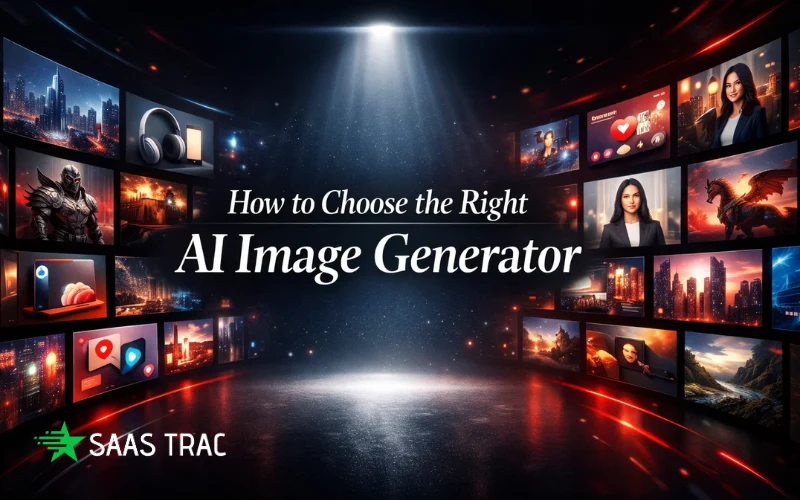
Creating visuals is no longer a side task; it’s central to how your content performs. High-quality images grab attention, tell your story instantly, and make posts, ads, and blogs feel professional. But with so many AI image generation tools available, choosing the right one can feel overwhelming. Some promise full creative freedom but are complicated to use, while others are fast but produce generic results.
The right tool does more than save time. It helps you scale content, maintain a consistent style, and keep your creative momentum going. Beginners can generate polished visuals instantly, while experienced creators can fine-tune every detail. Whether you’re designing social media posts, ads, or blog graphics, the right platform streamlines the process and lets you focus on ideas instead of technical hurdles.
In this guide, we’ll break down the best tools, their strengths, and practical ways to use them so you can stop guessing and start creating visuals that truly perform.
Many creators assume all AI image generators work the same, and that’s where the trouble starts. In reality, these tools vary widely in speed, usability, and output quality. Some have hidden learning curves that slow you down, others limit how many images you can create, and a few produce visuals that just don’t feel polished. The result? Hours spent tinkering instead of creating, frustration building, and deadlines slipping. Even experienced marketers or designers can find themselves stalled when a tool doesn’t match their workflow.
What is an AI Image Generator?
An AI image generator is a tool that creates visuals from text prompts, templates, or reference images. Instead of spending hours designing graphics manually, you can describe what you want, and the AI generates polished images in minutes. It’s a fast, flexible way to produce social media posts, blog graphics, ads, or even product mockups without needing advanced design skills.
These tools work by analyzing millions of images to understand patterns, styles, and composition. That means you can experiment with different looks, test variations, or quickly prototype ideas. The clearer your prompt, the better the result: vague instructions often lead to generic visuals, while precise ones produce professional-quality images.
In short, AI image generators don’t replace creativity; they enhance it. They help teams and creators focus on ideas, storytelling, and campaigns while handling the technical side of visual production. It’s about working smarter, moving faster, and keeping your content fresh and engaging.
6 Best AI Image Generators for Stunning Visuals
There are many tools available for creating images, and picking the right one can feel confusing. Some are built for speed, letting you produce visuals quickly, while others focus on giving you full control over style and details. A few strike a balance between ease of use and creative flexibility.
Knowing what each tool does best and who it works well for helps you choose one that fits your workflow. With the right tool, you can save time, keep your content consistent, and produce visuals that look professional. Ideogram is another option for creating AI-generated images with accurate text and creative designs. In the following sections, here are the top options, their strengths, and practical tips for getting the most out of each one.
Leonardo AI
Leonardo.ai is more than an image generator; it’s a creative suite that turns ideas into production-ready visuals. From concept art and social media graphics to 3D texture generation and game environments, it combines speed and granular creative control in one platform.
What it does:
- Generate characters, props, and environments with fine-tuned models.
- Edit and expand images using the AI Canvas.
- Apply specific styles and textures using Elements (LoRAs).
Who it’s for:
- Game developers, artists, designers, and content creators.
- Teams that need high-quality visuals with consistent branding and style.
Pro Tip: Use Image Guidance (ControlNet) to maintain structural integrity, and leverage Realtime Canvas to refine details interactively without restarting your generation.
Reve Image
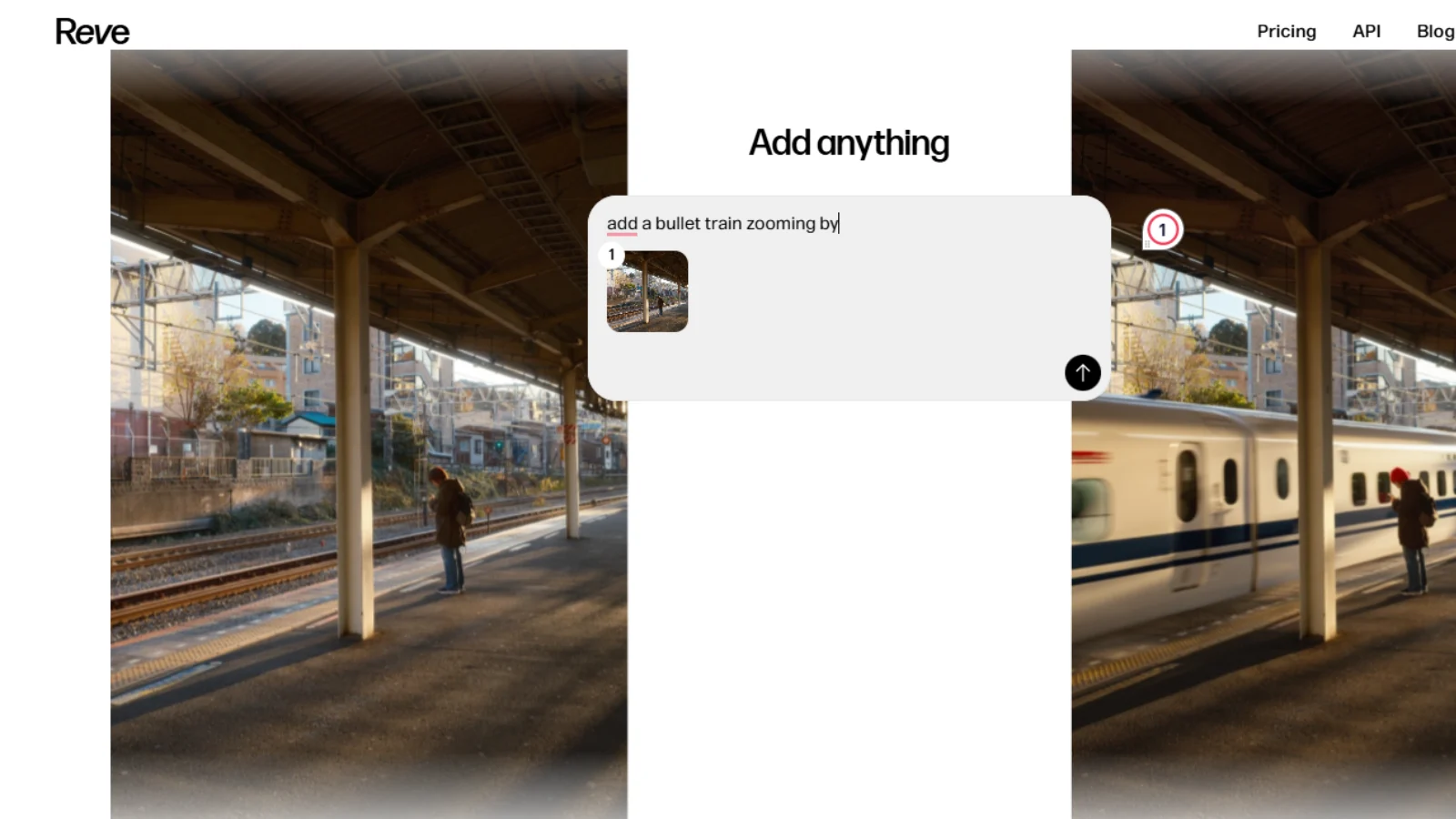
Reve Image is an AI creative suite designed to turn ideas into production-ready visuals. From high-impact posters and book covers to social media assets, it combines precision, aesthetic consistency, and advanced typography in one platform.
What it does:
- Translates prompts into visuals with industry-leading adherence to instructions.
- Renders accurate, stylized text directly into designs for banners and posters.
- Offers 27+ style presets, including Photorealistic, Editorial, and Cinematic.
- Exports high-resolution 2K and 4K visuals (PNG/JPEG/WebP) optimized for web and print.
Who it’s for:
- Designers, marketers, authors, and content creators looking for “one-shot” professional graphics.
- Teams that require consistent brand aesthetics without complex manual editing.
Pro Tip: Use the AI Canvas or natural language commands to refine specific objects or lighting after the initial generation.
Stockimg.AI
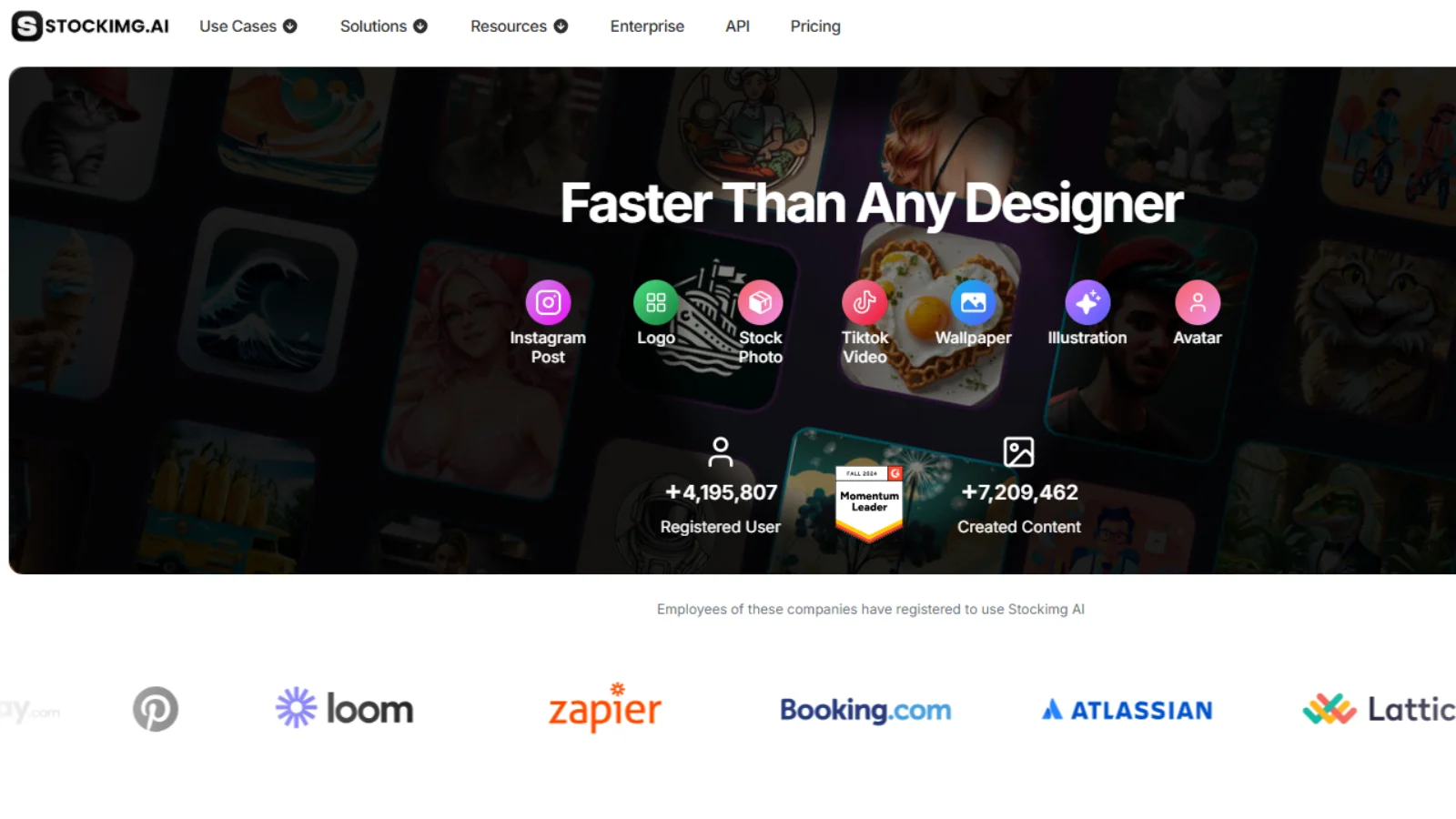
Stockimg.AI is a platform that replaces the traditional design cycle with an intuitive, prompt-based generator. From logos and book covers to social media graphics and UI mockups, it lets creators produce tailor-made visuals quickly—no design skills required. Whether you’re building brand identity, campaign assets, or inspirational mockups, Stockimg AI puts creative control in your hands.
What it does:
- Generate professional logos and brand assets with AI
- Design book covers, posters, wallpapers, and social media visuals
- Create UI mockups for apps and web interfaces without external tools
- Produce stock-style images in custom resolutions and styles
- Match brand guidelines using reference images for cohesive outputs
Who it’s for:
- Designers, marketers, and social media managers
- Indie authors creating book covers on a budget
- Startups building logos, pitch decks, or brand visuals
- Teams needing quick, customizable creative assets
Pro Tip: Start with a detailed prompt and use reference images to ensure visuals match your brand style. Experiment with aspect ratios and layouts to generate multiple options quickly.
Stockimg AI makes creating high-quality, customized visuals fast, easy, and scalable perfect for anyone who wants professional results without the endless back-and-forth of traditional design.
Secta Labs
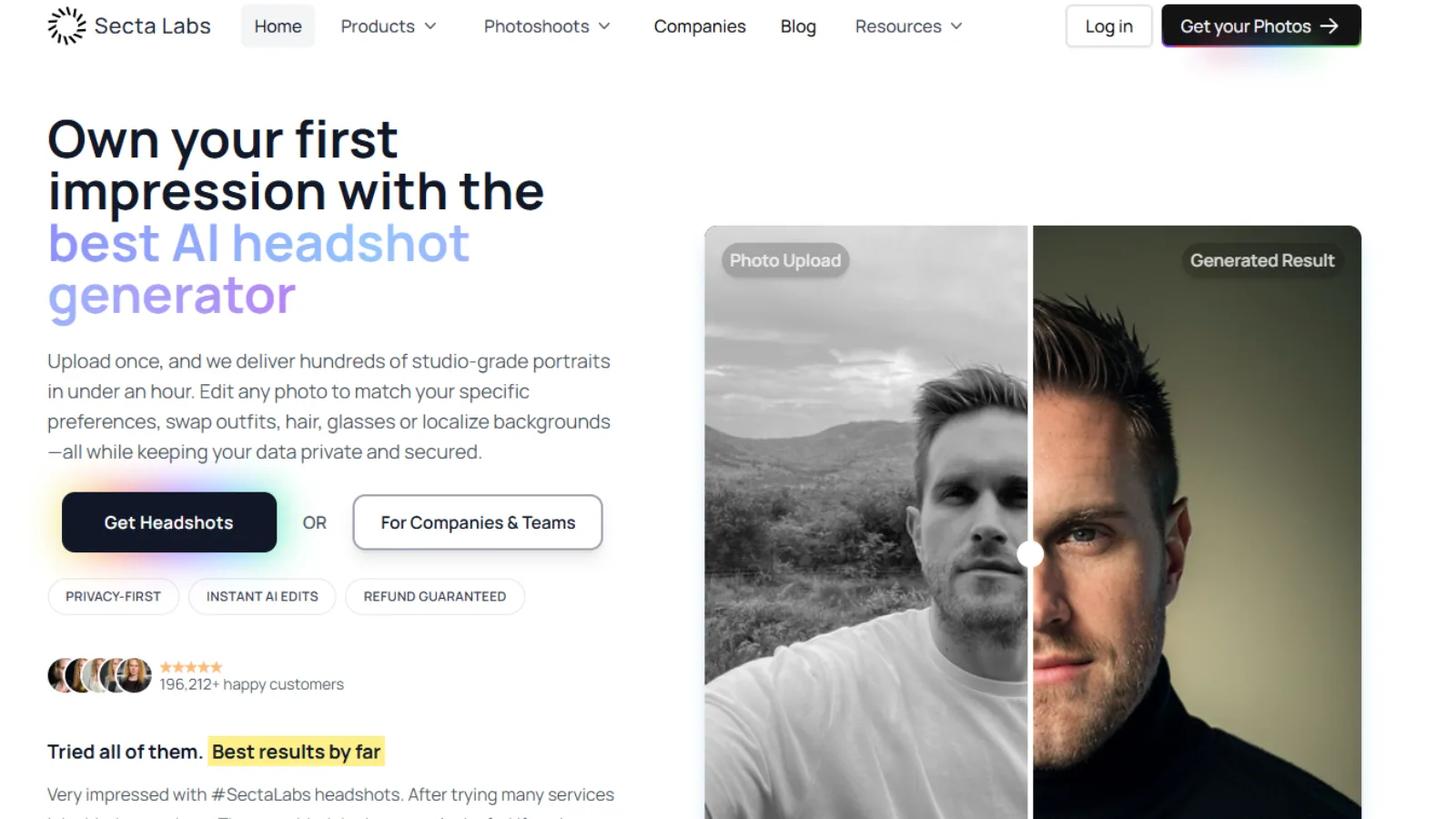
Secta Labs is an AI-powered portrait studio that generates professional headshots from casual photos. It is designed for individuals and teams needing consistent, high-quality portraits for LinkedIn, websites, and professional directories.
What it does:
- Transforms 25+ casual photos into a gallery of 300+ studio-grade portraits in under an hour.
- Includes the Remix (Magic Edit) tool to instantly swap outfits, hairstyles, backgrounds, and expressions.
- Offers a library of 130+ curated styles tailored to specific industries (corporate, medical, creative, etc.).
- Provides AI-powered skin retouching and automated lighting enhancements.
- Ensures data security with encrypted storage and full commercial ownership of all outputs.
Who it’s for:
- Professionals, entrepreneurs, and content creators building a personal brand.
- Organizations requiring uniform headshots for large teams at scale.
- Actors and performers needing a versatile portfolio look quickly.
Pro Tip: Upload a diverse range of 25 high-resolution photos with different angles and lighting to help the AI model learn your likeness more accurately. Use the Secta Discovery feature to style your headshots based on specific reference images.
Shakker
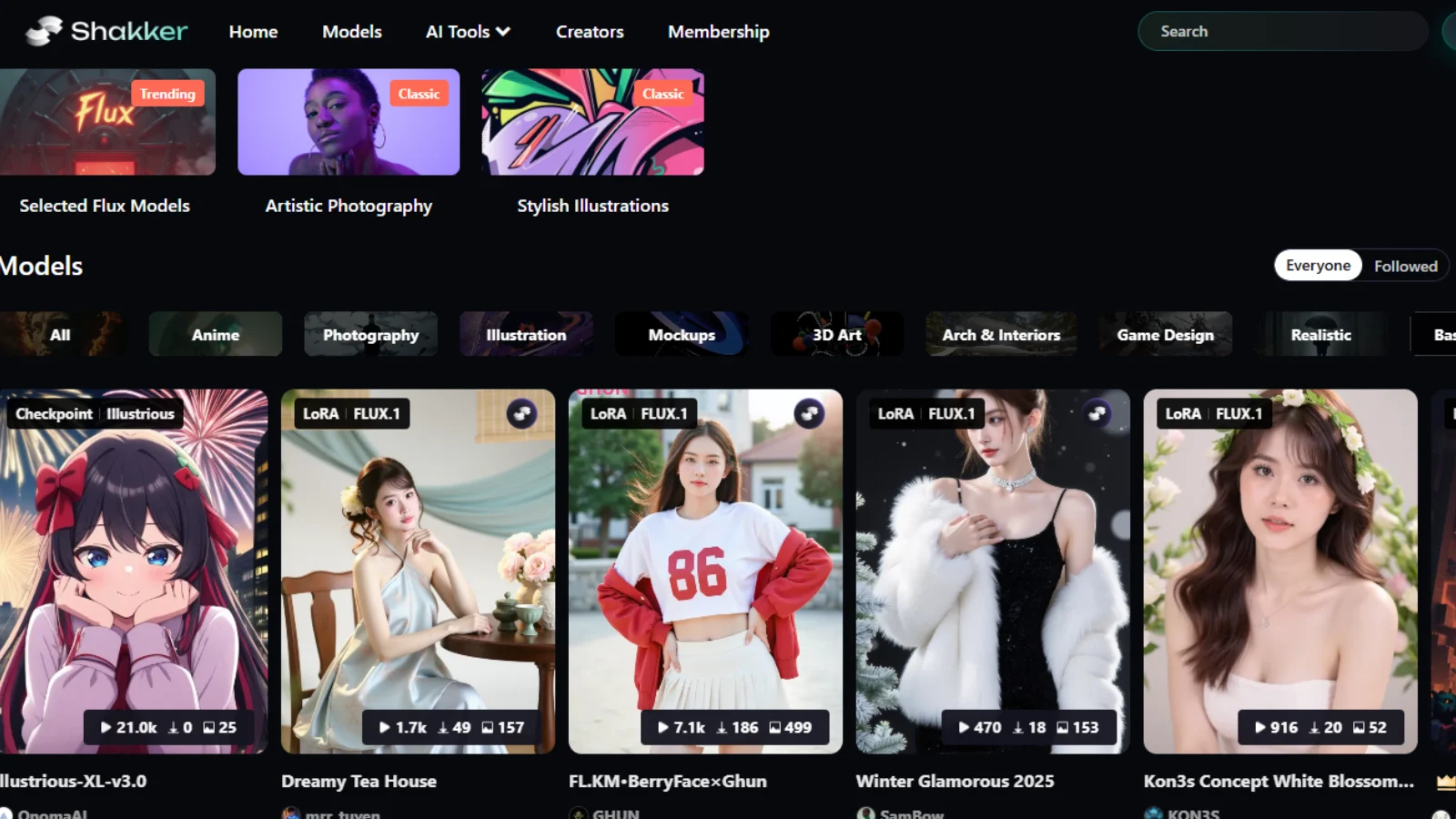
Shakker is a mobile-first AI art generator that turns your ideas into stunning visuals with just a few taps. Whether you want characters, abstract art, or brand-ready designs, Shakker delivers high-quality images directly through WhatsApp. There is no app to download and no steep learning curve, making creativity fast and accessible.
What it does:
- Create AI-generated art instantly through WhatsApp
- Customize styles, themes, and formats for your project
- Receive high-resolution images ready to share or use
- Work with text or emoji prompts for flexible creative input
Who it’s for:
- Designers and artists who need quick concept art
- Social media managers making mockups or campaign visuals
- Writers and creators building visual stories or mood boards
- Teams and agencies exploring AI art for branding and campaigns
Pro Tip: Use clear, descriptive prompts and combine words with emojis to guide style and mood. Shakker is perfect for experimenting with ideas and producing inspiration quickly without leaving your chat.
Shakker makes creating professional-quality AI art simple and fast, letting you bring your ideas to life wherever you are.
Pacdora AI
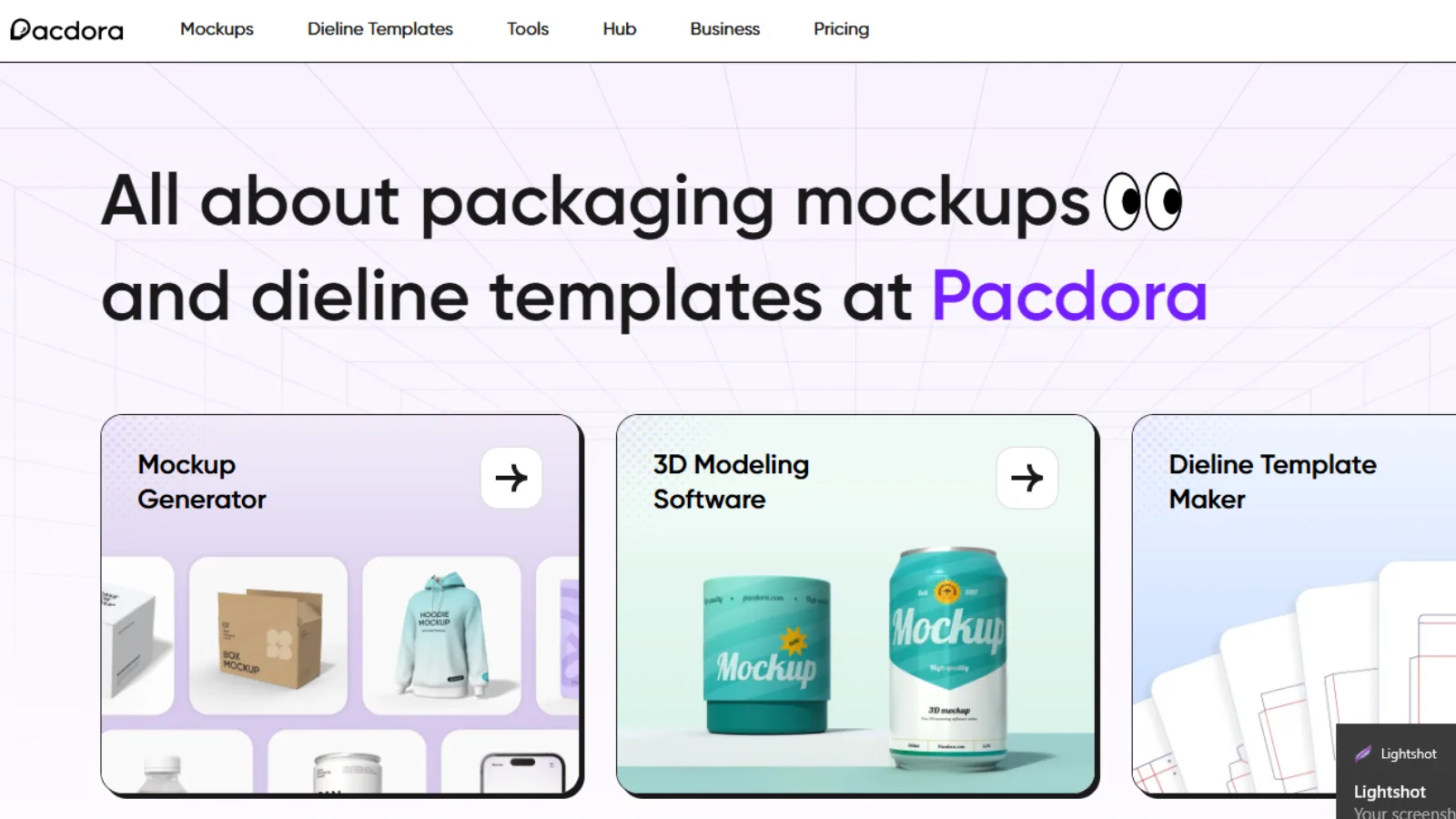
Pacdora AI helps you create clean, studio-style product visuals instantly. Whether you are an e-commerce brand, packaging designer, or marketing team, Pacdora turns your ideas into polished product mockups without the hassle of Photoshop or multiple retakes. You can generate high-quality backgrounds in minutes and keep your visuals consistent and brand-ready.
What it does:
- Generate AI-powered product backgrounds with a single image
- Match colors, lighting, and tones to your brand style
- Switch between studio shots and lifestyle settings for different campaigns
- Resize, crop, and position visuals easily with drag-and-drop
- Export images in JPG, PNG, or high-resolution formats ready for web, ads, or packaging
Who it’s for:
- E-commerce sellers creating product images quickly
- Branding and marketing teams producing packaging previews or campaign visuals
- Small businesses and Etsy shop owners need fast, professional designs
- Designers looking for a quick way to generate consistent, high-quality backgrounds
Pro Tip: Upload a clear product image and experiment with studio or lifestyle modes to see which style converts best for your audience. Use brand-style matching to keep all visuals cohesive across campaigns.
Pacdora AI makes professional product visuals fast and simple, giving creators the ability to produce polished images without extra design work.
How to Pick the Right Tool for You
Choosing the right AI image generator is easier when you focus on your goals, workflow, and experience.
- Know your goal.
Decide what you need the visuals for—social media posts, ad campaigns, product mockups, or concept art. Each tool has different strengths. Pacdora AI is ideal for product backgrounds, while Leonardo AI V2 works well for concept art and 3D textures. - Match the tool to your workflow.
Some tools prioritize speed and let you generate visuals in minutes. Others focus on detailed customization, letting you adjust style, lighting, and composition. Pick the tool that fits how much time and control you need. - Consider your team and experience.
Are you working alone or with a team? Are you new to design or experienced? Reve Image and Stockimg AI are beginner-friendly while still capable, whereas Leonardo AI V2 and Secta Labs provide advanced features for professional or collaborative work. - Test and experiment.
Most platforms offer free trials or sample generations. Try different prompts and explore styles to see which tool works smoothly with your workflow. The right tool should make visual creation faster, simpler, and more consistent.
Discover and Compare AI Tools with SaaS Track
Managing multiple AI image generation tools can get overwhelming. SaaS Track is a business software discovery and review platform that helps creators, marketers, and teams search, compare, and choose the best SaaS solutions for their workflow. With detailed expert reviews, verified user feedback, and advanced comparison tools, it makes evaluating AI tools simple and efficient.
Whether you’re deciding which image generator to invest in, comparing features, or hunting for promotional deals, SaaS Track gives you a single hub to make informed decisions. The platform goes beyond just listing tools—it helps you understand which platforms deliver the best value, speed, and output quality for your creative projects.
Why SaaS Track helps creators:
- Expert-led software reviews, often with screen-recorded walkthroughs to validate features
- Side-by-side comparison tools to evaluate AI platforms based on capabilities and performance
- Access to verified user feedback to ensure you’re seeing reliable insights
- A deals page to find discounts on popular SaaS products
- Resource guides and top lists to help make smarter software choices
Pro Tip: Use SaaS Track to compare multiple AI image generators before committing to subscriptions. This ensures your team selects the tools that fit your workflow, save time, and get the best results for your creative projects.
Conclusion
AI image generators have transformed how content is created. With the right tools, you can produce professional visuals quickly, experiment with new styles, and scale your creative projects without needing advanced design skills. From fast campaign-ready outputs to fully customizable concept art, there’s an AI tool for every workflow.
By exploring free options, testing prompts, and comparing platforms carefully, you can pick the tools that match your goals and team’s needs. And with platforms like SaaS Track, managing multiple subscriptions, tracking usage, and comparing features becomes effortless, letting you focus on what matters most: creating eye-catching visuals that engage your audience.
Stop guessing and start creating. Try different AI image generators, refine your workflow, and watch your content stand out faster and smarter than ever.
FAQ
- What is a free AI image generator?
A free AI image generator lets you create visuals without paying up front. These tools can produce high-quality AI-generated images using text prompts, helping marketers, designers, or creators experiment with ideas without committing to a subscription. - Can I get the AI image generator free options?
Yes. Many platforms offer free tiers or trials where you can generate a limited number of images each month. This is a great way to explore features, test prompts, and see the quality of outputs before choosing a paid plan. - How do I generate AI images?
To generate AI images, start by choosing an image generator AI tool and enter a clear text prompt describing what you want. You can often customize style, color, or mood, then let the AI create visuals in minutes. Experimenting with prompts improves results quickly. - Are AI-generated images usable for commercial projects?
Most AI image generators allow commercial use if you follow the licensing terms, especially on paid plans. Free tiers may have restrictions, so it’s important to check the platform’s rules before using images in campaigns or client work. - Which is the best AI image generator for beginners?
Beginner-friendly AI image generator free tools like Reve Image or Shakker are designed to be intuitive. They offer presets, style suggestions, and simple interfaces, making it easy to create polished visuals even if you have no design experience.