
Your customers expect an answer in seconds. Your support team is stretched across ten channels, fielding the same fifty questions on repeat while the complex cases that actually need a human sit waiting in the queue. Something has to give.
AI agents for customer service are the answer most businesses are turning to. But the market is noisy, the jargon is thick, and the stakes are real. Gartner projects that by 2029, AI agents will autonomously resolve 80% of common customer service issues. Deloitte, on the other hand, reports that 70–85% of AI initiatives still fail to meet expected outcomes. That gap between potential and reality come down to one thing: how well you understand what you’re actually implementing.
This guide cuts through the hype. You’ll learn exactly what an AI customer service agent is, how it differs from the chatbots you may have already tried, what benefits are realistic, and critically, how to implement one without the mistakes that derail most deployments.
What Is an AI Agent for Customer Service ? 
An AI agent for customer service is software that talks to your customers and solves their problems automatically without a human stepping in.
It understands what the customer is asking (even if they word it oddly), pulls relevant information from your systems, and either resolves the issue or hands it off to a human agent with full context already attached.
Think of it as a support team member that works 24/7, never gets tired, and handles your most repetitive queries so your human team can focus on the conversations that actually need a person.
How They Actually Work
A customer types: “I’ve been waiting two weeks for my order, and I’m running out of patience.”
A keyword-matching chatbot might flag “order” and serve up a generic shipping FAQ. An AI agent for customer service does something fundamentally different.
First, it understands intent, recognizing this isn’t a general shipping question but a frustrated customer with a specific delayed delivery. Then it pulls context, connecting to your CRM or order management system to retrieve that customer’s actual order and tracking data. Finally, it takes action: either resolving the issue directly (sharing real-time tracking or initiating a replacement) or escalating to a human agent with the full conversation context already attached so the customer doesn’t have to repeat themselves.
That last part matters more than most businesses realize. Context-rich escalation is one of the highest-value things an AI agent for customer service delivers, even when it doesn’t resolve the issue itself.
5 Best Tools to Power AI Agents for Customer Service
Choosing the right tools can make or break your success with AI agents for customer service. The technology itself is powerful, but outcomes depend on how well your tools fit your workflows, data, and team structure.
Some platforms focus on automating support conversations. Others improve what happens before or after a customer reaches out through proactive messaging, better content delivery, or faster internal processes. The goal isn’t to replace your entire system overnight. It’s to reduce repetitive work, improve response quality, and create a smoother customer experience.
The tools below represent a practical mix. Each one supports a different layer of AI agents for customer service, from handling conversations to improving engagement and efficiency behind the scenes.
If you’re evaluating AI agents for customer service, start by identifying where your biggest bottleneck exists: response time, volume, or consistency, and choose tools that directly solve that problem.
Help Scout
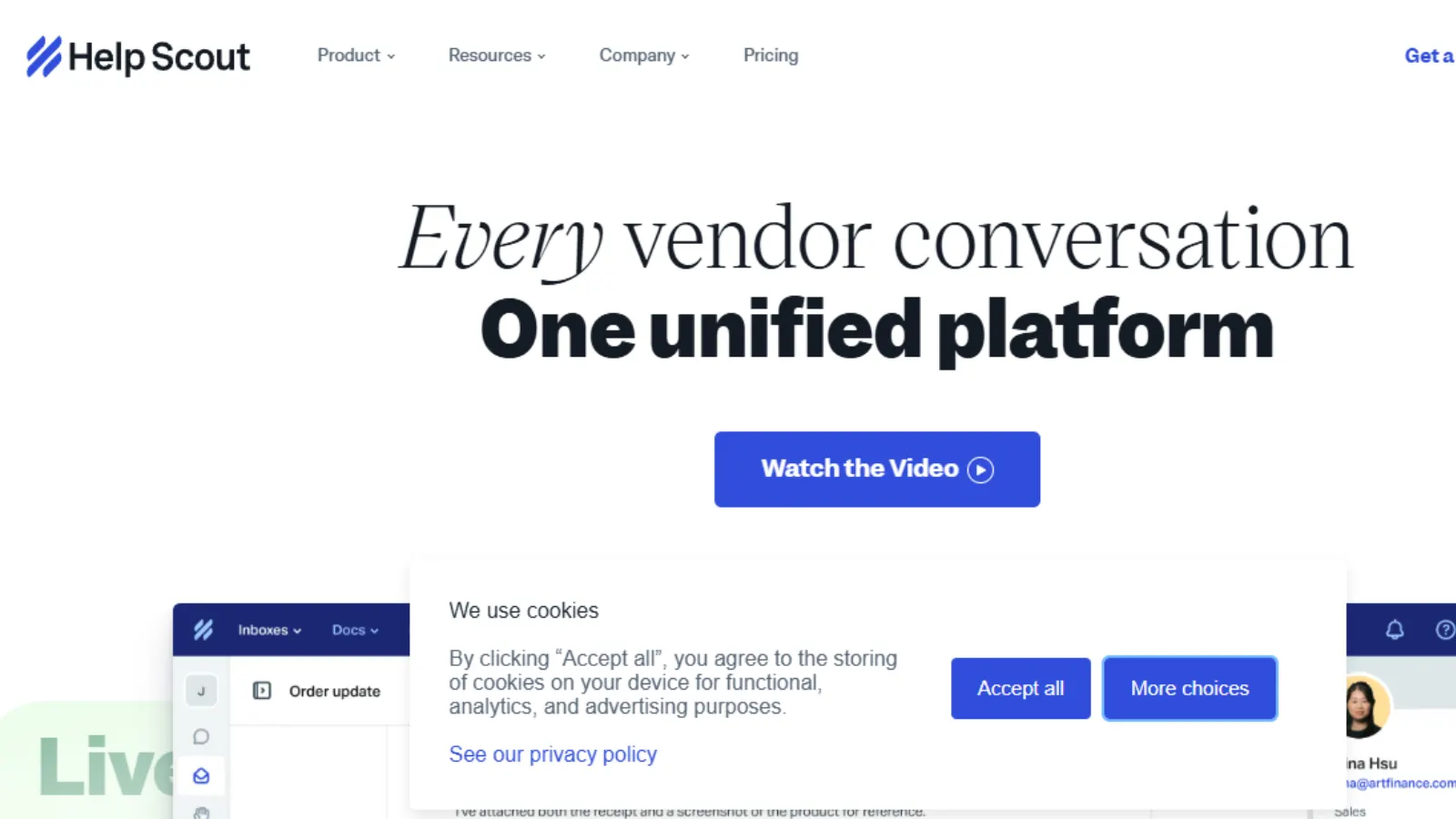
AI-powered support platform combining shared inbox, chat, and knowledge base for growing customer service teams.
Help Scout helps teams implement AI in customer service without losing control of conversations. Instead of replacing agents, it reduces repetitive workload by drafting replies, summarizing threads, and handling FAQs so your team can focus on higher-value interactions. For businesses adopting AI agents for customer service, it offers a practical balance between automation and human oversight, making it easier to scale support while maintaining consistent quality.
Key Features:
- AI Drafts: Generates replies from past conversations, reducing response time while keeping answers relevant
- AI Answers: Provides 24/7 automated responses using your knowledge base, improving self-service resolution
- AI Summarize: Condenses long threads into key points so agents can respond faster
- AI Assist: Refines tone, grammar, and clarity directly inside the editor, improving communication quality
- Shared Inbox & Automation: Centralizes conversations and routes them efficiently to reduce manual workload
Best for: Small to mid-sized support teams scaling operations without increasing headcount.
Customer.io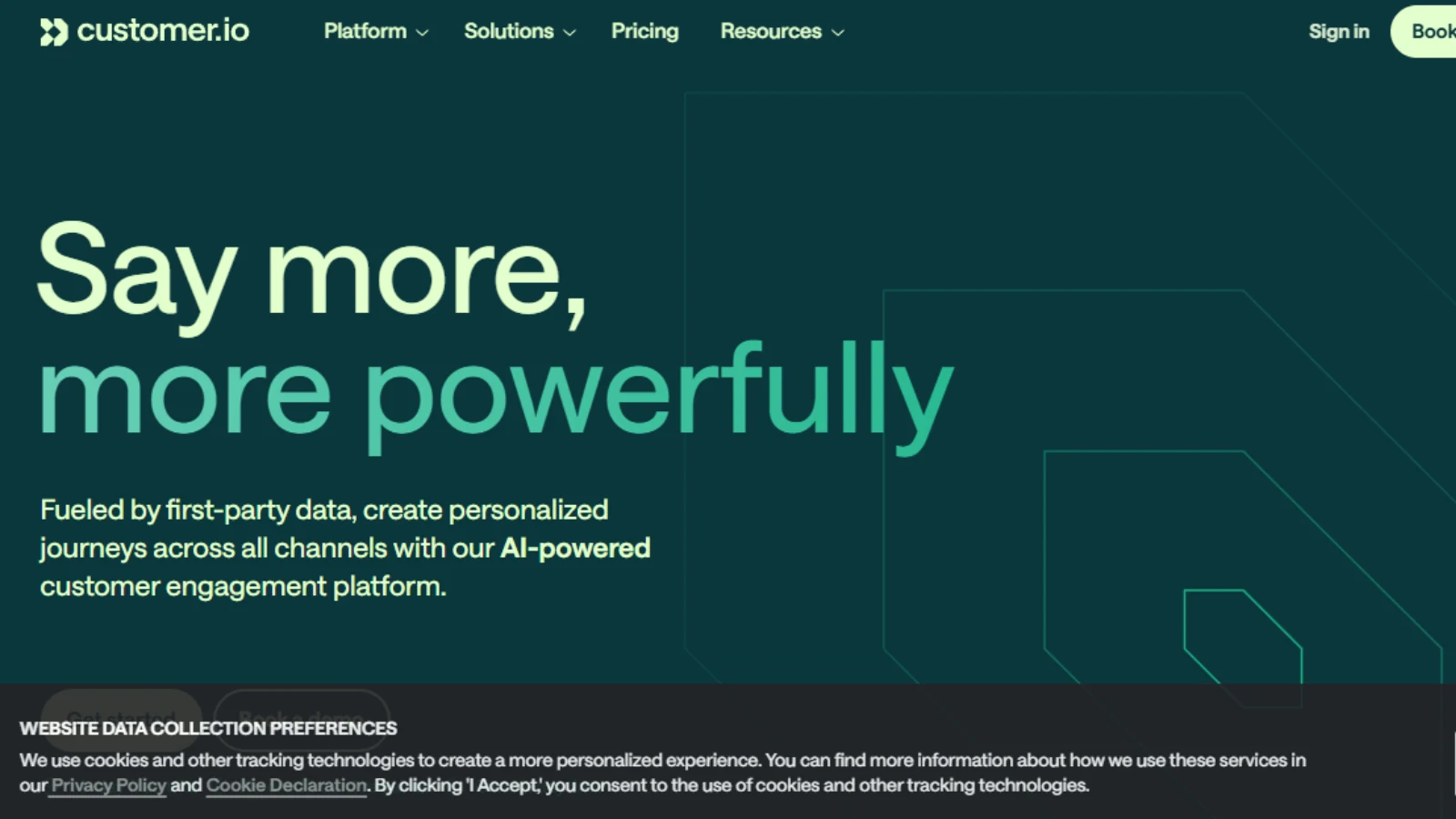
AI-driven customer engagement platform for teams building personalized, data-led messaging across channels.
Customer.io helps businesses turn customer data into timely, relevant communication without complex setup. For teams exploring AI agents for customer service, it complements support workflows by automating lifecycle messaging, onboarding, retention, and re-engagement, so fewer queries reach your support team in the first place. It’s especially useful when you want proactive communication, not just reactive support.
Key Features:
- Visual Journey Builder: Maps automated workflows clearly, making it easier to manage complex customer journeys
- Omnichannel Messaging: Coordinates email, SMS, push, and in-app messages for a consistent customer experience
- Data & Integrations: Connects first-party data and warehouses to enable accurate, real-time targeting
- AI-Powered Insights: Highlights opportunities to improve engagement and refine messaging decisions
- Testing & Analytics: Tracks performance and validates what drives conversions through structured experiments
Best for: SaaS, e-commerce, and product teams focused on improving retention and lifecycle engagement.
Pricing: Tiered pricing based on usage; free trial available.
Pictory AI
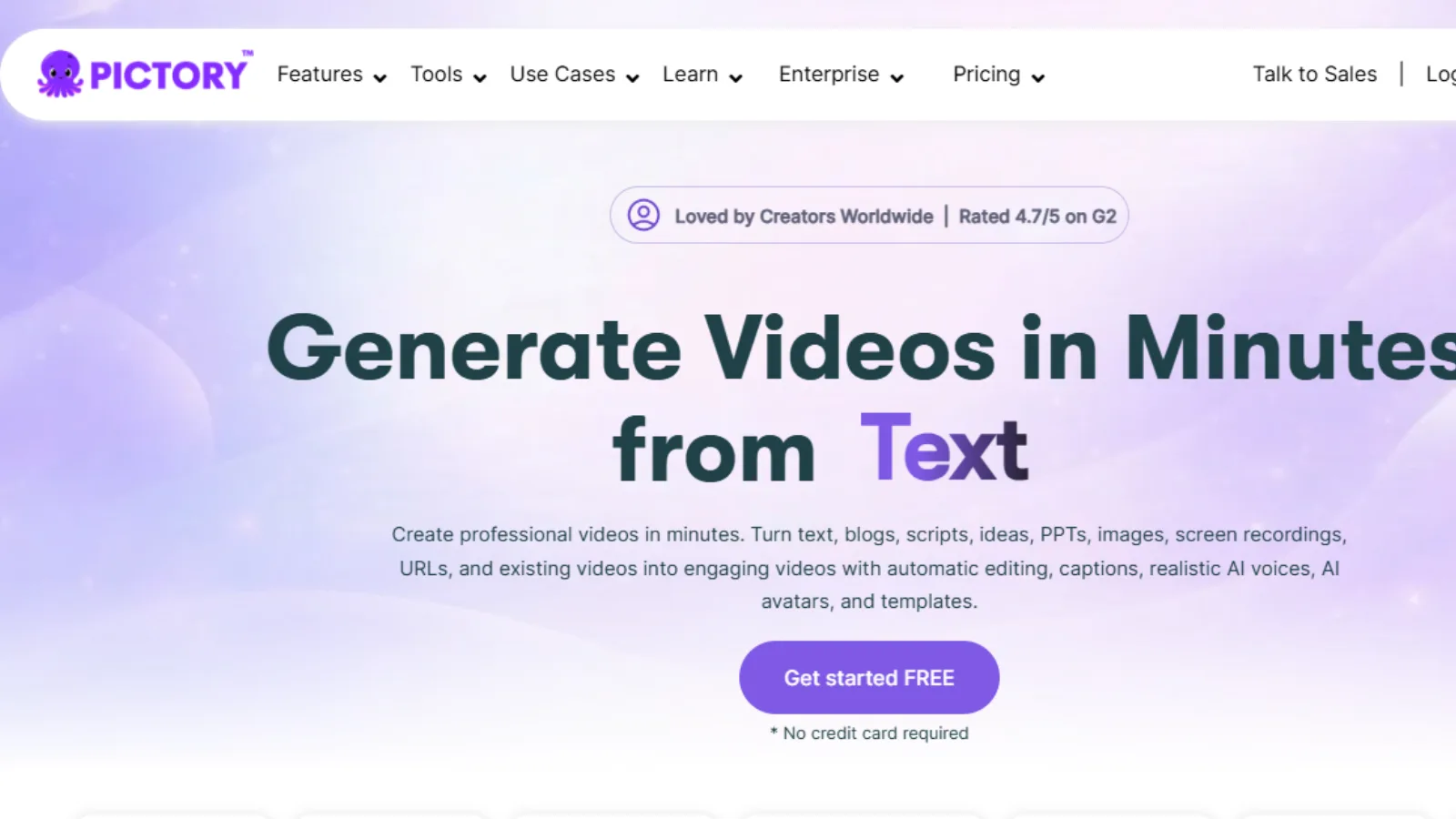
An AI video creation tool that converts text, blogs, or scripts into short, shareable videos without editing skills.
Pictory AI is useful for teams adopting AI agents for customer service who also need consistent video content for support, onboarding, or FAQs. Instead of writing long help articles alone, you can turn them into short videos that explain solutions faster. This reduces repetitive queries and improves customer understanding before they even contact support.
Key Features:
- Script-to-Video: Converts written content into visual videos, making support content easier to consume
- Video Summarizer: Turns long webinars or demos into short clips, saving time and effort
- Auto Captions & Voiceovers: Adds accessibility and clarity without manual editing
- Brand Presets: Keeps visuals and tone consistent across all customer-facing videos
- Text Highlight Automation: Emphasizes key points, improving viewer retention and understanding
Best for: Content teams and support-driven businesses creating video-based help content at scale.
Recrubo.ai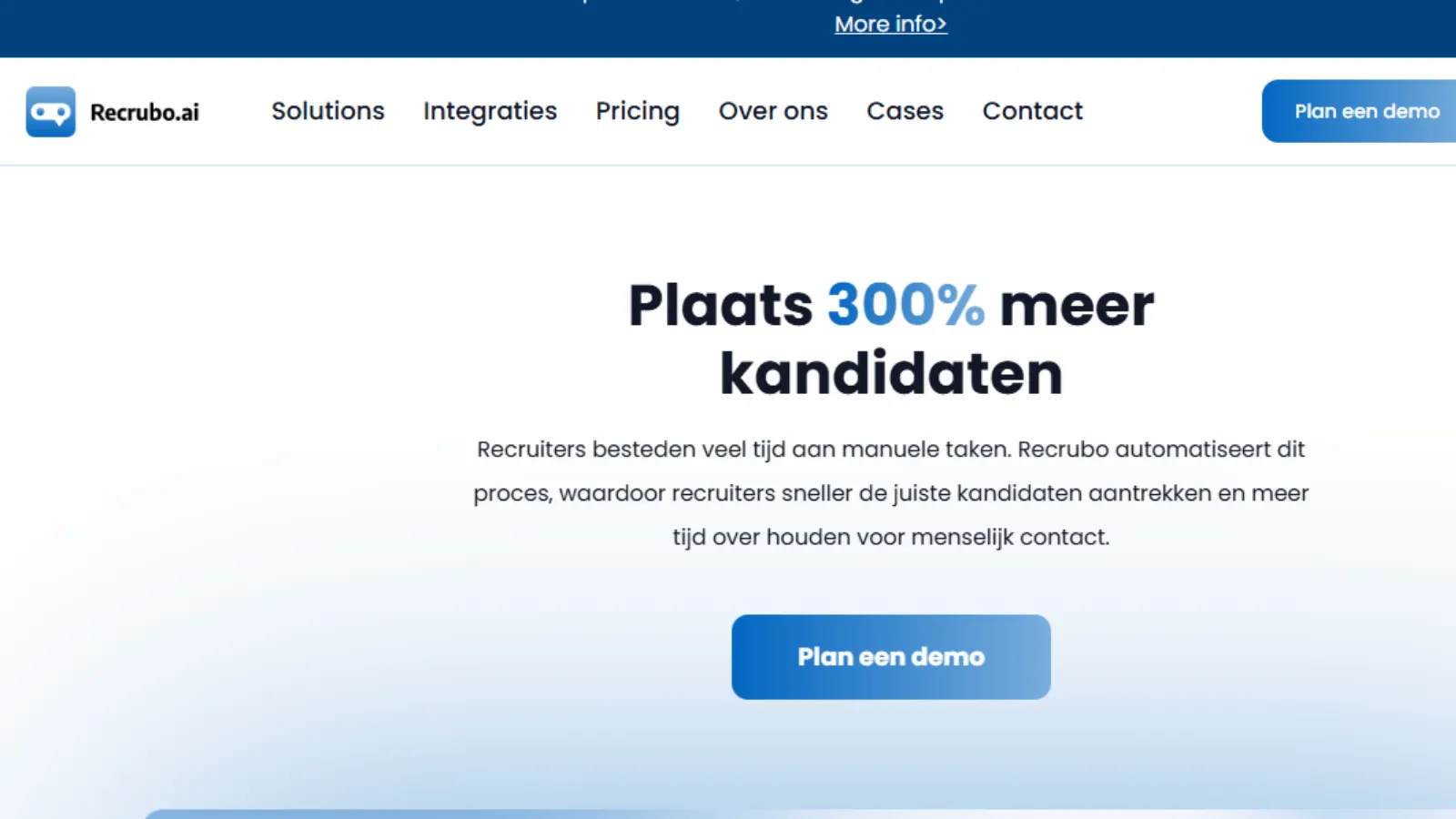
An AI recruiting platform that automates candidate screening and engagement through chat-based workflows.
Recrubo.ai is built for teams that need to handle large applicant volumes without slowing down hiring. While not a direct tool for AI agents for customer service, it follows a similar model using conversational AI to manage repetitive interactions efficiently. For businesses scaling operations, it shows how AI-driven conversations can streamline processes while still maintaining a human-like experience.
Key Features:
- Chat-Based Recruiting: Engages candidates via WhatsApp, SMS, or web, increasing response rates
- AI Screening Logic: Automates qualification with structured questions, reducing manual review time
- ATS Integrations: Syncs with hiring systems to keep candidate data organized and actionable
- Candidate Scoring: Ranks applicants based on responses, helping recruiters prioritize faster
- Real-Time Notifications: Alerts recruiters instantly, enabling quicker follow-ups and decisions
Best for: High-volume hiring teams in retail, hospitality, or franchise operations needing faster screening.
AI Haggler
An AI negotiation assistant that automates price discussions across chat, email, and vendor conversations.
AI Haggler brings a different angle to teams exploring AI agents for customer service. It focuses on negotiation rather than support. For businesses, this can extend into vendor management or procurement, where consistent, data-backed negotiation improves cost control. It’s especially useful when teams want structured, repeatable negotiation without relying on manual follow-ups.
Key Features:
- Smart Negotiation Prompts: Suggests effective responses, helping you ask for better terms with confidence
- Email & Chat Automation: Handles vendor communication directly, reducing manual back-and-forth
- Price Tracking: Monitors offers and re-engages vendors when better deals are possible
- Counteroffer Templates: Standardizes negotiation replies, ensuring consistency across interactions
- Deal Analytics: Tracks outcomes to improve negotiation strategies over time
Best for: Freelancers, procurement teams, and businesses negotiating contracts, renewals, or vendor pricing.
Pricing: Not publicly listed; may vary by usage or plan.
How to Implement an AI Agent for Customer Service: A 5-Step Framework
Step 1: Audit your ticket volume and categorize by complexity. Before choosing a platform, understand what you’re dealing with. Pull your last 90 days of support tickets and sort them into two buckets: queries that follow a predictable pattern (order status, password resets, refund requests, FAQ-type questions) and queries that genuinely require human judgment (complaints, complex billing disputes, technical escalations). If 40% or more fall into the first category, you have a strong, immediate business case for deploying AI agents for customer service.
Step 2: Map Your Existing Tech Stack. The best AI agent is the one that integrates cleanly with what you already use. List your CRM (Salesforce, HubSpot, Zoho), your helpdesk (Zendesk, Freshdesk, Intercom), and your customer communication channels (live chat, email, voice, WhatsApp). Any platform that requires you to replace your existing infrastructure before it can function is a significant risk. Look for purpose-built integrations first.
Step 3: Start with your top 20 most common queries. Your top 20 most frequent support queries typically account for 40–60% of total ticket volume. Automating these first gives you fast, measurable ROI and real performance data without overcomplicating the initial deployment. Resist the temptation to automate everything at once.
Step 4: Define your escalation rules before launch, not after. Precisely define which query types always go to a human, what triggers an escalation (customer sentiment, topic category, VIP account status), and what context the AI must attach when it hands off. Customers who can’t reach a human when they genuinely need one churn faster than if no AI had been deployed at all.
Step 5: Measure, review, and retrain monthly. An AI agent for customer service is not a set-and-forget tool. Track four metrics every month: autonomous resolution rate, CSAT score, escalation rate, and first-contact resolution. Review conversations where the agent failed or where customers expressed frustration. Use those insights to update your knowledge base, refine your escalation triggers, and improve training data.
5 Mistakes That Cause AI Customer Service Implementations to Fail
Deloitte reports that 70–85% of AI initiatives fail to meet expected outcomes. These are the specific reasons why.
Mistake 1: Trying to automate everything at once. Broad, unfocused deployments create complexity with no clear success metric. Start by narrowing your top 20 queries, get it right, then expand. Every successful large-scale deployment of AI agents for customer service started small.
Mistake 2: Prioritizing features over integration. The most feature-rich platform is useless if it doesn’t connect cleanly to your CRM and helpdesk. An AI agent for customer service without access to real customer data can’t personalize, can’t verify, and can’t resolve. It can only answer generically, which is no better than the chatbot you already have.
Mistake 3: Hiding the AI from customers. 81% of consumers already believe AI is being used primarily to cut costs, not to improve their experience (Kinsta, 2025). Transparency about AI use, done well, builds trust. Trying to pass off an AI as a human and getting caught destroys it.
Mistake 4: No defined escalation path. If a customer can’t get to a human when they need one, your AI deployment creates more frustration than it solves. The EU is already exploring a “right to talk to a human” consumer protection mandate by 2028. Build clean escalation paths now, not as an afterthought.
Mistake 5: Treating deployment as a one-time project. AI agents for customer service improve through continuous feedback. Without monthly review cycles, knowledge base updates, and active retraining, performance degrades as your products, policies, and customer language evolve.
SaaSTrac: The Best Platform to Discover and Compare Software
Choosing tools for AI agents for customer service isn’t just about features; it’s about finding the right fit for your workflows, team size, and long-term goals. SaaSTrac simplifies that process by bringing software discovery, comparison, and validation into one structured platform.
Instead of relying on scattered reviews or vendor claims, SaaSTrac lets you explore tools across hundreds of categories, compare them side by side, and make decisions based on real insights. For businesses evaluating AI agents for customer service, this means less guesswork and more confidence in your final choice.
Key Features
- Advanced Software Search: Quickly find relevant tools across 600+ categories, tailored to your specific business needs
- Side-by-Side Comparison: Evaluate multiple platforms at once to identify the best fit without switching tabs
- 1000+ Verified Reviews: Access detailed, trustworthy feedback to understand real-world performance
- 500+ Categories: Explore a wide range of software, from customer support to marketing and automation
- Curated Top Software Lists: Discover trending and high-performing tools, including SaaSTrac Awards 2026 winners
- Buyer-Focused Insights: Understand user needs, pain points, and decision factors across the software journey
- Community Contributions: Share reviews and learn from other users to make more informed decisions
For teams implementing AI agents for customer service, SaaSTrac acts as a central hub helping you research faster, compare smarter, and choose tools that actually deliver results.
Conclusion
AI agents for customer service are no longer a future concept; they’re already reshaping how businesses handle support at scale. But the results you get won’t depend on the tool alone. They depend on how clearly you define your use case, how well your systems are connected, and how intentionally you roll out automation.
The most successful teams don’t chase full automation from day one. They start with a narrow scope, focus on high-volume queries, and expand only after proving results. They treat AI as a system that evolves, not a one-time setup.
If you approach it that way, AI agents for customer service don’t just reduce workload. They improve response quality, free up your team for meaningful conversations, and create a faster, more consistent customer experience.
The opportunity is real. The advantage goes to the teams that implement it thoughtfully.
Frequently Asked Questions
- How do AI agents handle multiple languages in customer support?
Most modern AI agents support multilingual conversations using built-in language models. However, accuracy depends on training data and localization. For best results, businesses should review responses in key markets and refine language-specific workflows.
- Can AI agents integrate with legacy systems?
Yes, but integration complexity varies. Some platforms offer APIs or middleware to connect with older systems. In cases where direct integration isn’t possible, businesses often use data sync tools or partial automation to bridge the gap.
- How do you maintain brand voice with AI responses?
AI agents can be trained using past conversations, style guidelines, and approved templates. Regular review and editing of responses help ensure consistency in tone and messaging across all interactions.
- What security risks should businesses consider before implementation?
Key concerns include data privacy, access control, and compliance with regulations like GDPR. Businesses should choose platforms with strong encryption, audit logs, and clear data handling policies.
- How do AI agents perform during peak traffic or outages?
Most AI systems are cloud-based and scale automatically to handle spikes in demand. However, it’s important to have fallback mechanisms like human escalation or offline support workflows to maintain service continuity.